https://github.com/braindead-dev/ask-pg
Chat with an AI version of Paul Graham, with the context of his 200+ essays
https://github.com/braindead-dev/ask-pg
openai paul-graham ycombinator
Last synced: 29 days ago
JSON representation
Chat with an AI version of Paul Graham, with the context of his 200+ essays
- Host: GitHub
- URL: https://github.com/braindead-dev/ask-pg
- Owner: braindead-dev
- Created: 2025-03-13T01:42:52.000Z (over 1 year ago)
- Default Branch: main
- Last Pushed: 2025-03-28T23:30:14.000Z (about 1 year ago)
- Last Synced: 2025-03-29T00:26:29.131Z (about 1 year ago)
- Topics: openai, paul-graham, ycombinator
- Language: TypeScript
- Homepage: https://paulgraham.chat
- Size: 5.13 MB
- Stars: 1
- Watchers: 1
- Forks: 0
- Open Issues: 0
-
Metadata Files:
- Readme: README.md
Awesome Lists containing this project
README
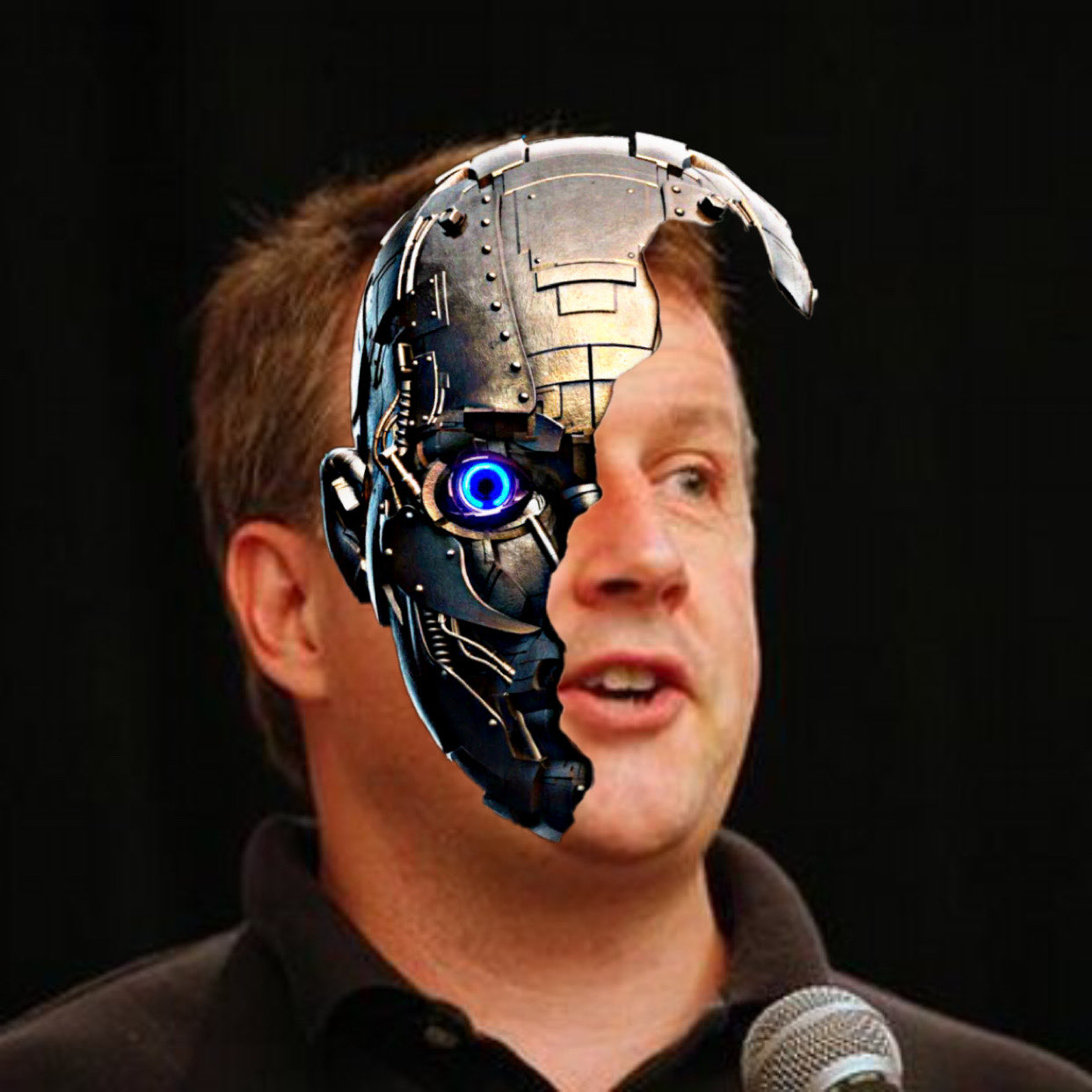
  Chat with AI PG


An AI-powered chat application that lets you interact with a virtual Paul Graham, trained on his essays. Get insights, advice, and perspectives in PG's characteristic direct and concise style.

## 🌟 Features

- Chat interface with AI Paul Graham

- Trained on PG's essays for authentic responses

- Real-time streaming responses

- Modern, responsive UI built with Next.js and Tailwind CSS

- Vector-based semantic search through PG's essays

- Server-sent events for smooth chat experience

## 🚀 Getting Started

### Prerequisites

- Node.js (v18 or higher)

- npm or yarn

- A Vercel KV database instance

- An OpenAI API key

### Installation

1. Clone the repository:

```bash

git clone https://github.com/yourusername/ask-pg.git

cd ask-pg

```

2. Install dependencies:

```bash

npm install

# or

yarn install

```

3. Set up environment variables by creating a `.env` file in the root directory:

```env

OPENAI_API_KEY=your_openai_api_key_here

KV_URL=your_vercel_kv_url_here

KV_REST_API_READ_ONLY_TOKEN=your_kv_readonly_token_here

KV_REST_API_URL=your_kv_rest_api_url_here

```

4. Set up the vector store by going to [OpenAI's vector store page](https://platform.openai.com/api-keys) and creating a new vector store, and uploading the essays in /public/essays. Then, get the vector store ID and update the `vectorStoreId` in `config/ai.ts`.

5. Run the development server:

```bash

npm run dev

# or

yarn dev

```

6. Open [http://localhost:3000](http://localhost:3000) in your browser to start chatting!

## 🔧 Configuration

### AI Configuration (`config/ai.ts`)

The `config/ai.ts` file contains important settings for the AI chat functionality:

- `model`: Specifies the OpenAI model to use (default: "gpt-4o-mini")

- `defaultSystemPrompt`: The system prompt that defines PG's personality and behavior

- `fileSearch`: Configuration for the vector store search

  - `vectorStoreId`: ID for the vector store containing PG's essays

  - `maxResults`: Maximum number of essay results to return per search

- `storeResponse`: Whether to store generated responses for later retrieval

### Environment Variables

- `OPENAI_API_KEY`: Your OpenAI API key for accessing the GPT models

- `KV_URL`: Vercel KV database URL for storing chat data

- `KV_REST_API_READ_ONLY_TOKEN`: Read-only token for KV REST API access

- `KV_REST_API_URL`: URL for the KV REST API endpoint

### Vector Store Setup

Before the application can function properly, you'll need to:

1. Upload Paul Graham's essays to OpenAI's vector storage

2. Get your vector store ID from OpenAI

3. Update the `vectorStoreId` in `config/ai.ts` with your vector store ID

Without this setup, the semantic search functionality that helps the AI reference PG's essays will not work.

## 🛠️ Tech Stack

- [Next.js](https://nextjs.org/) - React framework

- [Tailwind CSS](https://tailwindcss.com/) - Utility-first CSS

- [OpenAI API](https://openai.com/) - AI model integration

- [Vercel KV](https://vercel.com/storage/kv) - Key-value storage

- [Radix UI](https://www.radix-ui.com/) - Headless UI components

## 📝 License

This project is licensed under the MIT License - see the LICENSE file for details.

## 🤝 Contributing

Contributions are welcome! Please feel free to submit a Pull Request.

1. Fork the project

2. Create your feature branch (`git checkout -b feature/AmazingFeature`)

3. Commit your changes (`git commit -m 'Add some AmazingFeature'`)

4. Push to the branch (`git push origin feature/AmazingFeature`)

5. Open a Pull Request

## ⭐️ Support

If you find this project helpful, please consider giving it a star on GitHub!