https://github.com/brakmic/bitcoin_full_node_on_raspberry_pi3
Shell scripts, configs & firewall setup
https://github.com/brakmic/bitcoin_full_node_on_raspberry_pi3
Last synced: 5 months ago
JSON representation
Shell scripts, configs & firewall setup
- Host: GitHub
- URL: https://github.com/brakmic/bitcoin_full_node_on_raspberry_pi3
- Owner: brakmic
- License: mit
- Created: 2017-11-18T09:33:38.000Z (over 8 years ago)
- Default Branch: master
- Last Pushed: 2017-11-18T15:51:54.000Z (over 8 years ago)
- Last Synced: 2025-04-18T08:39:32.045Z (over 1 year ago)
- Language: Shell
- Homepage:
- Size: 25.4 KB
- Stars: 4
- Watchers: 2
- Forks: 1
- Open Issues: 0
-
Metadata Files:
- Readme: README.md
- License: LICENSE
Awesome Lists containing this project
README
# Bitcoin Full Node on Raspberry Pi 3
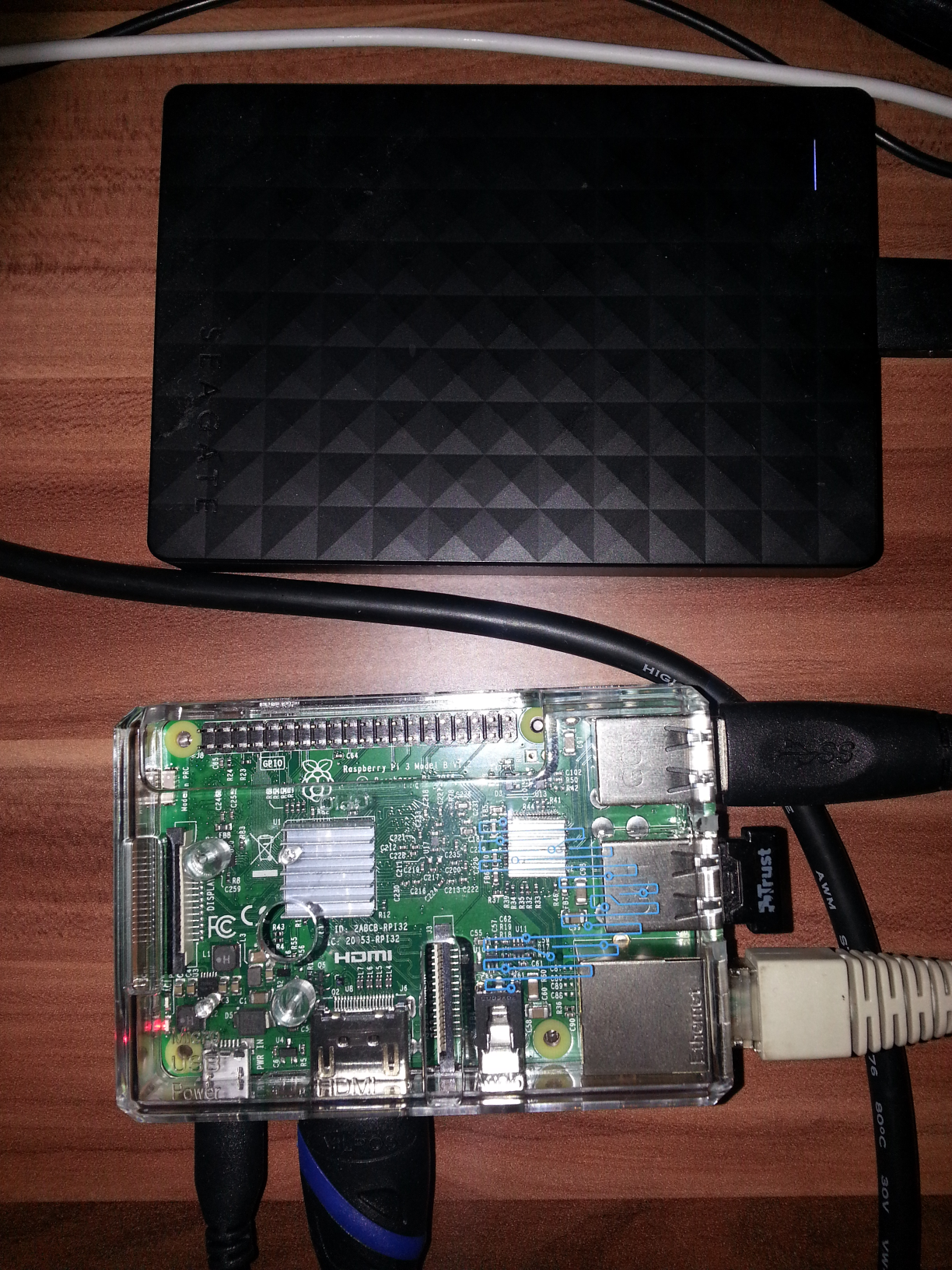
Shell scripts and config files from [my article](https://blog.brakmic.com/running-a-full-bitcoin-node-on-raspberry-pi-3/) on creating a **Bitcoin Core node on Raspberry Pi 3**
## General configuration
* Adapt [paths](https://github.com/brakmic/Bitcoin_Full_Node_on_Raspberry_Pi3/blob/master/.bashrc#L115) from **.bashrc** to reflect your local config
* Adapt [aliases](https://github.com/brakmic/Bitcoin_Full_Node_on_Raspberry_Pi3/blob/master/.bash_aliases#L3) from **.bash_aliases**
## Firewall configuration
To create a proper firewall use *iptables.sh* script and put it somewhere under */usr/local*, for example */usr/local/bin*. Don't forget to make it executable with `chmod +x iptables.sh`
* Install *iptables-persistent* with `apt-get install iptables-persistent`
* Create a config dir for future iptables fiter rules: `sudo mkdir /etc/iptables`
* Execute the firewall script: `sudo /usr/local/bin/iptables.sh` and press ENTER when done.
* Check if the firewall rules have been instantiated correctly: `sudo iptables -L`
## Colorized outputs
* Install *multitail* package with `sudo apt-get install multitail`
* Read the [manual](https://www.vanheusden.com/multitail/manual.php) or just put the provided [.multitailrc](https://github.com/brakmic/Bitcoin_Full_Node_on_Raspberry_Pi3/blob/master/.multitailrc#L1) into your home dir