https://github.com/browserstack/protractor-browserstack-reporter
https://github.com/browserstack/protractor-browserstack-reporter
Last synced: about 1 year ago
JSON representation
- Host: GitHub
- URL: https://github.com/browserstack/protractor-browserstack-reporter
- Owner: browserstack
- Created: 2018-08-06T14:14:24.000Z (almost 8 years ago)
- Default Branch: master
- Last Pushed: 2023-07-03T15:05:49.000Z (almost 3 years ago)
- Last Synced: 2025-04-22T21:06:33.039Z (about 1 year ago)
- Language: JavaScript
- Size: 811 KB
- Stars: 1
- Watchers: 7
- Forks: 9
- Open Issues: 4
-
Metadata Files:
- Readme: README.md
- Codeowners: CODEOWNERS
Awesome Lists containing this project
README
# protractor-browserstack-reporter
A Protractor plugin(currently supports only jasmine framework) which enables BrowserStack reports on CI servers.
## Installation
Add `protractor-browserstack-reporter` as a dependency in your `package.json`.
```json
{
"dependencies": {
"protractor-browserstack-reporter": "~0.2.2"
}
}
```
## Configuration
Add `browserstack` as a plugin in your conf file.
```js
// conf.js
'plugins': [{
'package': "protractor-browserstack-reporter"
}]
```
The following options are supported(optional):
### outputDir
Define a directory where your browserstack report files should get stored.
Type: `String`
## Jenkins Setup
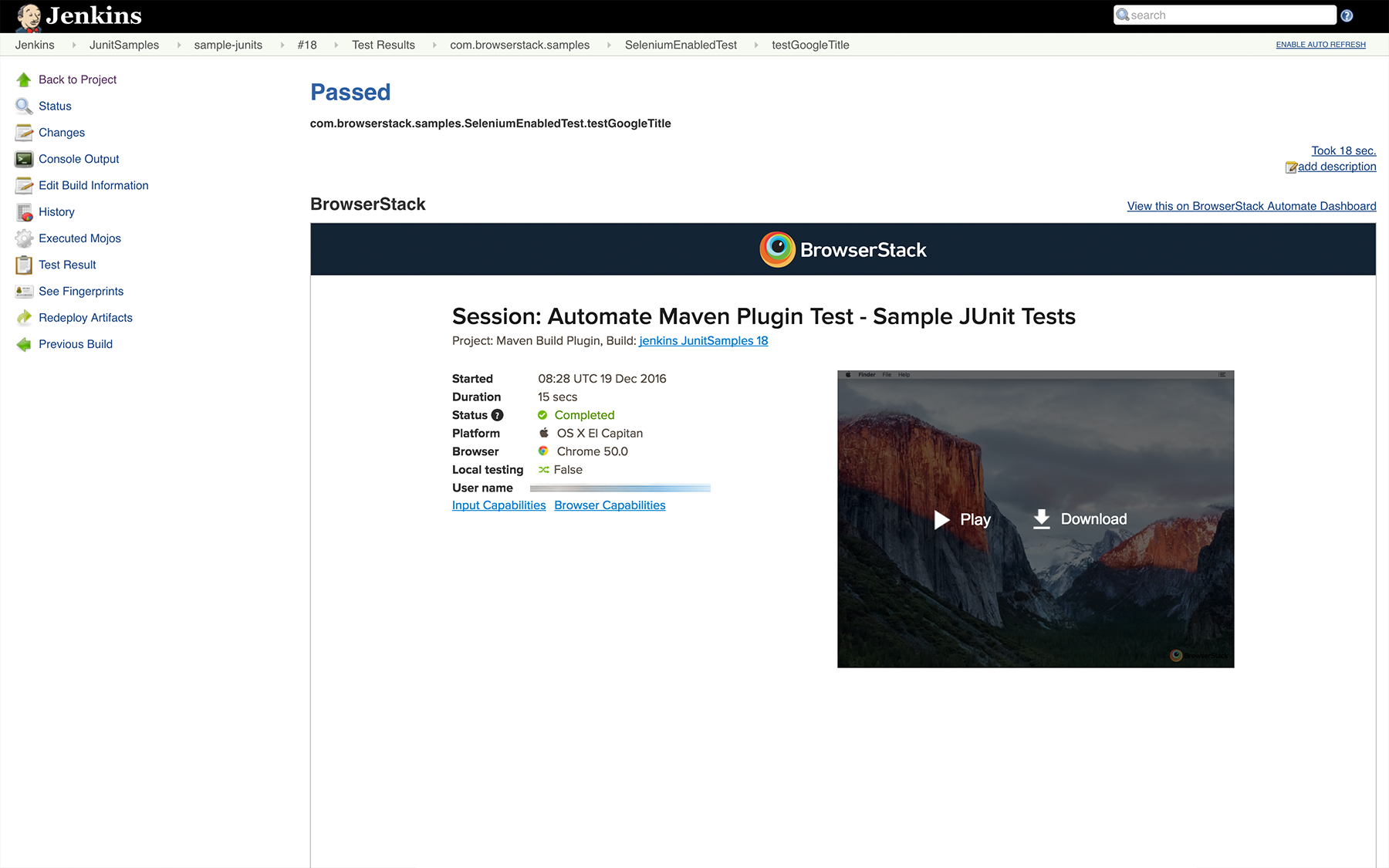
You will have to configure your Jenkins CI server to embed all the BrowserStack Selenium reports and logs in Jenkins.
1. Click on Add post-build action in Post-build Actions.
2. Click on Publish JUnit test result report
3. In the Test report XMLs, enter */*browserstack-reports/REPORT-\*.xml
4. In the Additional test report features section, add Embed BrowserStack Report.
This is how your configuration should look like

## Related links
[Guide to running Selenium Webdriver tests with Protractor on BrowserStack](https://www.browserstack.com/automate/protractor)
[Browserstack Jenkins page](https://www.browserstack.com/automate/jenkins)
[Protractor](https://www.protractortest.org).