https://github.com/buffermet/why-android-development-sucks
You can take this to your psychiatrist
https://github.com/buffermet/why-android-development-sucks
Last synced: about 1 year ago
JSON representation
You can take this to your psychiatrist
- Host: GitHub
- URL: https://github.com/buffermet/why-android-development-sucks
- Owner: buffermet
- Created: 2019-06-25T15:48:43.000Z (almost 7 years ago)
- Default Branch: master
- Last Pushed: 2021-04-24T11:27:39.000Z (about 5 years ago)
- Last Synced: 2025-02-08T23:15:41.975Z (over 1 year ago)
- Homepage:
- Size: 34.2 KB
- Stars: 12
- Watchers: 1
- Forks: 0
- Open Issues: 0
-
Metadata Files:
- Readme: README.md
Awesome Lists containing this project
README
You can take this to your psychiatrist.
# 1. APIs
## 1.1 Screen size
### Browsers
Developer: "What's the height of my display?"
Common sense: "100vh"
### Android
Developer: "Simple question: what is the height of my device's display?"
Google: "This is how to get the height of your display:"
```java
final WindowManager windowManager = (WindowManager) context.getSystemService(Context.WINDOW_SERVICE);
final Display display = windowManager.getDefaultDisplay();
final Point size = new Point();
display.getSize(size);
final int displayHeight = size.y;
```
Developer: "Ok, let me give that a try. Nope! It's about 80dp short, what's going on Google?"
Google: "Well, please describe what display you are talking about. You could be talking about the physical height of the display, but what if you mean the display height minus the status bar height, minus the navigation bar height? Did you perhaps mean the REAL display height?"
Developer: "Jesus Christ..."
Google: "Ok, fine, here you go, this is how to get the REAL display height:"
```java
final WindowManager windowManager = (WindowManager) context.getSystemService(Context.WINDOW_SERVICE);
final Display display = windowManager.getDefaultDisplay();
final Point size = new Point();
display.getRealSize(size);
final int realDisplayHeight = size.y;
```
Developer: "Google, WTF! Why do you differentiate display.getSize() and display.getRealSize() ??"
Google: "Well, we're not sure if you're competent enough to subtract the status bar height and the navigation bar height yourself, so we prechewed that for you :D cool right?!"
Developer: "What the... Whatever. Speaking of the status bar and navigation bar, how do I get the height of those?"
Google: "It's quite simple, all you need to do is this:"
```java
int statusBarHeight = 0;
final int resourceId = getResources().getIdentifier("status_bar_height", "dimen", "android");
if (resourceId > 0) {
statusBarHeight = getResources().getDimensionPixelSize(resourceId);
}
```
```java
int navigationBarHeight = 0;
final WindowManager windowManager = (WindowManager) context.getSystemService(Context.WINDOW_SERVICE);
final Display display = windowManager.getDefaultDisplay();
final Point displaySize = new Point();
final Point realDisplaySize = new Point();
display.getSize(displaySize);
display.getRealSize(realDisplaySize);
if (displaySize.x < realDisplaySize.x) {
navigationBarHeight = new Point(realDisplaySize.x - displaySize.x, displaySize.y).y;
}
if (displaySize.y < realDisplaySize.y) {
navigationBarHeight = new Point(displaySize.x, realDisplaySize.y - displaySize.y).y;
}
```
Developer: \*vomits on keyboard\*
# 1.2 Soft keyboard
Actually this one's not that bad, except hiding the keyboard should simply take `ic.hideKeyboard()` or a global `hideKeyboard()` instead of a combination of hacks...
# 1.3 What the fuck
Ever heard of word wrap?
This top voted answer is unbelievable: https://stackoverflow.com/questions/19197958/android-textview-break-line-behaviour-how-to-split-the-last-word/19209617#19209617
# 1.4 English vocabulary and grammar
Dear google, this `_` is horizontal and this `|` is vertical.
When we are talking about horizontal or vertical alignment, we are talking about alignment along the horizontal or vertical **axis**. We're not talking about _sliding the items along a vertical/horiztonal axis so that they align along its perpendicular axis_.
# 1.5 The Quantum State
Android has mastered the art of quantum computing.
```java
final TextWatcher textWatcher = new TextWatcher(){
@Override
public void beforeTextChanged(CharSequence s, int start, int count, int after) {
// do stuff
}
@Override
public void onTextChanged(CharSequence s, int start, int before, int count) {
// do magic
}
@Override
public void afterTextChanged(Editable arg0) {
// do stuff
}
};
```
Use `onTextChanged` if you don't feel like using `beforeTextChanged` or `afterTextChanged` but you do feel like reading Android's shitty documentation in an attempt to make sense of exactly when your code would run.
This is no way to solve a problem/teach asynchronous method calling.
# 2. SDK
How much time I have wasted changing this:
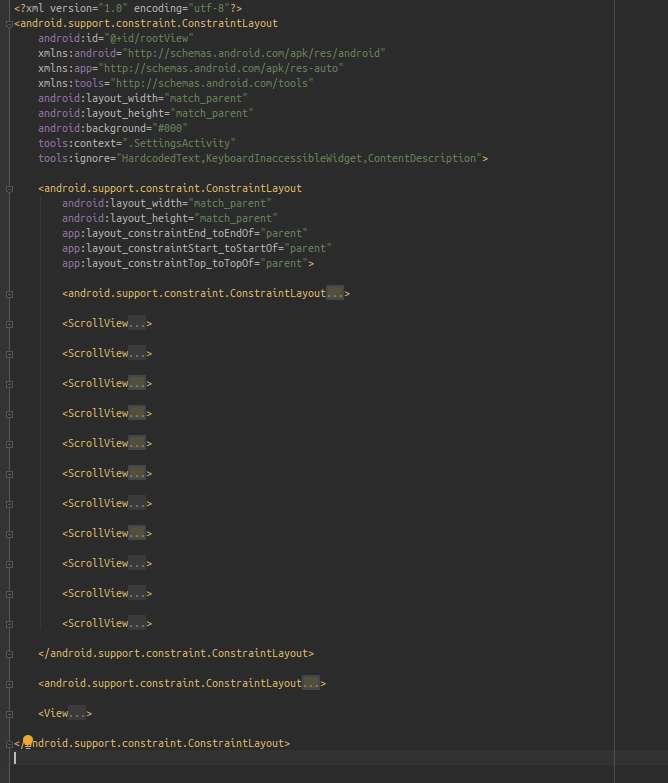
Back to this:

And who thought XML was a good idea? Just take 1 glimpse at CSS and you see that none of this bullshit was ever necessary.
# 3. DOCS
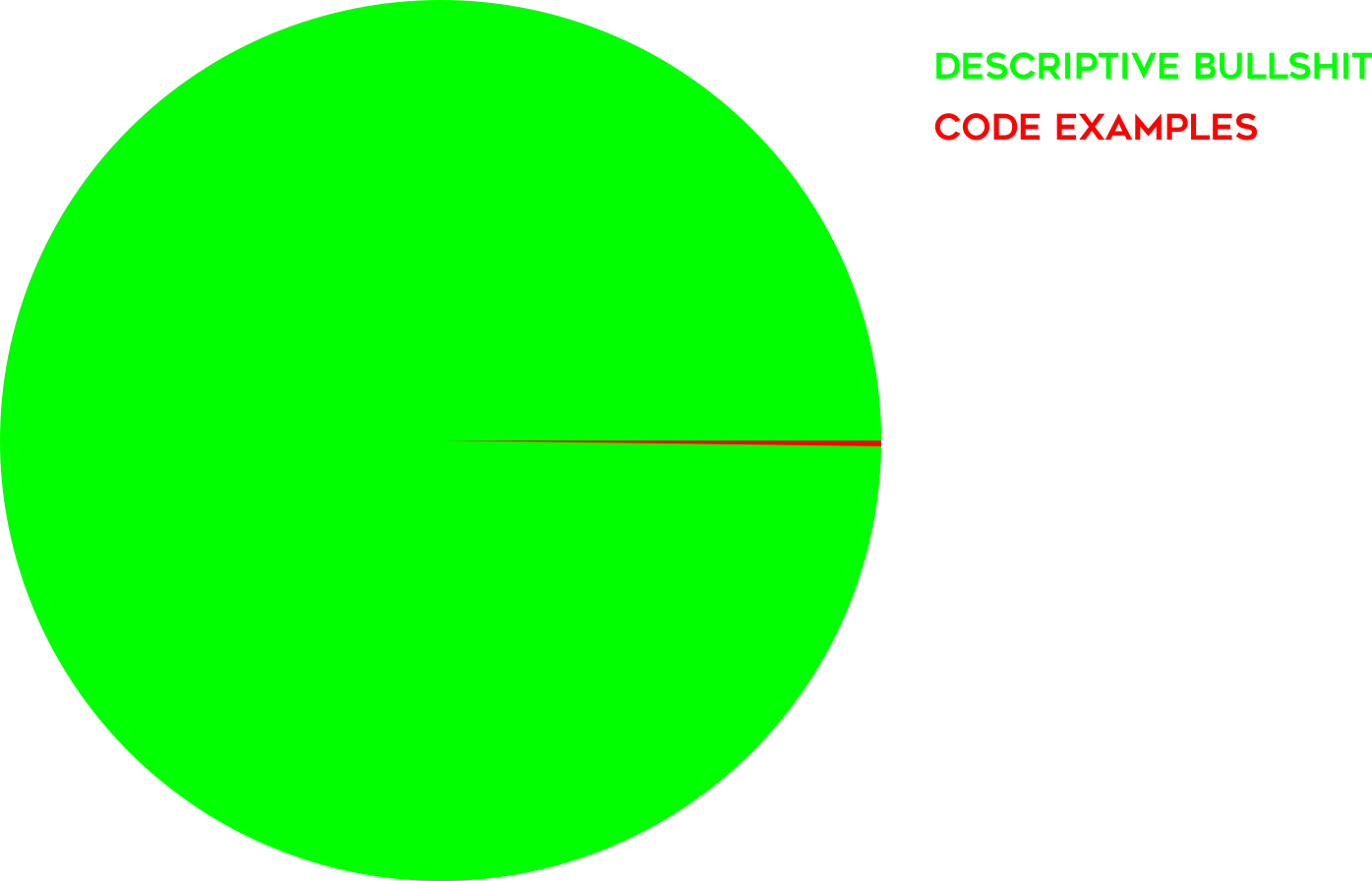
It surprises me how Google can do so well writing GoDoc, and fail so miserably at writing Android Documentation.