https://github.com/bullheadandplato/androidequalizer
Android Equalizer View that can also manage the audio track frequencies
https://github.com/bullheadandplato/androidequalizer
android android-equalizer android-library audio-track-frequencies music
Last synced: about 1 year ago
JSON representation
Android Equalizer View that can also manage the audio track frequencies
- Host: GitHub
- URL: https://github.com/bullheadandplato/androidequalizer
- Owner: bullheadandplato
- License: apache-2.0
- Created: 2018-04-05T13:41:12.000Z (about 8 years ago)
- Default Branch: master
- Last Pushed: 2021-09-07T19:10:02.000Z (almost 5 years ago)
- Last Synced: 2025-04-09T16:18:54.404Z (about 1 year ago)
- Topics: android, android-equalizer, android-library, audio-track-frequencies, music
- Language: Java
- Size: 6.18 MB
- Stars: 242
- Watchers: 7
- Forks: 72
- Open Issues: 10
-
Metadata Files:
- Readme: README.md
- License: LICENSE
Awesome Lists containing this project
README
# AndroidEqualizer [](https://jitpack.io/#mosamabinomar/AndroidEqualizer)
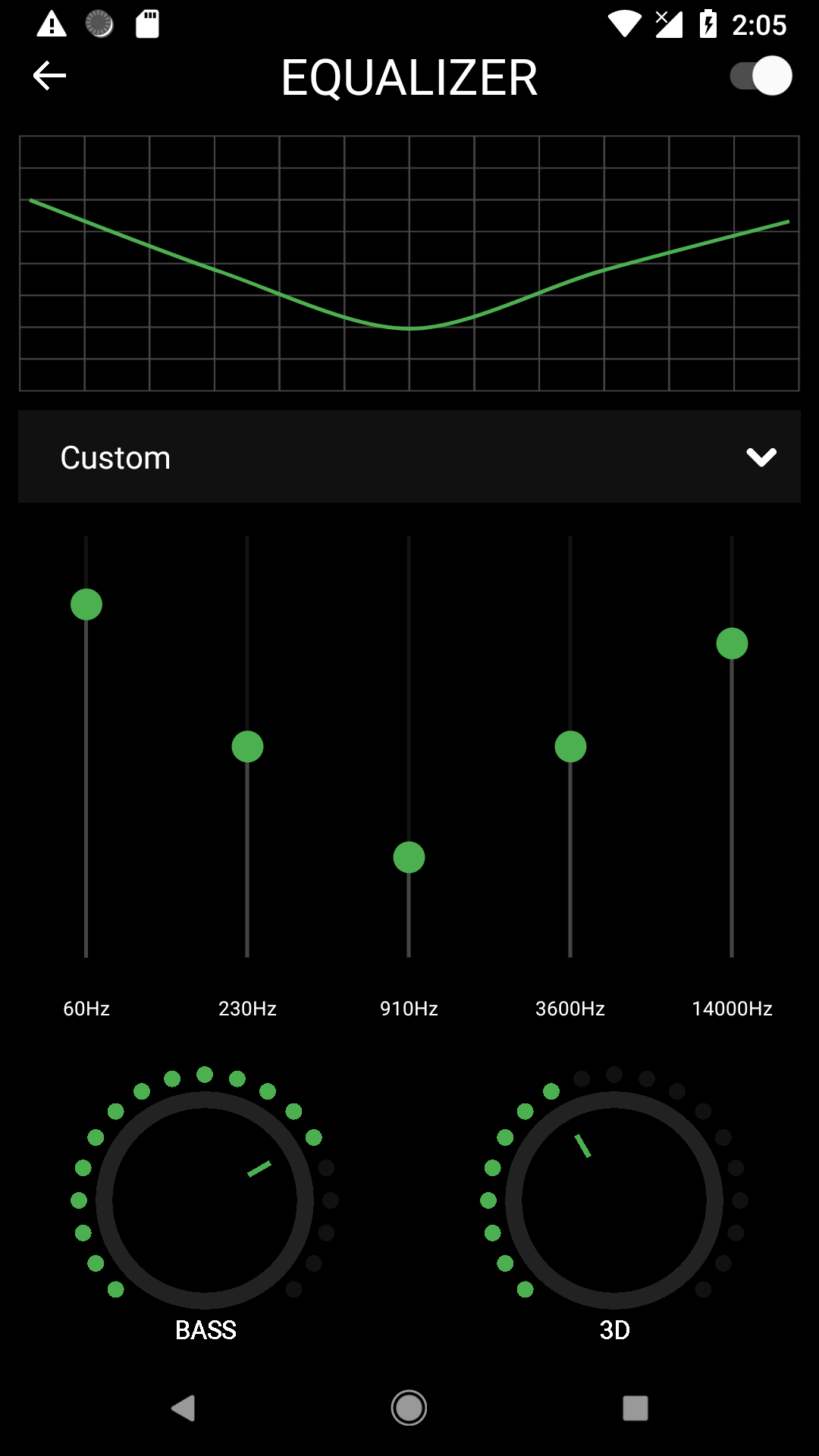
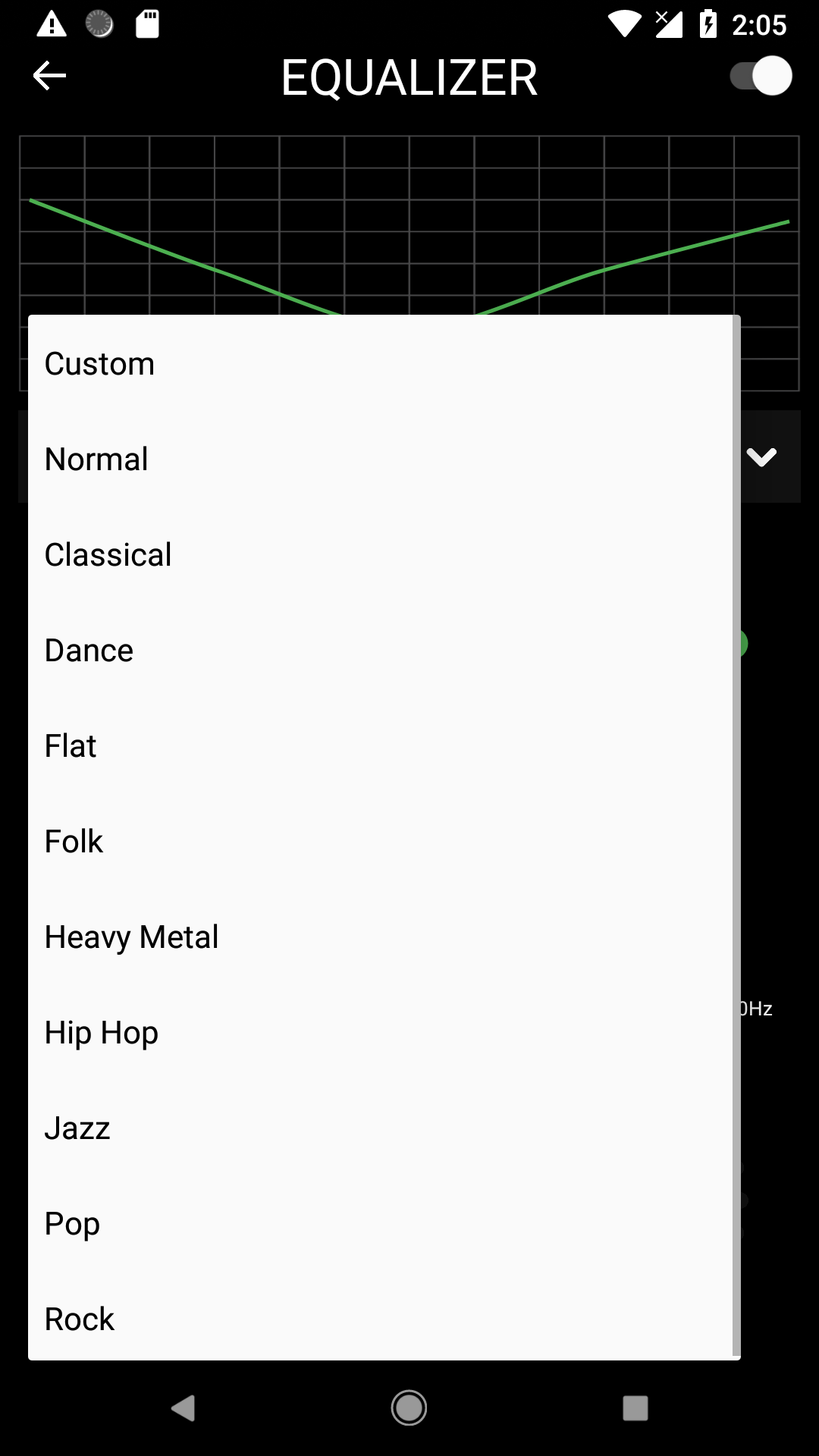
Android Equalizer View that can also manage the audio track frequencies
Add Equalizer in your Android app


## How To Use
### STEP 1
In settings.gradle you can add the repositories you want to add to the project:
```gradle
repositories {
google()
jcenter() // Warning: this repository is going to shut down soon
mavenCentral()
maven { url 'https://www.jitpack.io' } // this is the line to be added
}
```
and:
```gradle
dependencies {
implementation 'com.github.bullheadandplato:AndroidEqualizer:2.2'
}
```
if not using **AndroidX**.
***it will not have `DialogEqualizerFragment` or any other improvements***
```gradle
dependencies {
implementation 'com.github.bullheadandplato:AndroidEqualizer:1.0'
}
```
### STEP 2
#### For Equalizer in dialog
```
DialogEqualizerFragment fragment = DialogEqualizerFragment.newBuilder()
.setAudioSessionId(sessionId)
.themeColor(ContextCompat.getColor(this, R.color.primaryColor))
.textColor(ContextCompat.getColor(this, R.color.textColor))
.accentAlpha(ContextCompat.getColor(this, R.color.playingCardColor))
.darkColor(ContextCompat.getColor(this, R.color.primaryDarkColor))
.setAccentColor(ContextCompat.getColor(this, R.color.secondaryColor))
.build();
fragment.show(getSupportFragmentManager(), "eq");
```
#### For Equalizer in your view
Create a frame in your layout file.
```
```
In your Activity class
```
int sessionId = mediaPlayer.getAudioSessionId();
mediaPlayer.setLooping(true);
EqualizerFragment equalizerFragment = EqualizerFragment.newBuilder()
.setAccentColor(Color.parseColor("#4caf50"))
.setAudioSessionId(sessionId)
.build();
getSupportFragmentManager().beginTransaction()
.replace(R.id.eqFrame, equalizerFragment)
.commit();
```
**This work is mostly borrowed from https://github.com/harjot-oberai/MusicDNA**