https://github.com/bunsdev/thor-wallet-ios
https://github.com/bunsdev/thor-wallet-ios
Last synced: about 1 year ago
JSON representation
- Host: GitHub
- URL: https://github.com/bunsdev/thor-wallet-ios
- Owner: BunsDev
- License: mpl-2.0
- Created: 2022-07-04T01:17:27.000Z (almost 4 years ago)
- Default Branch: master
- Last Pushed: 2022-07-04T01:17:37.000Z (almost 4 years ago)
- Last Synced: 2025-02-01T09:29:26.976Z (over 1 year ago)
- Language: TypeScript
- Size: 1.73 MB
- Stars: 0
- Watchers: 2
- Forks: 1
- Open Issues: 0
-
Metadata Files:
- Readme: README.md
- License: LICENSE.txt
Awesome Lists containing this project
README
# Official THORWallet ⚡️
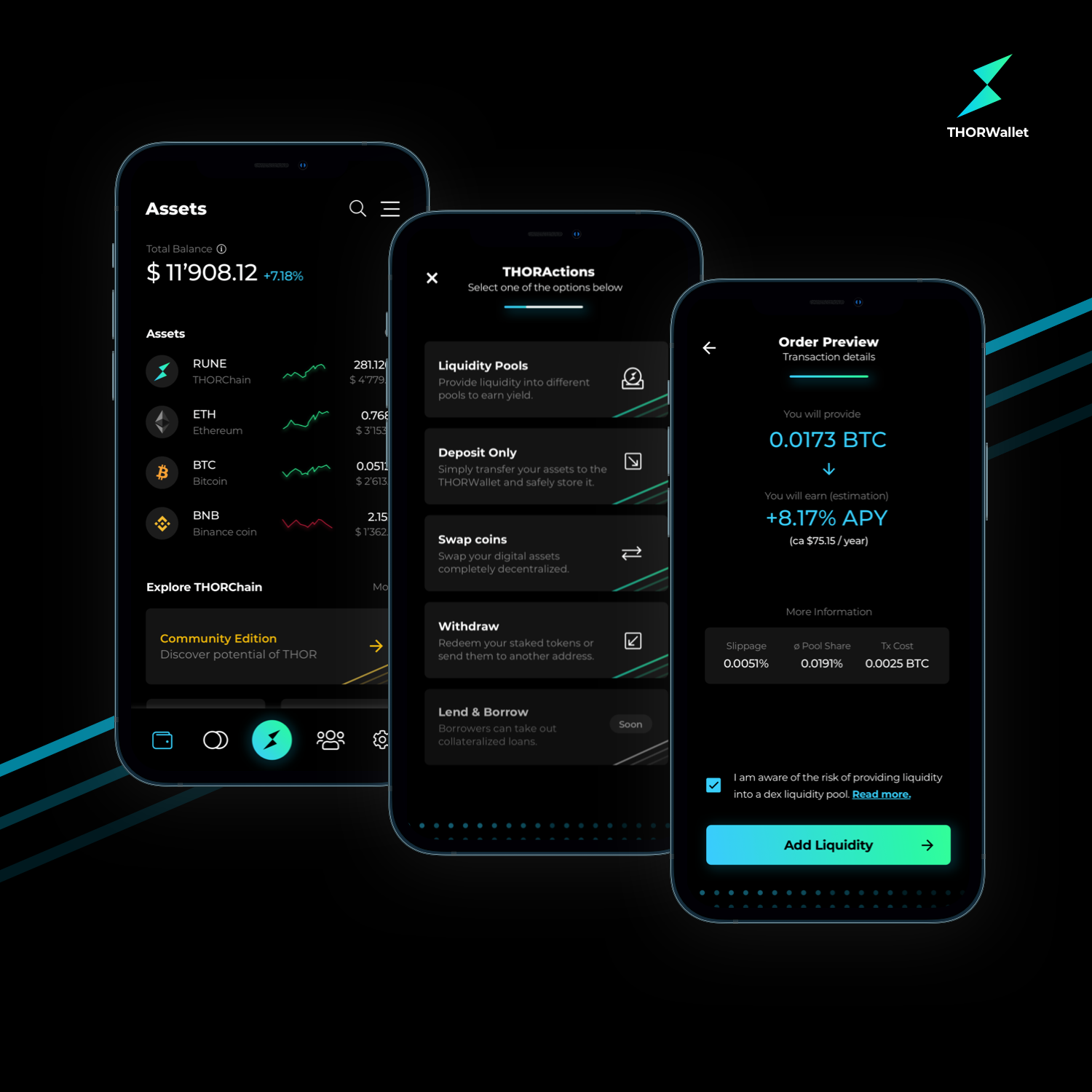
The official wallet app for the THORChain community. Built with React-Native.
## ▶️ Usage
### Prerequisites
> To work with React Native, you will need to have an understanding of JavaScript fundamentals.
- Mac OS
- Install xcode 9.4+
- Install node 8.3+
- Install JDK 8
### Install
In case you don't have cocoapods installed, run:
```
sudo gem install cocoapods
```
And then run within the project root
```
yarn && cd ios && pod install
```
Open xcode and the following file:
`ios/thorwallet.xcworkspace`
Start the iOS app
```
npx react-native run-ios
```
or simply press the `play` button on your xcode project.
## 💻 Contributing
Follow style conventions and folder structure. If you want to actively contribute get in touch with `lp@thorwallet.org` or `sw@thorwallet.org` for being updated on our roadmap and feature list. Any help is more than welcome!
#### Folder structure
- **assets**
- Any kind of assets (such as `svgs` , `fonts`, `images`, etc.)
- Lottie animations are supported only if exported as `.json` files
- **clients**
- Entry point for `@xchainjs`. Each chain client is exposed as single file in the following format: `Yourclient.ts`
- A higher react `hook` exposes and clusters all clients together through the whole app. The hook is already memoized and reacts on network or seed phrase changes. See hook `useChainClient.ts` in `MultiChainClient.ts`
- **components**
- This folder contains any kind of React components in the following format: `Yourcomponent.tsx`
- Managers
- Components which do not render anything (`return null`) but have some core logic within `useEffects()`
- Screens
- Final screens which get rendered and passed as props to navigators.
- **helpers**
- Utility functions or utility hooks in the following format: `your-helper-function.ts`
- **navigation**
- Navigation components which render screens and handle navigation logic. Entry point is `DrawerNavigator.tsx`
- **store**
- Global states shared among the whole app. For each new state instance, create a new folder (`YourFolder`) and a file in the following format: `yourfolder-state.ts`
- Based on the complexity of your state instance, you can either use `redux` or `react-hooks-global-state`
- **types**
- Typescript files which declare new types. These types are then imported and used everywhere. Format: `your-new-type.ts`
- **ui**
- UI components with tho main folders:
- core
- Core and fundamental UI components for THORWallet in the following format: `YourUIComponent.tsx`. This folder contains components such as `Button.tsx`, `Input.tsx`, `Flex.tsx`, `Spacer.tsx`, `Checkbox.tsx` . These components are exposed with simple APIs through typed props.
- theme
- Core theme for THORWallet. This folder includes files such as `colors.ts`, `fonts.ts`, etc.
## 🔖 License
This project is [MPL](https://github.com/THORWallet/thorwallet-react-native/blob/master/LICENSE.txt) licensed.