https://github.com/bw9ubwo/artdirector
Crop your image to different resolutions without missing the subject. Python module and cli tool.
https://github.com/bw9ubwo/artdirector
cropimage image-processing python responsive-design responsive-images
Last synced: over 1 year ago
JSON representation
Crop your image to different resolutions without missing the subject. Python module and cli tool.
- Host: GitHub
- URL: https://github.com/bw9ubwo/artdirector
- Owner: bw9ubwo
- License: other
- Created: 2022-02-04T18:59:20.000Z (over 4 years ago)
- Default Branch: main
- Last Pushed: 2023-10-20T09:25:26.000Z (over 2 years ago)
- Last Synced: 2025-03-18T14:11:21.245Z (over 1 year ago)
- Topics: cropimage, image-processing, python, responsive-design, responsive-images
- Language: Python
- Homepage:
- Size: 859 KB
- Stars: 1
- Watchers: 1
- Forks: 1
- Open Issues: 0
-
Metadata Files:
- Readme: README.md
- License: LICENSE
Awesome Lists containing this project
README
# artdirector
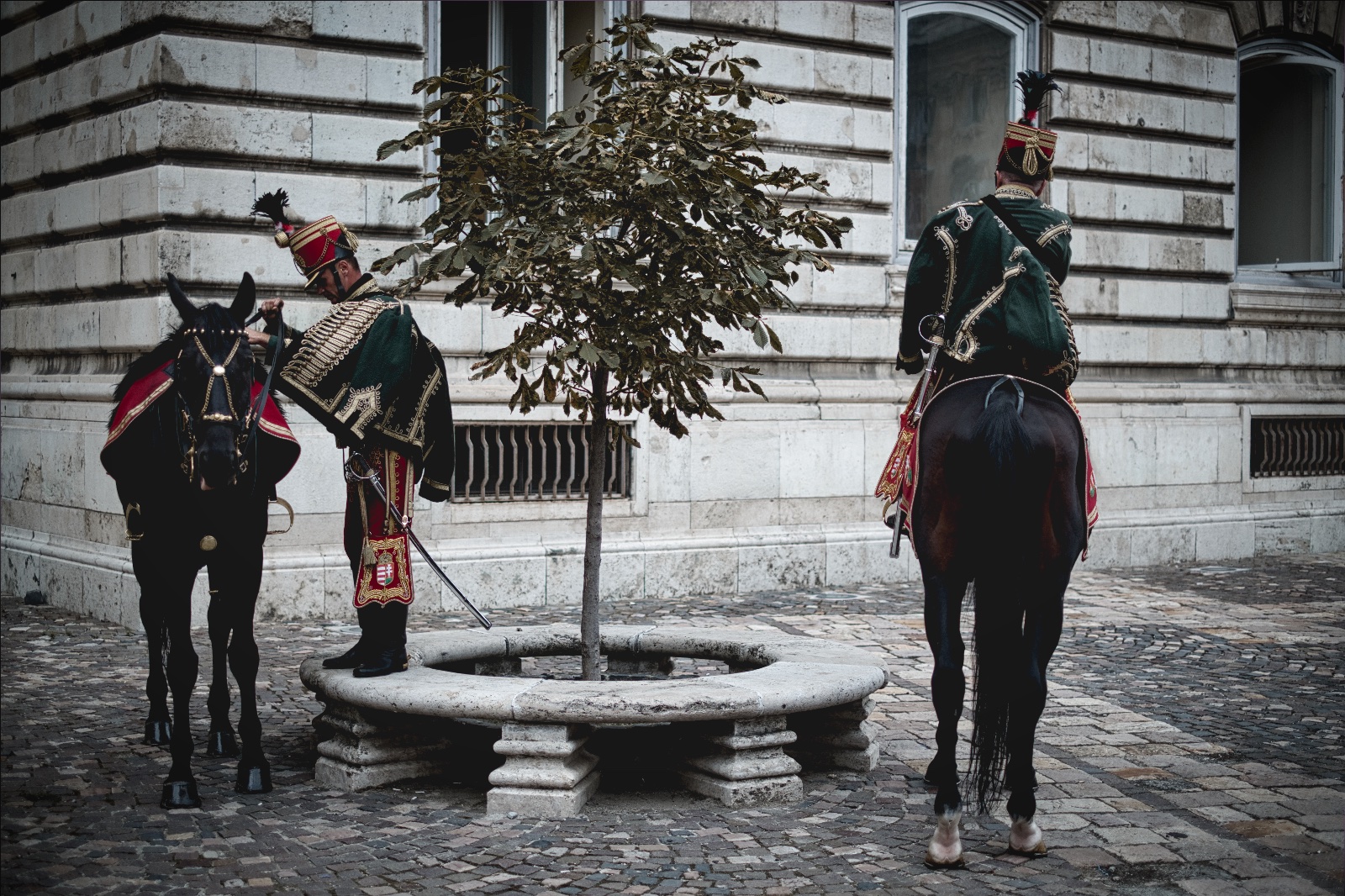
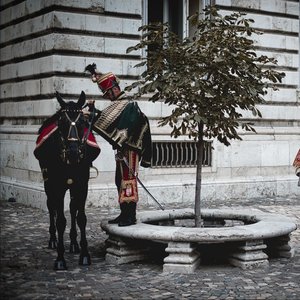
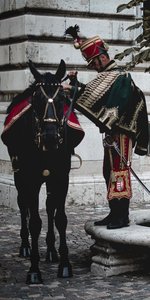
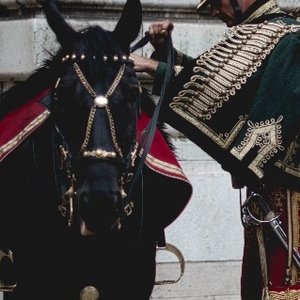
Set a focal point and "artdirector" crop your image to different resolutions without missing the subject. Ideal to create images for mixed or responsive media.
## Example
Original Image (by me)
Variants
```
artdirector --focus-x 260 --focus-y 440 --height 600 --width 600 --zoom 0.0 --edge 3.0 example.jpeg test-1.jpeg
artdirector --focus-x 260 --focus-y 440 --height 600 --width 300 --zoom 0.2 --edge 3.0 example.jpeg test-2.jpeg
artdirector --focus-x 260 --focus-y 440 --height 600 --width 600 --zoom 0.7 --edge 3.0 example.jpeg test-3.jpeg
```
## Installation
pip3 install artdirector
## Usage
Use it as a command-line tool:
```
$ artdirector --help
usage: artdirector [-h] [--width WIDTH] [--height HEIGHT] [--focus-x FOCUS_X] [--focus-y FOCUS_Y] [--zoom ZOOM]
INPUT_FILE OUTPUT_FILE
positional arguments:
INPUT_FILE Input image
OUTPUT_FILE Output image
options:
-h, --help show this help message and exit
--width WIDTH Crop width
--height HEIGHT Crop height
--focus-x FOCUS_X Focal point
--focus-y FOCUS_Y Focal point
--zoom ZOOM Zoom between 0.0 - 1.0 (0.0. Default)
--edge EDGE Edge (size/n) around the focal target area
```
As a Python module
```
from artdirector import ArtDirector
ad = ArtDirector()
ad.load('input.jpg')
ad.crop([400, 400], focus=[600, 300], zoom=0.3)
ad.save('output.jpg')
ad.filter_blur().filter_bw()
ad.save('output-blur-bw.jpg')
print(ad.image) # PIL Image
```