https://github.com/bytehamster/searchpreference
Search inside Android Preferences
https://github.com/bytehamster/searchpreference
android android-library android-settings
Last synced: over 1 year ago
JSON representation
Search inside Android Preferences
- Host: GitHub
- URL: https://github.com/bytehamster/searchpreference
- Owner: ByteHamster
- License: mit
- Created: 2018-04-14T20:50:41.000Z (about 8 years ago)
- Default Branch: master
- Last Pushed: 2025-03-21T22:25:02.000Z (over 1 year ago)
- Last Synced: 2025-03-30T18:10:01.997Z (over 1 year ago)
- Topics: android, android-library, android-settings
- Language: Java
- Size: 1.03 MB
- Stars: 71
- Watchers: 6
- Forks: 23
- Open Issues: 6
-
Metadata Files:
- Readme: README.md
- License: LICENSE
Awesome Lists containing this project
README
# SearchPreference
[](https://jitpack.io/#ByteHamster/SearchPreference)
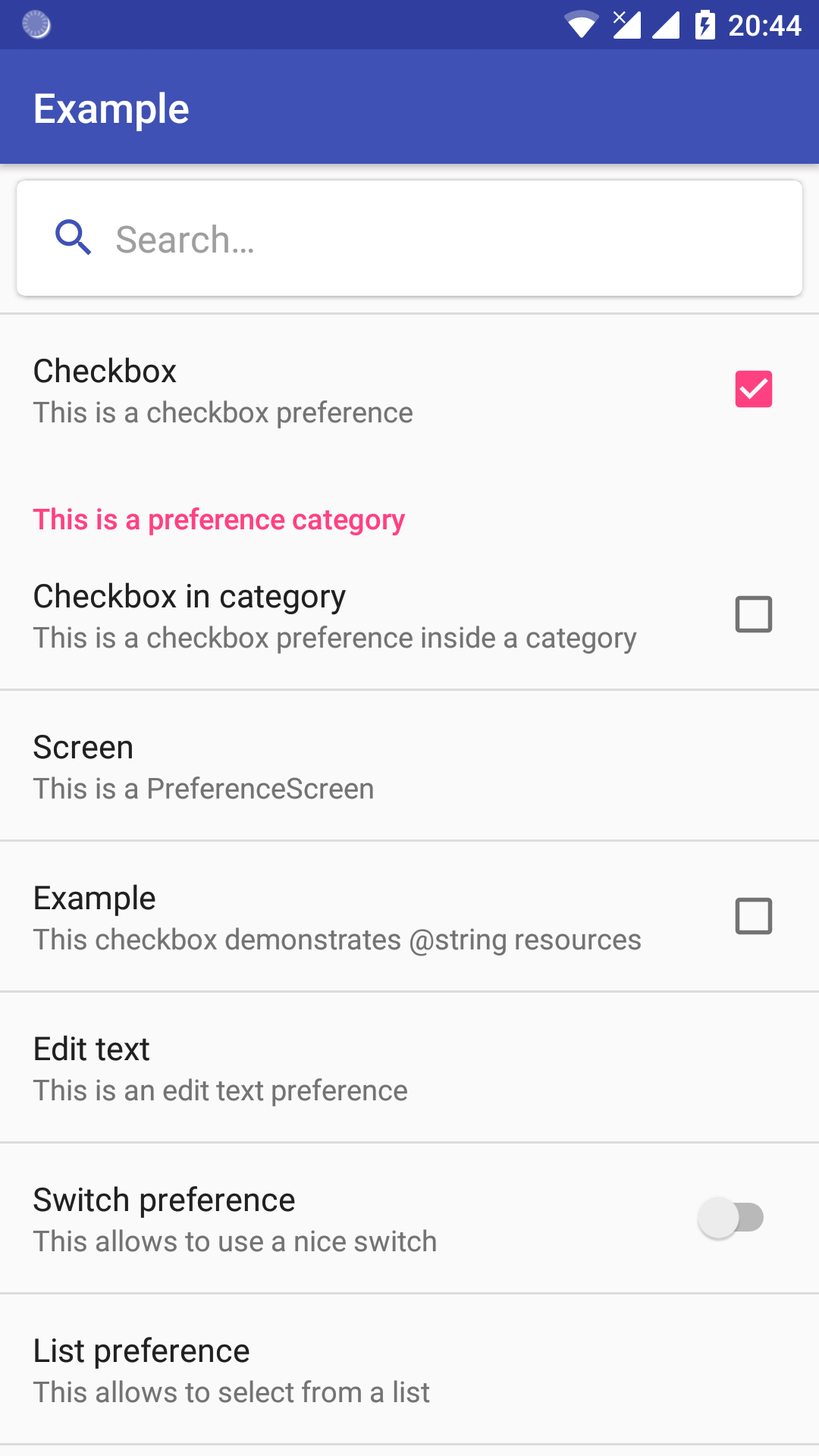
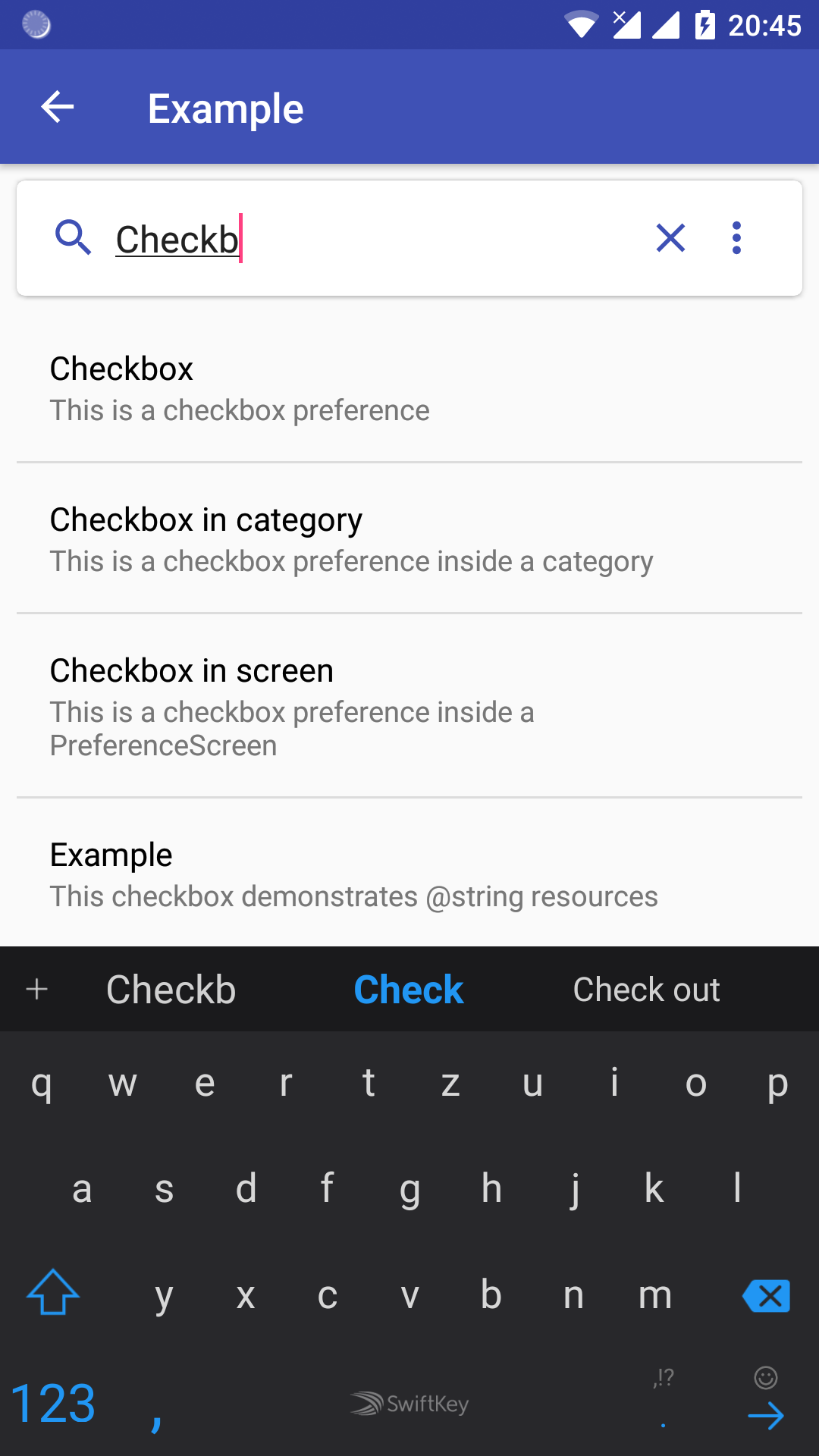
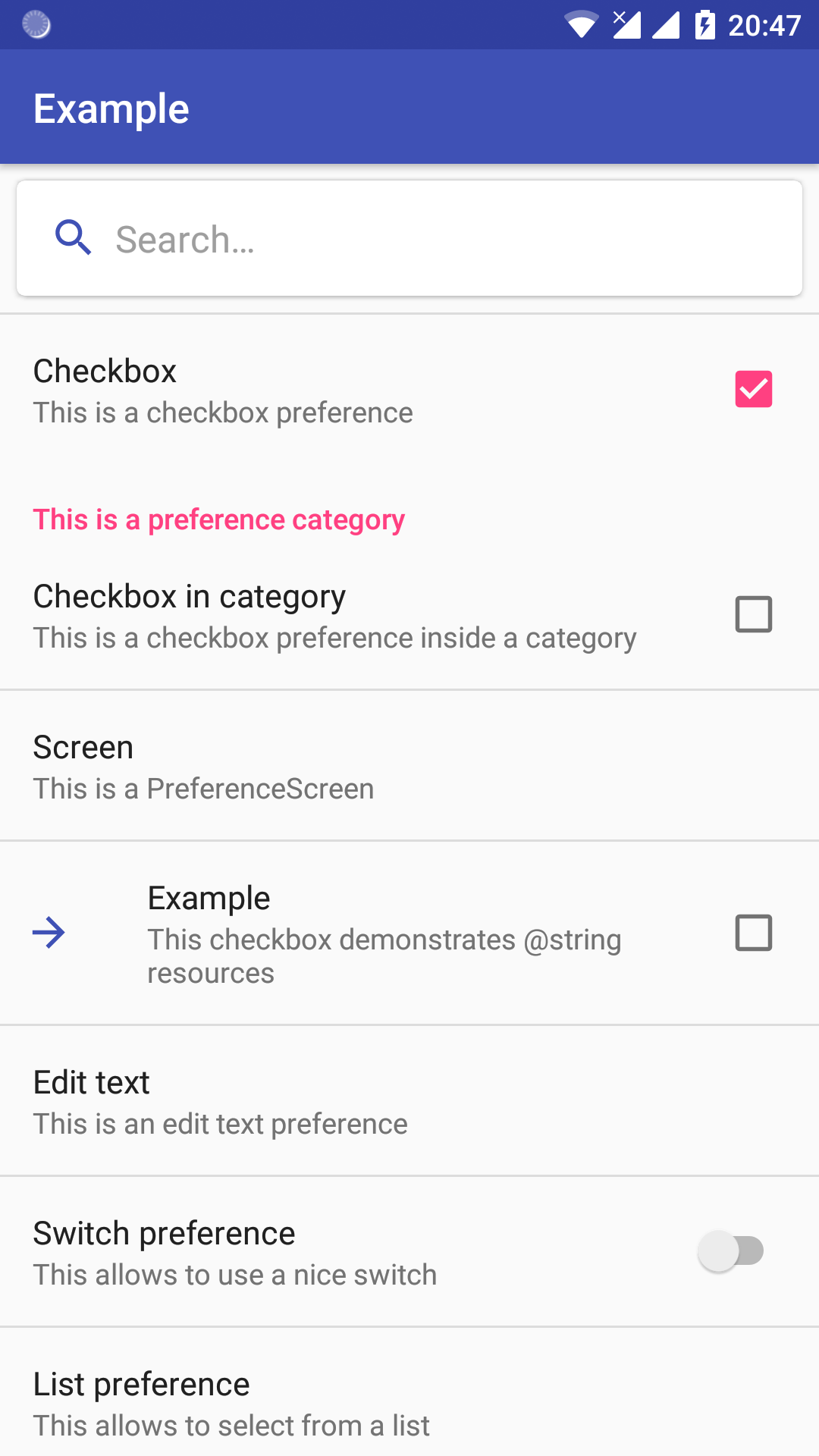
This is a library for Android apps that allows to search inside Preference xml files.
The library provides a subclass of `Preference` that can be integrated into existing apps easily.

## Adding to your app
Add PreferenceSearch to your `app/build.gradle`:
dependencies {
implementation 'com.github.ByteHamster:SearchPreference:2.7.0'
}
Add PreferenceSearch to your `build.gradle`:
allprojects {
repositories {
// ...
maven { url 'https://jitpack.io' }
}
}
Add search bar to your `preferences.xml` file:
Define search index in your `PreferenceFragment`:
public static class PrefsFragment extends PreferenceFragmentCompat {
@Override
public void onCreate(Bundle savedInstanceState) {
super.onCreate(savedInstanceState);
addPreferencesFromResource(R.xml.preferences);
SearchPreference searchPreference = (SearchPreference) findPreference("searchPreference");
SearchConfiguration config = searchPreference.getSearchConfiguration();
config.setActivity((AppCompatActivity) getActivity());
config.index(R.xml.preferences);
}
}
And react to search results in your Activity:
public class MyActivity extends AppCompatActivity implements SearchPreferenceResultListener {
private PrefsFragment prefsFragment;
@Override
public void onSearchResultClicked(SearchPreferenceResult result) {
result.closeSearchPage(this);
result.highlight(prefsFragment);
}
}
## Translations
This library currently contains only a limited number of translations. If you want to translate
the texts shown by the library together with your app's other strings, you can override
the strings in the preference xml file using attributes like `search:textNoResults`.
Refer to [`attrs.xml`](lib/src/main/res/values/attrs.xml) for details.
You can also overwrite the strings when constructing the SearchConfiguration object.