https://github.com/c0debrain/victory-ui
[Project Discontinued] Your all-in-one financial tracking, management and advising platform.
https://github.com/c0debrain/victory-ui
Last synced: 2 months ago
JSON representation
[Project Discontinued] Your all-in-one financial tracking, management and advising platform.
- Host: GitHub
- URL: https://github.com/c0debrain/victory-ui
- Owner: c0debrain
- Created: 2017-09-14T05:32:38.000Z (over 8 years ago)
- Default Branch: master
- Last Pushed: 2017-03-15T22:46:19.000Z (almost 9 years ago)
- Last Synced: 2025-01-01T17:40:39.923Z (about 1 year ago)
- Language: CSS
- Homepage:
- Size: 14.4 MB
- Stars: 0
- Watchers: 2
- Forks: 0
- Open Issues: 0
-
Metadata Files:
- Readme: readme.md
Awesome Lists containing this project
README
# Victory Financial Platform UI
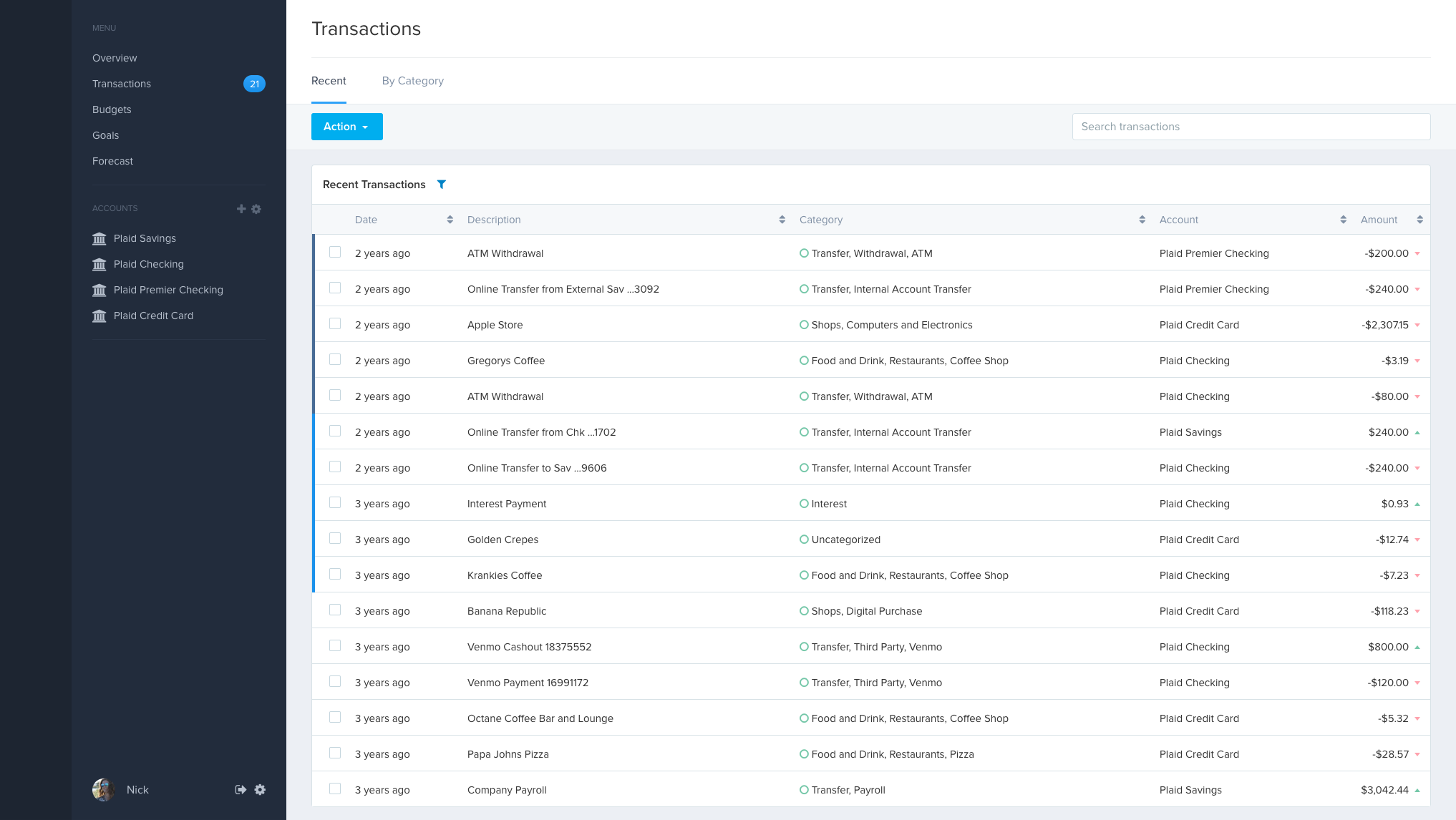
This is the interface from which user's may gain insight on their finances by viewing transactions, account balannes and build budgets to help them achieve their financial goals.
## Dependencies
You will need NodeJS installed on your operating system. The [node installation](https://nodejs.org/en/download/package-manager/) should come pre-packaged with NPM (Node Package Manager) which we will use to install our dependencies. You will need to have [bower](https://github.com/bower/bower) install globally on your machine using the following command:
```
sudo npm install -g bower
```
For our build process, you will need a tool called [gulp](https://github.com/gulpjs) which allows us to define tasks to be carried out (such as minification of assets, copying of directories, and transpiling of code.
```
sudo npm install -g gulp
```
If you are on Windows, you won't have the option to run the install commmand with `sudo`, so you will need to run your command prommpt in Administrator mode.
## Installation
To get the project up and running, run the following command, it will install all external back end node dependencies into the root directory under a directory named `node_modules`. Which dependencies should be installed are enumerated in a file called `package.json` in the root directory.
```
npm install
```
Afterwards you will want to install front end dependencies that are included via script tags. This dependency management is handled by Bower. It works very similarly to NPM.
```
bower install
```
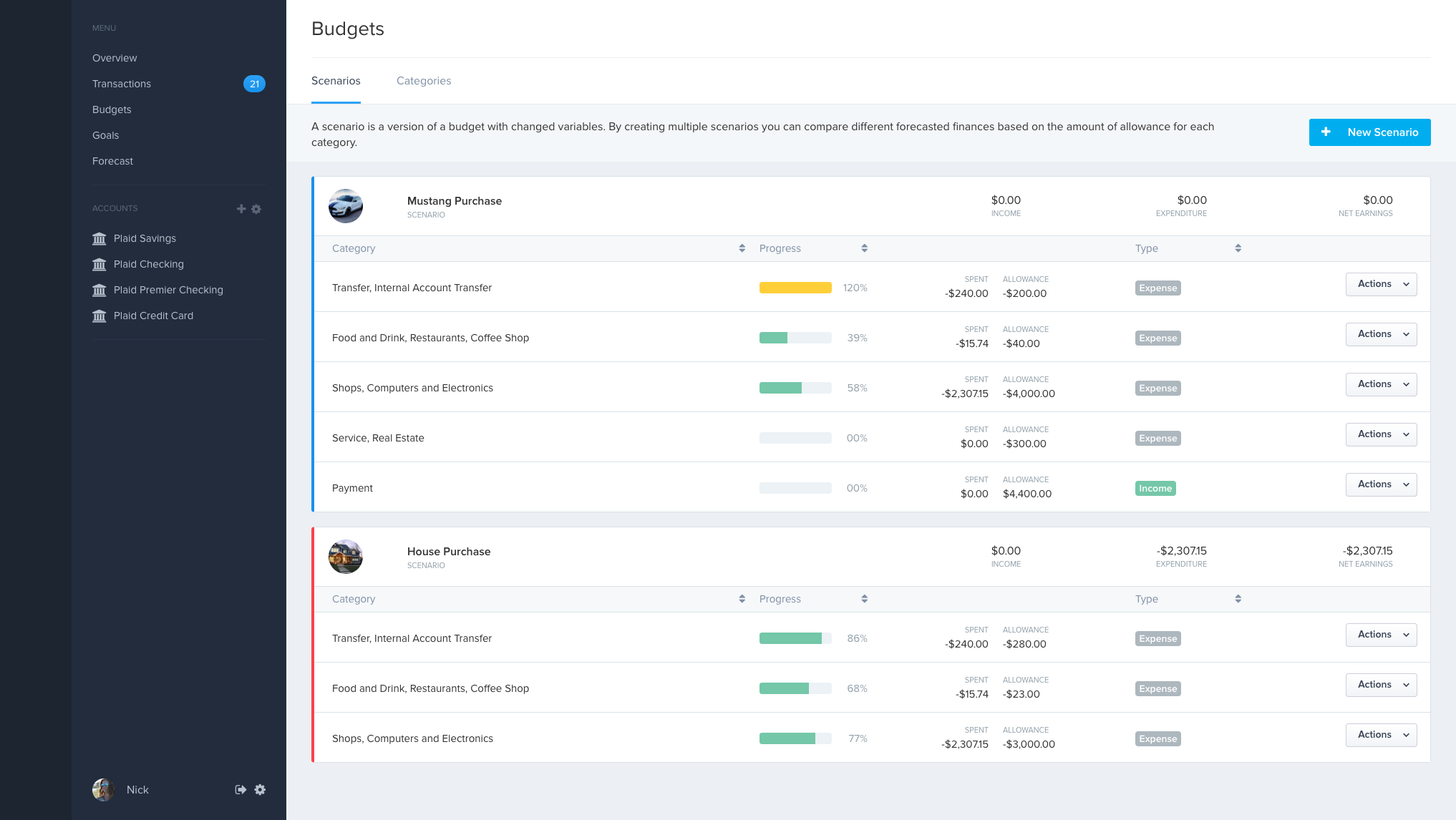
## Screenshots
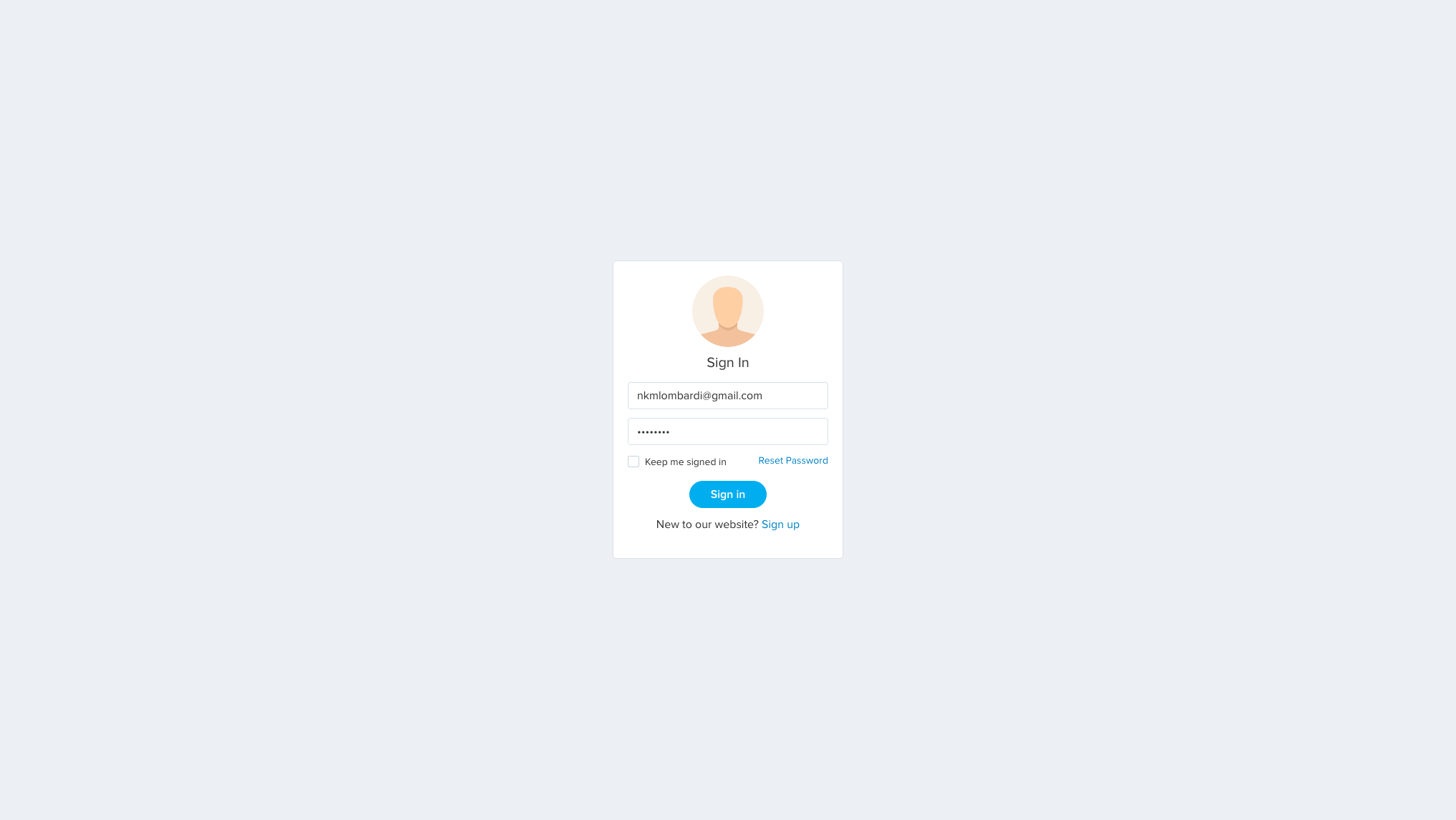
### Login Page
### Transactions Page
### Budgets Page