https://github.com/cable8mm/laravel-theme
This is the official laravel theme for Document2
https://github.com/cable8mm/laravel-theme
document2 laravel theme
Last synced: 8 months ago
JSON representation
This is the official laravel theme for Document2
- Host: GitHub
- URL: https://github.com/cable8mm/laravel-theme
- Owner: cable8mm
- License: mit
- Created: 2024-04-08T16:15:01.000Z (about 2 years ago)
- Default Branch: main
- Last Pushed: 2024-04-12T11:38:54.000Z (about 2 years ago)
- Last Synced: 2025-01-15T19:22:38.545Z (over 1 year ago)
- Topics: document2, laravel, theme
- Language: HTML
- Homepage: https://github.com/cable8mm/document2
- Size: 890 KB
- Stars: 0
- Watchers: 1
- Forks: 0
- Open Issues: 0
-
Metadata Files:
- Readme: README.md
- Changelog: CHANGELOG.md
- License: LICENSE
Awesome Lists containing this project
README
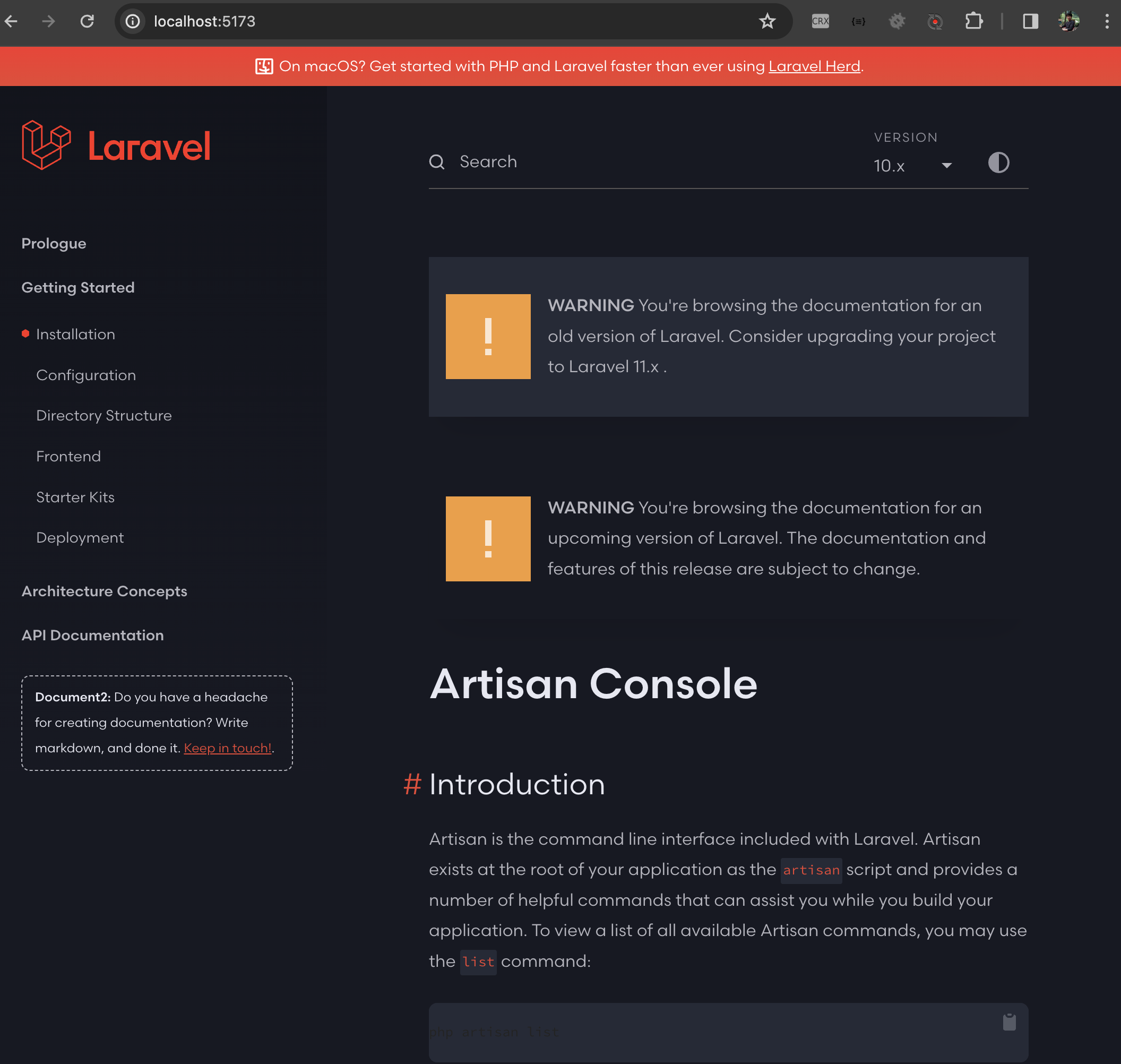
# Laravel theme for Document2
[](https://github.com/cable8mm/laravel-theme/actions/workflows/js-tests.yml)


This is the official laravel theme for [Document2](https://github.com/cable8m/document2).
## Features
- [x] JAM stack supported
- [x] Tailwindcss and Vite
- [x] Dark Mode
- [x] Integration with the Document2
## Local Development
If you want to work on this project on your local machine, you may follow the instructions below.:
1. Fork this repository
2. Open your terminal and `cd` to your project folder
3. Clone your fork into the project folder, by running the following command *with your username placed into the {username} slot*:
```bash
git clone git@github.com:{username}/laravel-theme laravel-theme
```
4. CD into the new directory you just created:
```bash
cd laravel-theme
```
5. Run the `npm install` script, which will take all the steps necessary to prepare your local install:
```bash
npm install
```
6. Run the `npm run dev` script, which will provide local web server to `http://localhost:{port}`
```bash
npm run dev
```
### Syncing Upstream Changes Into Your Fork
This [GitHub article](https://help.github.com/en/articles/syncing-a-fork) provides instructions on how to pull the latest changes from this repository into your fork.