https://github.com/captaincodeman/appengine-ssr
Puppeteer Middleware for Server Side Rendering from AppEngine Go
https://github.com/captaincodeman/appengine-ssr
Last synced: over 1 year ago
JSON representation
Puppeteer Middleware for Server Side Rendering from AppEngine Go
- Host: GitHub
- URL: https://github.com/captaincodeman/appengine-ssr
- Owner: CaptainCodeman
- Created: 2018-06-22T02:16:48.000Z (about 8 years ago)
- Default Branch: master
- Last Pushed: 2018-10-22T16:52:45.000Z (almost 8 years ago)
- Last Synced: 2025-04-04T10:34:09.285Z (over 1 year ago)
- Language: Go
- Size: 1020 KB
- Stars: 13
- Watchers: 2
- Forks: 0
- Open Issues: 0
-
Metadata Files:
- Readme: README.md
Awesome Lists containing this project
README
# appengine-ssr
Http middleware for AppEngine to selectively Server-Side
Render a page and optionally caching the results. Designed
to work with Puppeteer.
## Why SSR
Say you have the latest and greatest front-end web-client
technology for your new site. All your users have one of
the latest evergreen browsers that support the new platform
features you make use of so everything is good ...right?
Unfortunately, Googlebot is based on a much older version
of Chrome that doesn't support these new features so it
probably doesn't understand any of it. Oh dear. ShadowDOM?
WebComponents? ES6? What are they?
Here's how your sweet UI appears to Googlebot (using the
"Fetch as Google" feature in Webmaster Tools):
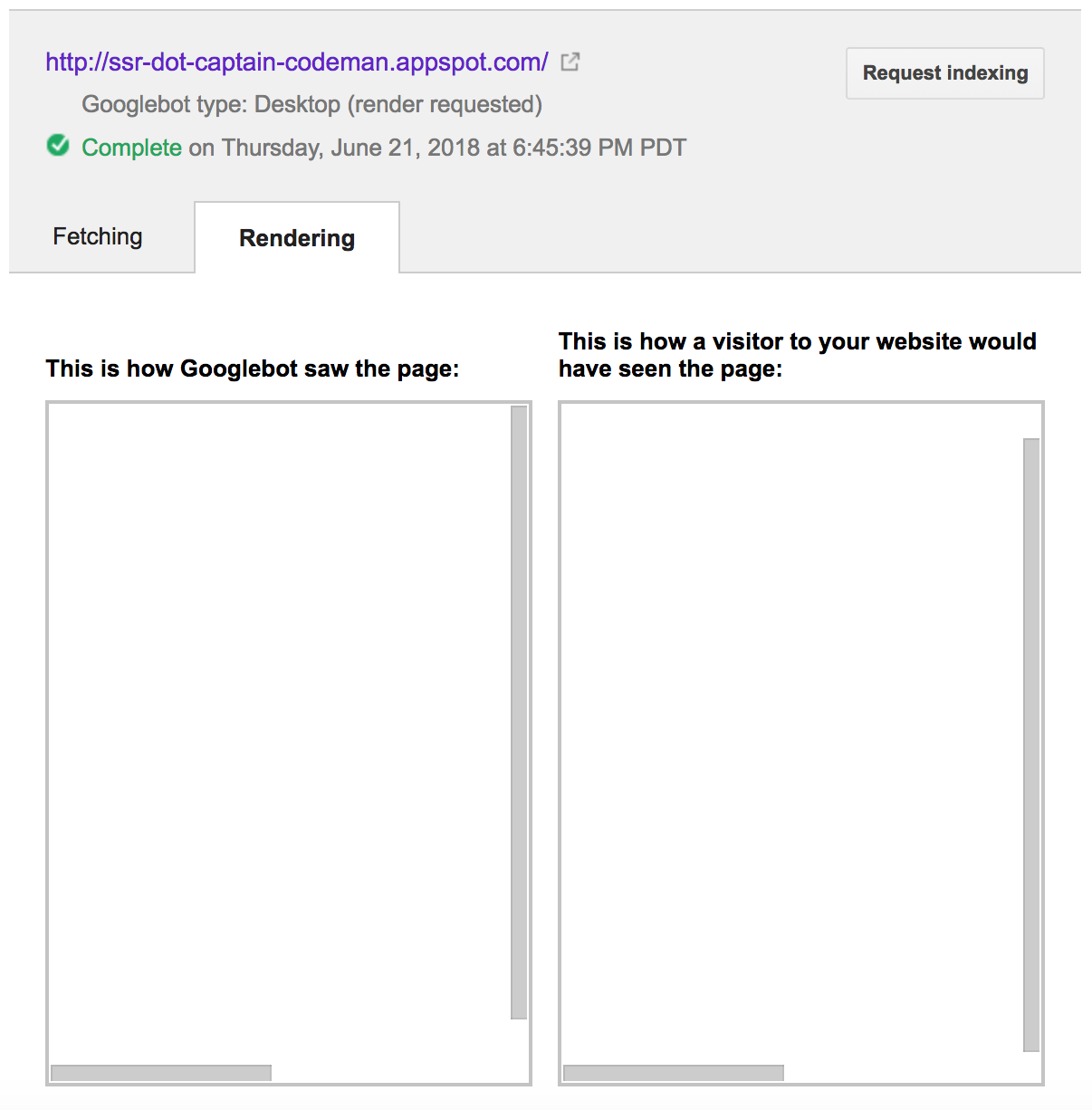
Yeah, your SEO isn't even SE happy, let alone Optimized ...
Not only is it bad for Search Engine traffic but any web
requests that expect to see meta-data in the page source
will be disappointed which means rich embedding of content
cards within sites such as Facebook and Twitter won't work
either. There are more users of your site than humans with
web-browsers.
One solution is to use Server-Side Rendering and there have
been a number of services that offer this but they can be
expensive especially if you have a large site with lots of
changing content. Some client frameworks also provide options
for Server-Side Rendering but they add complexity if they
work at all.
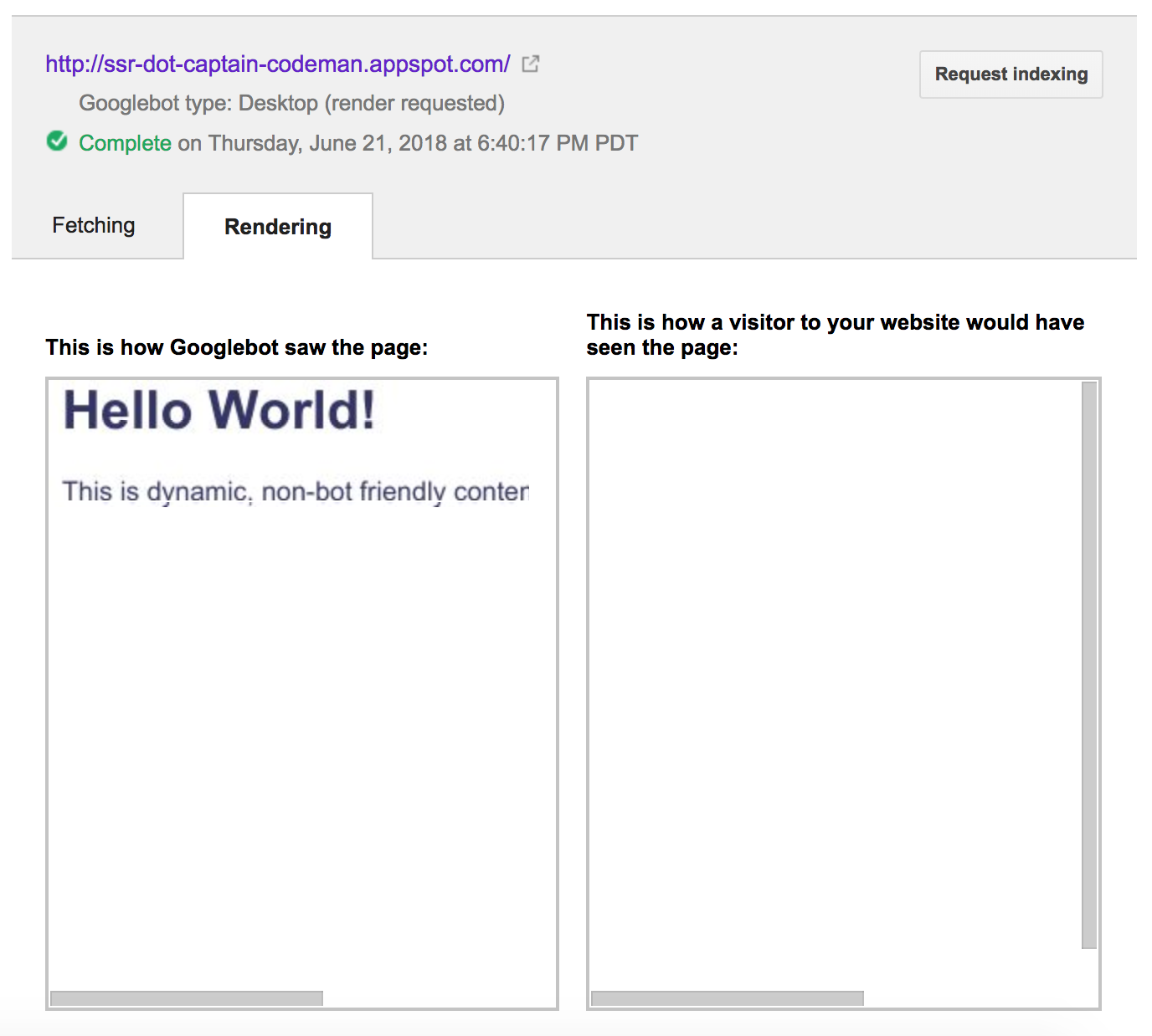
Fortunately, there's now the option of using a "headless"
Chrome browser via Puppeteer which is what this middleware
is intended to help with. It means when the Googlebot (or
any other bot you configure) requests your site it can be
converted into ye-olde HTML like a static site. Now your
site can be rendered and understood. SEO glory awaits!
## How it works
The middlware checks if the request is coming from any of
the configured bots by parsing the User-Agent string of the
request. If it isn't, it's processed as normal and the package
does nothing.
If it _is_ a bot request, the middleware first checks if the
URL has already been server-side rendered and cached (because
it can be a bit expensive to do you don't want to do it every
time) and will serve that instead. The caching is configurable
and can be turned off. If there is no cached version then the
middleware calls the Puppeteer service to render the page but
adds an extra `headless` QueryString parameter to the URL when
doing so.
The page should use this `headless` parameter to configure
rendering using `ShadyDOM` (otherwise the Chrome version used
by Puppeteer will render the exact same version the app would
have sent for the request anyway). Enabling ShadyDOM means the
content will be rendered as a regular DOM tree and any dynamic
content that relies on JavaScript to render will be included
with the JavaScript then removed. The result is pure HTML &
CSS content which can be understood by any bot or other client.
The middleware checks requests for the `headless` parameter
so it can prevent any 'render-loop' and you can also pass in
another configurable QueryString option (the default is `ssr`)
to force Server Side Rendering which is useful while testing.
## Demo
A typical client-side rendered page is available at:
[http://ssr-dot-captain-codeman.appspot.com/](http://ssr-dot-captain-codeman.appspot.com/)
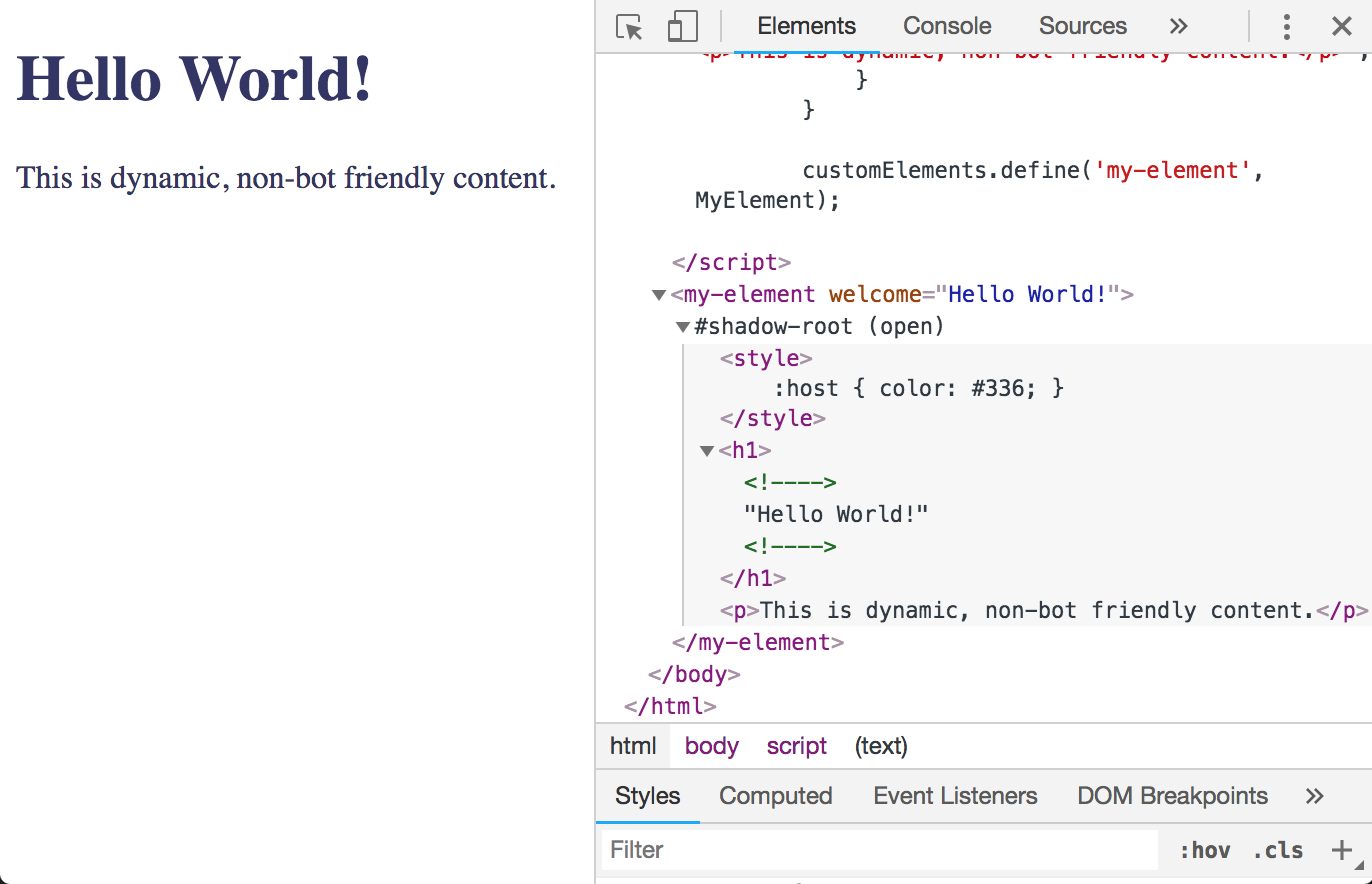
Here's how the DOM looks when rendered in a modern browser
such as Chrome. Note the shadow-root:
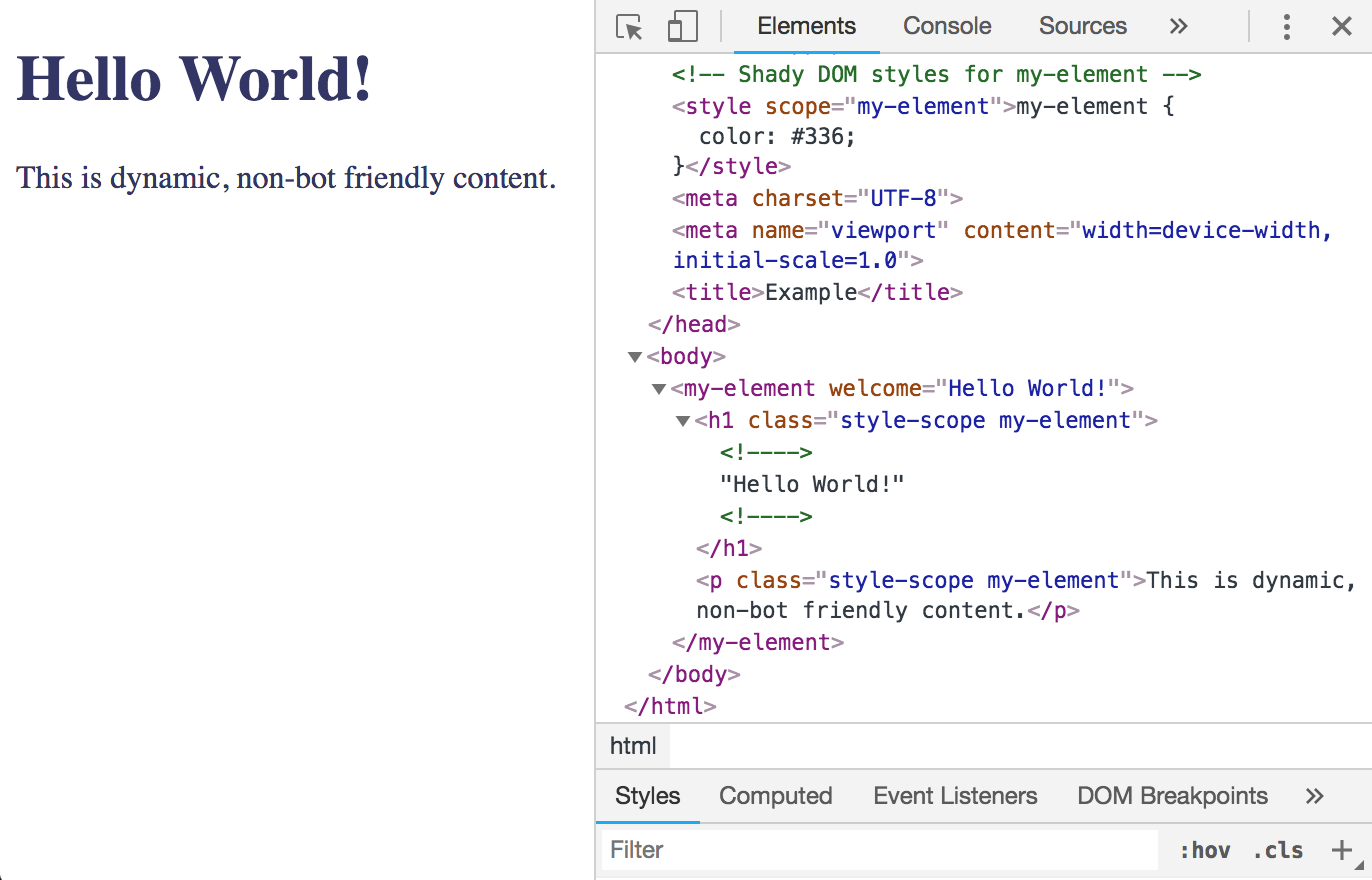
To view the page as it would look when Server-Side Rendered
you can override the User-Agent parsing by adding `?ssr` to
the URL:
[http://ssr-dot-captain-codeman.appspot.com/?ssr](http://ssr-dot-captain-codeman.appspot.com/?ssr)
Now the content is rendered as a regular DOM tree which
can be understood by any bot. If you generate metadata in
your front-end framework, this will enable services such as
Facebook and Twitter to render it:
## Installation
Install using `go get`
go get -i github.com/captaincodeman/appengine-ssr
## Usage
Create an instance of the SSR middleware and add it to your
Router package of choice (or wrap the standard http package
Mux). It uses another [Appengine Context Middleware Package]("github.com/captaincodeman/appengine-context")
so needs to be added high in the middleware chain before any
other changes the request. If you use that package to access
AppEngine Services you don't need to add the middleware for
it. Having the middleware early in the request lifecyle makes
sense because the request isn't going to be handled directly
anyway.
Example:
```go
package main
import (
"time"
"net/http"
"google.golang.org/appengine"
"github.com/captaincodeman/appengine-ssr"
)
func main() {
mw := ssr.NewSSR("https://pptraas.com")
handler := http.HandlerFunc(handle)
http.Handle("/", mw.Middleware(handler))
appengine.Main()
}
func handle(w http.ResponseWriter, r *http.Request) {
http.ServeFile(w, r, "index.html")
}
```
The only mandatory configuration setting is the address
of the Puppeteer rendering service. The example above
uses the [Puppeteer as a Service](https://pptraas.com)
example but you should really run your own instance to
guarantee performance - I'll add an example for creating
one using Google Compute Engine Docker Optimized instances
which can auto-scale and ensure availability.
## Configuration Options
Other configuration options can be added to the constructor
for example, if you want a shorter cache expiration and have
logging enabled:
```go
mw := ssr.NewSSR("https://pptraas.com",
ssr.Expiration(time.Minute*10),
ssr.Verbose(true),
)
```
Options available:
`ssr.UserAgents(userAgents []string)`
Set the User-Agents that will be Server Side Rendered. The
default list is:
```go
var defaultUserAgents = []string{
"W3C_Validator",
"baiduspider",
"bingbot",
"facebookexternalhit",
"LinkedInBot",
"Pinterest",
"Slackbot-LinkExpanding",
"TwitterBot",
"Googlebot",
"Mediapartners-Google",
}
```
`ssr.UserAgentParser(parser *uaparser.Parser)`
Set the [User-Agent Parser](github.com/ua-parser/uap-go/uaparser)
to use if, for instance, you didn't want to use the built-in
User-Agent string definitions.
`ssr.Verbose(verbose bool)`
Set to true to output additional information to the AppEngine
logs (Stackdriver).
`ssr.Timeout(timeout time.Duration)`
Timeout for request to Puppeteer service (default 30 seconds).
`ssr.NoCache()`
Disables caching of Server-Side Rendered content.
`ssr.Memcache(prefix string)`
Cache Server-Side Rendered content using the built-in
AppEngine Memcache service (default). A prefix string will
be added to the cache key to avoid collisions with any other
caching your app may be performing.
`ssr.Expiration(expiration time.Duration)`
Set the cache expiration (default 1 hour). This will save
repeat bot-requests within that time from being re-rendered
(as long as the items aren't evicted from the cache).
`ssr.HeadlessParam(name string)`
Set the name of the querystring parameter used to indicate
a 'headless' request (default `headless`).
`ssr.OverrideParam(name string)`
Set the name of the querystring parameter used to override
SSR rendering (default `ssr`). Set to empty to disable the
option.
## Future Work
This could probably be made more generic by having all the
AppEngine specific pieces be separate configurable services
as the Memcache option already is and other pieces set to be
conditionally compuled. But my current requirements only
need it to work with AppEngine so that's what it does ...
for now.