https://github.com/casparml/magical-button-hover-effect
A lightweight yet impressive CSS/JS button animation system with dynamic color customization. This project demonstrates how to create engaging UI elements with minimal code.
https://github.com/casparml/magical-button-hover-effect
css-animations css-button-animation css-tricks
Last synced: 12 months ago
JSON representation
A lightweight yet impressive CSS/JS button animation system with dynamic color customization. This project demonstrates how to create engaging UI elements with minimal code.
- Host: GitHub
- URL: https://github.com/casparml/magical-button-hover-effect
- Owner: casparml
- License: mit
- Created: 2025-03-13T13:24:18.000Z (over 1 year ago)
- Default Branch: main
- Last Pushed: 2025-03-13T14:07:13.000Z (over 1 year ago)
- Last Synced: 2025-03-13T14:33:52.052Z (over 1 year ago)
- Topics: css-animations, css-button-animation, css-tricks
- Language: CSS
- Homepage: https://casparml.github.io/Magical-Button-Hover-Effect/
- Size: 1.25 MB
- Stars: 0
- Watchers: 1
- Forks: 0
- Open Issues: 0
-
Metadata Files:
- Readme: README.md
- License: LICENSE
Awesome Lists containing this project
README
# Magical Button Hover Effect
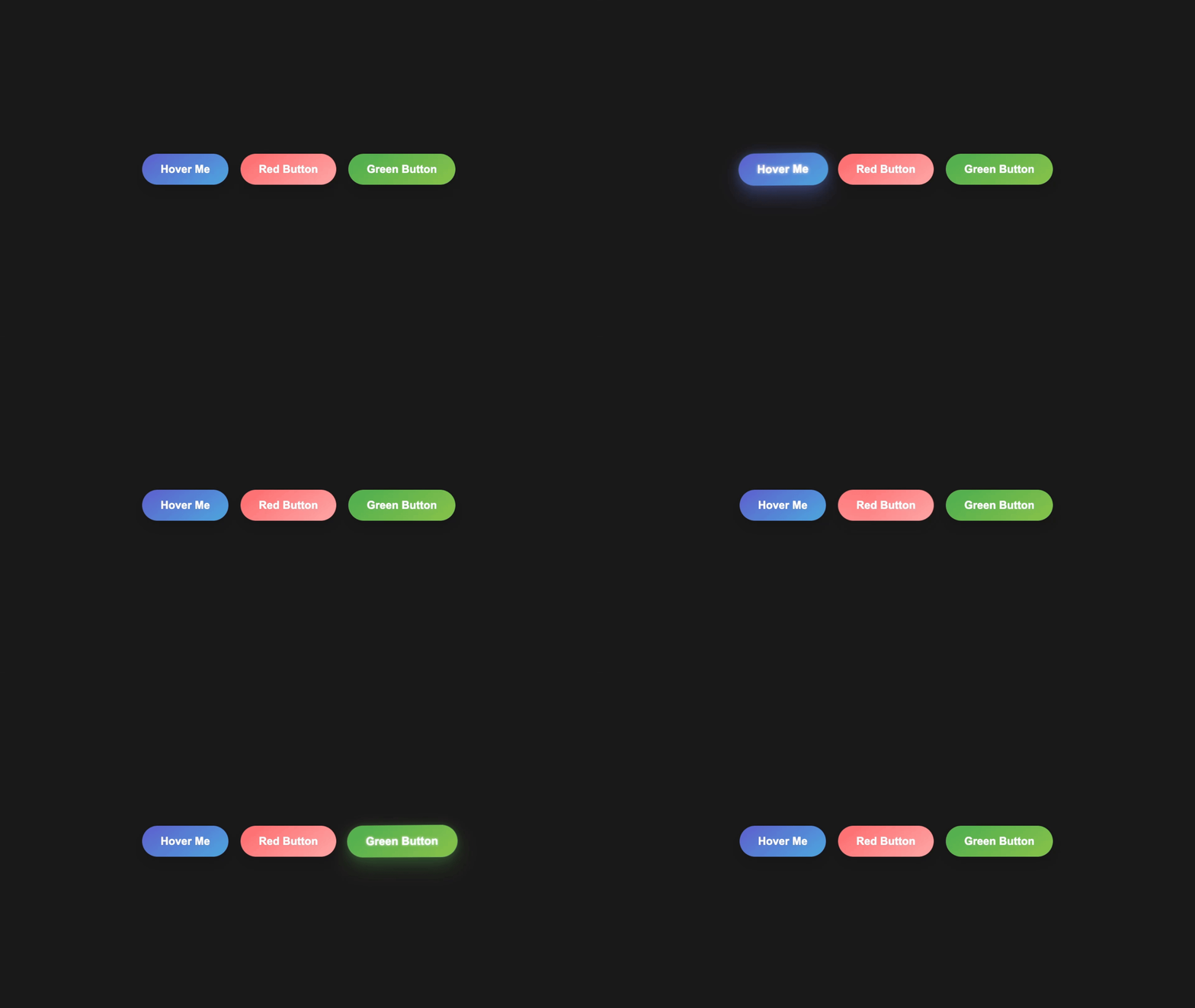
A lightweight yet impressive CSS/JS button animation system with dynamic color customization. This project demonstrates how to create engaging UI elements with minimal code.
## Features
- 3D perspective hover animations with smooth transitions
- Dynamic color customization via HTML data attributes
- Elegant shine effect that sweeps across buttons
- Anti-jitter technology for seamless interaction
- Cross-browser compatible design
The buttons feature a satisfying tilt effect, subtle scaling, and customizable glow effects that match each button's unique color scheme. Simply add your desired color values as data attributes and the system automatically generates the appropriate animations and effects.
Perfect for designers and developers looking to add that extra touch of interactivity to forms, landing pages, or call-to-action elements without the bloat of animation libraries.
## Installation
```bash
# Clone the repository
git clone https://github.com/casparml/Magical-Button-Hover-Effect.git
# Navigate to the project directory
cd Magical-Button-Hover-Effect
# Open index.html in your browser or use a live server
```
## Usage
```html
Hover Me
```
## Customization Options
| Option | Description | Default |
|--------|-------------|---------|
| `data-color` | Primary button color | `#5e60ce` |
| `data-color2` | Secondary gradient color | `#4ea8de` |
| `data-intensity` | Hover effect intensity | `0.8` |
| `data-shine` | Enable/disable shine effect | `true` |
## Browser Support
- Chrome 60+
- Firefox 55+
- Safari 11+
- Edge 16+
## Performance Tips
- For best performance on mobile devices, use the lightweight version
- Reduce animation intensity on pages with multiple buttons
- Consider using the static fallback for very old browsers
## Live Demo
Check out the [live demo](https://casparml.github.io/Magical-Button-Hover-Effect/) to see the buttons in action.
## Contributing
Pull requests are welcome! For major changes, please open an issue first to discuss what you would like to change.
## License
[MIT](https://github.com/casparml/Magical-Button-Hover-Effect?tab=MIT-1-ov-file)
---
*Minimal code. Maximum impact.*