https://github.com/catboy96/apii
⚡ Lightweight WebAPI runs on a Raspberry Pi, provides commonly used functions.
https://github.com/catboy96/apii
bash-script raspberry-pi shell-script webapi
Last synced: over 1 year ago
JSON representation
⚡ Lightweight WebAPI runs on a Raspberry Pi, provides commonly used functions.
- Host: GitHub
- URL: https://github.com/catboy96/apii
- Owner: Catboy96
- License: gpl-3.0
- Created: 2019-07-11T14:54:30.000Z (almost 7 years ago)
- Default Branch: master
- Last Pushed: 2019-07-17T15:14:05.000Z (almost 7 years ago)
- Last Synced: 2025-01-26T08:27:19.289Z (over 1 year ago)
- Topics: bash-script, raspberry-pi, shell-script, webapi
- Language: HTML
- Homepage:
- Size: 231 KB
- Stars: 2
- Watchers: 1
- Forks: 0
- Open Issues: 0
-
Metadata Files:
- Readme: README.md
- License: LICENSE
Awesome Lists containing this project
README
# Catboy's APiI
⚡ Lightweight WebAPI runs on a Raspberry Pi, provides commonly used functions.
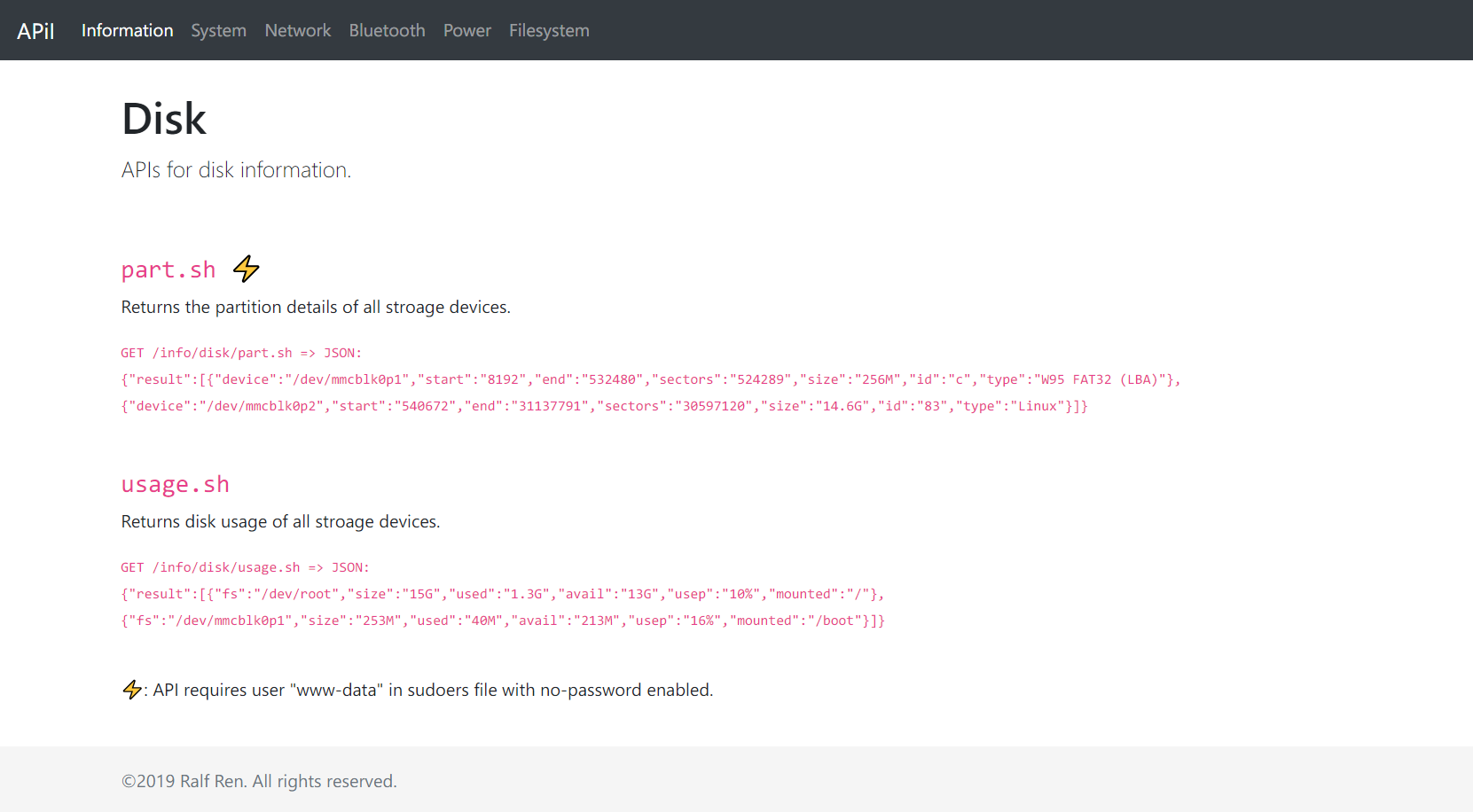
## Screenshot
## SUPER CAT LIGHT!
**No dependencies, no prerequisites.** Only bash scripts for dynamic content. This means:
* **No Python, PHP, JS required. No more NPM or PIP, yay!!**
* Super light, ultra-low performance cost.
* All you need is install a web server. **lighttpd** recommended.
## Install
* Install a web server like **lighttpd** and enable bash for CGI:
```
sudo apt install lighttpd -y
vi /etc/lighttpd/lighttpd.conf
```
Add `cgi.assign = ( ".sh" => "/bin/bash" )` at the end of the file, add `"mod_cgi",` to both `server.modules = (` and `server.modules += (`. Then restart lighttpd by `sudo systemctl restart lighttpd`.
* Clone the project to web root directory.
```
cd /var/www/html
sudo git clone https://github.com/Catboy96/APiI
```
* Some features with ⚡ sign require adding user "www-data" to sudoers file with no-password enabled.
This can be done by `sudo vi /etc/sudoers.d/010_www-nopasswd`, add this line, and save the file:
```
www-data ALL=(ALL) NOPASSWD: ALL
```