https://github.com/ceccon-t/minefield
Find all the mines and explore the safe ground in this game made with Java, Swing and Maven.
https://github.com/ceccon-t/minefield
game java java-game minesweeper minesweeper-game swing
Last synced: 27 days ago
JSON representation
Find all the mines and explore the safe ground in this game made with Java, Swing and Maven.
- Host: GitHub
- URL: https://github.com/ceccon-t/minefield
- Owner: ceccon-t
- License: mit
- Created: 2022-11-17T20:19:26.000Z (over 3 years ago)
- Default Branch: main
- Last Pushed: 2024-11-07T03:08:40.000Z (over 1 year ago)
- Last Synced: 2025-03-25T22:24:13.083Z (over 1 year ago)
- Topics: game, java, java-game, minesweeper, minesweeper-game, swing
- Language: Java
- Homepage:
- Size: 179 KB
- Stars: 0
- Watchers: 1
- Forks: 0
- Open Issues: 0
-
Metadata Files:
- Readme: README.md
- Contributing: CONTRIBUTING.md
- License: LICENSE
Awesome Lists containing this project
README
# Minefield

## Description
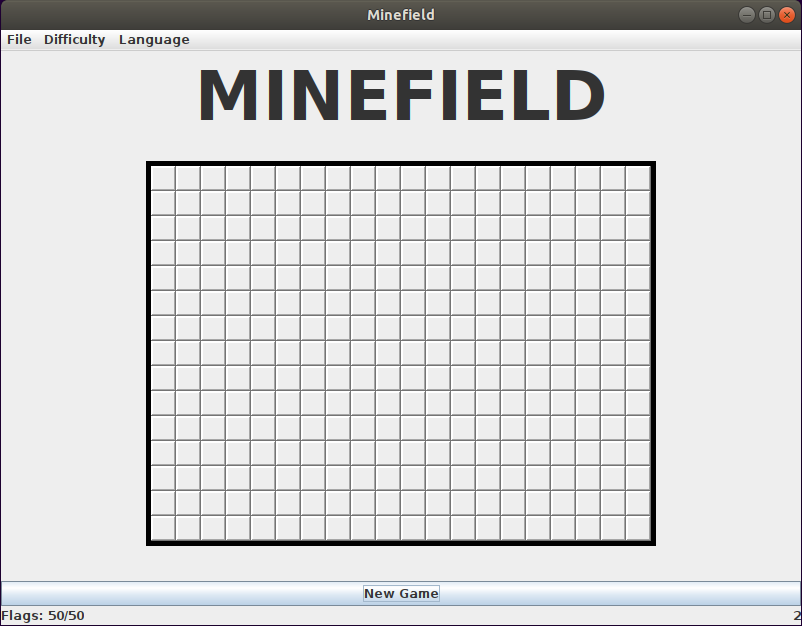
Clone of the classic Minesweeper game.
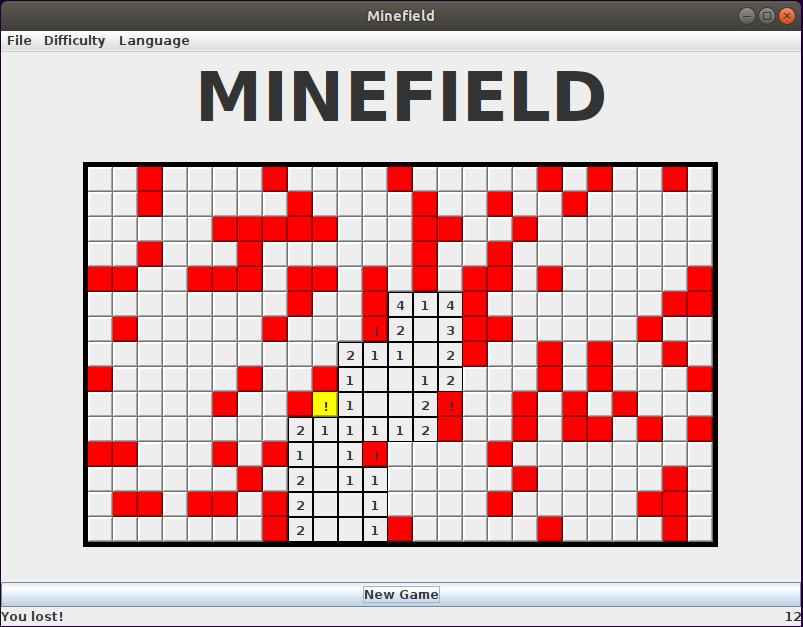
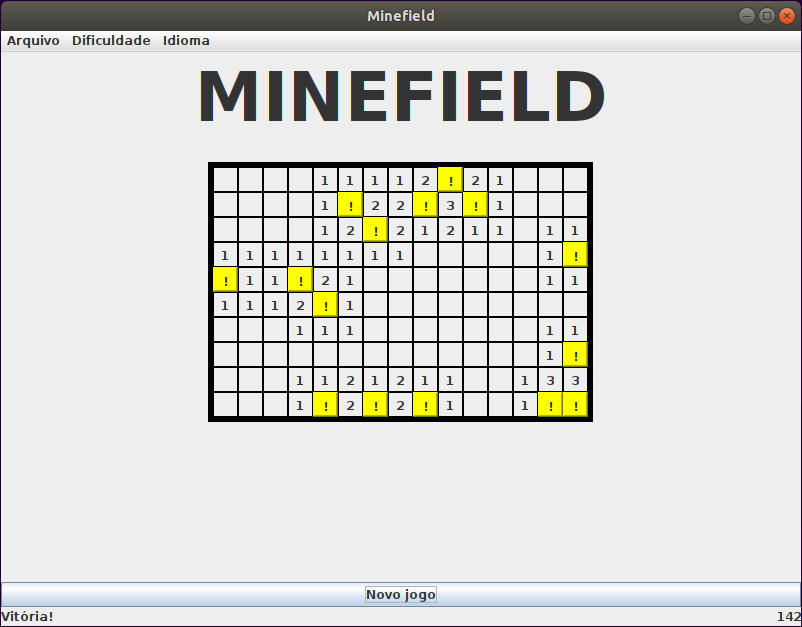
Given a field composed of a grid of cells, the goal of the player is to open the cells that they consider safe, and flag those that they think might contain mines. The player has as many flags to use as there are mines, so that if they place one in an incorrect cell, they will not be able to cover all mines. If the player attempts to open a cell that contains a mine, they lose. If the player is able to explore all of the cells, by opening and flagging them correctly, they win. The amount of seconds elapsed since the game started is displayed as well, allowing the player to check how quickly they were able to finish.
There are three difficulty modes (Beginner, Intermediate and Expert), each having a specific grid size and number of mines.
Also, there are two available languages: English and Portuguese.
Difficulty and language can be changed through the menu bar in the application.
## How to play
Left-click to open cells.
Right-click to flag cells.
Clicking on "New game" or changing the difficulty restarts the game.
## How to run
The game is written in Java, so you will need to have the Java runtime installed. Assuming it has alread been installed, either download the Jar file from the latest entry in the [Releases](https://github.com/ceccon-t/minefield/releases) section in this repository or build the project following the instructions below, and execute it.
## How to build the project
This is a simple Maven project, so the easiest way to build it is running `mvn clean package` in the minefield folder (assuming Maven is installed - if not, check the section about libraries and frameworks on `architecture.md` to get a link to its site and install from there). A jar file containing everything the application needs to run will be created at `minefield/target/Minefield.jar`.
## How to run the automated tests
The simplest way is to run `mvn test` on the main folder of the application.
## More info
To get a short intro to how the code is organized, you can check `architecture.md`.