https://github.com/cedrickchee/cedricchee.com
The personal website of Cedric Chee, built with Rust and Zola
https://github.com/cedrickchee/cedricchee.com
Last synced: 29 days ago
JSON representation
The personal website of Cedric Chee, built with Rust and Zola
- Host: GitHub
- URL: https://github.com/cedrickchee/cedricchee.com
- Owner: cedrickchee
- License: mit
- Created: 2022-12-14T21:20:37.000Z (about 3 years ago)
- Default Branch: main
- Last Pushed: 2025-01-04T08:03:59.000Z (about 1 year ago)
- Last Synced: 2025-01-18T17:49:28.865Z (12 months ago)
- Language: HTML
- Homepage: https://cedricchee.com/
- Size: 7.71 MB
- Stars: 3
- Watchers: 2
- Forks: 0
- Open Issues: 0
-
Metadata Files:
- Readme: README.md
- License: LICENSE
Awesome Lists containing this project
README
# Cedric Chee's Website — [Check it out!](https://cedricchee.com) · 
Source code for my personal website and blog. Crafted with :heart:
---
Features
|
What is under the hood
|
Quick Start
|
Installation
|
Customization
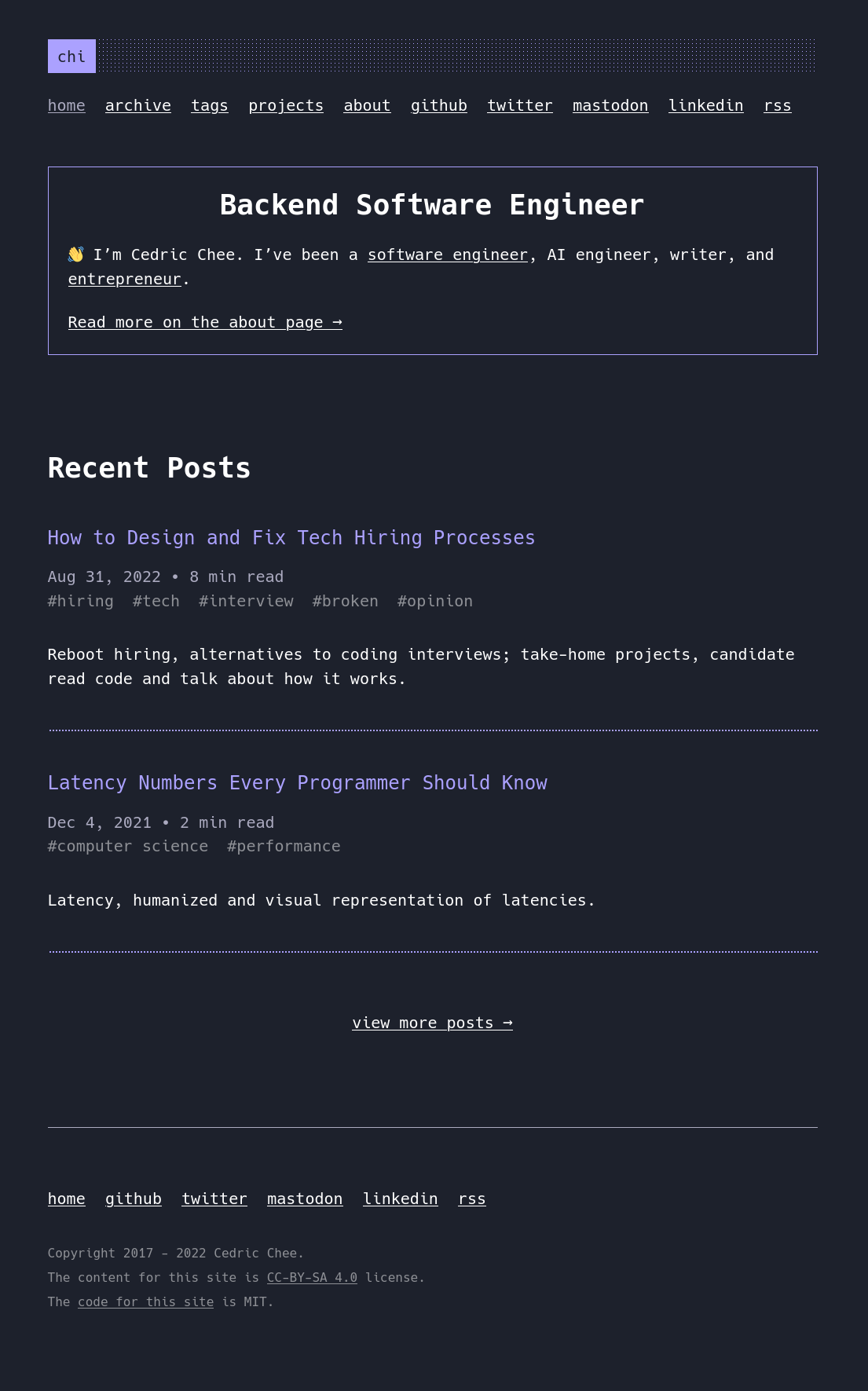
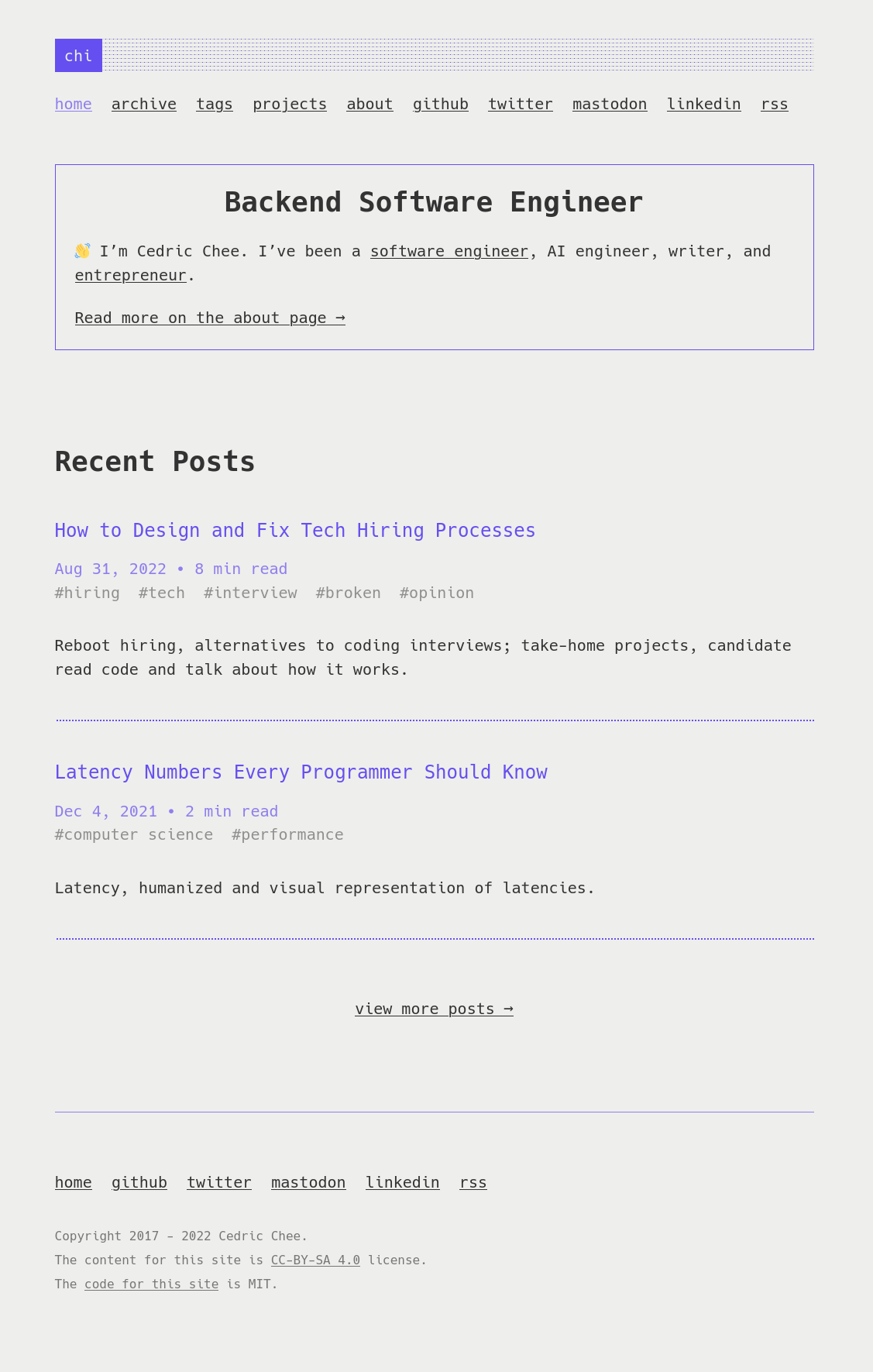
## Features
- Fast and lightweight, only ~10kB CSS before the content, images, and videos
- Total page weight ~7kB (gzip compressed)
- No unnecessary JavaScript, no Web bundler :sunglasses:
- Near perfect [Lighthouse](https://pagespeed.web.dev/report?url=https%3A%2F%2Fcedricchee.com%2F), [YellowLabTools](https://yellowlab.tools/result/ggcp8oz56d), and [Observatory](https://observatory.mozilla.org/analyze/cedricchee.com) scores (need 11ty improvements)
- Netlify for hosting and deployment
## What is under the hood
Built using:
- [Zola](https://www.getzola.org/)
- Tests with GitHub Actions
## Quick Start
If you want to test locally on your machine, do the following steps:
0. :star: to the project. :metal:
1. Install Zola
2. Clone the project:
```sh
git clone https://github.com/cedrickchee/cedricchee.com.git
cd cedricchee.com
```
Run:
```sh
make serve
```
Next, open it in your browser: `http://127.0.0.1:1111/`.
## Installation
The Quick Start shows how to run the theme directly as a site. Next we will use it as a theme to a NEW site.
### Step 1: Create a new Zola site
```
zola init coolsite
```
### Step 2: Install theme
Download this theme to your themes directory:
```sh
cd coolsite/themes
git clone https://github.com/cedrickchee/cedricchee.com.git
```
Or install as a submodule:
```sh
cd coolsite
git init # if your project is a git repository already, ignore this command
git submodule add https://github.com/cedrickchee/cedricchee.com.git themes/cedricchee.com
```
### Step 3: Configuration
Copy the `config.toml` from the theme directory to your project's root
directory: (This will give you a base configuration with all config values
used).
```sh
cp themes/cedricchee.com/config.toml config.toml
cp themes/cedricchee.com/netlify.toml netlify.toml
```
### Step 4: Add new content
Write some posts :bowtie:
### Step 5: Run the project
Just run `zola serve` in the root path of the project:
```sh
zola serve
```
Zola will start the development web server making your site accessible by
default at `http://127.0.0.1:1111`. Saved changes will live reload in the
browser.
## Customization
You can customize your configurations, templates and content for yourself. Look
at the `config.toml`, `content` files, and templates files in this repo for an
idea.
Edit Zola configurations in `config.toml` to customize your site.
### Number of items per page for pagination
(_WIP_)
### Colors and Styles
(_WIP_)
### Global Configuration
There are some configuration options that you can customize in `config.toml`.
#### Configuration options before `extra` options
(_WIP_)
#### Configuration options under the `extra`
Most options in the `config.toml` are self documenting, meaning between the name
of the config value and the notes in the file it is usually obvious what an
option is for.
The following options should be under the `[extra]` in `config.toml`:
- (_WIP_)
### Top and Footer menus
- (_WIP_)
### SEO and Header Tags
I haven't add SEO tags yet. Some important head tags for browser compatibility
have been added.
(_WIP_)
### Templates
All pages extend to `base.html`, and you can customize them as need.
## Optional Performance Optimizations
- Icon font (Hack, Iosevka)
- Dark/light theme-switcher
- Optimize PNG files:
All PNG files can be optimized using
[oxipng](https://github.com/shssoichiro/oxipng), this usually results in
files 1/2 the size: (TODO)
- Pre gzip/Brotli content to serve with NGINX:
If you are serving your site with NGINX, you can pre gzip your content.
---
## Reporting Issues
I use GitHub Issues as the official bug tracker. Please search [existing issues](https://github.com/cedrickchee/cedricchee.com/issues). It's possible someone has already reported the same problem. If your problem or idea is not addressed yet, [open a new issue](https://github.com/cedrickchee/cedricchee.com/issues/new).
## License
* Code: [MIT](https://cedrickchee.mit-license.org/) Copyright Cedric Chee
* Content: [Creative Commons Attribution-ShareAlike 4.0 International (CC BY-SA 4.0)](http://creativecommons.org/licenses/by-sa/4.0/)
---
**Aside:** _this is version 2 of my personal website [project here](https://github.com/cedrickchee/personal-website)._