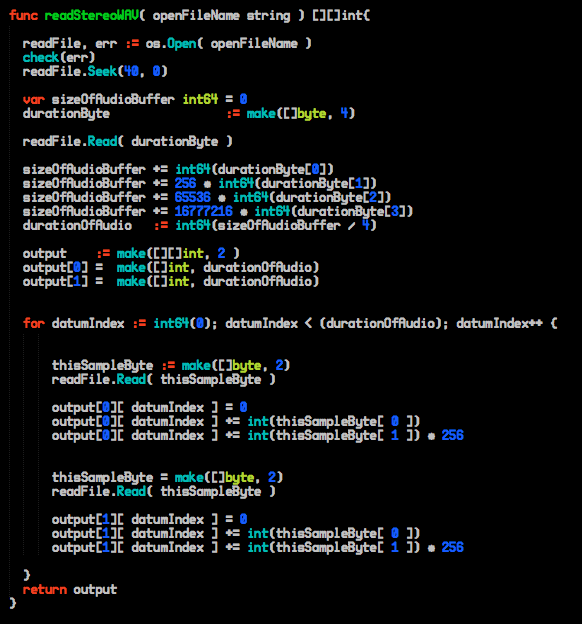
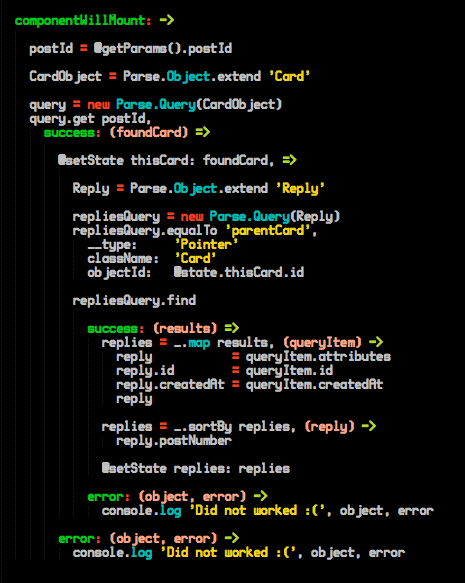
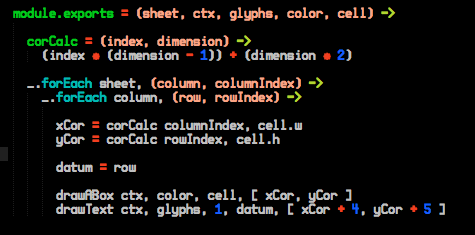
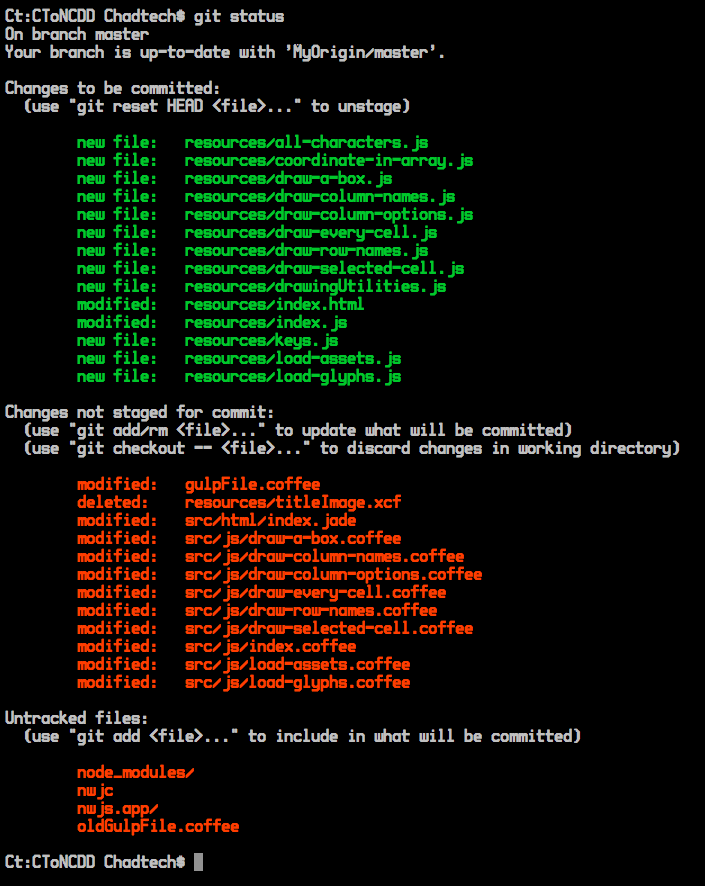
https://github.com/chadtech/ct-color-scheme-for-sublime-text
The Standard Chadtech Colors, and the Standard Chadtech Font, as a sublime color scheme.
https://github.com/chadtech/ct-color-scheme-for-sublime-text
Last synced: about 1 year ago
JSON representation
The Standard Chadtech Colors, and the Standard Chadtech Font, as a sublime color scheme.
- Host: GitHub
- URL: https://github.com/chadtech/ct-color-scheme-for-sublime-text
- Owner: Chadtech
- Created: 2015-02-07T03:48:28.000Z (over 11 years ago)
- Default Branch: master
- Last Pushed: 2015-09-12T07:02:37.000Z (almost 11 years ago)
- Last Synced: 2025-02-16T07:42:17.685Z (over 1 year ago)
- Homepage:
- Size: 706 KB
- Stars: 8
- Watchers: 2
- Forks: 1
- Open Issues: 0
-
Metadata Files:
- Readme: readme.md
Awesome Lists containing this project
README
This is the Chadtech theme for Sublime text. It uses the standard Chadtech color palette along with the Chadtech standard font HFNSS.
# How to install the theme
0 Download the CtColorScheme folder, containing Ct.tmtheme.
1 In sublime text go to 'Preference' and hit 'Browse Package'. A folder should open up, drop Ct.tmtheme into that folder.
2 In sublime text, go to 'Preferences', then 'Color Scheme', then 'CtColorScheme', then 'Ct'
# How to install the font HFNNSS
0 Download HFNSS.ttf
1 Install the font into your OS (for mac users, drop HFNSS.ttf into Library/Fonts)
2 In Sublime text, go to 'Preferences', then 'Settings - User'
3 Add to the JSON object the following:
> "font_face": "HFNSS",