https://github.com/chandan-mourya/youtubeclone
Chandan Mourya-YouTube-Clone Building a clone of famous websites like YouTube.com is really challenging and a good exercise for aspiring front-end developers. Here the challenge is to build out this landing page and get it looking as close to the design as possible.
https://github.com/chandan-mourya/youtubeclone
bootstrap css html java javascript youtube
Last synced: 2 months ago
JSON representation
Chandan Mourya-YouTube-Clone Building a clone of famous websites like YouTube.com is really challenging and a good exercise for aspiring front-end developers. Here the challenge is to build out this landing page and get it looking as close to the design as possible.
- Host: GitHub
- URL: https://github.com/chandan-mourya/youtubeclone
- Owner: Chandan-Mourya
- Created: 2022-07-22T07:37:45.000Z (almost 4 years ago)
- Default Branch: main
- Last Pushed: 2022-07-23T04:02:39.000Z (almost 4 years ago)
- Last Synced: 2025-10-10T20:42:10.019Z (9 months ago)
- Topics: bootstrap, css, html, java, javascript, youtube
- Language: HTML
- Homepage:
- Size: 5.6 MB
- Stars: 3
- Watchers: 1
- Forks: 1
- Open Issues: 0
-
Metadata Files:
- Readme: README.md
Awesome Lists containing this project
README
# YouTubeClone(https://chandan-mourya-youtubeclone.netlify.app/)
YouTube Clone using HTML, CSS, and Javascript
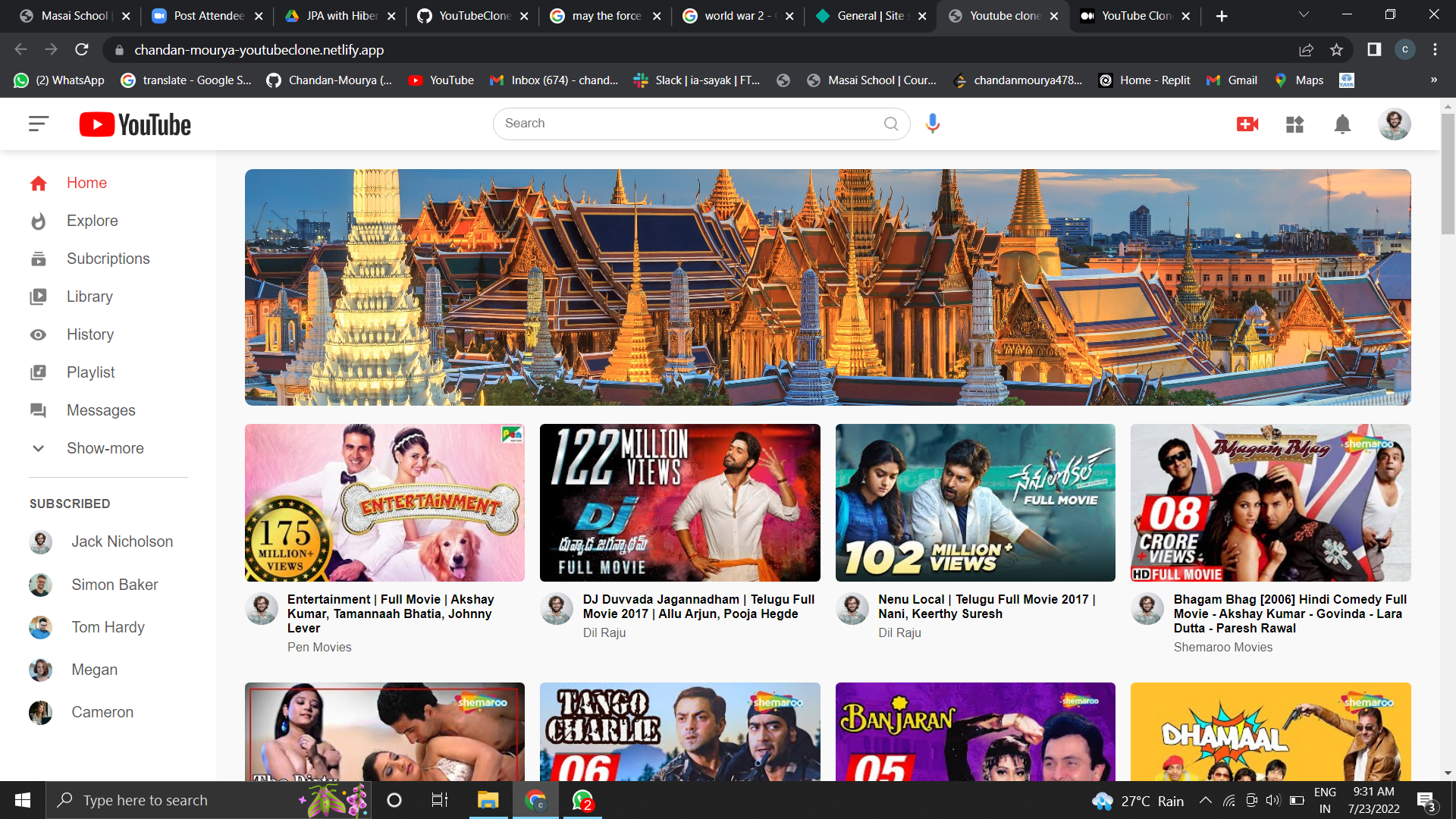
Chandan Mourya-YouTube-Clone
Building a clone of famous websites like YouTube.com is really challenging and a good exercise for aspiring front-end developers. Here the challenge is to build out this landing page and get it looking as close to the design as possible.
This challenge focuses mostly on HTML, CSS and JS part
Folder Structure of the project
index.html — contains the HTML layout which defines the element structure that would be shown on the page.
image folder — contains images used in our project.
style.css — contains CSS code for styling. Using CSS we can style the different portions to make them more visually appealing.
script.js — contains Javascript code.
HTML Layout
Open VSCode and create the basic HTML structure in an index.html file by ! and then pressing tab. Give the title as ‘YouTube’. Link style.css and script.js to the created HTML file.
index.tml
CSS Styling
Quite a bit of CSS coding is required and I explained only the important parts here the rest of the CSS code mostly deals with positioning, size, and color of the elements. I shared the GitHub link at the end of the post where you can see the complete code.
Style.css
Javascript logic
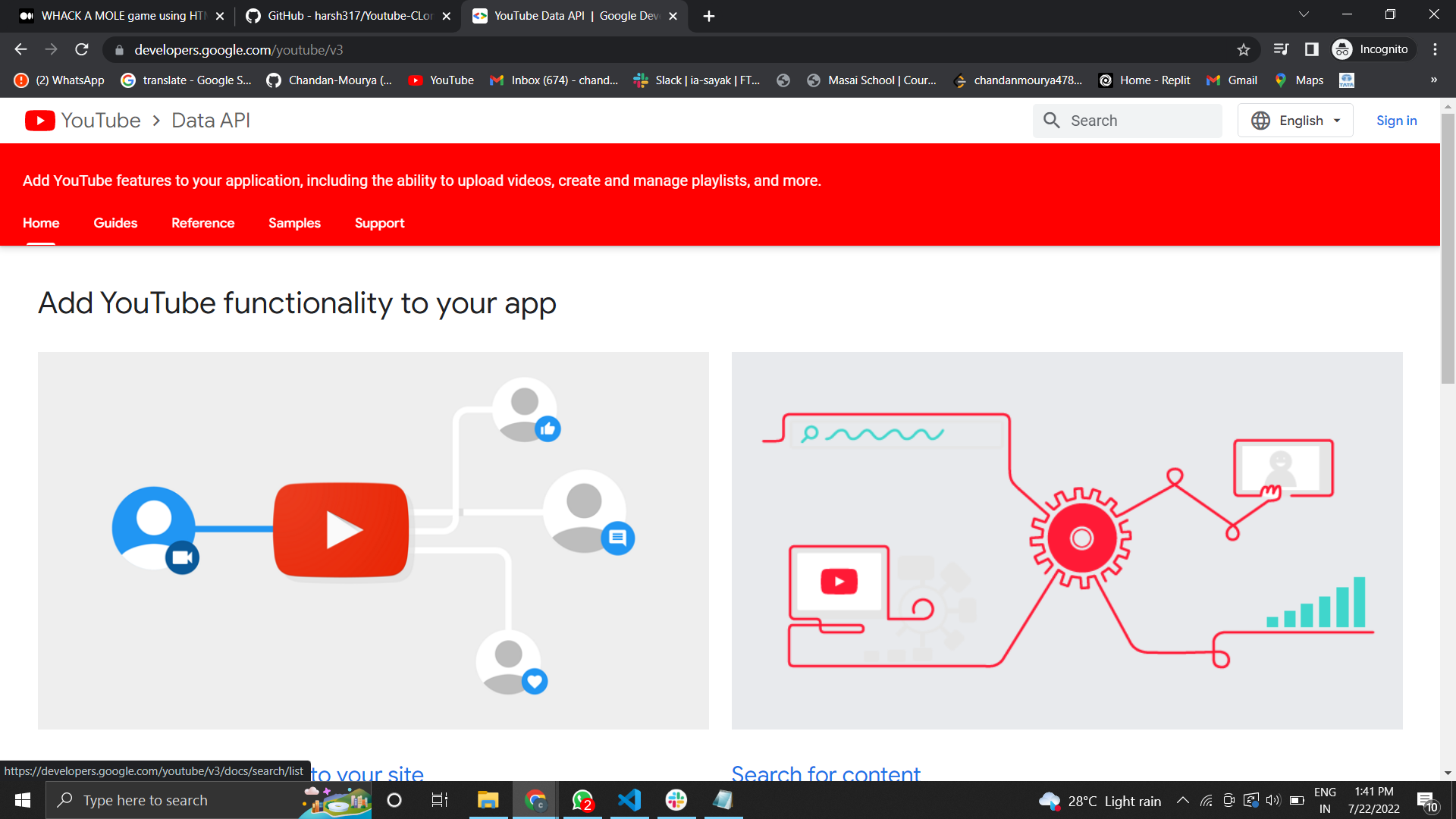
We have used Youtube API
With the YouTube Data API, you can add a variety of YouTube features to your application. Use the API to upload videos, manage playlists and subscriptions, update channel settings, and more.
Use the API to search for videos that match specific search terms, topics, locations, publication dates, and more. The APIs search. list method also supports searches for playlists and channels.
YouTube API
Before you start
You need a Google Account to access the Google API Console, request an API key, and register your application.
Create a project in the Google Developers Console and obtain authorization credentials so your application can submit API requests.
After creating your project, make sure the YouTube Data API is one of the services that your application is registered to use:
Go to the API Console and select the project that you just registered.
Visit the Enabled APIs page. In the list of APIs, make sure the status is ON for the YouTube Data API v3.
If your application will use any API methods that require user authorization, read the authentication guide to learn how to implement OAuth 2.0 authorization.
Select a client library to simplify your API implementation.
Familiarize yourself with the core concepts of the JSON (JavaScript Object Notation) data format. JSON is a common, language-independent data format that provides a simple text representation of arbitrary data structures. For more information, see json.org.
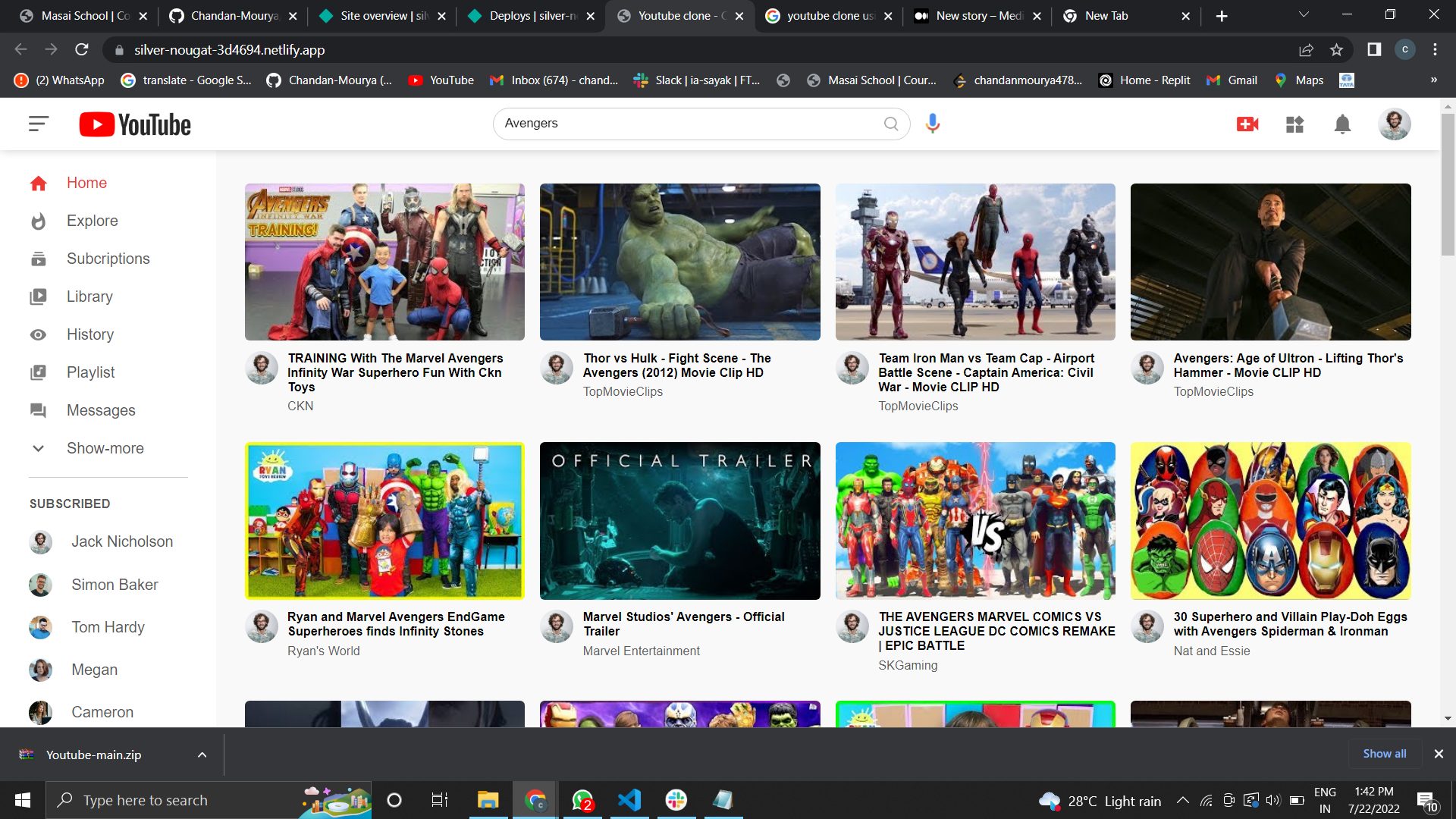
Final Result of our Website:- Search Any movie
Github:- https://github.com/Chandan-Mourya/YouTubeClone
Thank You.