https://github.com/chassis/chassis_xhgui
A Chassis extension to install and setup XHGui on your server
https://github.com/chassis/chassis_xhgui
chassis chassis-extension wordpress xhgui xhprof
Last synced: 2 months ago
JSON representation
A Chassis extension to install and setup XHGui on your server
- Host: GitHub
- URL: https://github.com/chassis/chassis_xhgui
- Owner: Chassis
- Created: 2018-08-03T06:14:06.000Z (almost 8 years ago)
- Default Branch: master
- Last Pushed: 2020-10-05T23:11:46.000Z (almost 6 years ago)
- Last Synced: 2025-06-20T11:11:24.380Z (about 1 year ago)
- Topics: chassis, chassis-extension, wordpress, xhgui, xhprof
- Language: Puppet
- Size: 44.9 KB
- Stars: 1
- Watchers: 1
- Forks: 2
- Open Issues: 0
-
Metadata Files:
- Readme: README.md
Awesome Lists containing this project
README
# XHGui
A Chassis extension to install and configure [XHGui](https://github.com/perftools/xhgui) on your Chassis server. This extension also has [XHProf](https://github.com/Chassis/XHProf) as a dependency so it will be installed and configured automatically as well.
## Installation
1. Add this extension to your extensions directory `git clone --recursive git@github.com:Chassis/Chassis_XHGui.git extensions/chassis_xhgui`
2. Note: **The folder that you clone into must be called** `chassis_xhgui`.
3. Run `vagrant provision`.
## Alternative Installation
1. Add `- chassis/chassis_xhgui` to your `extensions` in [yaml](http://docs.chassis.io/en/latest/config/) files. e.g.
```
extensions:
- chassis/chassis_xhgui
```
2. Run `vagrant provision`.
> **Please note:** `vagrant provision` can take quite a few minutes due to the amount of [Composer](https://getcomposer.org/) dependencies in XHGui. So when you see the provisioning process taking a long time on `Service[php7.0-fpm]` please be patient as this is the stage where Composer dependencies are being installed.
## Usage
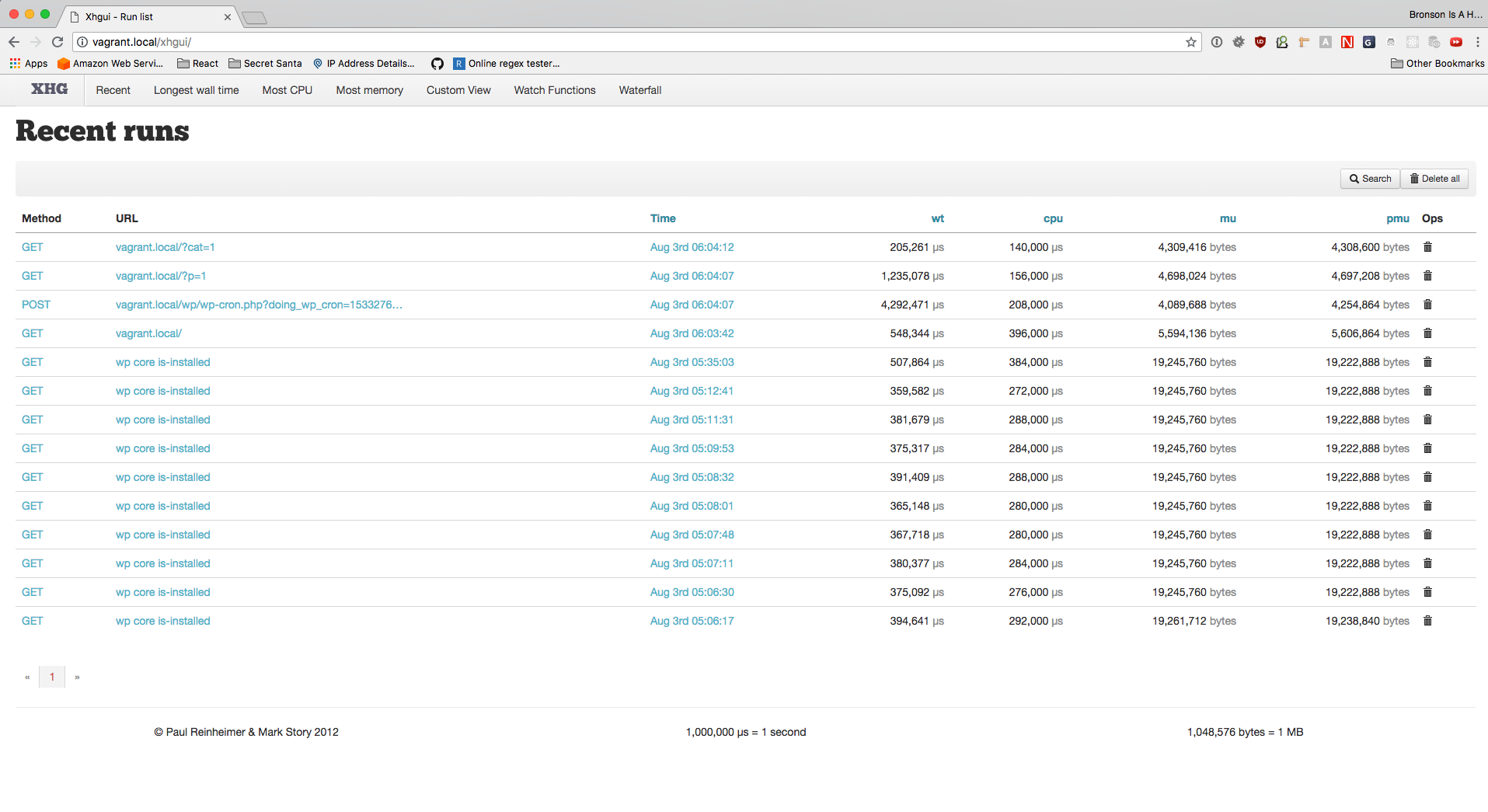
Browse to [http://vagrant.local/xhgui](http://vagrant.local/xhgui) in a browser. If you have a custom host hame it will be `http://.local/xhgui`.
If you're using [custom paths](http://docs.chassis.io/en/latest/config/#paths) you'll need to change the URL to add your custom base. For example: If you've Chassis located in a `chassis` folder then the URL will be [http://vagrant.local/chassis/xhgui](http://vagrant.local/chassis/xhgui) or `http://.local/chassis/xhgui`.
## Controlling When the Profiler Runs
This extension enables the XHProf profiler for every request. You can control whether or not the profiler runs from the `profiler.enable` callback function that is contained within the `extensions/chassis_xhgui/xhgui/config/config.php` file.
From this callback function you can perform logic based on `$_SERVER` values, `php_sapi_name()`, etc, but remember that WordPress has not loaded at this point so you can't use any function that WordPress provides.
```php
'profiler.enable' => function() {
if ( false !== strpos( $_SERVER['REQUEST_URI'], 'wp-admin/' ) ) {
// Disable the profiler for requests to wp-admin:
return false;
}
// Enable the profiler for all other requests:
return true;
},
```
Further information about configuring the profiler and other XHGUI options can be found [in the XHGUI repo documentation](https://github.com/Chassis/xhgui).
## Uninstallation
1. Add `- chassis/chassis_xhgui` to your `disabled_extensions` in [yaml](http://docs.chassis.io/en/latest/config/) files. e.g.
```
disabled_extensions:
- chassis/chassis_xhgui
```
2. Run `vagrant provision`.
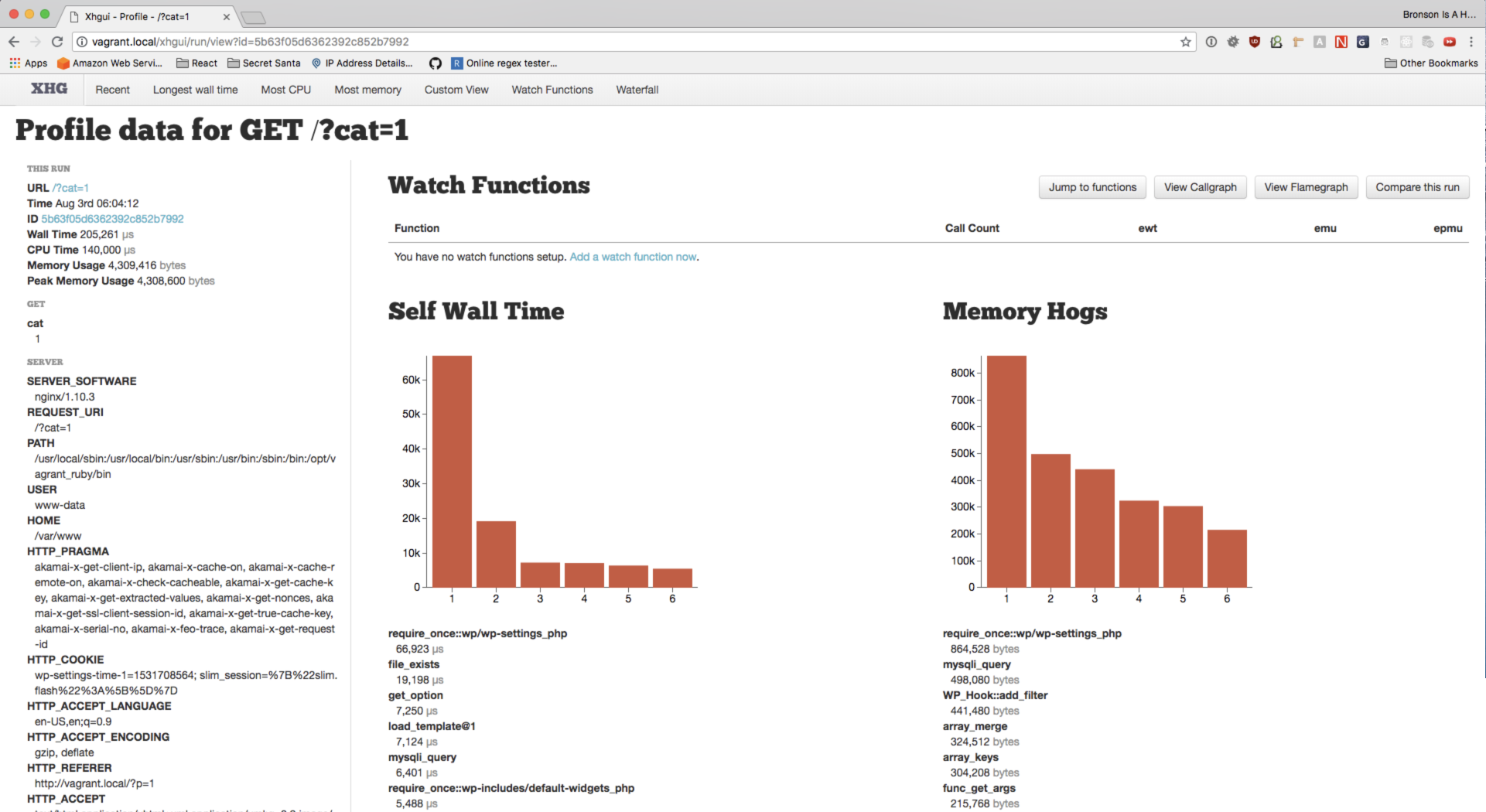
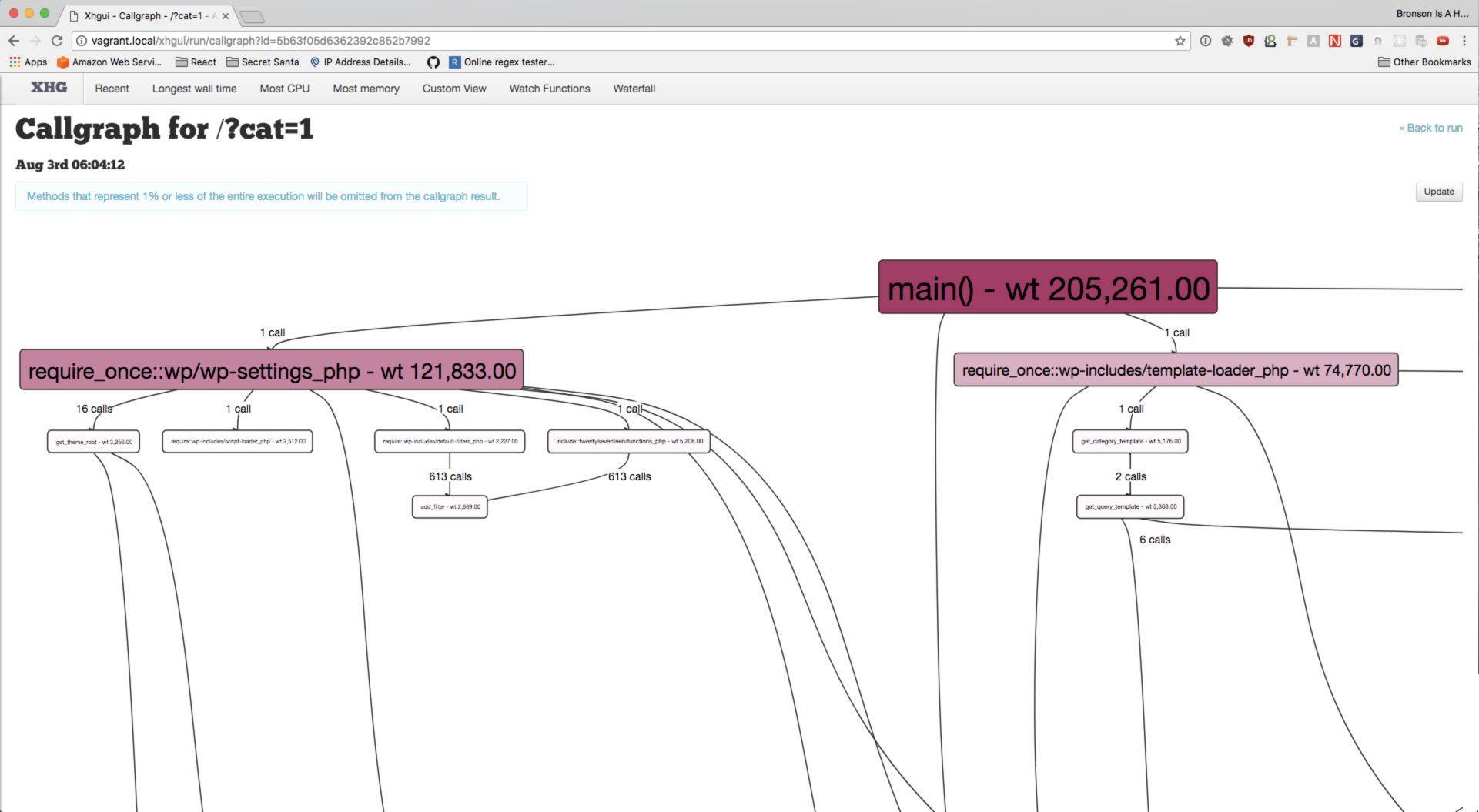
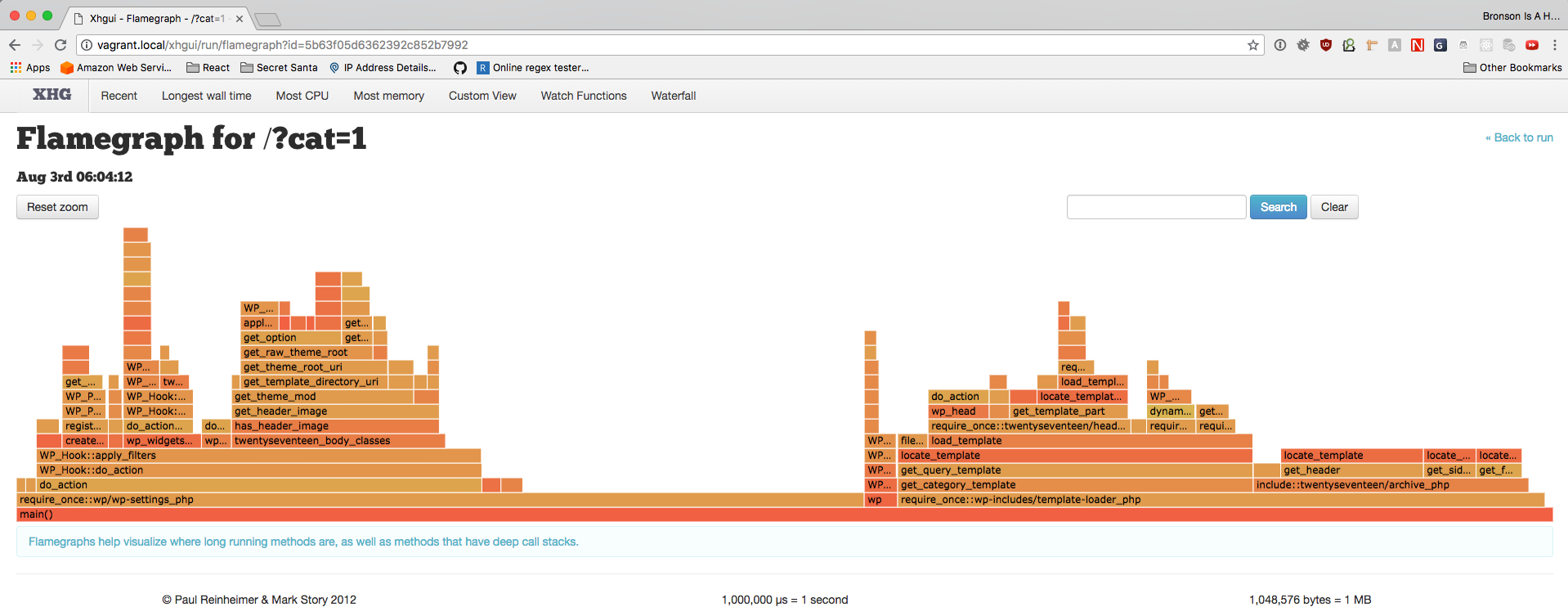
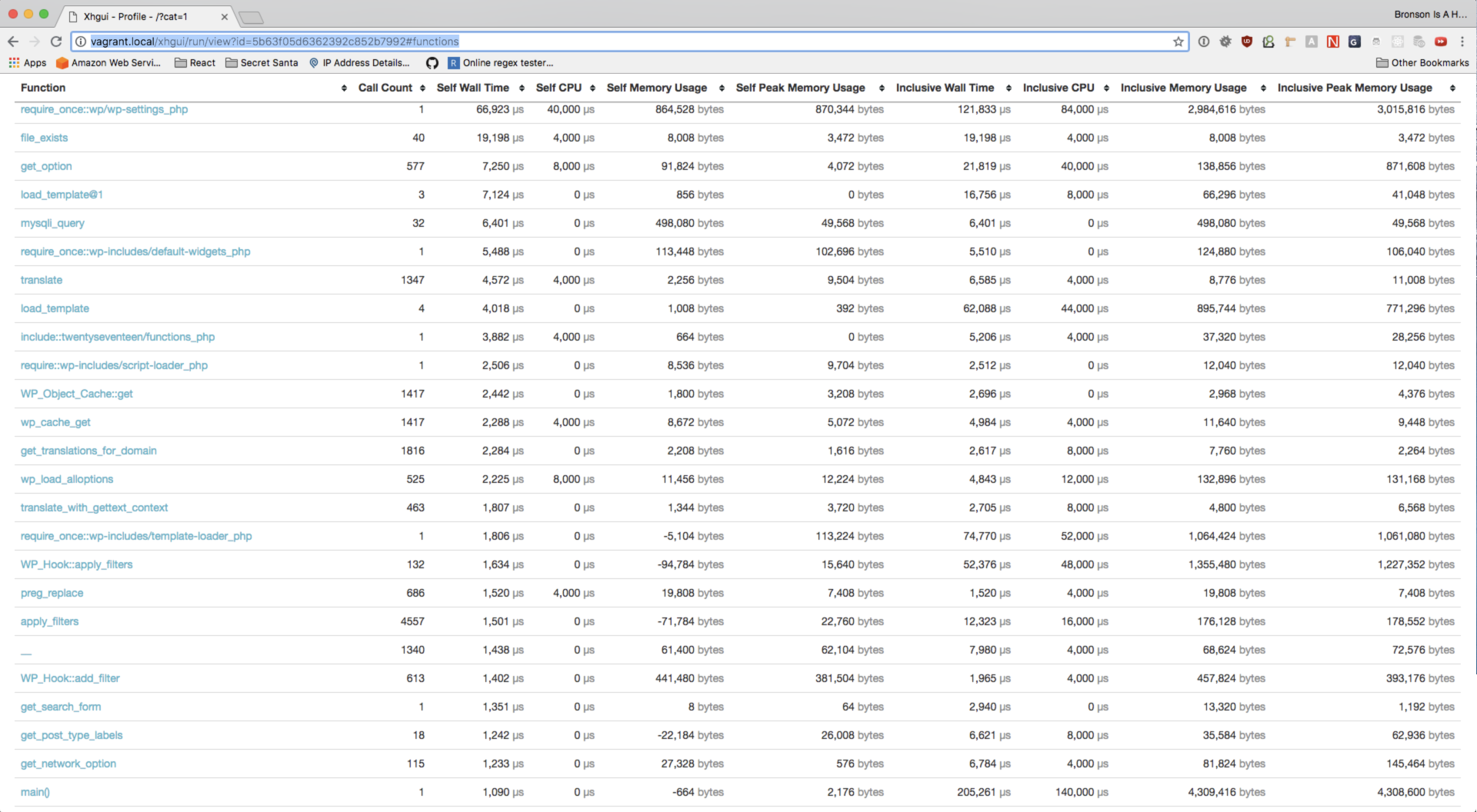
## Screenshots