https://github.com/chinmaykaitade/github-terminal-stats-opensource
Create dynamic, terminal-style GitHub Stats for your Profile README! Automatically updates with GitHub Actions.
https://github.com/chinmaykaitade/github-terminal-stats-opensource
javascript readme-profile readme-template terminal-based terminal-themes theme-development
Last synced: about 1 month ago
JSON representation
Create dynamic, terminal-style GitHub Stats for your Profile README! Automatically updates with GitHub Actions.
- Host: GitHub
- URL: https://github.com/chinmaykaitade/github-terminal-stats-opensource
- Owner: ChinmayKaitade
- License: mit
- Created: 2025-08-10T02:42:06.000Z (10 months ago)
- Default Branch: master
- Last Pushed: 2025-10-06T03:25:55.000Z (9 months ago)
- Last Synced: 2025-10-06T05:41:09.958Z (9 months ago)
- Topics: javascript, readme-profile, readme-template, terminal-based, terminal-themes, theme-development
- Language: JavaScript
- Homepage: https://chinmaykaitade.github.io/GitHub-Terminal-Stats-OpenSource/
- Size: 77.1 KB
- Stars: 6
- Watchers: 0
- Forks: 2
- Open Issues: 0
-
Metadata Files:
- Readme: README.md
- License: LICENSE
- Code of conduct: CODE_OF_CONDUCT.md
Awesome Lists containing this project
README
💻 GitHub Terminal Stats - OpenSource Project ⌨️


⚡ A cool terminal-style GitHub profile stats generator built using GitHub Actions and Node.js!

---
## 🚀 Features
- 📊 Displays terminal-style GitHub stats
- 🕒 Auto-updates every day using GitHub Actions
- 🧑💻 Fully customizable & lightweight
- 🌐 No server or backend required
---
## 📦 Installation & Setup
Follow these simple steps to set up **GitHub Terminal Stats** on your own profile:
### 1️⃣ Fork This Repo
Click the `⭐ Star` and then `🍴 Fork` this repository to your GitHub account.
## 🛠 Usage
1️⃣ **Create a new repository** using this template → [Click Here 🚀](https://github.com/yogeshwaran01/github-stats-terminal-style/generate)
2️⃣ **Generate a Personal Access Token (PAT)** → [How-to Guide 🔑](https://docs.github.com/en/github/authenticating-to-github/keeping-your-account-and-data-secure/creating-a-personal-access-token)
3️⃣ **Add a Repository Secret** named `GHT` with your PAT → [Guide 🔐](https://docs.github.com/en/actions/reference/encrypted-secrets)
4️⃣ **Enable** ✅ `Allow GitHub Actions to create and approve pull requests` in **General Action Settings**
---
📜 More Setup Details (Click to Expand)
### 🔑 Authentication & Permissions
To allow **GitHub Actions** to commit and push changes automatically:
---
#### 🛠 Setting Up Personal Access Token (PAT)
1️⃣ Navigate to **⚙ Settings → Developer settings → Personal access tokens**
2️⃣ Click **Generate a new token (classic)**
3️⃣ Select the following scopes:
- ✅ `repo` → Full control of repositories
- ✅ `workflow` → Trigger & run GitHub Actions
⚠ **Important:** Copy your token now — you won’t be able to see it again!
---
#### 🔐 Adding the Token as a Secret
1️⃣ Go to **Settings → Secrets and Variables → Actions**
2️⃣ Click **New Repository Secret**
3️⃣ **Name:** `GHT`
4️⃣ **Value:** Your copied PAT
5️⃣ Save ✅
💡 **Security Tip:** Never share your PAT publicly — it can modify your repositories.
---
#### ⚙ Grant Workflow Permissions
1️⃣ Go to **Settings → Actions → General**
2️⃣ Scroll to **Workflow Permissions**
3️⃣ Select **Read and write permissions**
4️⃣ Enable **Allow GitHub Actions to create and approve pull requests**
5️⃣ Save ✅
---
### 🏃 Running Workflows
#### ▶ Manual Execution
1️⃣ Go to the **Actions** tab
2️⃣ Select the `main.yml` workflow
3️⃣ Click **Run Workflow** 🖱
#### ⏱ Automated Execution
- Runs **daily at 2:47 UTC** 🕑
- Change schedule in `/.github/workflows/main.yml` → Use [Cron Generator ⏳](https://crontab.guru/)
---
---
### 🖼️ Add SVG to Your Profile README
Add the following Markdown to your profile `README.md`:
```md

```
> Tip: Replace `ChinmayKaitade` with your GitHub username if needed.
---
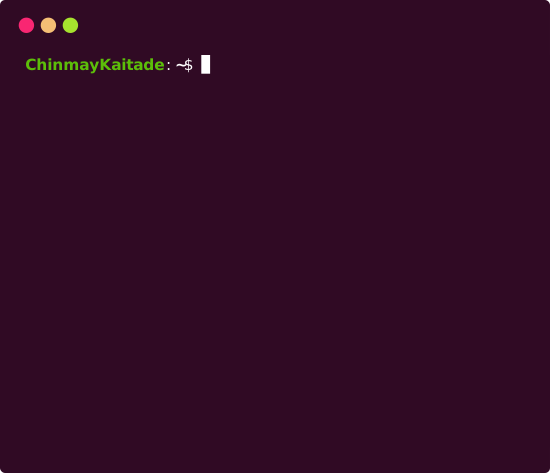
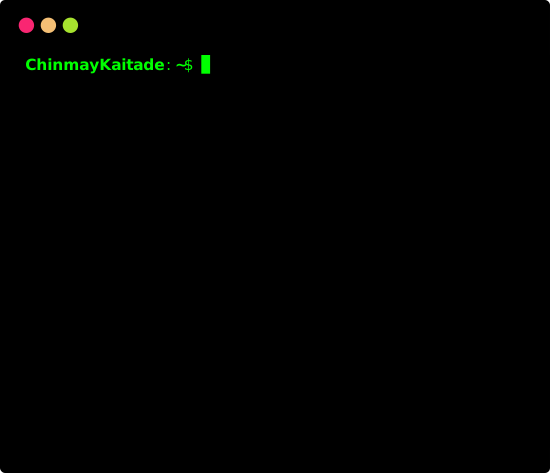
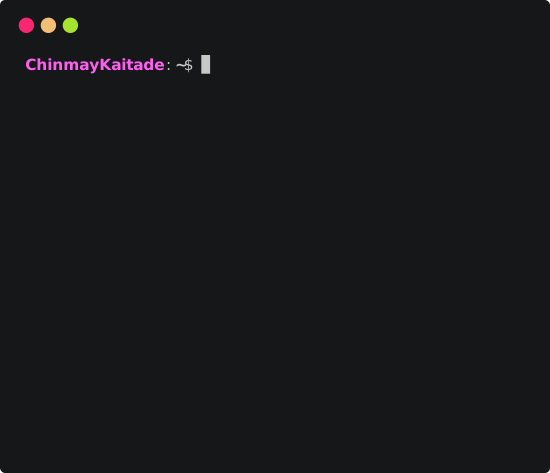
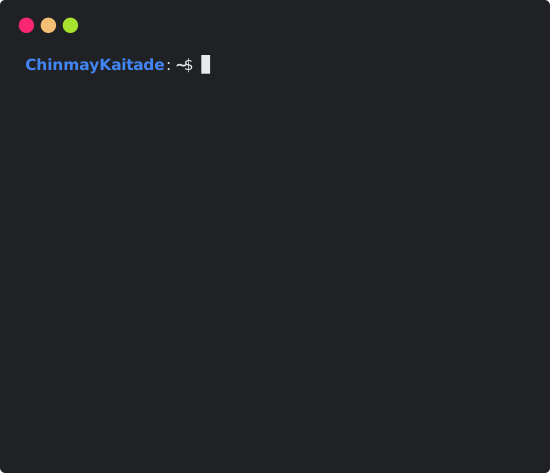
## 🎨 Themes Available
You can choose from a variety of themes to style your terminal stats:
## 🎨 Themes Available
ubuntu
hacker
atom
googledark
default
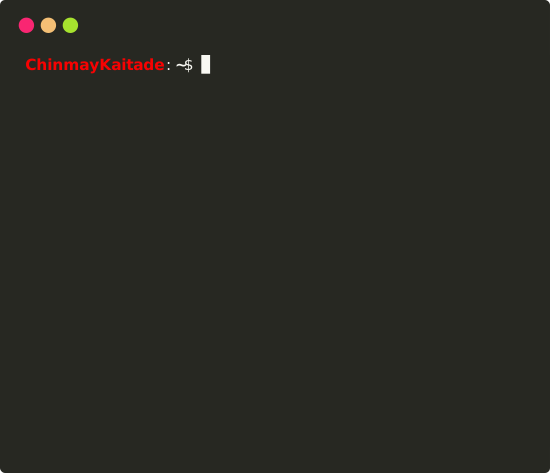
googlelight
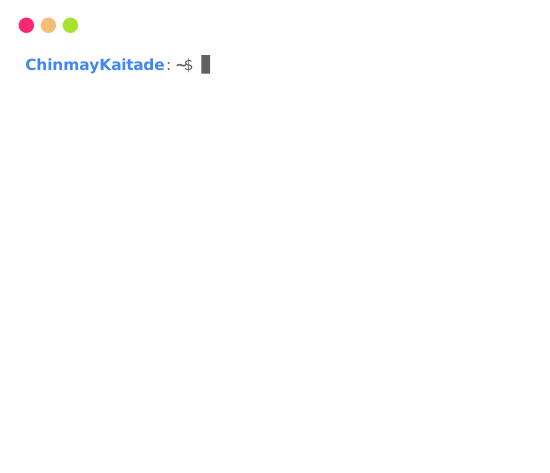
dracula
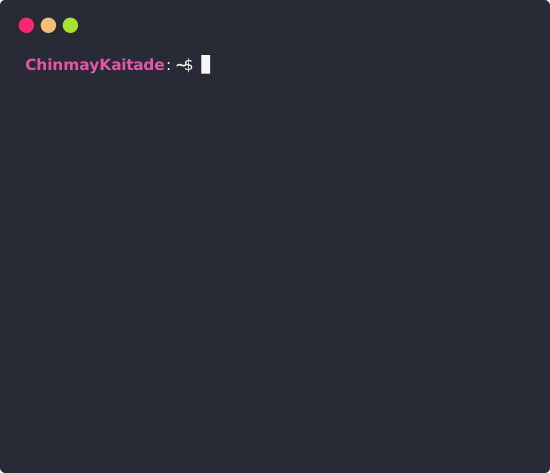
monokai
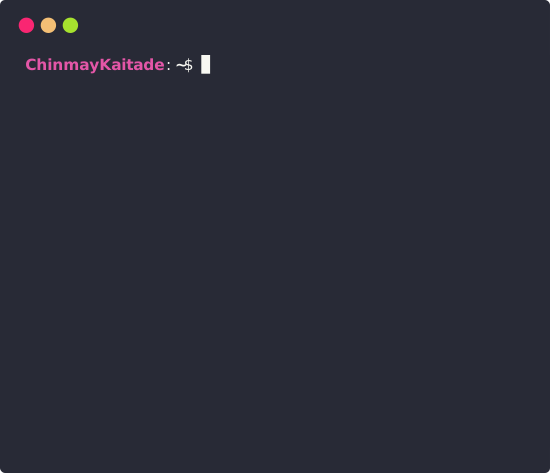
github
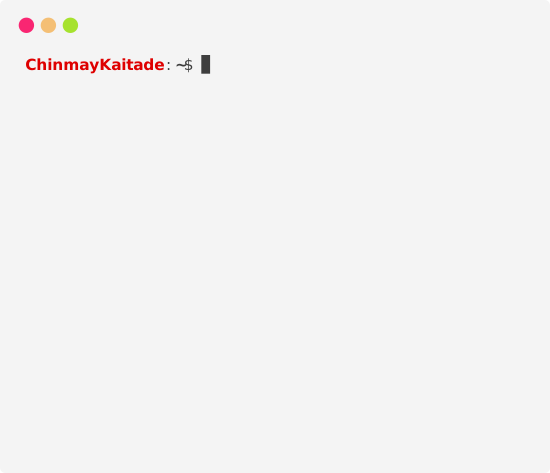
powershell
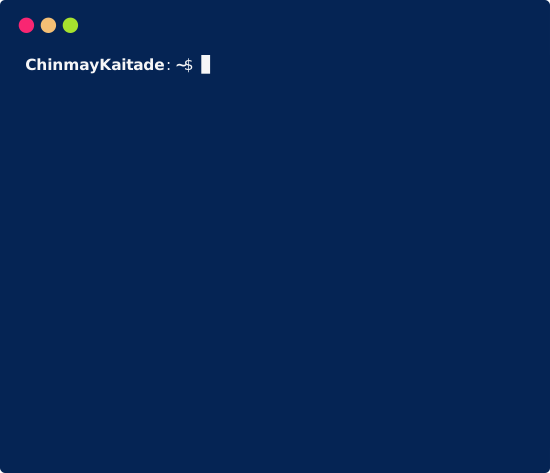
🚀 More themes coming soon!
⭐ Star and 🍴 Fork this repo to get the latest updates instantly.
> 📝 You can preview more by editing the `config.js` file and setting different theme names.
---
## 🙌 Contributing
Want to make this even cooler?
Feel free to submit issues or pull requests. Suggestions and improvements are always welcome!
```bash
git clone https://github.com/ChinmayKaitade/GitHub-Terminal-Stats.git
cd GitHub-Terminal-Stats
npm install
npm run dev
```
---
## ☕ Support & Sponsor
If you like this project and want to support its development:
[](https://github.com/sponsors/ChinmayKaitade)
---
## 🔗 Let’s Connect





---
## 📄 License
This project is licensed under the [MIT License](./LICENSE).
---
> Made with ❤️ by Chinmay Kaitade