https://github.com/cinderblock/github-action-working-directory
GitHub Action that clones a repo into a working directory, lets you modify it, and then commits the changes back to the repository at the end of the run
https://github.com/cinderblock/github-action-working-directory
Last synced: about 1 month ago
JSON representation
GitHub Action that clones a repo into a working directory, lets you modify it, and then commits the changes back to the repository at the end of the run
- Host: GitHub
- URL: https://github.com/cinderblock/github-action-working-directory
- Owner: cinderblock
- License: mit
- Created: 2020-01-05T10:38:50.000Z (over 6 years ago)
- Default Branch: master
- Last Pushed: 2023-01-05T04:54:12.000Z (over 3 years ago)
- Last Synced: 2025-07-26T11:45:52.299Z (11 months ago)
- Language: TypeScript
- Homepage:
- Size: 6.21 MB
- Stars: 2
- Watchers: 2
- Forks: 1
- Open Issues: 14
-
Metadata Files:
- Readme: README.md
- License: LICENSE
Awesome Lists containing this project
README
## Working Directory GitHub Action
GitHub Action that clones a repo into a working directory, lets you modify it, and then commits the changes back to the repository.
Use Your GitHub repository (just one branch) as a simple database!
[](https://github.com/cinderblock/github-action-working-directory/actions?query=branch%3Amaster)
## How It Works
GitHub Actions `action.yml` has an under-documented feature of `post` runs.
This is run at the end of all other steps automatically.
We can use that post step to commit any changes back to the original repo that we checkout.
## Usage
In your GitHub Actions, add a config like this:
```yml
jobs:
self-test-and-generate-stats:
runs-on: ubuntu-latest # Anything should work
steps:
- name: Checkout Working Directory
uses: cinderblock/github-action-working-directory@v1
env:
GITHUB_TOKEN: ${{ secrets.GITHUB_TOKEN }}
with:
repo: '' # Current
branch: working-dir/${{ github.ref }}
working-directory: working-dir
commit-message: GitHub Actions
commit-name: GitHub Actions
commit-email: actions@github.com
commit-unchanged: ''
# Make whatever changes you like
- run: date >> run.log
working-directory: working-dir
```
Multiple concurrent working directories are supported.
For an example, look for `# Test with self` in [`main.yml` workflow](.github/workflows/main.yml#L167-L176) file.
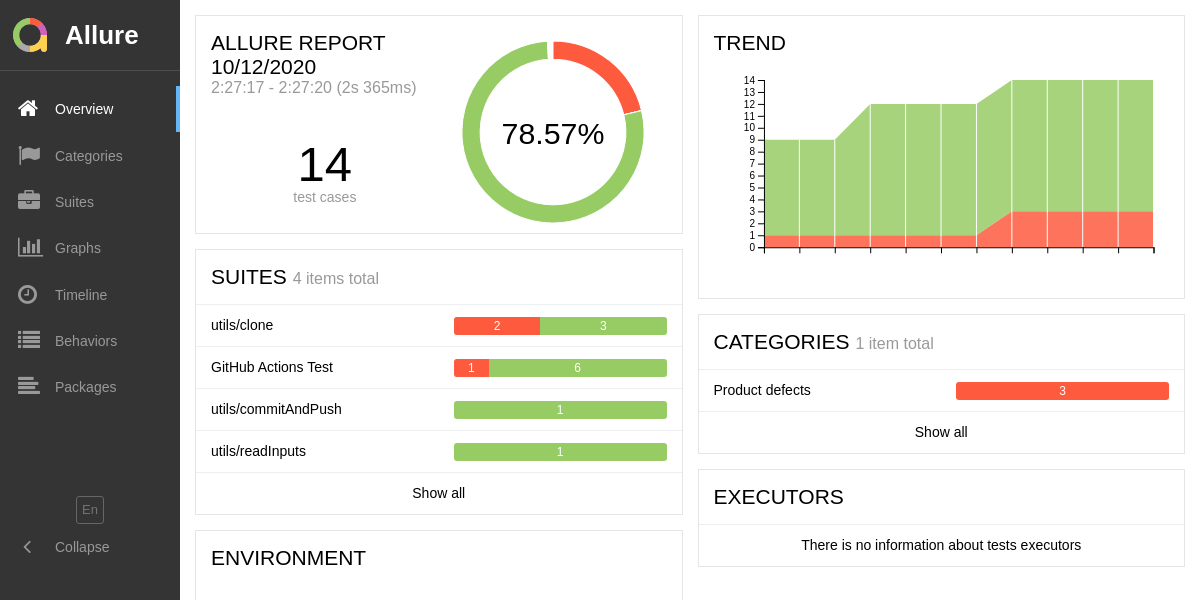
We use our own action to store historical data for Allure 2.
## Test Reports
### Allure 2 Test Report
_Includes historical trends because of this action!_
[](https://cinderblock.github.io/github-action-working-directory/allure-report)
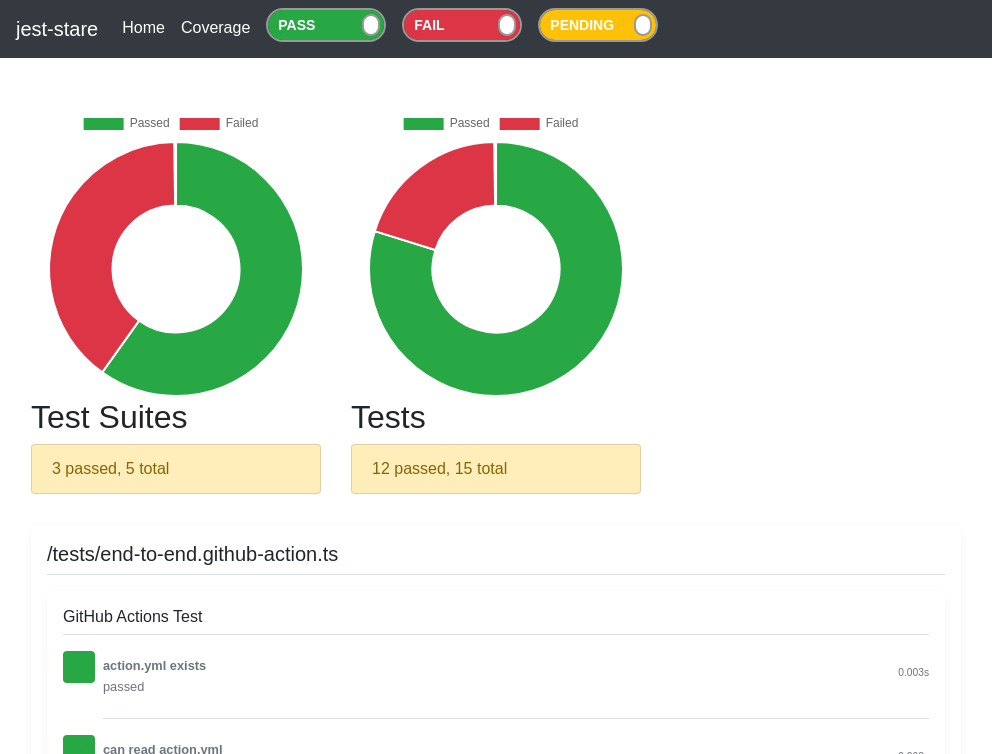
### Jest-stare Test Report
[](https://cinderblock.github.io/github-action-working-directory/jest-stare)
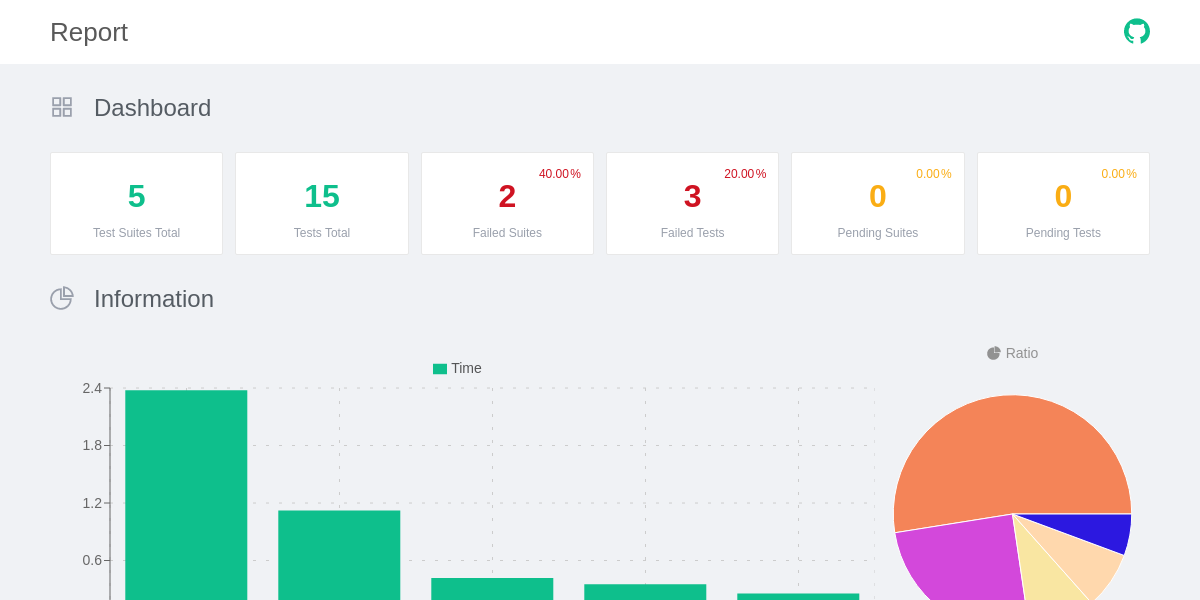
### Jest-html-reporters Test Report
[](https://cinderblock.github.io/github-action-working-directory/jest-html-reporters)
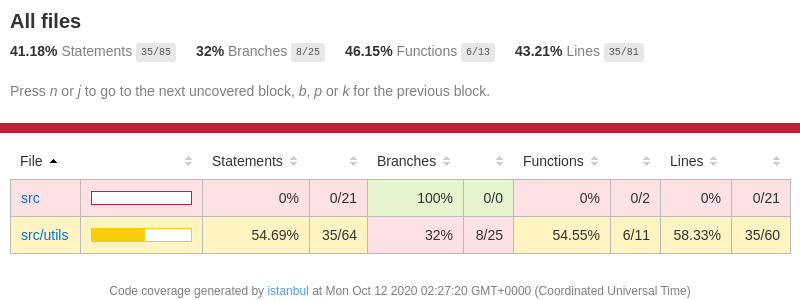
### Lcov Coverage Report
[](https://cinderblock.github.io/github-action-working-directory/coverage/lcov-report)
## Development
Setup everything.
We use `npm`.
```bash
npm run all
```
Run the tests :heavy_check_mark:
```bash
npm test
```