https://github.com/cleveroad/cr_mentions
https://github.com/cleveroad/cr_mentions
Last synced: over 1 year ago
JSON representation
- Host: GitHub
- URL: https://github.com/cleveroad/cr_mentions
- Owner: Cleveroad
- License: mit
- Created: 2022-12-14T07:52:23.000Z (over 3 years ago)
- Default Branch: main
- Last Pushed: 2023-03-29T10:54:40.000Z (over 3 years ago)
- Last Synced: 2025-04-10T00:38:17.276Z (over 1 year ago)
- Language: Dart
- Size: 1.19 MB
- Stars: 3
- Watchers: 3
- Forks: 1
- Open Issues: 2
-
Metadata Files:
- Readme: README.md
- Changelog: CHANGELOG.md
- License: LICENSE
Awesome Lists containing this project
README
# cr_mentions

## Table of contents
- [Screenshots](#screenshots)
- [Getting started](#getting-started)
- [Usage](#usage)
- [Controllers](#controllers)
- [Models](#models)
- [Widgets](#widgets)
## Screenshots
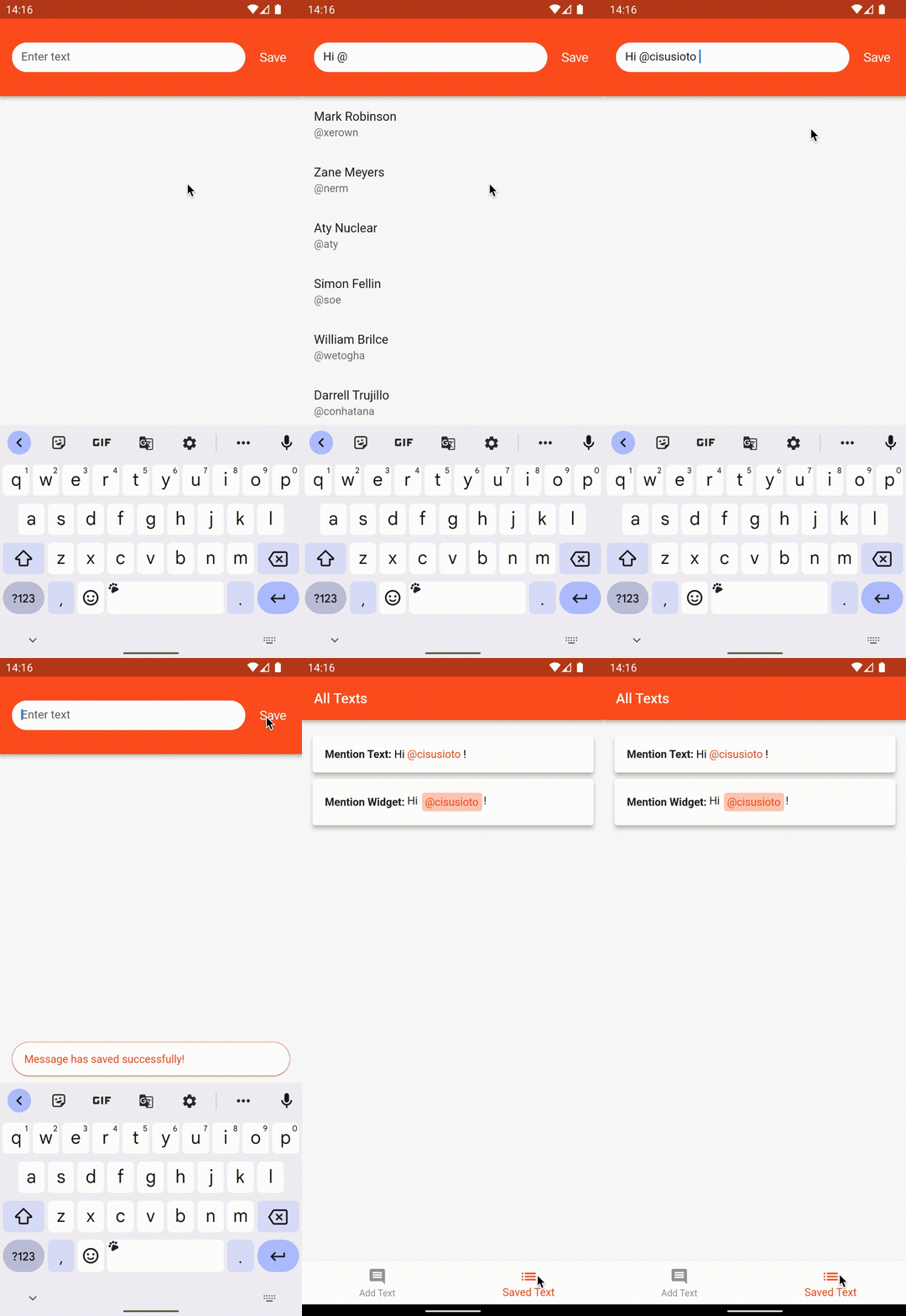
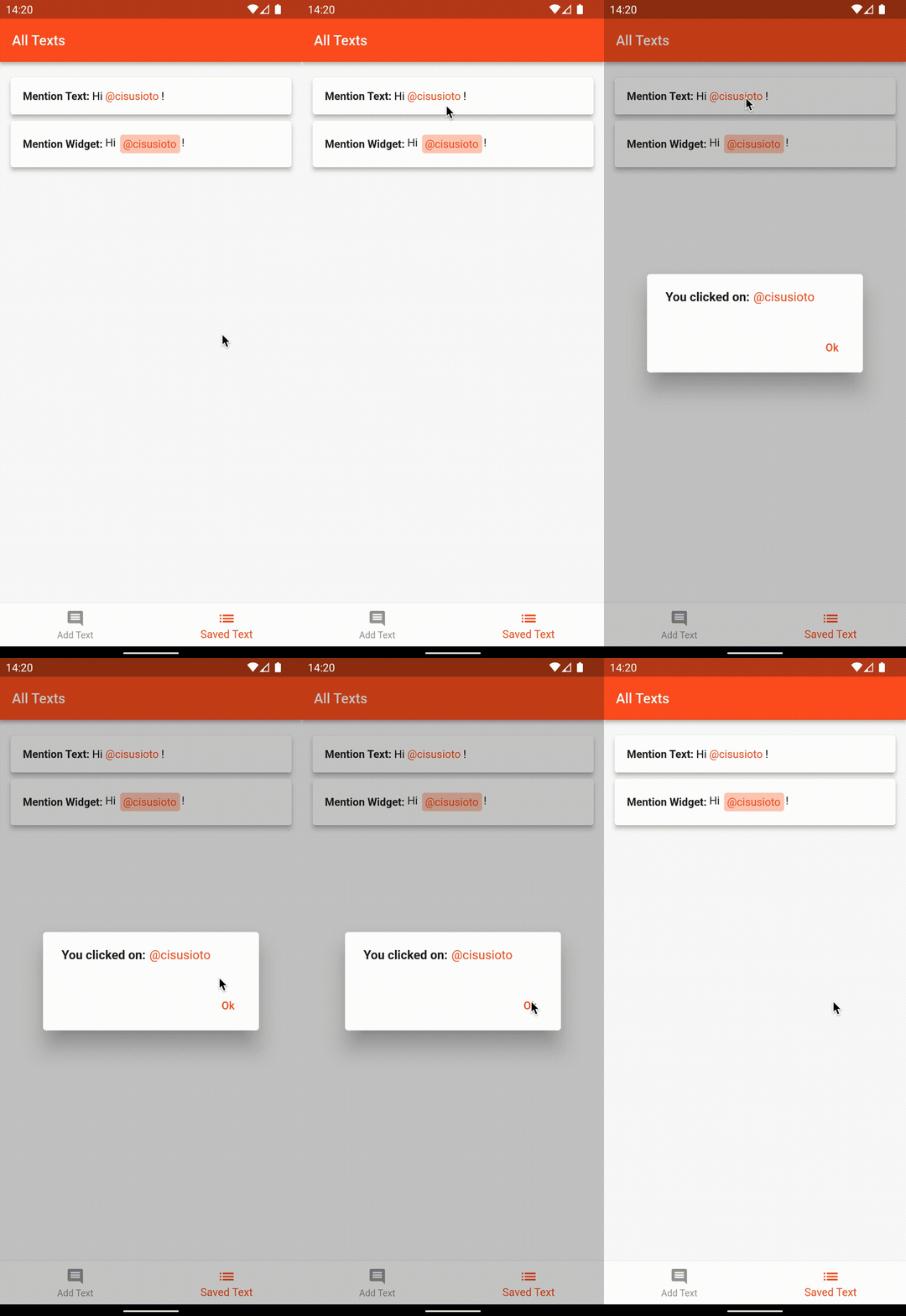
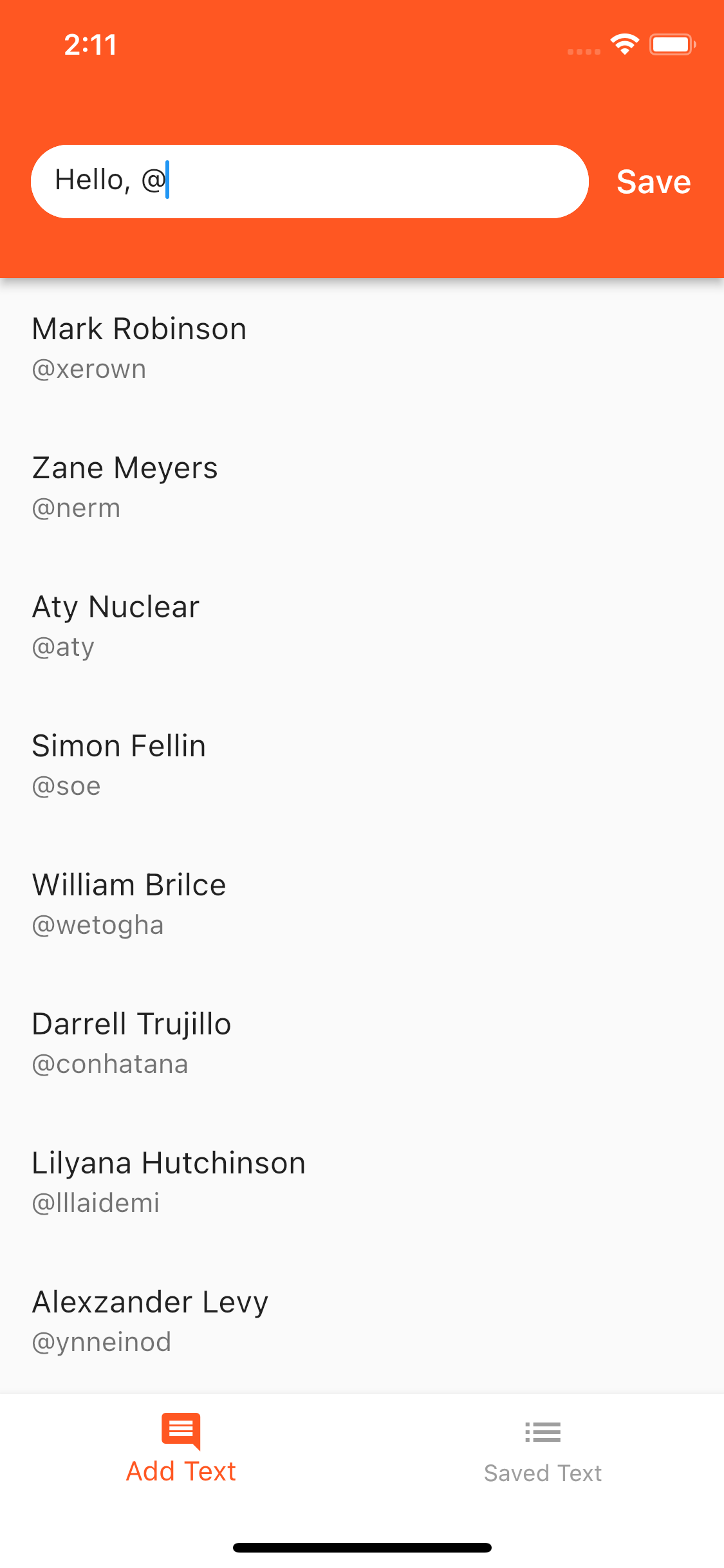
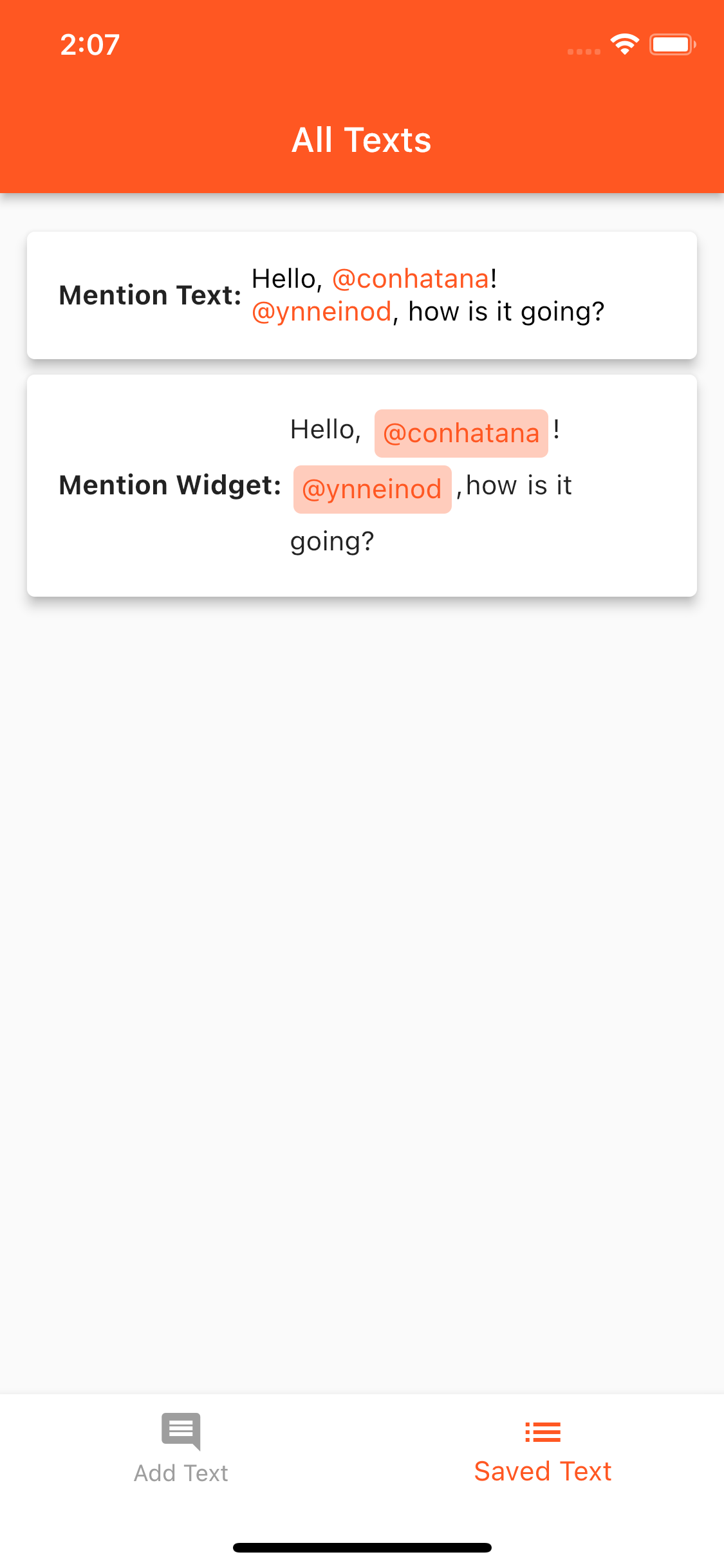
## Getting started
Add package to the project:
```yaml
dependencies:
cr_mentions: ^0.0.1
```
## Usage
This package is good if you need to mention someone in the text.
To track mentions, use `MentionTextController` as the controller for your text field.
To show mentions, use `MentionText` or `MentionWidget`
### Controllers
##### MentionTextController
> `tag` - the symbol by which mention will be made. By default it is `@`
>
> `mentions` - the list of currently detected mentions in the text. Each time the text is changed, this list is generated a new
>
> `lastMention` - last editable mention
>
> `insertMention` - inserts the mention in the place of the current editable mention
>
> `makeQuerySuggestions` - returns a string that is used to search for suggestions. If the return value is '', then only the tag was entered, if the value is null, then there are no suggestions. Otherwise all matching suggestions will be returned
>
> `replaceLastMentionWithText` - makes the last mention a plain text
>
> `prepareForEditingMode` - in edit mode of text field with mentions, it is necessary to call this method during initialization, where to pass a list of previously set mentions
>
> `getMentionsListWithoutTag` - adds the id's, remove `tag` symbols and inserts the first mention. The first mention can be inserted if it is, for example, a reply to a comment(with position offset)
>
> `getTextWithFirstMention` - if you add first mention to `getMentionsListWithoutTag`, you should return the correct string already with this mention
``` dart
final replyModel = MentionModel(
mentionName: 'aty',
locationStart: 0,
locationEnd: 4,
tagType: _mentionCtr.tag,
);
return MessageModel(
text: _mentionCtr.getTextWithFirstMention(replyModel),
mentions: _mentionCtr.getMentionsListWithoutTag(
isTextTrimmed: false,
firstMention: replyModel,
) ?? [],
);
```
##### Using a controller
> `_mentionCtr` - `MentionTextController` that tracks the writing of mentions.
>
> `_lastMention` - `ValueNotifier` that holds a `MentionModel`.
> Use it to to keep track of the last mention while typing.
```dart
final _lastMention = ValueNotifier(null);
late final _mentionCtr = MentionTextController(lastMention: _lastMention);
...
TextFormField(
controller: _mentionCtr,
),
...
```
### Models
##### MentionData
If you want any model to be dedicated to mentions, you have to wrap it in `MentionData`.
> `mentionName` - the name by which the search will take place
>
> `data` - is with the right model
```dart
MentionData(
mentionName: 'xerown',
data: UserModel(
firstName: 'Mark',
lastName: 'Robinson',
),
id: 0,
),
```
##### MentionModel
If you want mentions to be shown in the text, make a model that stores all the mentions.
```dart
class MessageModel {
MessageModel({
required this.text,
required this.mentions,
});
final String text;
final List mentions;
}
```
```dart
MessageModel(
text: _mentionCtr.text,
mentions:
_mentionCtr.getMentionsListWithoutTag(isTextTrimmed: true) ?? [],
)
```
### Widgets
##### MentionText
This widget is made to highlight mentions in text.
> `text` - text with mentions
>
> `mentions` - a list of [MentionModel](#mentionmodels), to highlight them in the text
>
> `style` - style of a plain text
>
> `mentionStyle` - text style of mentions
>
> `overflow` - how overflowing text should be handled. By default `TextOverflow.clip`
>
> `maxLines` - maximum number of lines in the text
>
> `onMentionTap` - returns the clicked mention model
``` dart
MentionText(
message.text,
mentions: message.mentions,
style: const TextStyle(color: Colors.black),
mentionStyle: const TextStyle(color: Colors.deepOrange),
onMentionTap: onMentionModel,
)
```
##### MentionWidget
Use this widget if you want the mention to look different than just the text, which is highlighted in a different color.
> `text` - text with mentions
>
> `textStyle` - style of plaint text
>
> `paddingText` - the distance you want to set between the text and the mention
>
> `mentions` - a list of [MentionModel](#mentionmodels), to highlight them in the text
>
> `mentionWidgetBuilder` - is a feature by which you can return the desired widget to highlight mentions
``` dart
MentionWidget(
message.text,
mentions: message.mentions,
paddingText: const EdgeInsets.symmetric(vertical: 4),
mentionWidgetBuilder: _mentionBuilder,
),
```
``` dart
Widget _mentionBuilder(MentionModel mention) {
return Container(
decoration: BoxDecoration(
borderRadius: BorderRadius.circular(4),
color: Colors.deepOrange.shade100,
),
margin: const EdgeInsets.symmetric(horizontal: 2, vertical: 2),
padding: const EdgeInsets.all(4),
child: Text(
mention.fullMention,
style: const TextStyle(color: Colors.deepOrange),
),
);
}
```