https://github.com/clicktodev/portfolio-v2-remastered
Second iteration of Brittany Chiang's website remastered using Gatsby
https://github.com/clicktodev/portfolio-v2-remastered
Last synced: about 1 month ago
JSON representation
Second iteration of Brittany Chiang's website remastered using Gatsby
- Host: GitHub
- URL: https://github.com/clicktodev/portfolio-v2-remastered
- Owner: clicktodev
- License: mit
- Created: 2022-07-27T12:05:20.000Z (almost 4 years ago)
- Default Branch: master
- Last Pushed: 2022-07-27T12:34:43.000Z (almost 4 years ago)
- Last Synced: 2025-07-15T05:43:51.616Z (11 months ago)
- Language: JavaScript
- Homepage: https://portfolio-v2-remastered.netlify.app/
- Size: 10.8 MB
- Stars: 3
- Watchers: 1
- Forks: 0
- Open Issues: 0
-
Metadata Files:
- Readme: README.md
- License: LICENSE
Awesome Lists containing this project
README

bchiang7.github.io/v2 - v2 Remastered
The second iteration of brittanychiang.com remastered with Gatsby and hosted with Netlify

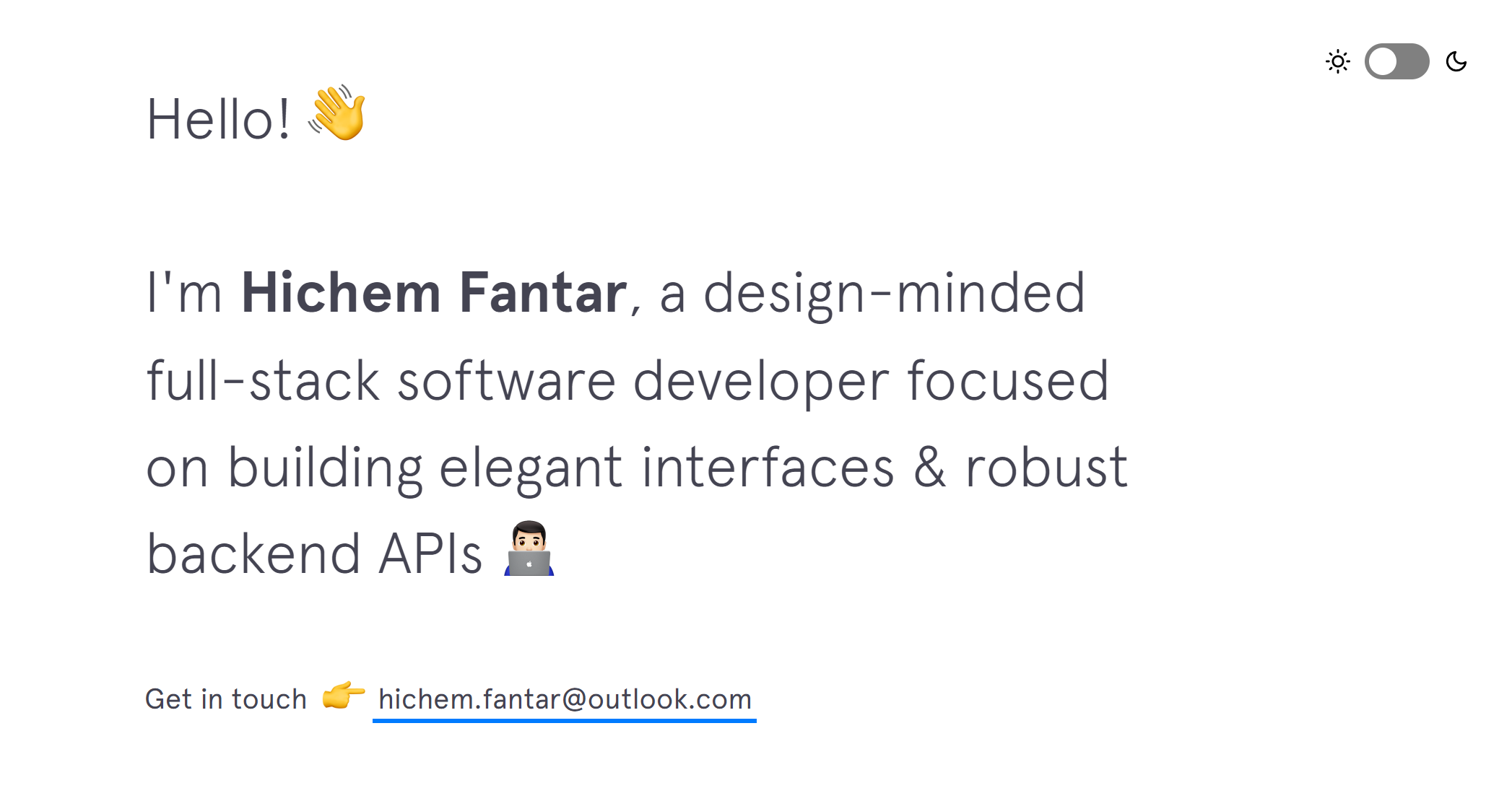
## 🚨 Forking this repo (please read!)
You can use this code for your own website, **with attribution**.
I value keeping this project open source, but as you all know, _**plagiarism is bad**_. It's always disheartening whenever I find that someone has copied this project without giving credit. A non-trivial amount of effort was spent building and designing this project. All I ask of you all is to not claim this effort as your own.
Please also note that this was not built with the intention of it being a starter theme, so if you have questions about implementation, please refer to the [Gatsby docs](https://www.gatsbyjs.org/docs/).
### TL;DR
Yes, you can fork this repo. Please give proper credit by linking back to [brittanychiang.com](https://brittanychiang.com) & [hichemfantar.me](https://hichemfantar.me). Thanks!
## 🛠 Installation & Set Up
1. Install the Gatsby CLI
```sh
npm install -g gatsby-cli
```
2. Install and use the version of Node this project was built with using [NVM](https://github.com/nvm-sh/nvm)
```sh
nvm install
```
3. Install dependencies
```sh
npm i
```
4. Start the development server
```sh
npm run clean && npm start
```
## 🚀 Building and Running for Production
1. Generate a full static production build
```sh
npm run build
```
1. Preview the site as it will appear once deployed
```sh
npm run serve
```
## 🎨 Color Reference
| Color | Hex |
| ---------- | ------------------------------------------------------------------ |
| Night |  `#171c28` |
| Black |  `#36363c` |
| Dark Grey |  `#444452` |
| Grey |  `#777777` |
| Blue |  `#007bff` |
| Slate |  `#afafbf` |
| Off White |  `#e7e7e7` |
| White |  `#ffffff` |
| Green |  `#bae67e` |
| Dark Green |  `#95ba62` |
| Purple |  `#7d0ce8` |
| Red |  `#ff0000` |
| Orange |  `#e8850c` |
| Yellow |  `#ffdc00` |
| Accent |  `#ffcc66` |