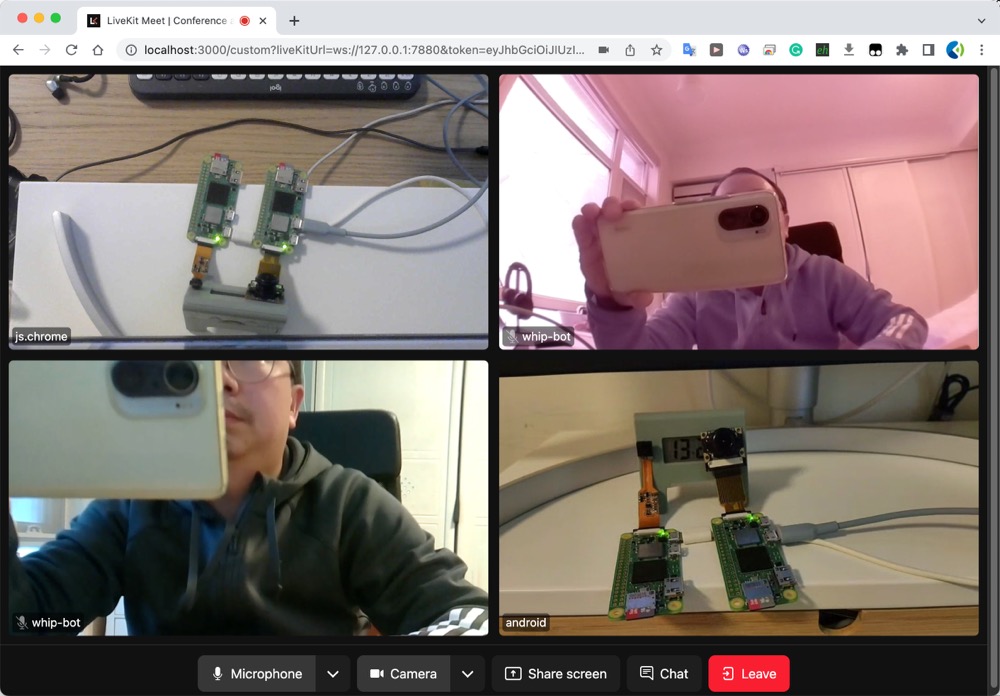
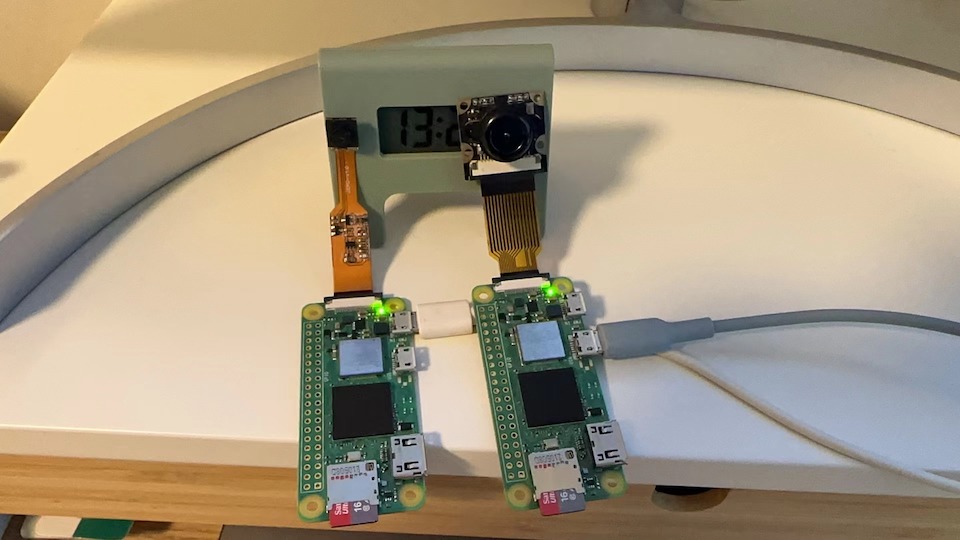
https://github.com/cloudwebrtc/livekit-whip-bot
https://github.com/cloudwebrtc/livekit-whip-bot
Last synced: about 1 year ago
JSON representation
- Host: GitHub
- URL: https://github.com/cloudwebrtc/livekit-whip-bot
- Owner: cloudwebrtc
- License: mit
- Created: 2023-03-11T07:39:52.000Z (over 3 years ago)
- Default Branch: main
- Last Pushed: 2023-05-31T02:04:30.000Z (about 3 years ago)
- Last Synced: 2024-10-19T08:13:27.628Z (over 1 year ago)
- Language: Go
- Size: 6.76 MB
- Stars: 9
- Watchers: 3
- Forks: 1
- Open Issues: 0
-
Metadata Files:
- Readme: README.md
- License: LICENSE
Awesome Lists containing this project
README
          # livekit-whip-bot

A WHIP tool library for pushing video streams from embedded boards to livekit-server.

## Running the examples

```bash

git clone https://github.com/cloudwebrtc/livekit-whip-bot

cd livekit-whip-bot

```

### Run WHIP Server

Modify the config.toml file,

Replace it with your own livekit server and API key/secret

```toml

[livekit]

server = 'http://localhost:7880'

api_key = ""

api_secret = ""

```

```bash

# Run server

go run cmd/one2many/main.go -c config.toml

```

### Run livekit WHIP bot

Install the golang development environment on your Raspberry Pi 3B/4B or zero, and clone this repository to your Raspberry Pi linux system.

```bash

# ssh pi@raspberrypi.local

git clone https://github.com/cloudwebrtc/livekit-whip-bot

cd livekit-whip-bot && go mod tidy

go build -o livekit-whip-bot cmd/whip-client-pi/*.go

```

then publish the whip stream and you should be able to see your pi 📸️ in the livekit room

```bash

./livekit-whip-bot --url http://192.168.1.141:8080/whip/publish/live/my-pi-cam

```

Note: Please replace `live` with the actual room name of your livekit server, replace `192.168.1.141:8080` with the IP:port of your WHIP server

### Screenshots