https://github.com/cloudy-sky-software/botpress-pulumi
Deploy Botpress using Pulumi on DigitalOcean's managed Kubernetes service.
https://github.com/cloudy-sky-software/botpress-pulumi
botpress digitalocean pulumi
Last synced: 2 months ago
JSON representation
Deploy Botpress using Pulumi on DigitalOcean's managed Kubernetes service.
- Host: GitHub
- URL: https://github.com/cloudy-sky-software/botpress-pulumi
- Owner: cloudy-sky-software
- Created: 2020-09-21T15:04:08.000Z (almost 6 years ago)
- Default Branch: master
- Last Pushed: 2024-06-11T01:47:23.000Z (about 2 years ago)
- Last Synced: 2025-03-05T22:20:59.056Z (over 1 year ago)
- Topics: botpress, digitalocean, pulumi
- Language: TypeScript
- Homepage:
- Size: 430 KB
- Stars: 0
- Watchers: 2
- Forks: 0
- Open Issues: 1
-
Metadata Files:
- Readme: README.md
Awesome Lists containing this project
README
# Botpress on DigitalOcean
Deploy a Botpress server using DigitalOcean's Kubernetes service.
## What is Botpress?
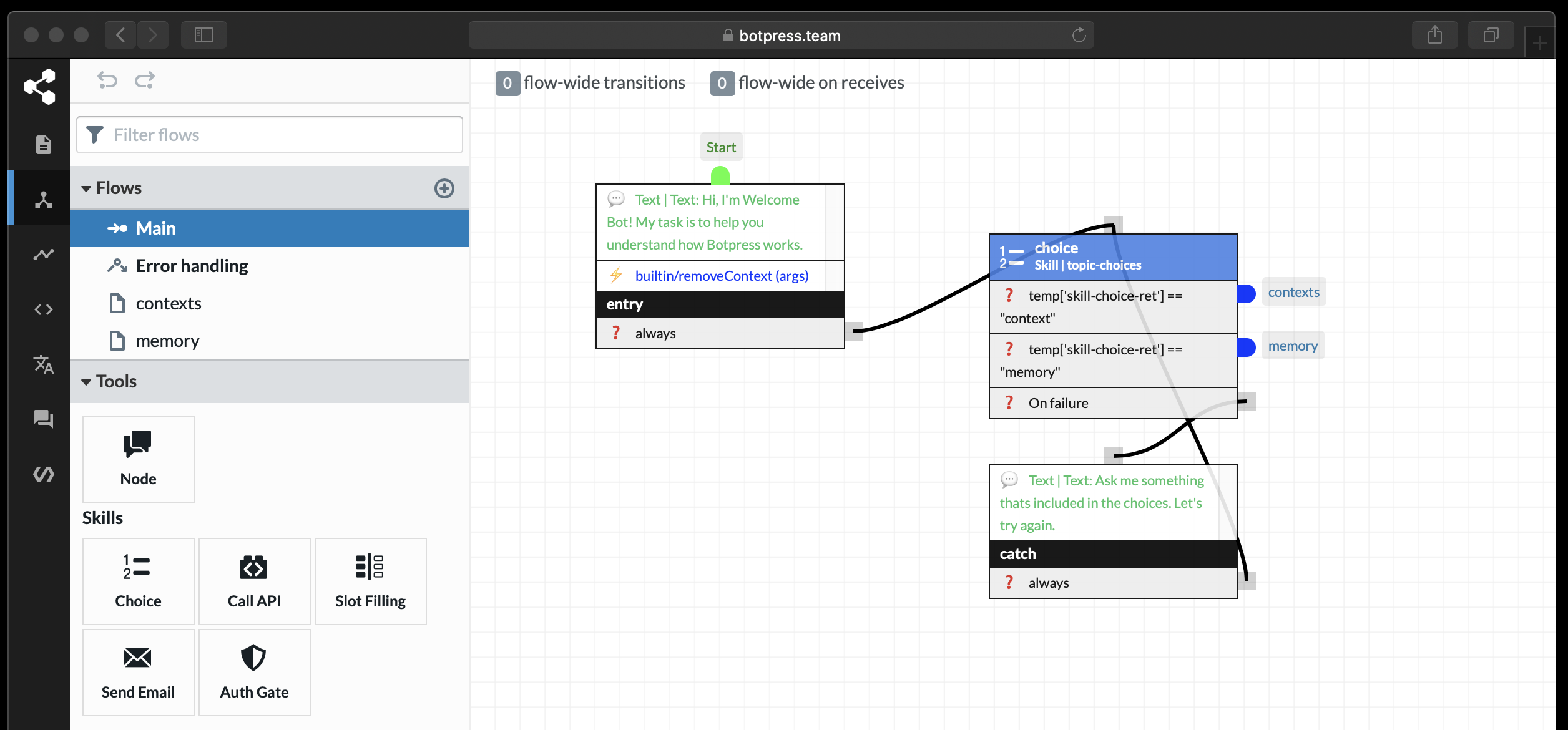
[Botpress](https://botpress.io/) is an on-prem, open-source chatbot building platform for businesses.
## Pulumi
Pulumi makes deploying cloud services easy by allowing you to use a programming language. This lets you create repeatable, and predictable infrastructure.
### Prerequisites
1. Clone this repository to your local machine, and optionally push it up to your own version-control system.
1. [Install Pulumi](https://www.pulumi.com/docs/get-started/install/)
1. [Signup for a free account on Pulumi](https://app.pulumi.com/signup?utm_source=github&utm_medium=social&utm_campaign=botpress-on-digitalocean)
1. [Configure Pulumi for DigitalOcean](https://www.pulumi.com/docs/intro/cloud-providers/digitalocean/setup/)
### Pulumi Stack
Pulumi can store the state of your cluster, which then allows you to track changes as you modify your cluster. In order to store the state on Pulumi, you will need to create a [stack](https://www.pulumi.com/docs/intro/concepts/stack/).
You can also create a stack by running the [`pulumi stack init `](https://www.pulumi.com/docs/reference/cli/pulumi_stack_init/) command.
You are now ready to deploy the cluster by simply running `pulumi up`.