https://github.com/code-by-sia/openwebsheet
OpenSource Web based spreadsheet
https://github.com/code-by-sia/openwebsheet
canvas formula jest pwa sheet spreadsheet typescript vuejs web-based-application
Last synced: about 1 month ago
JSON representation
OpenSource Web based spreadsheet
- Host: GitHub
- URL: https://github.com/code-by-sia/openwebsheet
- Owner: code-by-sia
- License: mit
- Created: 2016-06-16T11:51:05.000Z (about 10 years ago)
- Default Branch: main
- Last Pushed: 2026-05-29T16:00:51.000Z (about 1 month ago)
- Last Synced: 2026-05-29T17:22:53.846Z (about 1 month ago)
- Topics: canvas, formula, jest, pwa, sheet, spreadsheet, typescript, vuejs, web-based-application
- Language: TypeScript
- Homepage: https://code-by-sia.github.io/OpenWebSheet/
- Size: 4.8 MB
- Stars: 43
- Watchers: 2
- Forks: 12
- Open Issues: 11
-
Metadata Files:
- Readme: README.md
- License: LICENSE
- Code of conduct: CODE_OF_CONDUCT.md
- Support: docs/supported-formats.md
Awesome Lists containing this project
README
# OpenWebSheet
OpenWebSheet is an open-source, web-based spreadsheet application. It runs in the browser, can be installed as a Progressive Web App (PWA), and stores spreadsheet documents in the project's `.ows` format.
[ ](https://github.com/code-by-sia/OpenWebSheet/actions?query=workflow%3ACI)
## Demo and PWA installation
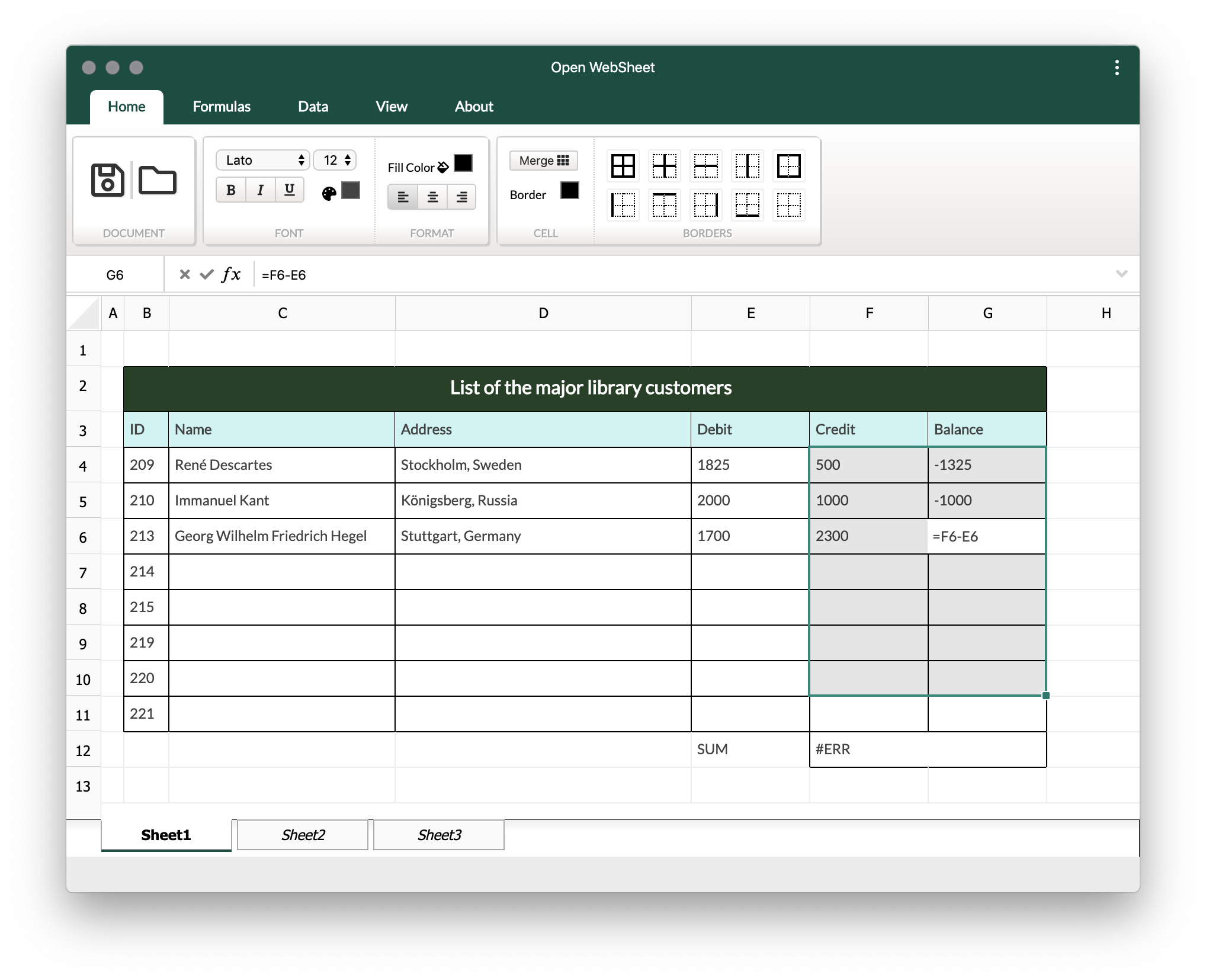
1. Open the hosted app:
2. Install the PWA using the install icon in the browser address bar.
3. Download the sample file:
4. Use the folder/load icon in the app to open the sample `.ows` file.
## Features
- React application shell with shadcn-style controls
- Canvas-based spreadsheet rendering
- Basic cell content editing
- Borders
- Merge and split cells
- Basic formula support
- Import/export support for the native `.ows` format
- PWA support
## Roadmap
- [x] Basic structure
- [x] Canvas rendering
- [x] Basic content editor
- [x] Borders
- [x] Merge and split
- [ ] Formula and expressions
- [x] Basic support
- [ ] Advanced features
- [x] Import/export
- [x] Mathematical formulas
- [ ] OpenOffice/OpenDocument format support
- [ ] Advanced UI features
## Project setup
Install dependencies:
```sh
npm install
```
Start the development server:
```sh
npm run dev
```
Build for production:
```sh
npm run build
```
Run type checking:
```sh
npm run typecheck
```
Run unit tests:
```sh
npm test
```
Run Storybook for isolated UI development:
```sh
npm run storybook
```
## Documentation
Additional documentation is available in the [`docs/`](docs/) directory:
- [Development guide](docs/development.md)
- [Architecture overview](docs/architecture.md)
- [UI structure](docs/ui-structure.md)
- [User guide](docs/user-guide.md)
- [Supported formats](docs/supported-formats.md)
- [Troubleshooting](docs/troubleshooting.md)
## Contributing
1. Create an issue or choose an existing one.
2. Create a focused branch for the change.
3. Keep changes small and reviewable.
4. Run tests, type checking, and the production build before opening a pull request.
5. Update documentation when behavior, setup, or architecture changes.
## License
OpenWebSheet is released under the [MIT License](LICENSE).