https://github.com/codebysubin/hover_zoom_image
A Flutter package that enables smooth image zoom effects on hover. Ideal for showcasing high-resolution images with an interactive zoom feature, perfect for web applications and galleries.
https://github.com/codebysubin/hover_zoom_image
animations flutter flutter-animation flutter-package flutter-web flutter-widget hover-effects hover-zoom image-zoom mouse-hover
Last synced: 4 months ago
JSON representation
A Flutter package that enables smooth image zoom effects on hover. Ideal for showcasing high-resolution images with an interactive zoom feature, perfect for web applications and galleries.
- Host: GitHub
- URL: https://github.com/codebysubin/hover_zoom_image
- Owner: CodeBySubin
- License: other
- Created: 2025-03-21T18:32:10.000Z (over 1 year ago)
- Default Branch: master
- Last Pushed: 2025-03-22T15:10:35.000Z (over 1 year ago)
- Last Synced: 2025-10-23T01:45:44.544Z (8 months ago)
- Topics: animations, flutter, flutter-animation, flutter-package, flutter-web, flutter-widget, hover-effects, hover-zoom, image-zoom, mouse-hover
- Language: C++
- Homepage: https://pub.dev/packages/hover_zoom_image
- Size: 20.8 MB
- Stars: 1
- Watchers: 1
- Forks: 0
- Open Issues: 0
-
Metadata Files:
- Readme: README.md
- Changelog: CHANGELOG.md
- License: LICENSE
Awesome Lists containing this project
README
# hover_zoom_image
[](https://pub.dartlang.org/packages/animated_mouse_cursor)
[](https://opensource.org/licenses/MIT)
A Flutter package that enables smooth image zoom effects on hover. Ideal for showcasing high-resolution images with an interactive zoom feature, perfect for web applications and galleries.
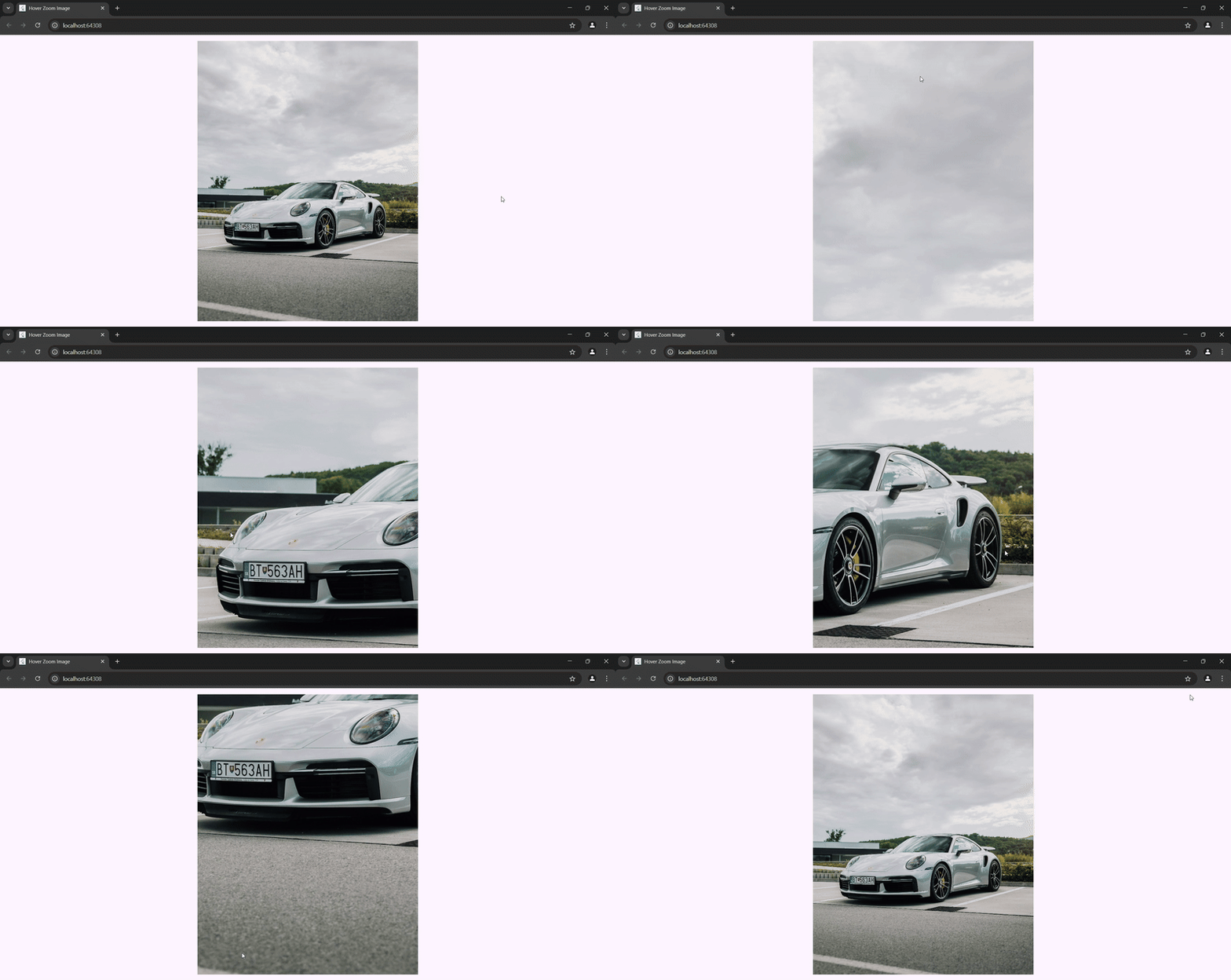
### Demo
## Installation
Add this to your `pubspec.yaml` file:
```yaml
dependencies:
hover_zoom_image:
```
or
```shell
flutter pub add hover_zoom_image
```
## Implementation
Import the package in your Dart file:
```yaml
import 'package:hover_zoom_image/hover_zoom_image.dart';
```
## Usage
The HoverZoomImage widget allows you to add a smooth zoom effect on images when hovering. You can wrap this widget in MaterialApp or use it within a single Widget.
```dart
MaterialApp(
debugShowCheckedModeBanner: false,
title: 'Hover Zoom Image',
theme: ThemeData(
colorScheme: ColorScheme.fromSeed(seedColor: Colors.deepPurple),
),
home: Center(
child: HoverZoomImage(
imageProvider: const AssetImage('assets/images/sample.jpg'),
width: 550,
height: 700,
zoomScale: 2.5,
animationDuration: Duration(milliseconds: 150),
),
),
);
```