https://github.com/codestackr/superhero-extensions
https://github.com/codestackr/superhero-extensions
Last synced: 4 months ago
JSON representation
- Host: GitHub
- URL: https://github.com/codestackr/superhero-extensions
- Owner: codeSTACKr
- License: mit
- Created: 2020-09-17T17:33:55.000Z (almost 6 years ago)
- Default Branch: master
- Last Pushed: 2022-11-24T20:07:03.000Z (over 3 years ago)
- Last Synced: 2025-04-12T19:40:49.202Z (about 1 year ago)
- Size: 1.55 MB
- Stars: 4
- Watchers: 1
- Forks: 6
- Open Issues: 0
-
Metadata Files:
- Readme: README.md
- Changelog: CHANGELOG.md
- Funding: .github/FUNDING.yml
- License: LICENSE
Awesome Lists containing this project
README
# SuperHero Extensions Pack
[](https://marketplace.visualstudio.com/items?itemName=codeSTACKr.superhero-extensions)
[](https://marketplace.visualstudio.com/items?itemName=codeSTACKr.superhero-extensions&ssr=false#review-details)
[](http://vsCodeHero.com)
Thanks for checking out my VS Code SuperHero extension pack.
This extension pack is part of my [VS Code SuperHero course →](http://vsCodeHero.com)
Let me teach you everything there is to know about VS Code and make you a VS Code SuperHero too!
If this extension pack helps you out, give me 🌟🌟🌟🌟🌟 [five-star rating! →](https://marketplace.visualstudio.com/items?itemName=codeSTACKr.superhero-extensions&ssr=false#review-details) 😃
## Included Extensions
### codeSTACKr Theme
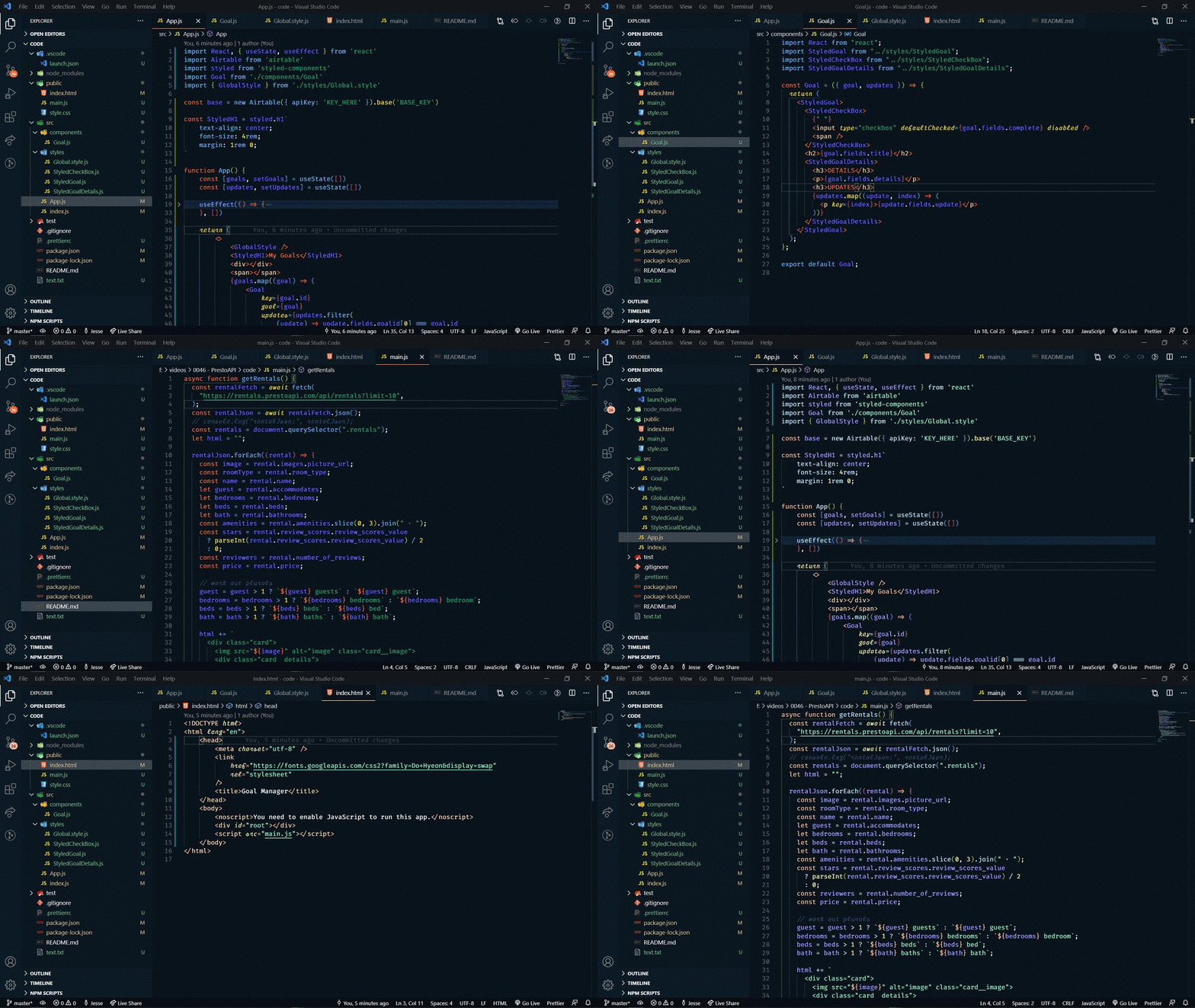
A special theme for SuperHeros. 😃
## vscode-icons

### Auto Rename Tag
This one automatically renames the corresponding tag that you modify. This is just a helpful time-saver.
### Prettier
This extension keeps your code formatted and uniform throughout.
### Code Spell Checker
Who knew you needed a spell checker for your code. (lol)
This extension is a basic spell checker to help you catch common spelling errors.
### Multiple cursor case preserve
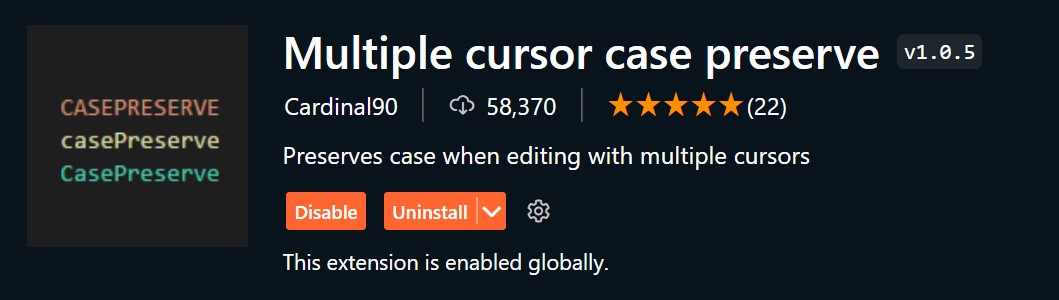
Have you ever tried to change a single word in all variable names, but had your
camelCase broken? This extension preserves selection case in these situations. It
recognizes CAPS, Uppercase and lowercase. It works for typing or pasting.
### Live Server

This extension sets up a local web server so that you can see the changes made in real-time without having to reload. It’s a must-have for web development.
### Better Comments
This extension helps to make your comments stand out.
### HTML CSS Support

Here are a few key features this extension adds:
- Class attribute completion.
- Id attribute completion.
- Scans workspace folder for CSS and SCSS files.
- Supports remote css files.
### Color Highlight
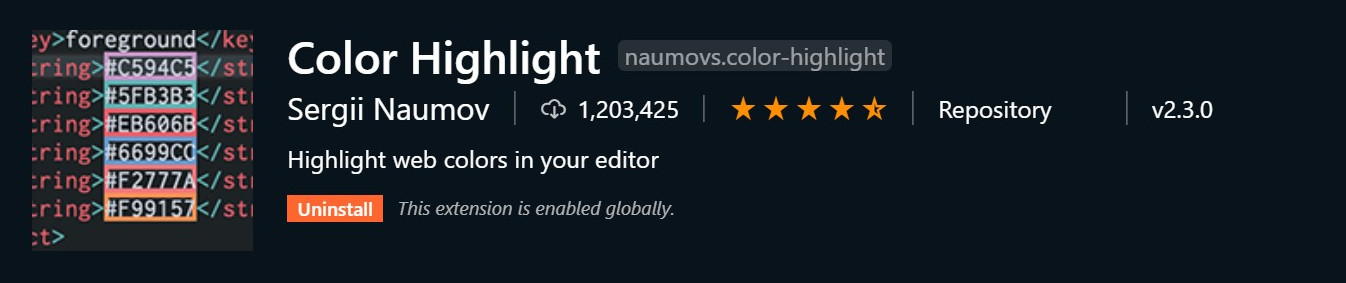
Always know what color you are working with using this extension. Colors will be
highlighted using its color.
### GitLens
GitLens supercharges the Git functionality within VS Code. Easily see who made changes to code, when they made the changes, and why they made them.
### :emojisense:

This extension allows you to quickly insert emoji into your code using a standard `:` syntax. Example: `:smile_cat:` --> 😸
### ES7 React/Redux/GraphQL/React-Native snippets
If you are writing React code, this is a must-have extension!
This extension will add snippets for all of the common React code that you'll write.
### Template String Converter
This extension converts a string to a template string when ${ is typed.
Typing a dollar sign then open curly brace within a string converts the quotes to backticks.
### Thunder Client
Thunder Client is a lightweight Rest API Client Extension for Visual Studio Code with
simple and clean design.
## Issues & Suggestions
For any issues or suggestions, please use [GitHub issues](https://github.com/codestackr/superhero-extensions/issues).
## How to make your own extension pack
Want to learn how to make your own extension pack?? Check out this video:
[](https://www.youtube.com/watch?v=DvNXEBxO3YQ)