https://github.com/codingchili/chromecast-coinbase-feed
Chromecast receiver application to display the coinbase websocket feed on your TV
https://github.com/codingchili/chromecast-coinbase-feed
bitcoin chromecast chromecast-receiver coinbase coinbase-api ethereum javascript websocket
Last synced: over 1 year ago
JSON representation
Chromecast receiver application to display the coinbase websocket feed on your TV
- Host: GitHub
- URL: https://github.com/codingchili/chromecast-coinbase-feed
- Owner: codingchili
- License: mit
- Created: 2018-12-06T07:08:43.000Z (over 7 years ago)
- Default Branch: master
- Last Pushed: 2019-09-07T18:43:04.000Z (almost 7 years ago)
- Last Synced: 2025-02-28T09:11:29.450Z (over 1 year ago)
- Topics: bitcoin, chromecast, chromecast-receiver, coinbase, coinbase-api, ethereum, javascript, websocket
- Language: JavaScript
- Homepage: https://coinbasecasted.com/
- Size: 447 KB
- Stars: 9
- Watchers: 3
- Forks: 3
- Open Issues: 1
-
Metadata Files:
- Readme: README.md
- License: LICENSE
Awesome Lists containing this project
README
# coinbase vs. chromecast: The Feed
A chromecast receiver application for displaying ticker events from the coinbase websocket feed. The sender is accessible from the web browser.
The chromecast receiver is now published! [coinbasecasted.com](https://coinbasecasted.com/)
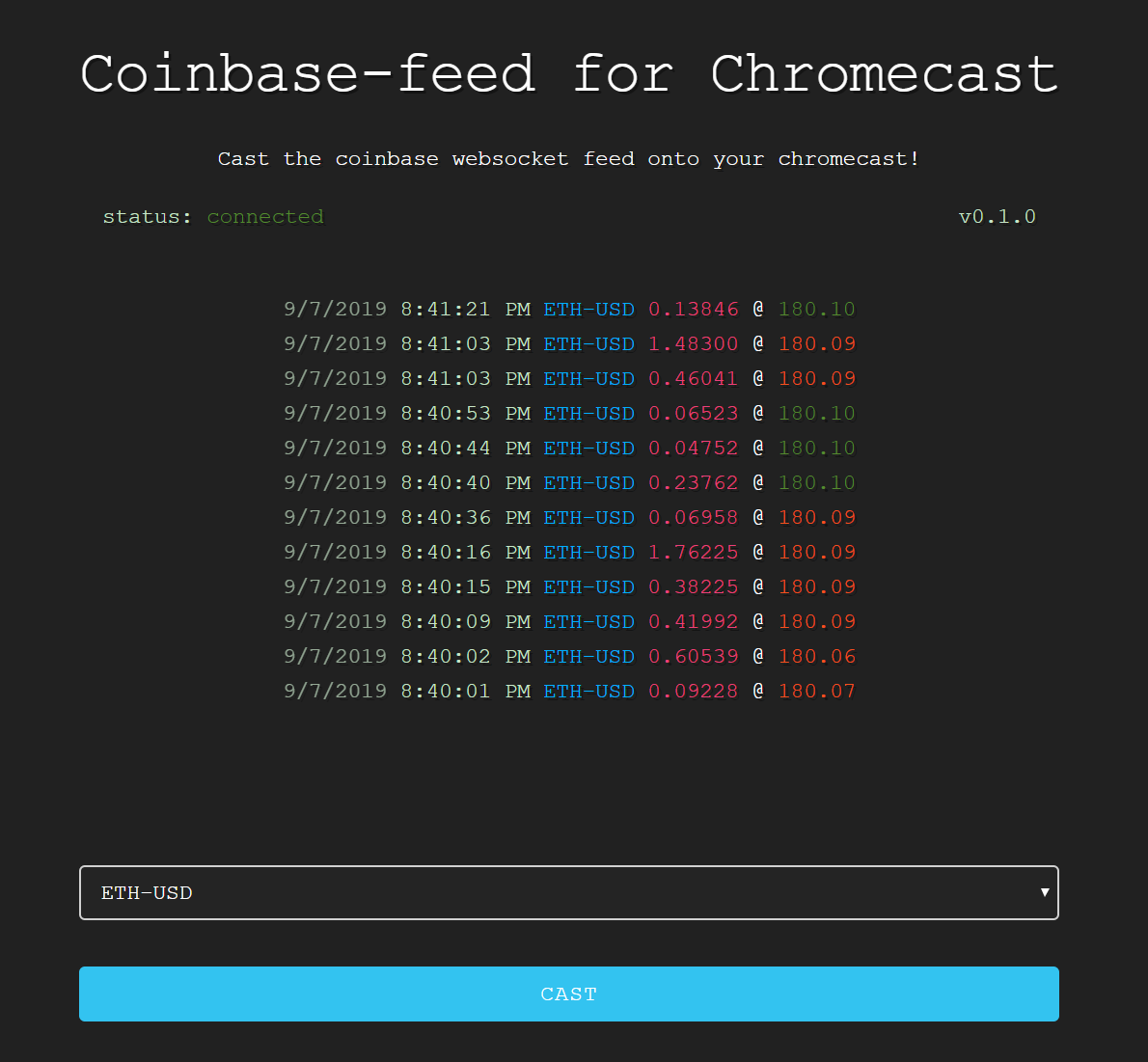
### How it works?
We use the CAF - chromecast application framework. Which is a successor to the cast v2 API. We have created a custom receiver application that runs
some javascript, to connect to the coinbase websocket feed. When started - we send the ticker to use using a 'message' that passes
over a channel. The receiver application then proceeds to subscribe to the given ticker.
Because we structured our application so nicely, we can also show the websocket feed
in the sender application. :) When you change the ticker, the websocket will be disconnected - and then reconnected to subscribe again. This is
probably a bad alternative to just unsubscribing. Because there is a rate limit per IP - a maximum of 4 websocket connections per "few seconds".
So please don't change the ticker veryyy fast - because the connection will be rejected due to the rate limiter hehe.
### But why not just cast?
Because! casting tabs are 720p business - that's not a good way to roll about !
We tried to make the receiver lightweight, by using efficient methods for manipulating the DOM. You know so your
chromecast won't be fried. Also, this was a good introduction to the CAF framework :).
### Known issues
I think there is a parameter for the options, to set the timeout a little bit longer. Because the receiver
will be stopped after a few minutes hehe. :kissing_heart:
### Contributing
Issues, pull requests and code reviews are welcome. :angel:
For notes on how to set up your chromecast in developer mode see [cast.google.com](https://cast.google.com/publish/#).
### Copyright notice
web/img/coins.png and web/img/favicon.ico is sourced from [game-icons.net](https://game-icons.net) under [CC BY 3.0](https://creativecommons.org/licenses/by/3.0/).