https://github.com/composablehorizons/materialcolors
All Material Colors easily accessible from Jetpack Compose
https://github.com/composablehorizons/materialcolors
jetpack-android jetpack-compose material-color-palette material-colors material-design
Last synced: 10 months ago
JSON representation
All Material Colors easily accessible from Jetpack Compose
- Host: GitHub
- URL: https://github.com/composablehorizons/materialcolors
- Owner: composablehorizons
- Created: 2023-05-16T13:18:31.000Z (about 3 years ago)
- Default Branch: main
- Last Pushed: 2023-09-11T02:57:10.000Z (almost 3 years ago)
- Last Synced: 2025-04-01T18:52:25.962Z (over 1 year ago)
- Topics: jetpack-android, jetpack-compose, material-color-palette, material-colors, material-design
- Language: Kotlin
- Homepage: https://composables.com/colors
- Size: 67.4 KB
- Stars: 46
- Watchers: 1
- Forks: 2
- Open Issues: 1
-
Metadata Files:
- Readme: README.md
Awesome Lists containing this project
README
# Material Colors
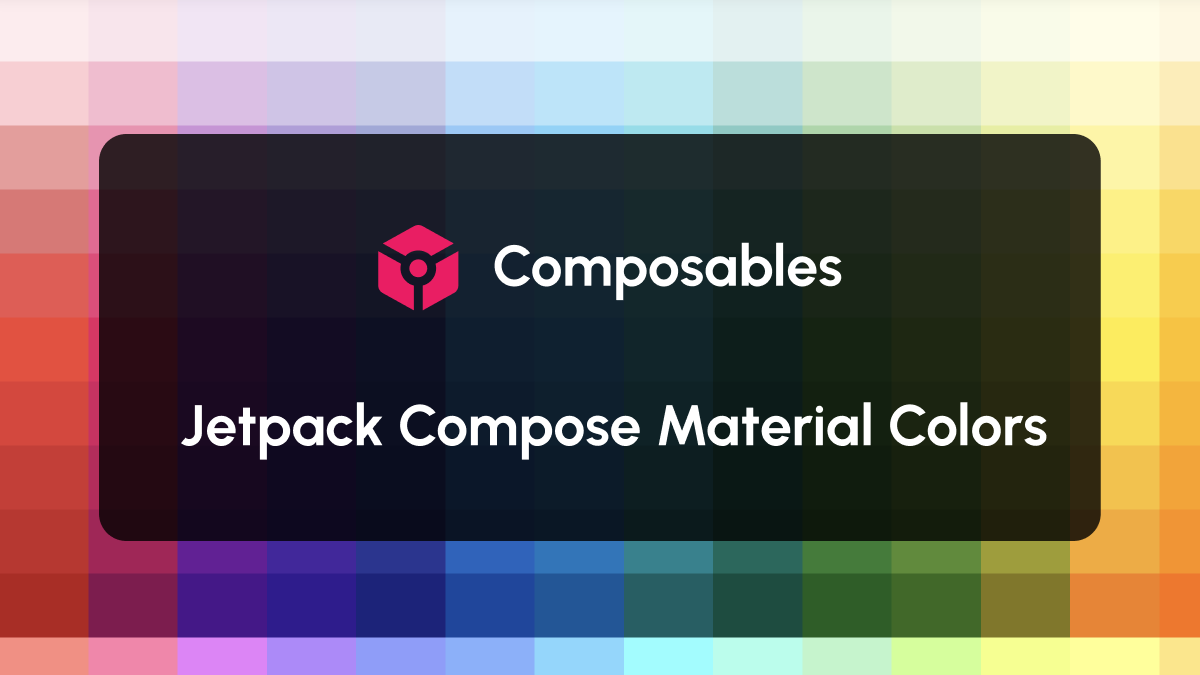
A little utility that brings all Material Colors from the 2014 pallet to your Jetpack Compose project.
## A richer selection of colors
The `Colors` class that comes with Jetpack Compose provides a few default colors but they are limited and not very exciting.
`MaterialColors` provides a richer set of colors that you can use in your project. The colors come from the Material Design 2014 pallete.
## Installation
```groovy
repositories {
mavenCentral()
}
dependencies {
implementation "com.composables:materialcolors:1.0.0"
}
```
## Quick start
Use the `MaterialColors` object, along with the color and shade you need:
```kotlin
Text("Hello world!", color = MaterialColors.Gray[900])
```
```kotlin
Box(modifier = Modifier.background(MaterialColors.Amber[400]).clip(CircleShape))
```
## Should I use this to create my color scheme?
In modern versions of Android, the system can generate the colors for you, [using Material You](https://www.composables.com/tutorials/theming).
Those colors are picked automatically from the user's set wallpaper and it is the recommended way to create your color scheme.
If you still want to create a color scheme with fixed colors you can do it like this:
```kotlin
@Composable
fun AppTheme(
content: @Composable () -> Unit
) {
MaterialTheme(
colors = lightColorScheme(
surfaceVariant = MaterialColors.Amber[100],
primary = MaterialColors.Amber[800],
onSurfaceVariant = MaterialColors.Brown[900],
onSurface = MaterialColors.Amber[900]
),
content = content
)
}
```
## Author
Made by Alex Styl ([@alexstyl](https://twitter.com/alexstyl)).