https://github.com/concon121/intro-to-kubernetes
https://github.com/concon121/intro-to-kubernetes
Last synced: 5 months ago
JSON representation
- Host: GitHub
- URL: https://github.com/concon121/intro-to-kubernetes
- Owner: concon121
- Created: 2018-02-25T13:20:48.000Z (over 8 years ago)
- Default Branch: master
- Last Pushed: 2018-02-25T13:30:19.000Z (over 8 years ago)
- Last Synced: 2024-12-31T10:33:20.943Z (over 1 year ago)
- Language: Shell
- Size: 408 KB
- Stars: 0
- Watchers: 2
- Forks: 0
- Open Issues: 0
-
Metadata Files:
- Readme: README.md
Awesome Lists containing this project
README
# Extra Quick Start
Original docs are here: https://coreos.com/tectonic/sandbox/
## Pre Requisites
Please install:
- VirtualBox (Latest)
- Vagrant (Latest)
- kubectl
## Starting Up
### Setting up Kubernetes and Tectonic
From the project root, run:
```
vagrant up
```
Depending on your download speed, this might take a while. It downloads ~1GB.
### Navigating Tectonic
Go to https://console.tectonicsandbox.com/
* Username: admin@example.com
* Password: sandbox
### Kube Config
- Go to admin > My Account and click Download Configuration > Verify Identity.
- A log in screen will open in a new tab.
- Input the username and password again and copy the code that is presented to you.
- Go back to the Profile screen and paste in the code and download the kube config file.
- Copy the config file from your downloads to ~/.kube/config
```
mkdir -p ~/.kube
cp ~/Downloads/kube-config ~/.kube/config
```
### Test kubectl
The following command should list some stuff
```
$ kubectl get all
NAME DESIRED CURRENT UP-TO-DATE AVAILABLE AGE
deploy/simple-deployment 3 3 3 3 1h
NAME DESIRED CURRENT READY AGE
rs/simple-deployment-4098151155 3 3 3 1h
NAME DESIRED CURRENT UP-TO-DATE AVAILABLE AGE
deploy/simple-deployment 3 3 3 3 1h
NAME DESIRED CURRENT AGE
statefulsets/prometheus-hello 1 1 1h
NAME READY STATUS RESTARTS AGE
po/prometheus-hello-0 2/2 Running 0 37m
po/simple-deployment-4098151155-923n2 1/1 Running 0 1h
po/simple-deployment-4098151155-kmr24 1/1 Running 0 36m
po/simple-deployment-4098151155-rpzf3 1/1 Running 0 1h
```
### Your first deployment
Pre Copied and pasted from https://coreos.com/tectonic/sandbox/ for ease.
Navigate to the simple-deployment folder and run kubectl create.
```
cd simple-deployment
kubectl create -f .
```
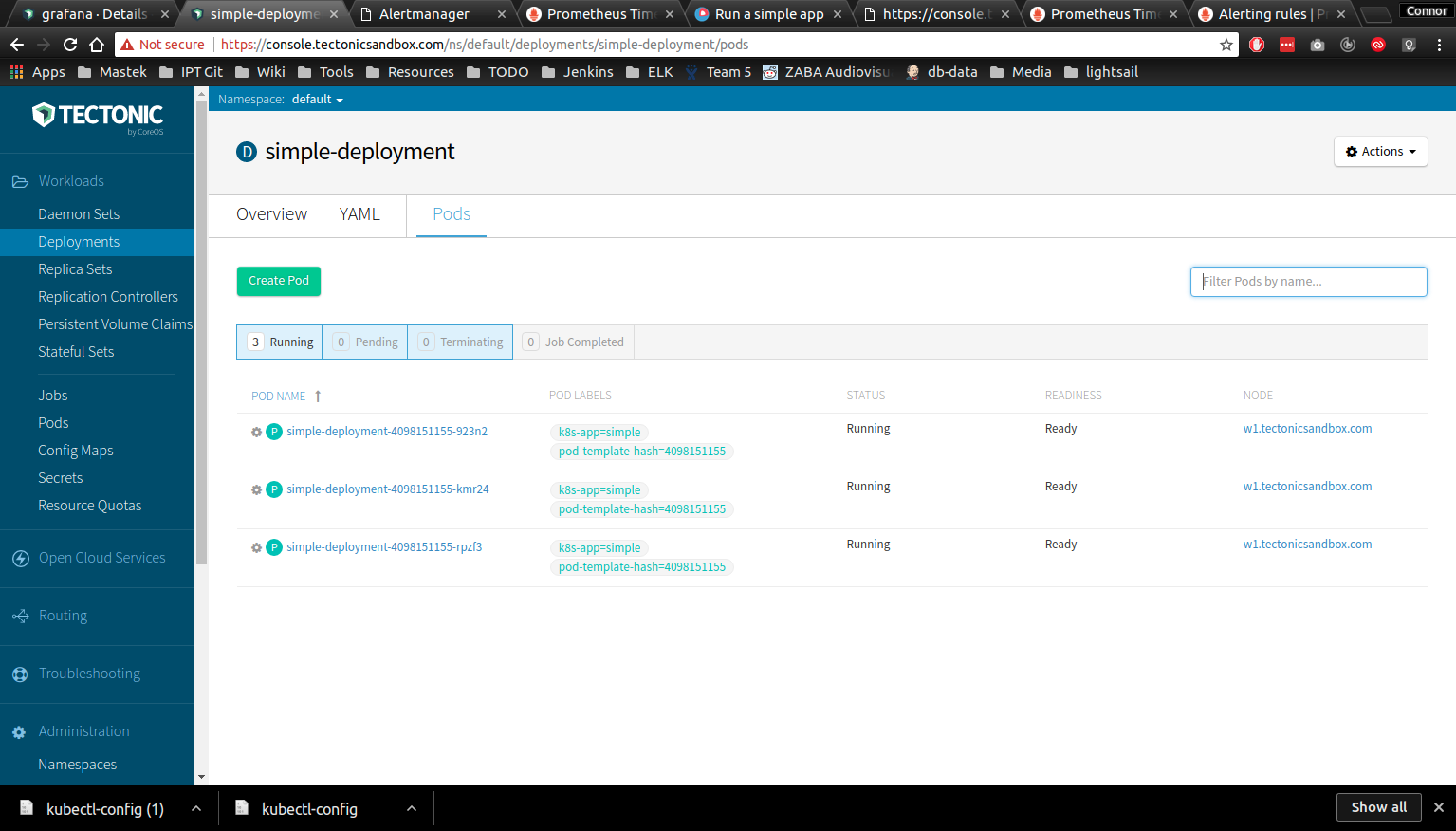
Checkout the status of the created pods in https://console.tectonicsandbox.com/ns/default/deployments/simple-deployment/pods
See the deployed app in action: https://console.tectonicsandbox.com/simple-deployment
#### Whats what in a nut shell?
* simple-deployment.yaml - dictates which machine image to use and how many instances there should be at any one time. See https://kubernetes.io/docs/concepts/workloads/controllers/deployment/
* simple-service.yaml - defines the method to access the deployment (port 80). See https://kubernetes.io/docs/concepts/services-networking/service/
* simple-ingress.yaml - manages external access to the app. By default everything in a cluster is ony accessible inside the cluster. See https://kubernetes.io/docs/concepts/services-networking/ingress/
### Autoscaling?
The simple deployment is set up to maintain 3 pods, try killing one and watch a new one be created.
```
$ kubectl get pods | grep -Eo "simple-deployment([[:alnum:]]|-)+"
simple-deployment-4098151155-923n2
simple-deployment-4098151155-kmr24
simple-deployment-4098151155-rpzf3
$ kubectl get pods | grep -Eo "simple-deployment([[:alnum:]]|-)+" | head -1
simple-deployment-4098151155-923n2
$ kubectl delete pods `kubectl get pods | grep -Eo "simple-deployment([[:alnum:]]|-)+" | head -1`
pod "simple-deployment-4098151155-923n2" deleted
$ kubectl get pods | grep -Eo "simple-deployment([[:alnum:]]|-)+"
simple-deployment-4098151155-kmr24
simple-deployment-4098151155-rpzf3
simple-deployment-4098151155-z782g
```
## Monitoring?
Infrastructure monitoring can be done via Promethius.
```
cd prometheus
kubectl create -f .
```
Dashboard: http://prometheus.ingress.tectonicsandbox.com/alerts
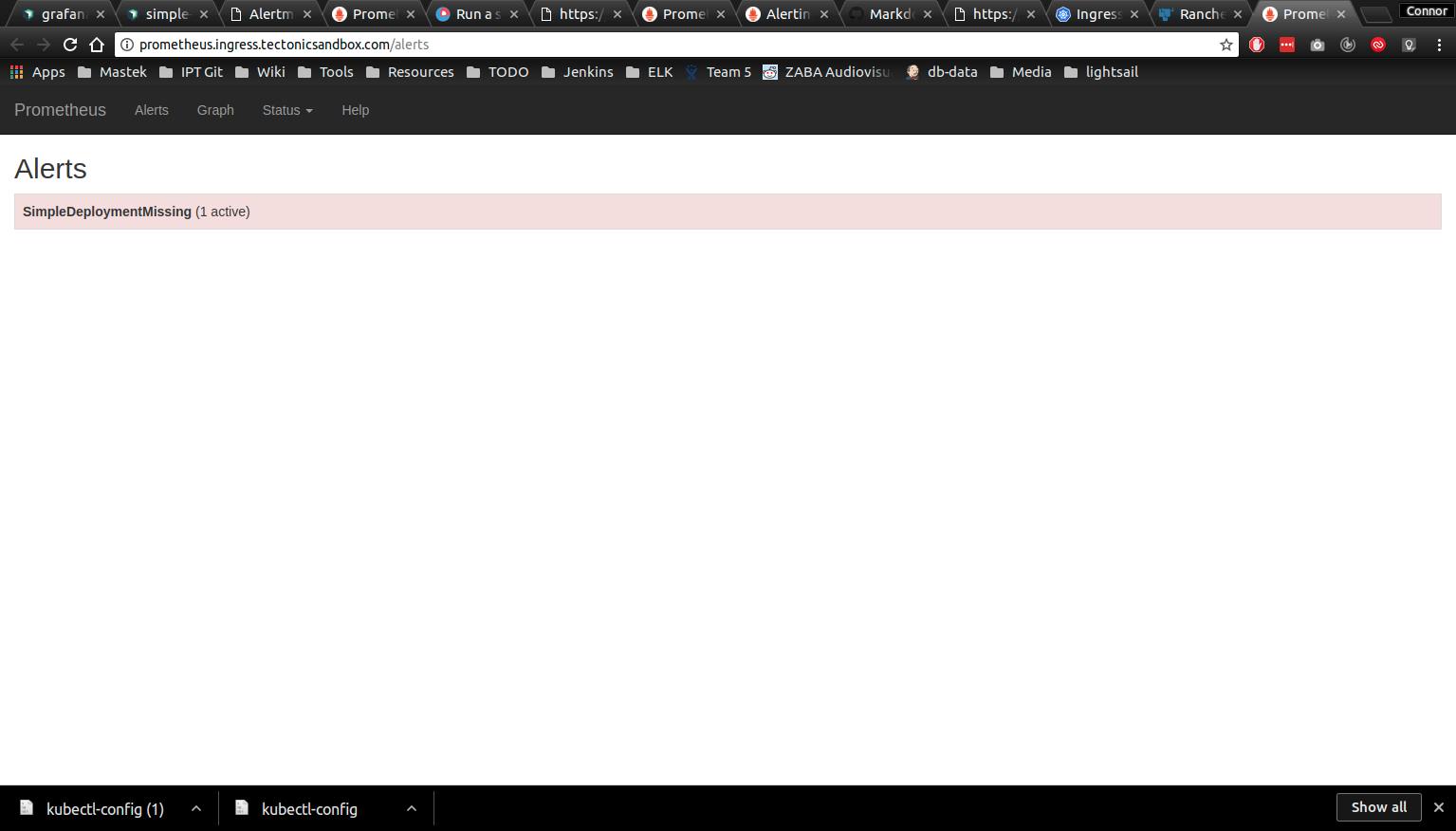
There should be one rule set up. If its missing something bad happened and you should check the logs for the pod via kubectl or the tectonic console.
The rule is set to trigger if the replicas are set to less than 3, so to see the run in action run:
```
kubectl scale deployment/simple-deployment --replicas 2
```
Prometheus updates every 30 seconds, so keep refreshing.
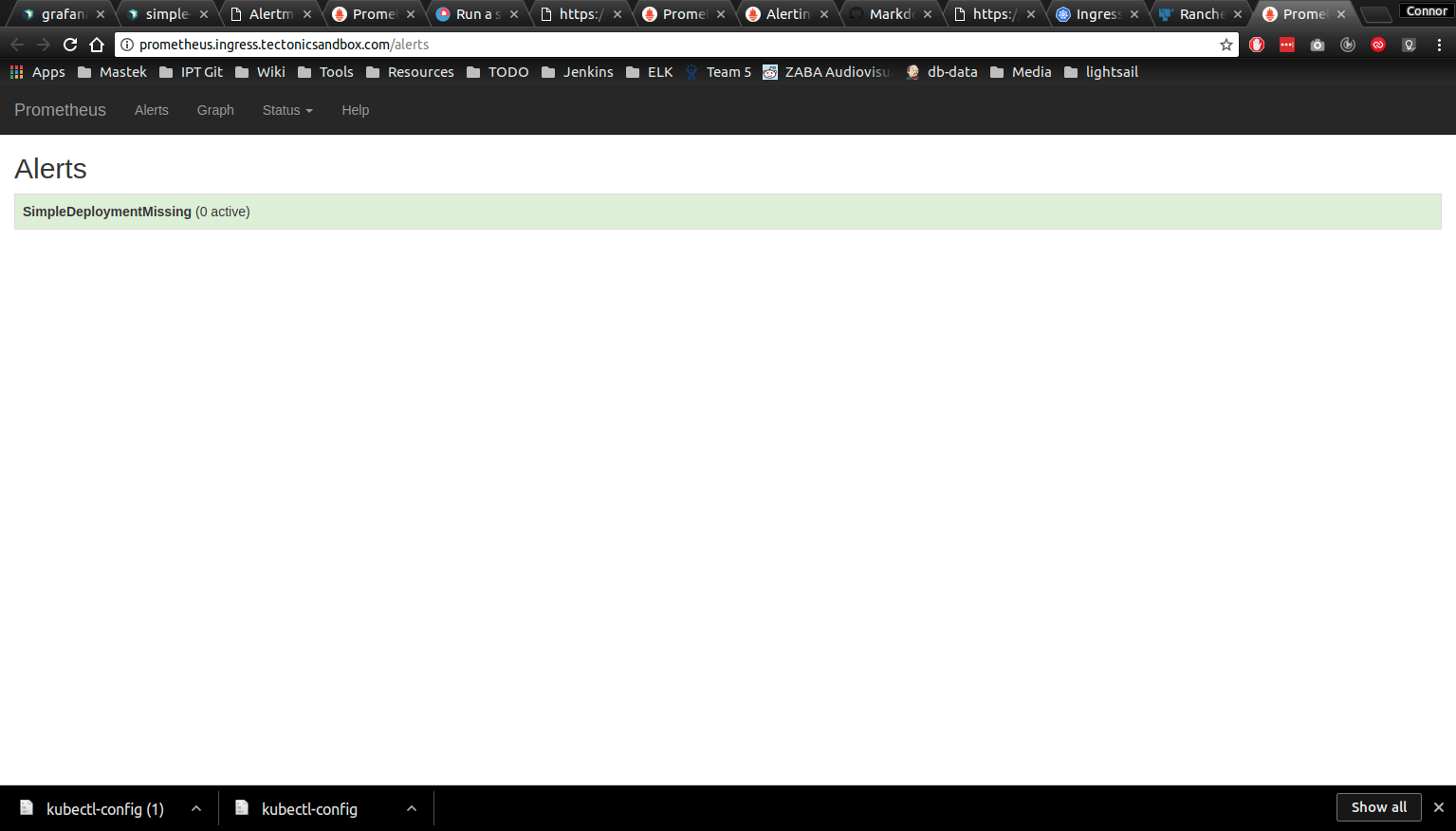
Bump it back up to 3 for the rule to go green again.
```
kubectl scale deployment/simple-deployment --replicas 3
```
## Monitoring Tectonic?
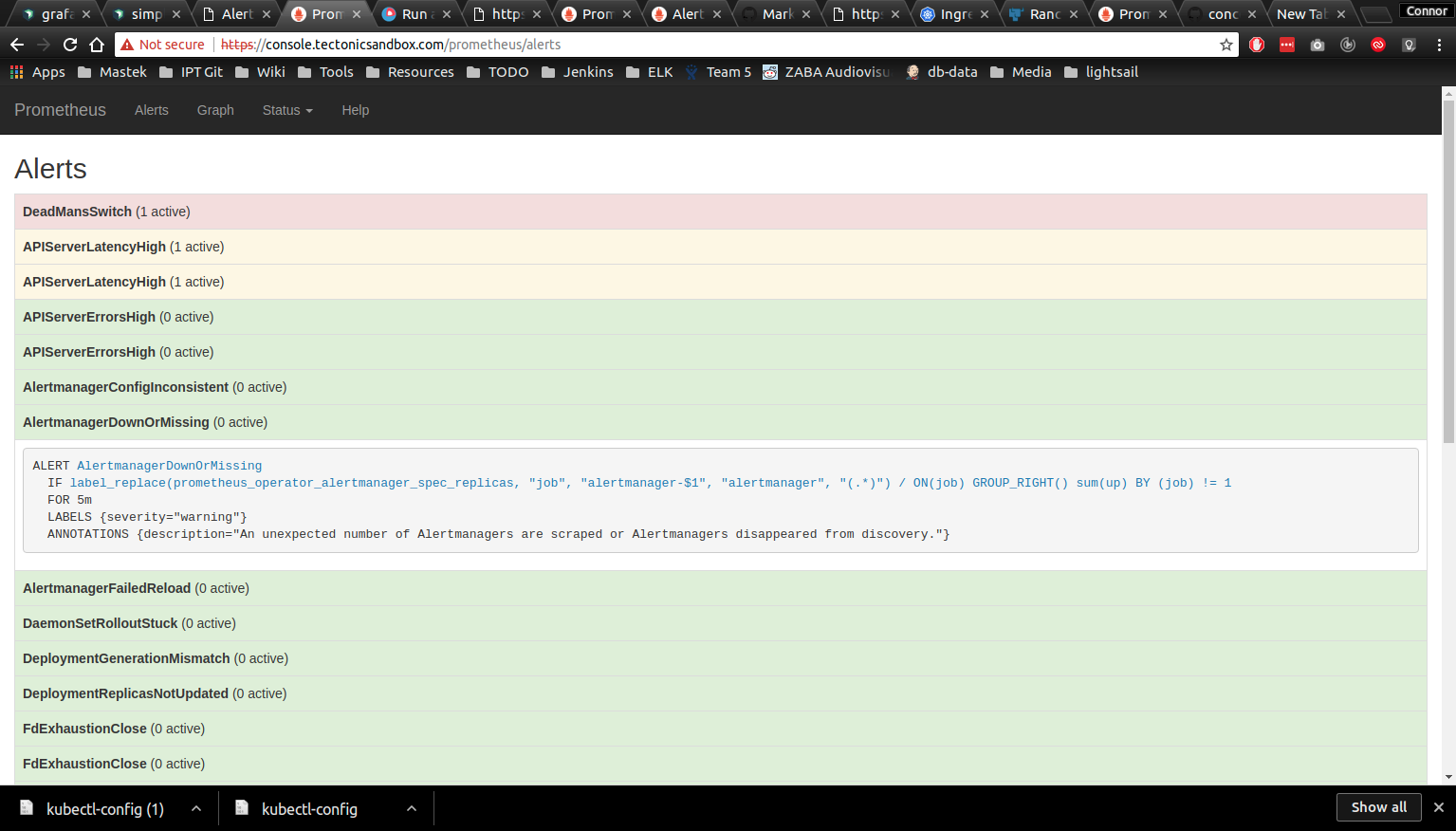
They got that covered: https://console.tectonicsandbox.com/prometheus/alerts