https://github.com/connorakey/qr-code-generator
Simple web based QR code generator without any bloat.
https://github.com/connorakey/qr-code-generator
backend docker foss frontend gplv3 nodejs qrcode qrcode-generator
Last synced: 2 months ago
JSON representation
Simple web based QR code generator without any bloat.
- Host: GitHub
- URL: https://github.com/connorakey/qr-code-generator
- Owner: connorakey
- License: gpl-3.0
- Created: 2024-11-09T22:49:18.000Z (over 1 year ago)
- Default Branch: main
- Last Pushed: 2025-05-17T07:43:36.000Z (about 1 year ago)
- Last Synced: 2025-07-10T20:50:00.930Z (about 1 year ago)
- Topics: backend, docker, foss, frontend, gplv3, nodejs, qrcode, qrcode-generator
- Language: JavaScript
- Homepage:
- Size: 149 KB
- Stars: 1
- Watchers: 1
- Forks: 0
- Open Issues: 0
-
Metadata Files:
- Readme: README.md
- License: LICENSE
Awesome Lists containing this project
README
# Connor's QR Code Generator
A simple, zero bloat, free and open source alternative to common QR Code Generators.

## Screenshots
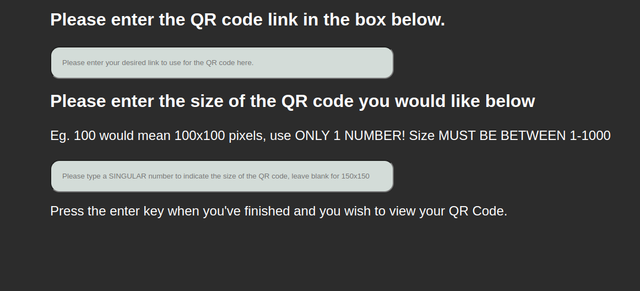
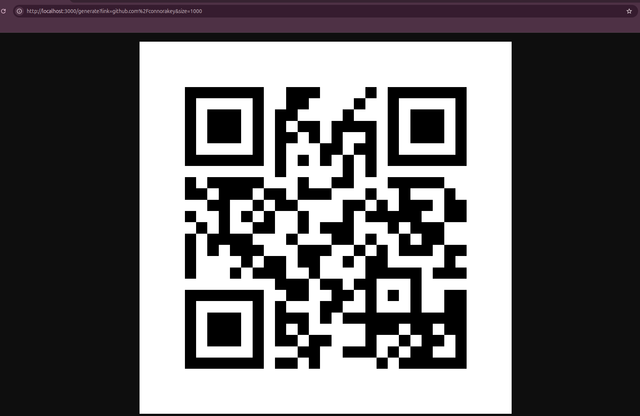
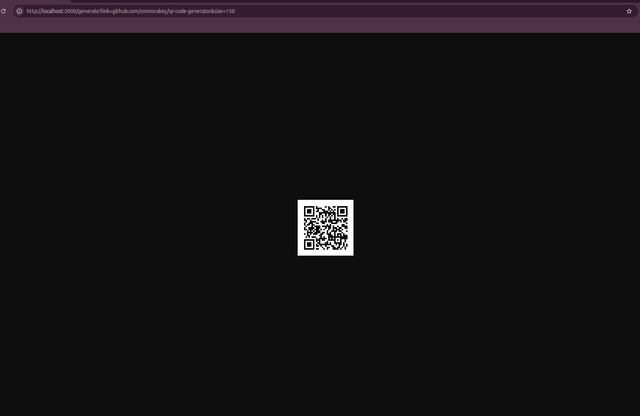
## API Reference
#### Generate QR Code
```http
GENERATE /generate?link=qrLink&size=pixels
```
| Parameter | Type | Description |
| :-------- | :------- | :-------------------------------- |
| `qrLink` | `string` | **Required**. Link of QR Code to generator |
| `pixels` | `number` | **Optional**. Size of QR code (150 = 150x150)|
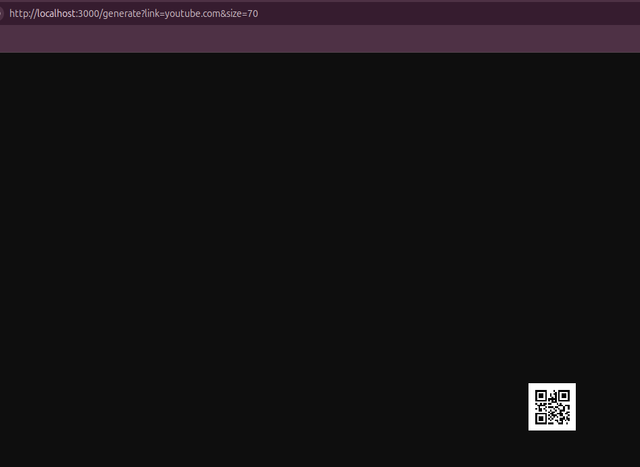
#### Example
```http
localhost:3000/generate?link=youtube.com&size=70
```
#### Result:
## Run Locally
Clone the project
```bash
git clone https://github.com/connorakey/qr-code-generator
```
Go to the project directory
```bash
cd qr-code-generator
```
Install dependencies
```bash
npm install
```
Start the server
```bash
node .
```
## Run with Docker (by creating image)
Clone the project
```bash
git clone https://github.com/connorakey/qr-code-generator
```
Go to project directory
```bash
cd qr-code-generator
```
Build image
```bash
docker build . -t qr-code-generator
```
Deploy image
```bash
docker run -d -p 3000:3000 -p 3001:3001 --name qr-code-generator qr-code-generator
```
Ensure that the ports set in the docker run command are equal to the ports in the configuration.json file. The ports 3000 and 3001 ports are opened because of the backend and frontend websites.
## FAQ
#### My users automatically get directed to localhost when the front end is used
To change the destination URL you must change the URL in configuration.json to your domain / ip
#### How do I change the ports of the front end and backend?
To change the ports enter the configuration.json and change the backend/front end ports to your desire, then enter backend.js and change the backend port.
#### Am I allowed to edit the code?
Yes, you are allowed to edit the code as much as you want, but no support will be given.
#### Am I allowed to reupload the code?
Yes, you are allowed to but please fork the original repository.
## DISCLAIMER!!
I am not responsible for anything that goes wrong running this code, running it port forwarded may cause security issues and vulnerabilities.
## Authors
- [@connorakey](https://github.com/connorakey)
## Thank you
Thank you, Connor, 10th of November, 2024, Year 7
Docker support added by Connor 21st of April 2025, Year 8