https://github.com/coolapso/hugo-theme-terminalcv
An easy to setup and (almost) fully customizable command line style CV theme for HUGO
https://github.com/coolapso/hugo-theme-terminalcv
Last synced: 2 months ago
JSON representation
An easy to setup and (almost) fully customizable command line style CV theme for HUGO
- Host: GitHub
- URL: https://github.com/coolapso/hugo-theme-terminalcv
- Owner: coolapso
- License: mit
- Created: 2022-05-22T13:05:35.000Z (about 4 years ago)
- Default Branch: main
- Last Pushed: 2026-01-25T16:42:10.000Z (5 months ago)
- Last Synced: 2026-01-26T09:08:50.628Z (5 months ago)
- Language: HTML
- Homepage:
- Size: 384 KB
- Stars: 197
- Watchers: 2
- Forks: 40
- Open Issues: 0
-
Metadata Files:
- Readme: README.md
- License: LICENSE
Awesome Lists containing this project
README
# terminalCV
[](https://github.com/go-semantic-release/semantic-release)
[](https://conventionalcommits.org)


# General Information
An easy to setup and (almost) fully hackable command line style CV theme with blogging capabilities
Live example at:
# Features
- Blogging:
- Toggle support, don't want blog features? just disable them!
- Toggle for \*nixlike ls output
- Support for images
- Supoort for [hugo shortcodes](https://gohugo.iocontent-management/shortcodes/) (not fully tested, but should work!)
- Custom Greeting
- Multi line text is respected
- Separate banner with different color is supported
- Customizable prompt
- Custom before & after prompt text
- Custom before & after prompt colors
- Custom prompt text
- Custom prompt text Color
- custom separator text
- custom separator color
- custom before & after symbols text
- custom before & after symbols colors
- Custom symbols
- Custom symbols color
- Custom extra text
- Custom extra text color
- Multiple sections with individual commands:
- **Whois:** General information about the individual
- **social:** shows social networks
- Any social network is supported, even the ones that don't exist! just provide a name and a URL
- The social network name can be hidden and show only the URL
- **work:** shows work experience information
- **education:** shows education information
- **sklls:** Shows skills information
- **softskills:** shows softskills information
- **languages:** Shows languages skills information
- **projects:** Shows projects information
- **certifications:** Shows certifications information
- **publications:** Shows publications information
- **misc:** Free text
- misc command can be overriden and given another name
- Title can have custom color
- Content can have custom color
- each section have multiple configuration options, see the [config.yml](config.yml) for more details
- Extra commands:
- **startx:** Shows "loading..." progress bar and redirects to another website
- Disabled by default
- only enabled if provided a location to send to
- **exit:** Shows "terminating..." progress bar and redirects to another website
- Disabled by default
- only enabled if provided a location to send to
- **source:** Shows the glider and the theme github repo URL
- Enabled by default
- Can be disabled
- **version:** Shows the website version
- Disabled by default
- only enabled if provided a version parameter
- Less, print commands and posts (if blogging is enabled) output with less
- Global, all commands use less instead of standard output
- Per command, only defined commands use less as output method
- `less `, will output using less instead of standard output
- `less `, will output using less instead of standard output
- Command auto completion
- Cat auto completion
- progression bars can be interrupted by pressing `ctrl+d`
- Favicons
- Bootsequence:
- Option for a custom bootsequence to mimic the boot process of the terminal
- If the parameter is not set, the bootsequence is skipped.
# How to start
This theme is far more simplistic than most themes therefore running `hugo new site` creates a lot of things that are not necessary.
```
mkdir -p myterminalcv/themes
cd myterminalcv
git clone https://github.com/coolapso/hugo-theme-terminalcv themes/terminalcv
cp themes/terminalcv/exampleSite/config.yml .
hugo server
```
Now you can start personalizing it by changing the config.yml and when you are happy just build the site with `hugo`
## Recommended way
If you are using git (which you should be!) for your website and don't want to make any radical changes to the theme itself, it's recommended that you add the theme as a submodule. This way, you can easily get new updates when they are available.
```bash
git submodule add https://github.com/coolapso/hugo-theme-terminalcv.git themes/terminalcv
```
# How to configure
All the content and configuration is done through the [config.yml](config.yml).
you can just copy the existing example file and change it to your liking.
# Faviconss
[RealFaviconGenerator](https://realfavicongenerator.net/) and put the generated files into the static your folder
# Blog posts
blog post functionalities are enabled/disabled with the `blog` key in the params section
```yaml
params:
blog: true
```
The theme supports blog posts, site visitors can find the posts with the `posts` or `ls` commands, and can view posts with `cat ` to see how it works you can read the [example post](/exampleSite/content/posts/examplepost/index.md).
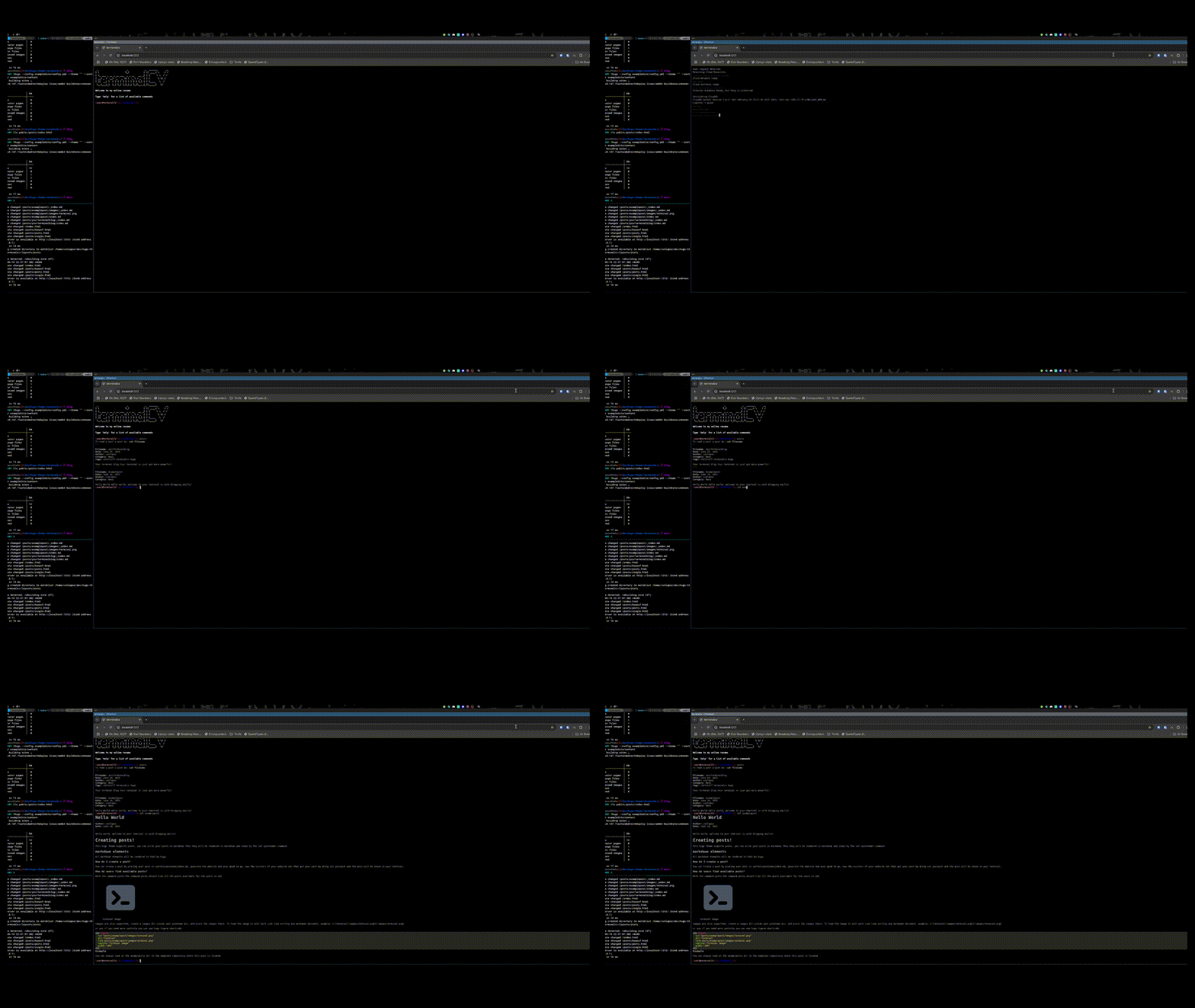
The live demo may not be making use of the blogging capabilities, but you can always see it in action like this:
> [!IMPORTANT]
> Be sure to have hugo installed before proceeding
```
git clone https://github.com/coolapso/hugo-theme-terminalcv
cd hugo-theme-terminalcv
make server
```
Now a demo will be available at
# Contributions
Improvements and suggestions are always welcome, feel free to open an Issue or Pull Request
If you like this theme and want to support / contribute in a different way you can always:

# Development
If you just want to make any changes and be able to test them as you progress, or if you simply just want to test the module wihtou having to create a new hugo website you can just run
```
git clone https://github.com/coolapso/hugo-theme-terminalcv
cd hugo-theme-terminalcv
make server
```
if you don't have make, then you can just run:
```
hugo server --config exampleSite/config.yml --theme ""
```
# jcubic/Jquery.Terminal
terminalCV makes use [jcubic/jquery.terminal](https://github.com/jcubic/jquery.terminal)
# Using this theme?
Let me know and feel free to open a Pull Request and add it to this list:
| link | Description |
| --------------------- | ----------- |
| | Simple CV |