https://github.com/cosmicjs/agency-template
A website template built using Cosmic's React components, Blocks.
https://github.com/cosmicjs/agency-template
api cms headless-cms template
Last synced: 12 months ago
JSON representation
A website template built using Cosmic's React components, Blocks.
- Host: GitHub
- URL: https://github.com/cosmicjs/agency-template
- Owner: cosmicjs
- Created: 2023-12-14T17:07:13.000Z (over 2 years ago)
- Default Branch: main
- Last Pushed: 2024-11-23T01:07:58.000Z (over 1 year ago)
- Last Synced: 2025-04-05T04:51:14.380Z (over 1 year ago)
- Topics: api, cms, headless-cms, template
- Language: TypeScript
- Homepage: https://cosmic-agency-template.vercel.app
- Size: 915 KB
- Stars: 20
- Watchers: 4
- Forks: 19
- Open Issues: 0
-
Metadata Files:
- Readme: README.md
Awesome Lists containing this project
README
# Agency Template, powered by Blocks
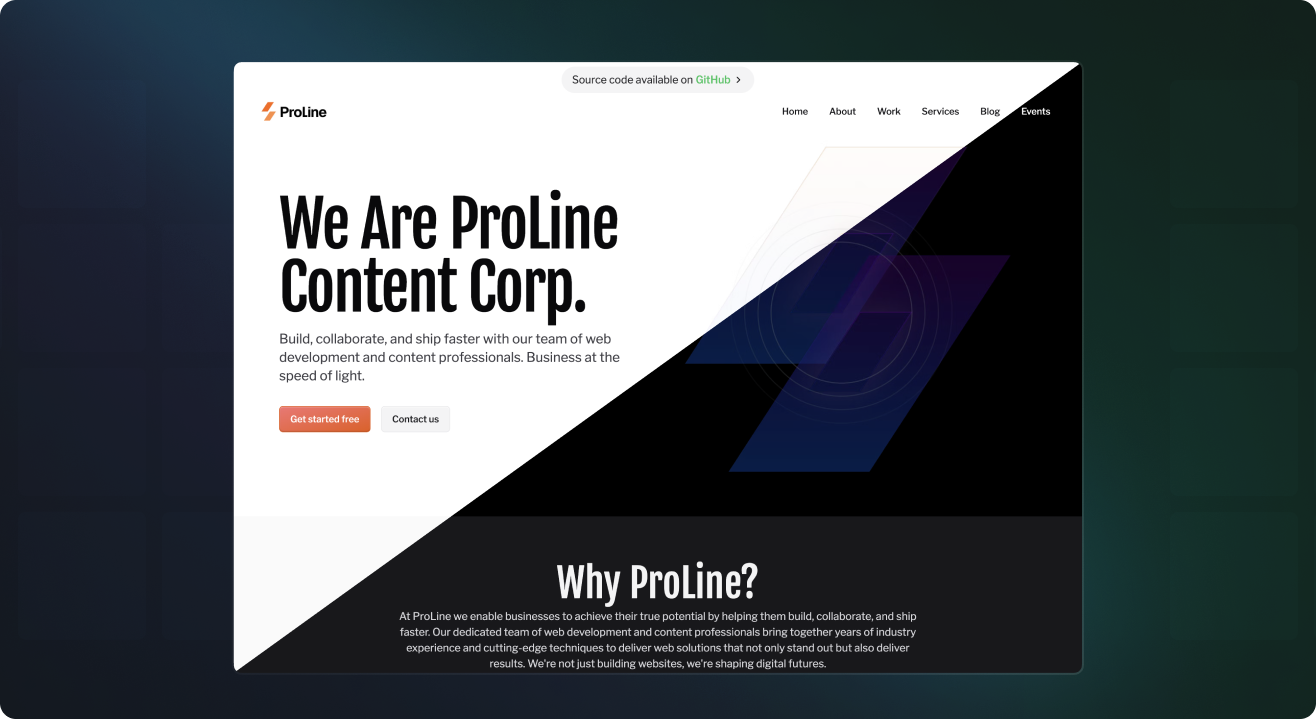
A website template built using Cosmic's React components, [Blocks](https://blocks.cosmicjs.com). Use this template to get familiar with Blocks and how they can be used to build common content-powered features for your websites and apps, or simply use it as a starting point for your next project. Save development time and learn content modeling best practices.
## Links
[Install this template](https://www.cosmicjs.com/marketplace/templates/agency)
[View the live demo](https://cosmic-agency-template.vercel.app/)
## Features
✨ NEW: 👤 User management powered by the User Management Block
✨ NEW: ✉️ Contact form powered by the Contact Form Block
🛒 Product management and checkout using Stripe
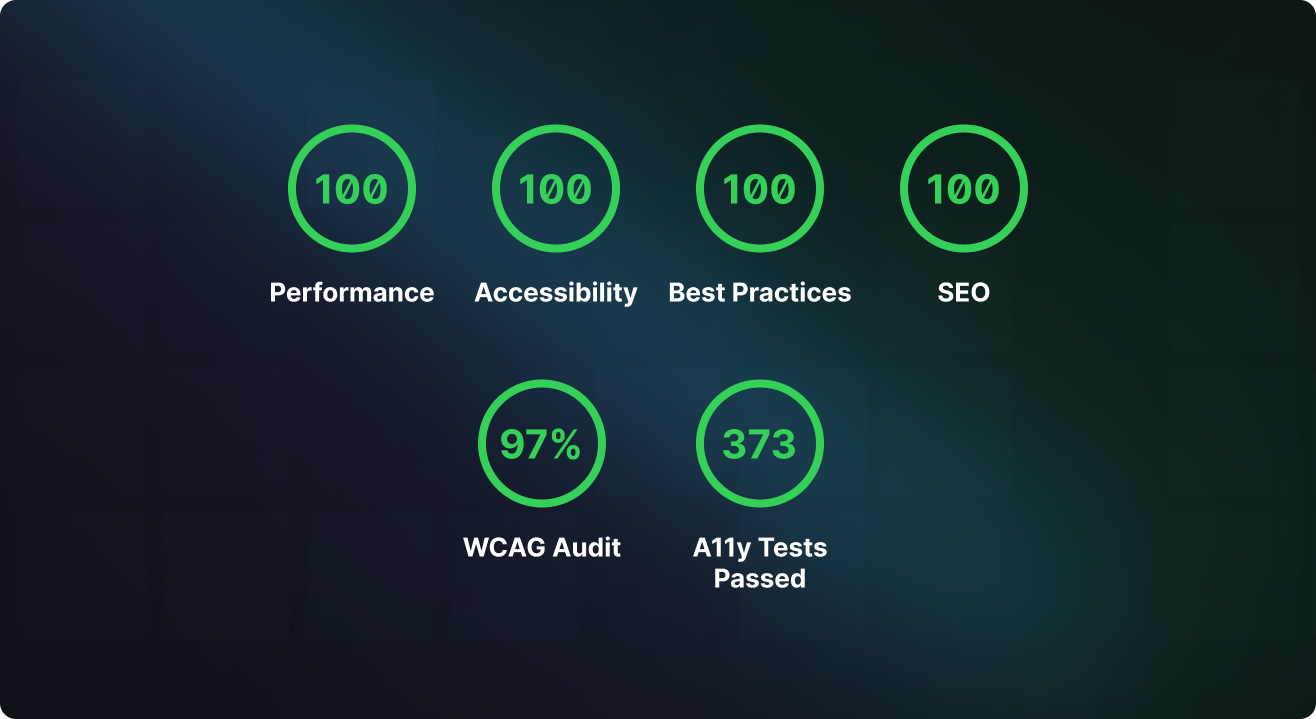
⚡️ Performance optimized
👁 Draft preview ready
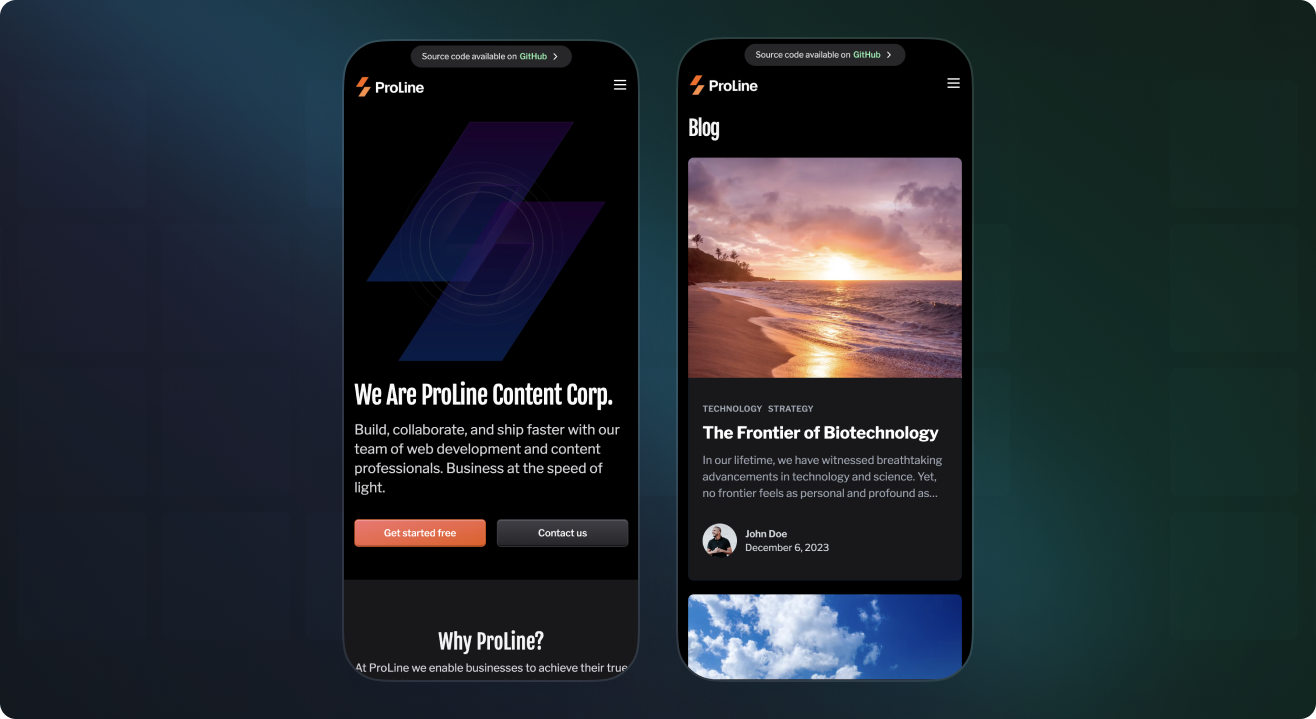
📱 Mobile responsive
🌎 Localization ready
🌓 Dark mode ready
🔧 Customizable
♿️ Accessible
🦺 Type safe
## Getting started
1. [Install this template in Cosmic](https://www.cosmicjs.com/marketplace/templates/agency).
2. Download this code repository and install the dependencies.
```bash
git clone https://github.com/cosmicjs/agency-template
cd agency-template
bun install
```
3. Create a `.env.local` file with your Cosmic API keys. Find these after logging in to the Cosmic dashboard in [Project > API keys](https://app.cosmicjs.com/?redirect_to=?highlight=api-keys).
```
cp .env.example .env.local
```
It will look like this. To use the User Management and Contact Form features you will need to have a [Resend](https://resend.com/) account and add your API key.
```
# .env.local
COSMIC_BUCKET_SLUG=change_to_your_bucket_slug
COSMIC_READ_KEY=change_to_your_bucket_read_key
COSMIC_WRITE_KEY=change_to_your_bucket_write_key
NEXT_PUBLIC_STRIPE_PUBLISHABLE_KEY=change_to_your_stripe_public_key
STRIPE_SECRET_KEY=change_to_your_stripe_secret_key
RESEND_API_KEY=change_to_your_resend_api_key
NEXT_PUBLIC_APP_URL=change_to_your_app_url
NEXT_PUBLIC_APP_NAME="Change to your app name"
SUPPORT_EMAIL=change_to_your_support_email
CONTACT_EMAIL=change_to_your_contact_email
```
4. Run the template.
```
bun dev
```
Open [http://localhost:3000](http://localhost:3000).
## Deploy to Vercel
Use the following button to deploy to Vercel. You will be asked to add API accesss keys as environment variables.

## License
Licensed under the [MIT license](https://github.com/cosmicjs/agency-template/blob/main/LICENSE).