https://github.com/cosmicjs/cosmic-media-extension
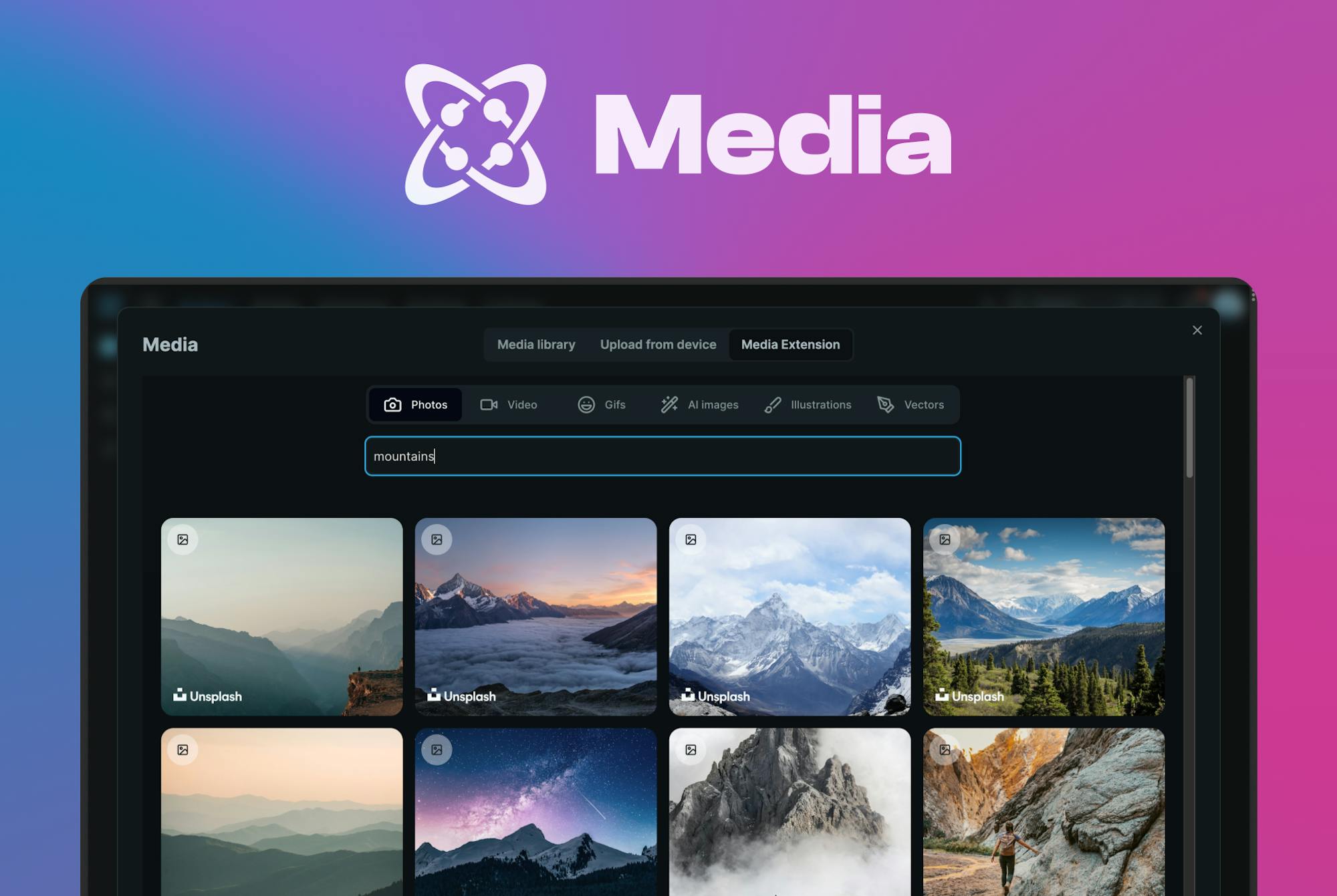
Search millions of high-quality royalty-free stock photos, images, and videos from popular online media services.
https://github.com/cosmicjs/cosmic-media-extension
content-management developer-tools media
Last synced: 8 months ago
JSON representation
Search millions of high-quality royalty-free stock photos, images, and videos from popular online media services.
- Host: GitHub
- URL: https://github.com/cosmicjs/cosmic-media-extension
- Owner: cosmicjs
- License: mit
- Created: 2023-07-27T18:49:24.000Z (almost 3 years ago)
- Default Branch: main
- Last Pushed: 2024-02-14T21:02:36.000Z (over 2 years ago)
- Last Synced: 2025-04-05T05:11:25.620Z (about 1 year ago)
- Topics: content-management, developer-tools, media
- Language: TypeScript
- Homepage: https://cosmicmedia.vercel.app
- Size: 860 KB
- Stars: 48
- Watchers: 3
- Forks: 8
- Open Issues: 0
-
Metadata Files:
- Readme: README.md
- License: LICENSE
Awesome Lists containing this project
README
# Cosmic Media
Search millions of high-quality, royalty-free stock photos, videos, images, and vectors from one convenient interface. Includes popular online media services: Unsplash, Pexels, Giphy, and Pixabay as well as OpenAI image generation from prompt. [Try it here](https://cosmicmedia.vercel.app/).
## How to use it
You can use Cosmic Media to search and download media manually, or you can install it in your [Cosmic](https://www.cosmicjs.com/) project as an extension to save media directly in your project.
## How to install in Cosmic
1. [Log in to Cosmic](https://app.cosmicjs.com/login).
2. Go to _Project > Extensions_.
3. Find this extension and click "Install".
## Service keys
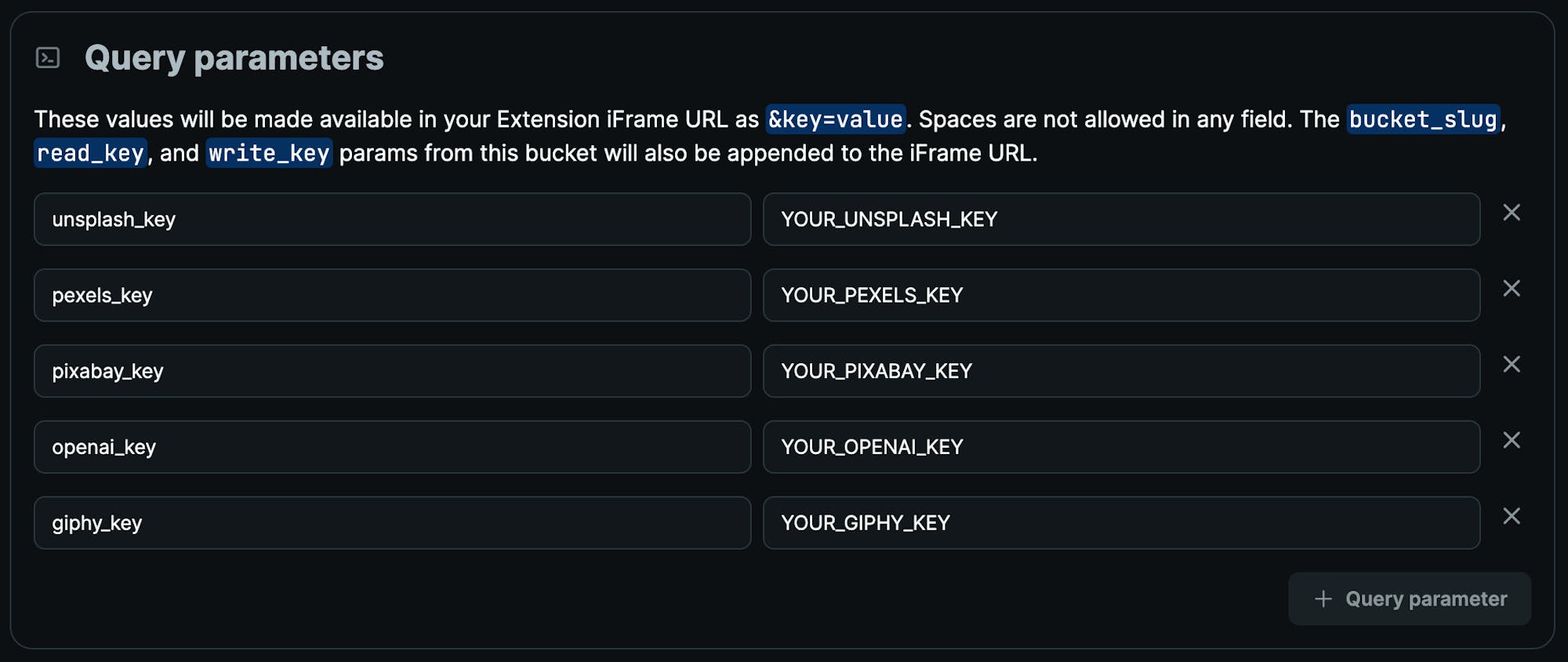
The deployed app uses default API keys for Unsplash, Giphy, Pexels, Pixaby, and OpenAI. If you run into API rate-limit issues, you can update these to your own keys:
1. `unsplash_key` Register for a key [here](https://unsplash.com/developers).
2. `pexels_key` Register for a key [here](https://www.pexels.com/api).
3. `pixabay_key` Register for a key [here](https://pixabay.com/service/about/api)
4. `openai_key` Register for a key [here](https://platform.openai.com)
5. `giphy_key` Register for a key [here](https://developers.giphy.com)
### Using service keys
Keys can be provided to the app in one of the following ways:
1. As query params in the URL. For example: `?unsplash_key=YOUR_UNSPLASH_KEY&pexels_key=YOUR_PEXELS_KEY`
2. Using the `.env` file. See the `.env.example` file for env var format.
3. If installed in Cosmic as an extension, go to Cosmic Media extension settings page by going to _Extensions > Cosmic Media > Settings_, find the Query Parameters section and update the following query params to your own keys:
## Run locally
```bash
git clone https://github.com/cosmicjs/cosmic-media-extension
cd cosmic-media-extension
yarn
yarn dev
```
## Built with
- [shadcn/ui](https://github.com/shadcn-ui/ui)
- Next.js 13 App Directory
- Radix UI Primitives
- Tailwind CSS
- Icons from [Lucide](https://lucide.dev)
- Dark mode with `next-themes`
- Tailwind CSS class sorting, merging and linting.
## License
Licensed under the [MIT license](https://github.com/cosmicjs/cosmic-media-extension/blob/main/LICENSE.md).