https://github.com/courantluna/githubtutoxheydi
This repository keep files for example in video tutorial about basics of GitHub
https://github.com/courantluna/githubtutoxheydi
basics-of-github github
Last synced: over 1 year ago
JSON representation
This repository keep files for example in video tutorial about basics of GitHub
- Host: GitHub
- URL: https://github.com/courantluna/githubtutoxheydi
- Owner: CourantLuna
- Created: 2024-02-22T10:55:34.000Z (over 2 years ago)
- Default Branch: main
- Last Pushed: 2024-02-22T13:16:58.000Z (over 2 years ago)
- Last Synced: 2025-02-10T13:37:57.137Z (over 1 year ago)
- Topics: basics-of-github, github
- Homepage: https://youtu.be/eqclaAj88sI
- Size: 8.79 KB
- Stars: 0
- Watchers: 1
- Forks: 0
- Open Issues: 1
-
Metadata Files:
- Readme: README.md
Awesome Lists containing this project
README
### Please to to `master` branch to see the result of this tutorial
## Youtube Video
[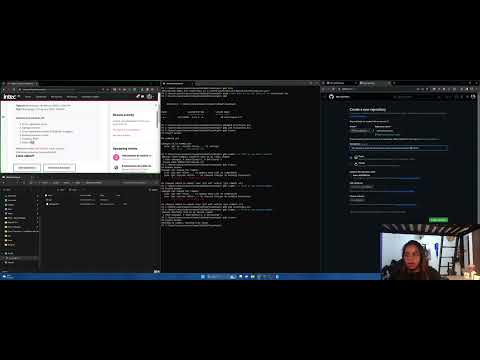](https://youtu.be/eqclaAj88sI)
# GitHubTutoxHeydi
This repository keep files for example in video tutorial about basics of GitHub
Welcome to the git tuorial using Powershell from Windows
## Objetives
- Learn to create and manage repositories with Git.
- Understand the basic Git Workflow: `add`, `commit`, `push`, `fetch`, `pull`
## Creating a Repository
To start a new repository, use the command:
```bash
git init your_repository_name
```
#Adding Files
```bash
git add .
git add filename
```
## Committing Changes
Save your changes with:
```bash
git commit -m "My first commit"
```
## Connecting with Github
Link your local repository with a remote one:
```bash
git remote add origin
```
## Pushing Changes
To push your changes to the remote repository, use:
```bash
git push -u origin master
```
## Updating Your Local Repository
To update your local repository with the last changes from the remote:
```bash
git pull origin master
```