https://github.com/csahu14/mailchimp-clone
Mailchimp clone build on react js using Firebase as Backend and firestore database, we use Material UI , Chakra UI and SCSS in frontend, Paypal as payment gateway and we use React Redux and Context APIs to configure connections between components and dynamic Search Section. For Login and Signup we use Firebase Auth and mail services
https://github.com/csahu14/mailchimp-clone
chakra-ui css3 favicon firebase firebase-auth firebase-database material-ui netlify payment-gateway paypal reactjs redux scss
Last synced: 3 months ago
JSON representation
Mailchimp clone build on react js using Firebase as Backend and firestore database, we use Material UI , Chakra UI and SCSS in frontend, Paypal as payment gateway and we use React Redux and Context APIs to configure connections between components and dynamic Search Section. For Login and Signup we use Firebase Auth and mail services
- Host: GitHub
- URL: https://github.com/csahu14/mailchimp-clone
- Owner: cSahu14
- Created: 2022-02-27T10:09:36.000Z (over 4 years ago)
- Default Branch: main
- Last Pushed: 2022-02-27T10:14:36.000Z (over 4 years ago)
- Last Synced: 2025-03-28T15:29:21.583Z (over 1 year ago)
- Topics: chakra-ui, css3, favicon, firebase, firebase-auth, firebase-database, material-ui, netlify, payment-gateway, paypal, reactjs, redux, scss
- Language: JavaScript
- Homepage: https://clone-mailchimpmailchimp.netlify.app/
- Size: 7.67 MB
- Stars: 1
- Watchers: 1
- Forks: 1
- Open Issues: 0
-
Metadata Files:
- Readme: README.md
Awesome Lists containing this project
README
# Mailchimp Clone!
- Mailchimp clone build on **React js** using **Firebase** as
**Backend** and **firestore** database.
- We use **Material UI** , **Chakra UI** and **SCSS** in frontend.
- **Paypal** as payment gateway
- **React Redux** and **Context APIs** to configure connections between components and dynamic Search Section.
- For Login and Signup we use **Firebase Auth** and **mail services**.
- On SingUp and reseting password a custom mail will be send to you
given email too.
# Home Page


## Search Section
- On clicking on Search icon in navbar, navbar will slide down and search section will appears.
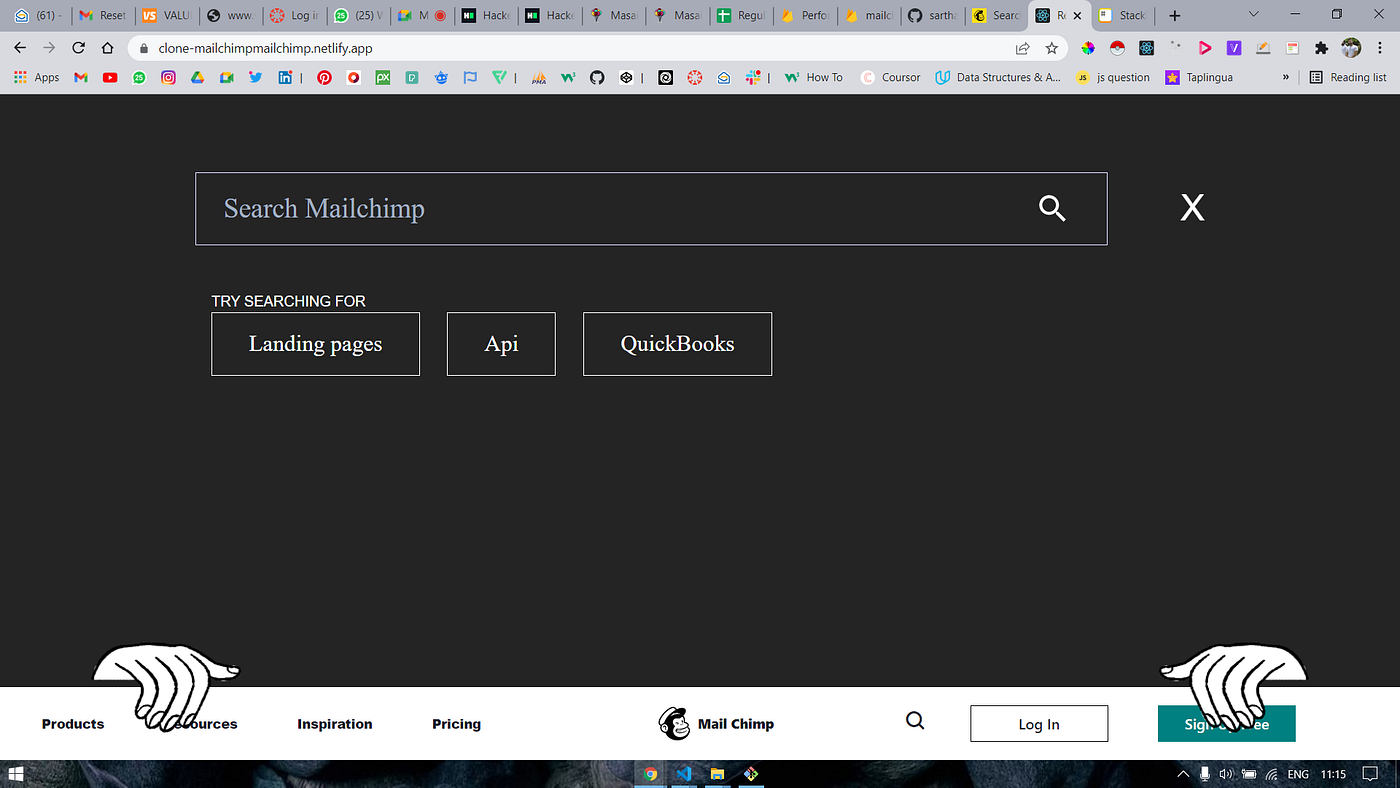
- On search any desired section it will show the list and all items according to that section
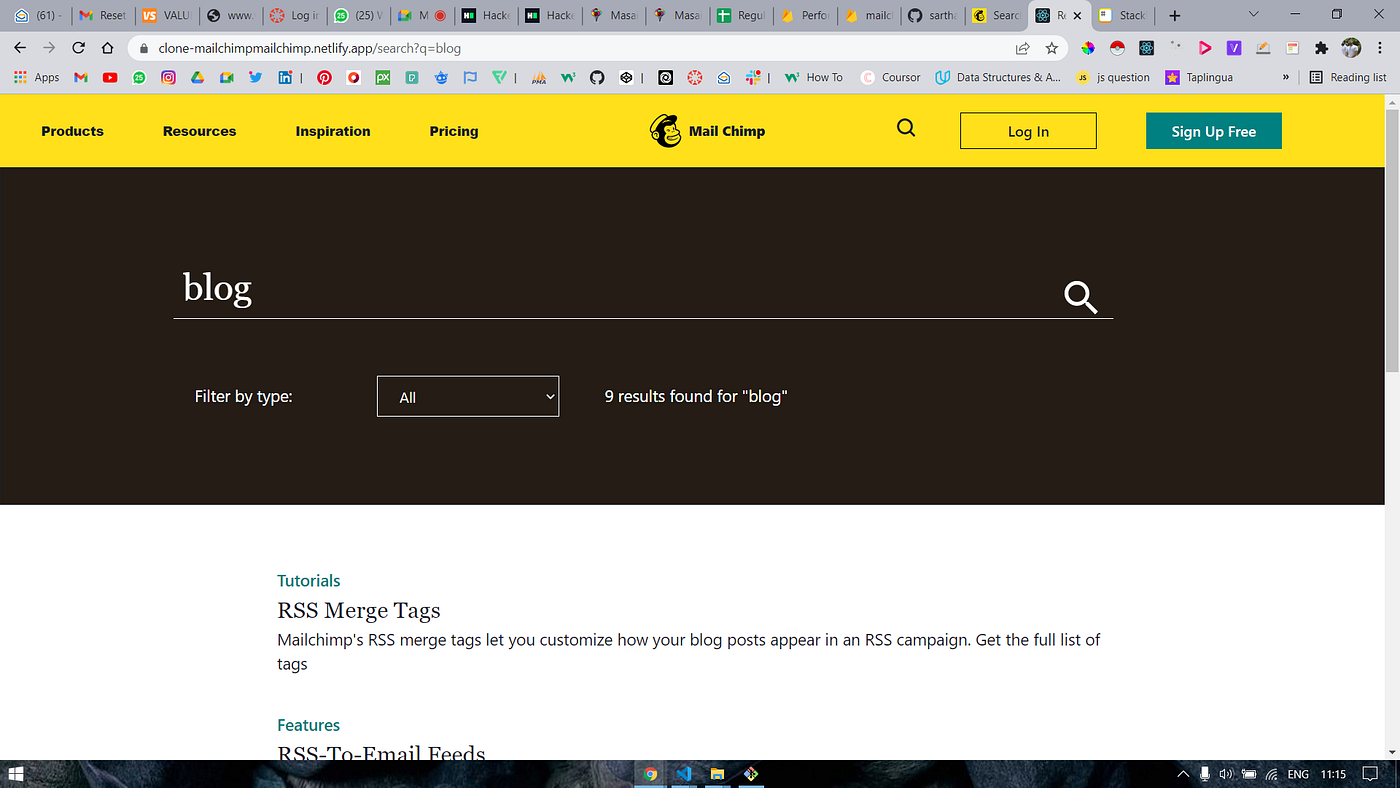
- We can even filter the type of specific sections which we are doing with **react redux**
## Blog page and Ads page
|  |  |
|--|--|
| Blog page | Ads page |
## Sign up section
- Signup section is done by using Firebase Auth .

## Login section

- If details are wrong

- If details are corrent

- On clicking forget password it will collect your email address and send a mail on it
||  |
|--|--|
|  |  |
# Payment Section
In payment section we use **Pay pal.**

||  |
|--|--|
| Creadit card | Pay pal |

Team Pandavs
