https://github.com/csharpfritz/blazor-workshop-2
Test workshop format
https://github.com/csharpfritz/blazor-workshop-2
Last synced: 5 months ago
JSON representation
Test workshop format
- Host: GitHub
- URL: https://github.com/csharpfritz/blazor-workshop-2
- Owner: csharpfritz
- License: mit
- Created: 2021-07-02T10:47:09.000Z (almost 5 years ago)
- Default Branch: main
- Last Pushed: 2021-07-02T10:48:11.000Z (almost 5 years ago)
- Last Synced: 2025-12-08T01:05:57.628Z (7 months ago)
- Language: C#
- Size: 2.32 MB
- Stars: 2
- Watchers: 2
- Forks: 0
- Open Issues: 0
-
Metadata Files:
- Readme: README.md
- License: LICENSE
Awesome Lists containing this project
README
# Blazor - app building workshop
Welcome to the Blazor app building workshop!
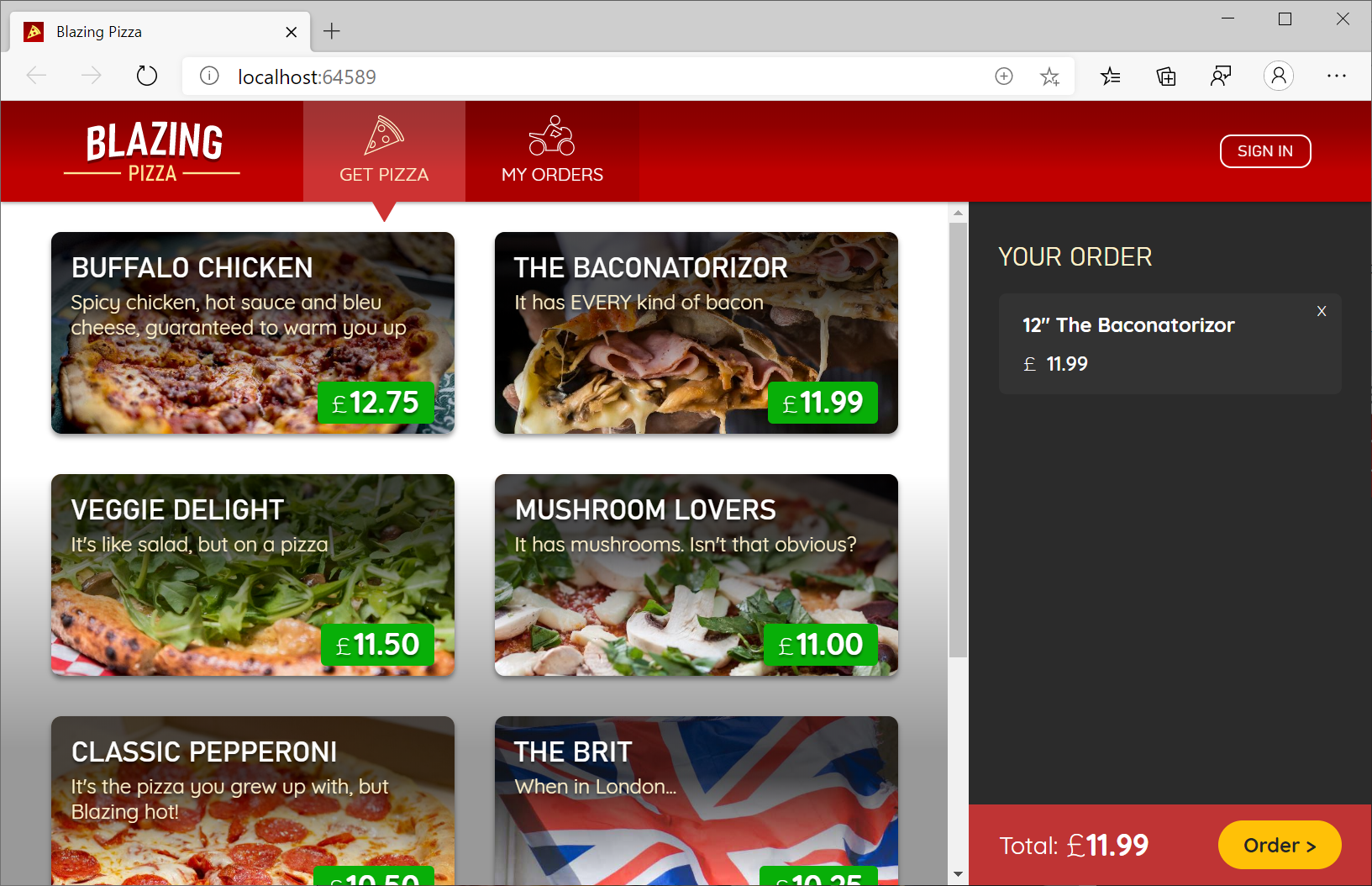
Blazor is a single-page app framework for building client-side web apps using .NET and WebAssembly. In this workshop we will build a complete Blazor app and learn about the various Blazor framework features along the way.
## Getting Started
Go ahead and clone this repo to your machine, then dive in and [get started](/docs/00-get-started.md)!
## Sessions
| Session | Topics |
| ----- | ---- |
| [Session #0](/docs/00-get-started.md) | Get bits installed and build your first Blazor app |
| [Session #1](/docs/01-components-and-layout.md) | Get started with components, create the app layout |
| [Session #2](/docs/02-customize-a-pizza.md) | Add customized pizzas to orders |
| [Session #3](/docs/03-show-order-status.md) | Show order status |
| [Session #4](/docs/04-refactor-state-management.md) | Refactor state management |
| [Session #5](/docs/05-checkout-with-validation.md) | Checkout with validation |
| [Session #6](/docs/06-authentication-and-authorization.md) | Authenticate users and authorize access to order status |
| [Session #7](/docs/07-javascript-interop.md) | Track order status on a real time map |
| [Session #8](/docs/08-templated-components.md) | Create and use components with template parameters |
| [Session #9](/docs/09-progressive-web-app.md) | Progressive Web App (PWA) features |
| [Session #10](/docs/10-publish-and-deploy.md) | Deploy your app to Azure |