https://github.com/cudiph/ansciier
Mimic image or video to your terminal
https://github.com/cudiph/ansciier
opencv python terminal
Last synced: 5 months ago
JSON representation
Mimic image or video to your terminal
- Host: GitHub
- URL: https://github.com/cudiph/ansciier
- Owner: Cudiph
- License: mit
- Created: 2021-07-02T19:24:03.000Z (almost 5 years ago)
- Default Branch: master
- Last Pushed: 2021-09-10T11:39:01.000Z (almost 5 years ago)
- Last Synced: 2025-01-13T05:24:23.687Z (over 1 year ago)
- Topics: opencv, python, terminal
- Language: Python
- Homepage:
- Size: 23.4 KB
- Stars: 1
- Watchers: 1
- Forks: 0
- Open Issues: 0
-
Metadata Files:
- Readme: README.md
- License: LICENSE
Awesome Lists containing this project
README
# Ansciier
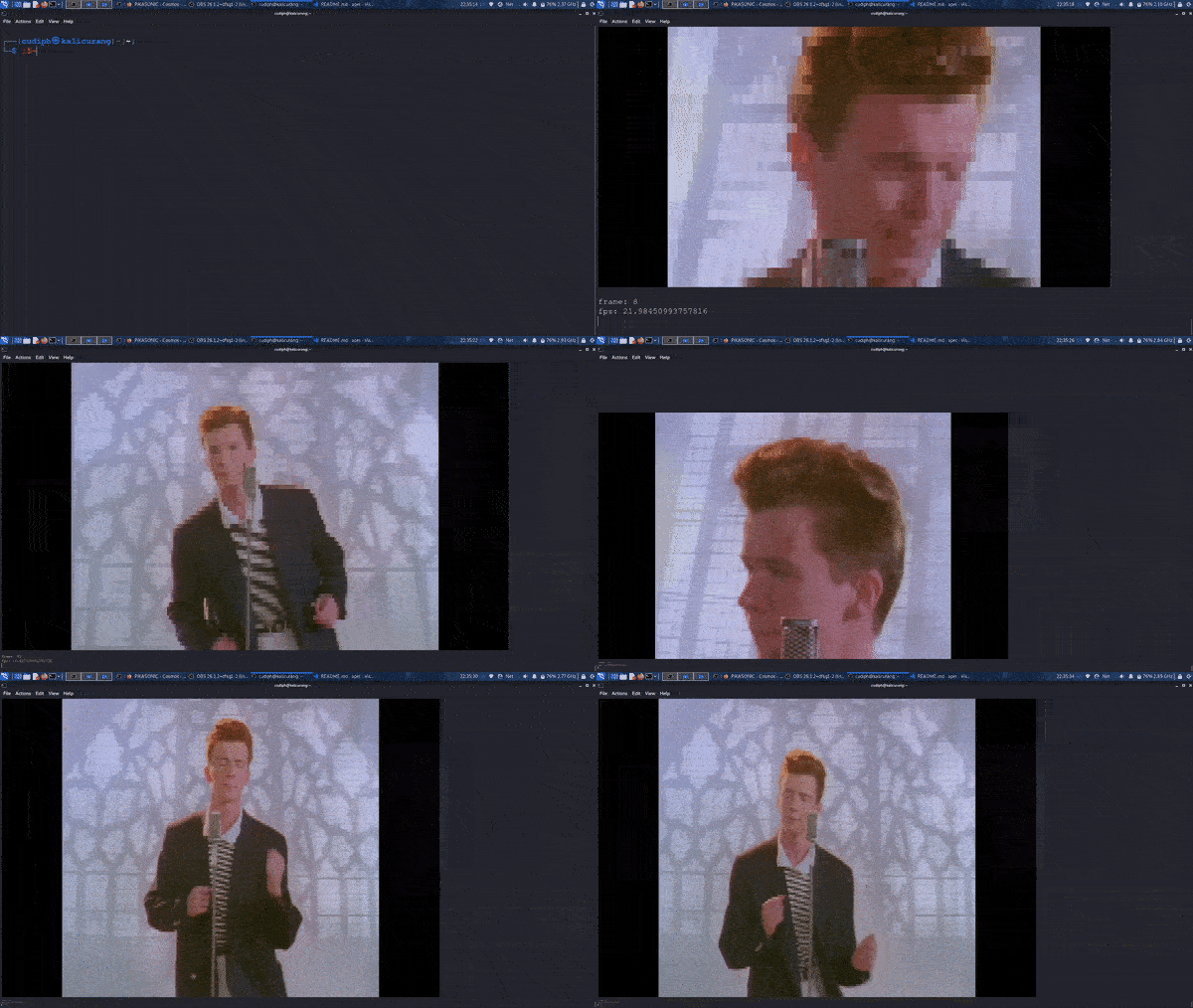
Mimic video or image to your terminal
## Overview
## How to use it
1. First you need [python 3][python], I reccomend the latest version but I think it would run on older version too.
2. Install the package with `$ pip install ansciier` or `pip3` if pip is point to python 2 version.
3. Run it with `$ ansciier /path/to/image-or-video.mp4`.
4. Type `$ ansciier -h` for help.
## Example usage
- `$ ansciier ~/Videos/rickroll.mp4 --aspect-ratio 20:9 --fps 24`
Command above will draw frame from rickroll.mp4 in Videos folder with aspect ratio of 20:9 and max fps at 24
- `$ ansciier ~/Video/frame{0}.png --ascii --char @ --dim 200x50 --start-frame 59`
This command will draw image with `@` character, 200x50 square block dimension from frame59.png, frame60.png, until it reaches the highest frame number. It'll automatically find the last frame when `--last-frame` is not specified, it'll still continue if a frame is missing.
- `$ ansciier camera` will use your camera
Note : Support only truecolor terminal (Because majority of terminals nowadays are truecolor I think you already have one).
Should work on Windows and Linux
[python]: https://www.python.org/downloads/release/python-396/