https://github.com/cwithmichael/yelp-camp-flask
A Python/Flask fork of the Node.js/Express based YelpCamp project
https://github.com/cwithmichael/yelp-camp-flask
flask mapbox mongodb python python3
Last synced: about 1 month ago
JSON representation
A Python/Flask fork of the Node.js/Express based YelpCamp project
- Host: GitHub
- URL: https://github.com/cwithmichael/yelp-camp-flask
- Owner: cwithmichael
- License: mit
- Created: 2021-01-05T04:06:25.000Z (over 5 years ago)
- Default Branch: main
- Last Pushed: 2022-02-20T02:05:12.000Z (over 4 years ago)
- Last Synced: 2025-01-03T09:14:35.877Z (over 1 year ago)
- Topics: flask, mapbox, mongodb, python, python3
- Language: Python
- Homepage:
- Size: 250 KB
- Stars: 0
- Watchers: 2
- Forks: 0
- Open Issues: 0
-
Metadata Files:
- Readme: README.md
- License: LICENSE
Awesome Lists containing this project
README
# yelp-camp-flask
This project is based off of the wonderful YelpCamp project presented in the [Web Developer Boot Camp course on Udacity](https://www.udemy.com/share/101W9CBUETdVtRTXQ=/)
The original project uses Node.js and Express. I decided to do the project with Python and Flask. The front-end is mostly the same. There weren't huge differences between ejs and jinja templates.
The back-end has a few changes, but I tried to stay as faithul to the original course project as possible.
The original project can be found [here](https://github.com/Colt/YelpCamp).
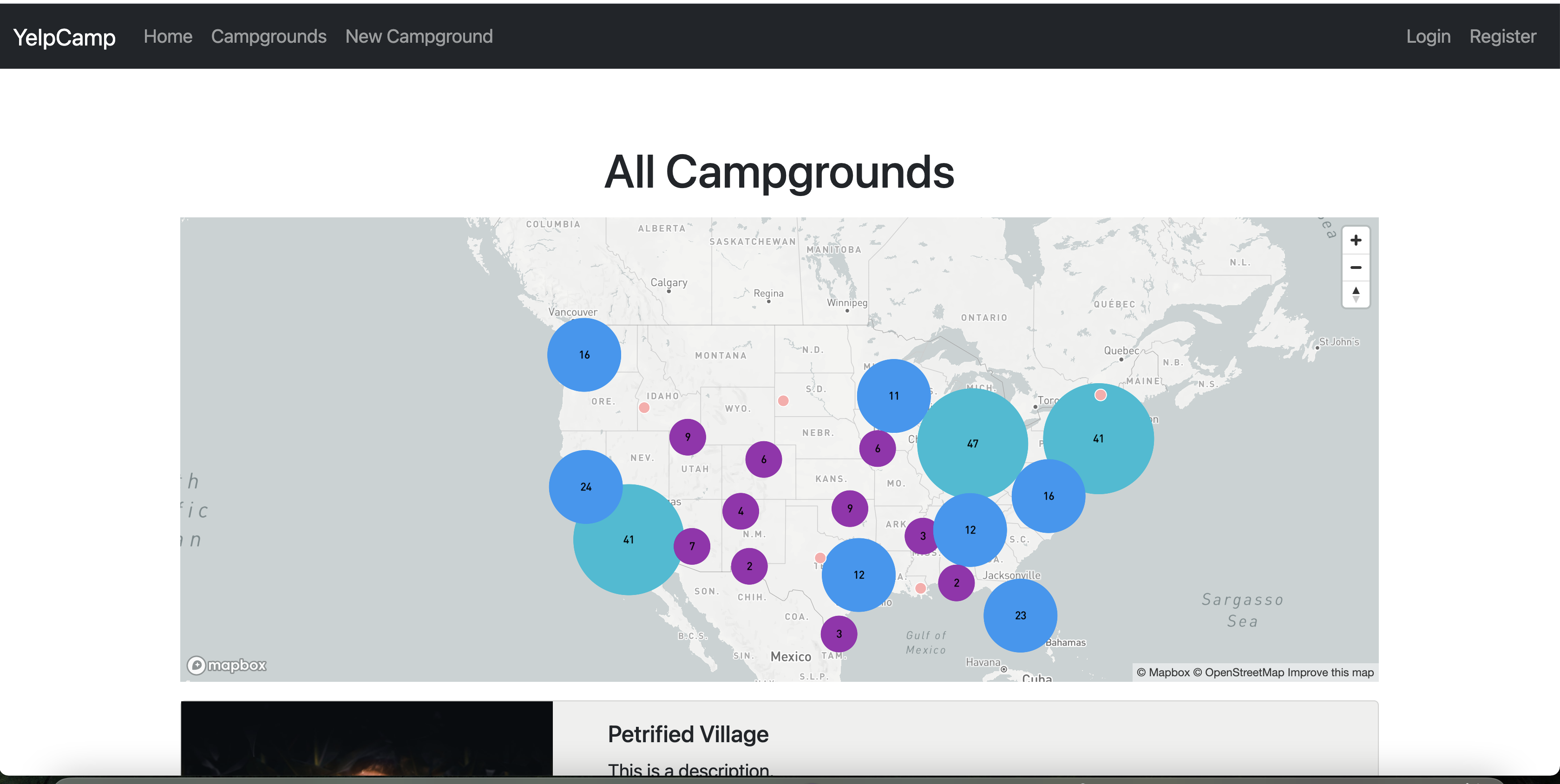
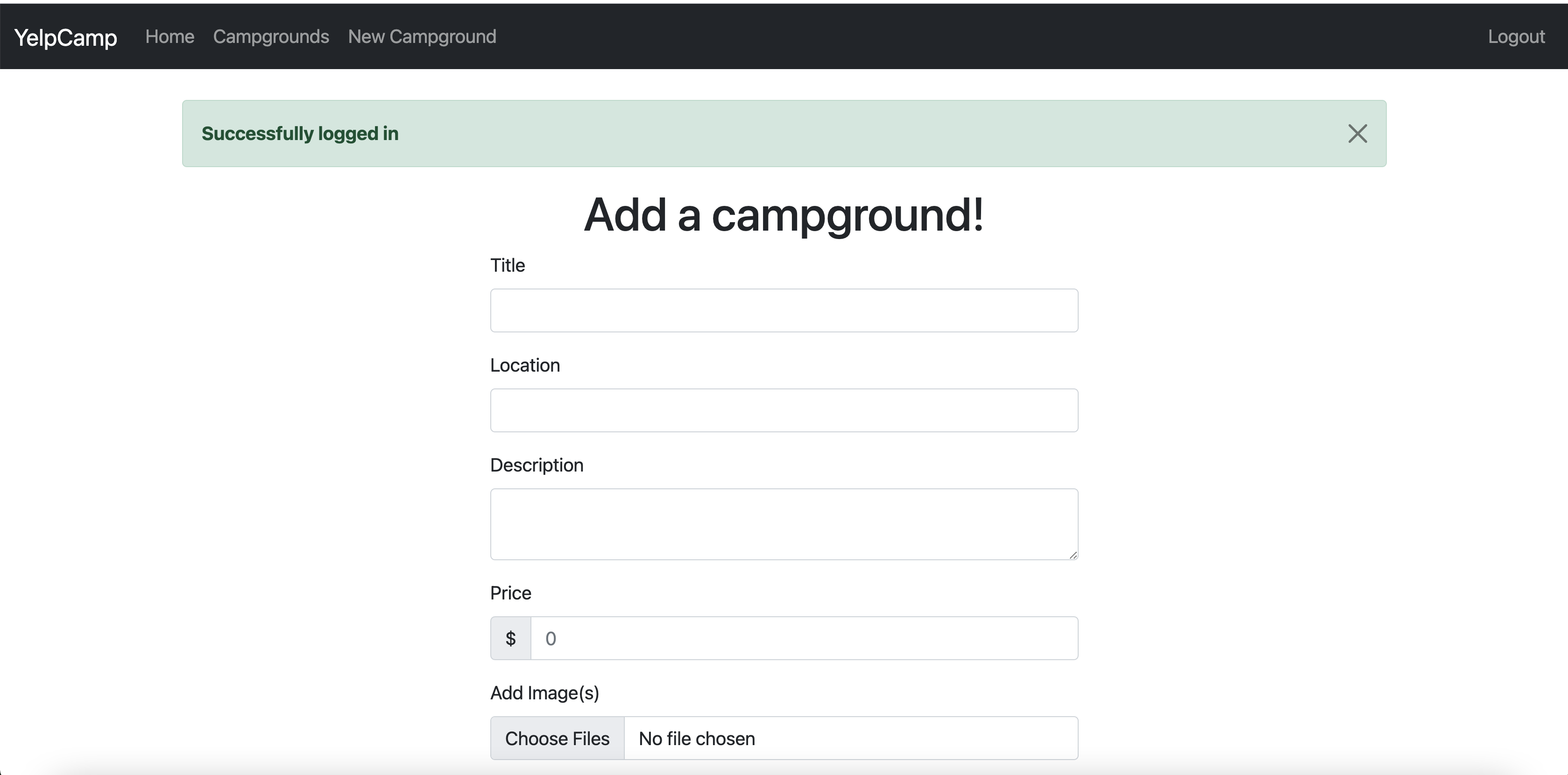
## Example screenshots
## Requirements (Development)
- Python 3.9.1
- pipenv
- Local MongoDB instance
- [Free Cloudinary account](https://cloudinary.com/users/register/free) for uploading images
- [Free mapbox account](https://www.mapbox.com/) for forward geocoding functionality
## Running it (On a *nix based OS)
Make sure you have your local MongoDB instance running before starting the app.
Make sure you have [pipenv installed](https://pipenv.pypa.io/en/latest/install/#installing-pipenv)
1.Run pipenv install
pipenv install
2.Start the pipenv shell
pipenv shell
3.Export the Flask environment vars
export FLASK_APP=yelp
export FLASK_ENV=development
4.Seed the database
flask seed-db
5.Run the app
flask run
## Using the app
At this point you should be able to play around with the app. You'll need to either login or register to make changes to existing campgrounds or add new ones.
The login info for the test account:
`username: fake`
`password: fake`
Note: Uploading images won't work until you've added your Cloudinary creds.
## Adding your Cloudinary creds

Simply create a `.env` file inside of the `instance` folder. The `instance` folder gets created the first time you run the app.
If you haven't run the app yet, then just create the folder yourself in the root of the project.
And add the `CLOUDINARY_URL` api environment variable you got from Cloudinary to the `.env` file:
`CLOUDINARY_URL=cloudinary://:@`
## Adding your Mapbox token
Modify the `.env` file inside of the `instance` folder by adding the line below:
`MAPBOX_TOKEN=`