https://github.com/dabeng/user-experience-improvement-strategies
The key points are not jQuery plugins, Angular directives, React components or Polymer elements in here. We just share feasible solutions, reasonable thoughts and friendly reminders to improve user experience with the help of javascript.
https://github.com/dabeng/user-experience-improvement-strategies
Last synced: over 1 year ago
JSON representation
The key points are not jQuery plugins, Angular directives, React components or Polymer elements in here. We just share feasible solutions, reasonable thoughts and friendly reminders to improve user experience with the help of javascript.
- Host: GitHub
- URL: https://github.com/dabeng/user-experience-improvement-strategies
- Owner: dabeng
- License: mit
- Created: 2015-10-09T01:44:08.000Z (almost 11 years ago)
- Default Branch: master
- Last Pushed: 2016-01-28T02:52:28.000Z (over 10 years ago)
- Last Synced: 2025-01-28T02:22:37.441Z (over 1 year ago)
- Homepage:
- Size: 19.5 MB
- Stars: 0
- Watchers: 2
- Forks: 0
- Open Issues: 1
-
Metadata Files:
- Readme: README.md
- License: LICENSE
Awesome Lists containing this project
README
# User Experience Improvement Strategies
The key points are not jQuery plugins, Angular directives, React components or Polymer elements in here. We just share feasible solutions, reasonable thoughts and friendly reminders to improve user experience with the help of javascript.
**Note:** all the content of this artical is based on discussions and thoughts about improving User Experience of destop app of industrial business system.
##Ⅰ. What elements do you think an excellent User Experience of web apps should possess?
1. ★ The app should have its own distinct layout and theme color that can impress the people eventthough they don't often use this app. In short, creating **peculiar UI style** for your app.
2. ★★ Without the help of user manual or user guide, target users can easily master the most of functionalites. Maybe 80% is an appropriate proportion. In short, highlighting the **usability** and **friendliness**.
3. ★★★ Displaying business data naturally, abstracting the business operation procedures and **improving work efficiency**.
4. ★★★★ If users can smoothly finish their all tasks on the current UI, moreover it's a good trip for users,we can claim that the app have an excellent user experiecnce. In short, users **like and enjoy UI**.
5. Here, ★ represents the difficulty level of accomplishing.
## Ⅱ. We got the following main direction of attack on hand.
1. Consistent UI layout and theme color.
2. Apply well-designed UI widdgets(components or plugins).
3. Add animation effect to the existing static dom snippets.
4. Refactor the work flow to provide more clean and natural UI.
5. Remove the excessive packaging of UI interactions and recover the behavior of data displaying and data processing to its original state.
6. Draw inspiration from mobile apps.
## Ⅲ. Acculated tips or tricks.
### 1. Coding
* Do not overuse UI libraries.
* Do not mix up UI libraries as far as possible.
### 2. Layout
* Do not make interface shake.
* Anytime, we just provide users with only one edit status.
* Anytime, the screenshot of your application should be unnderstood unambiguously.
* Do not overuse modals.
* Do not overuse scrollbars.
* Anytime, do not keep more than 3 parallel horizontal scrollbars in the full browser width view.
* Do not nest divs with scrollbar.
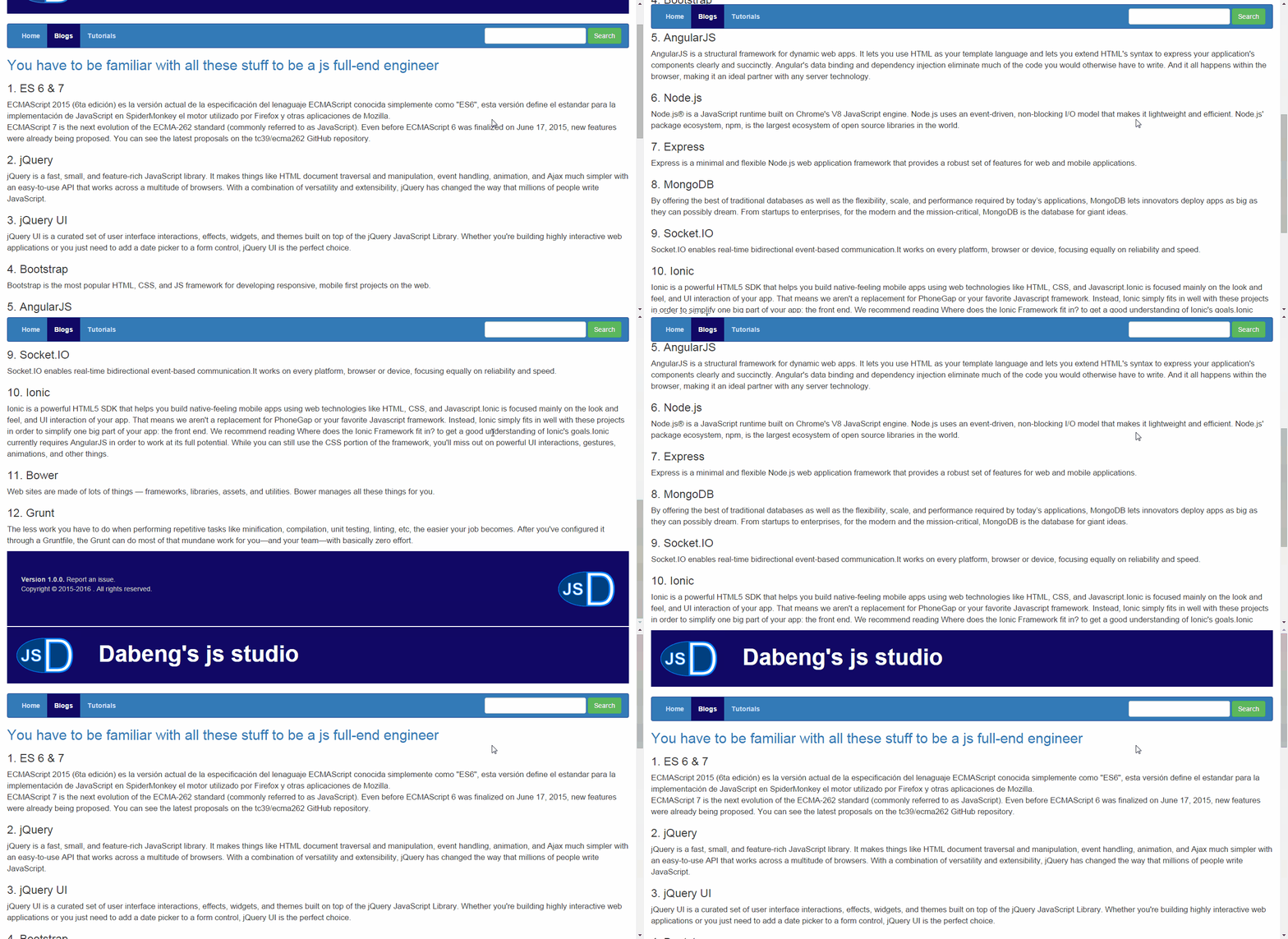
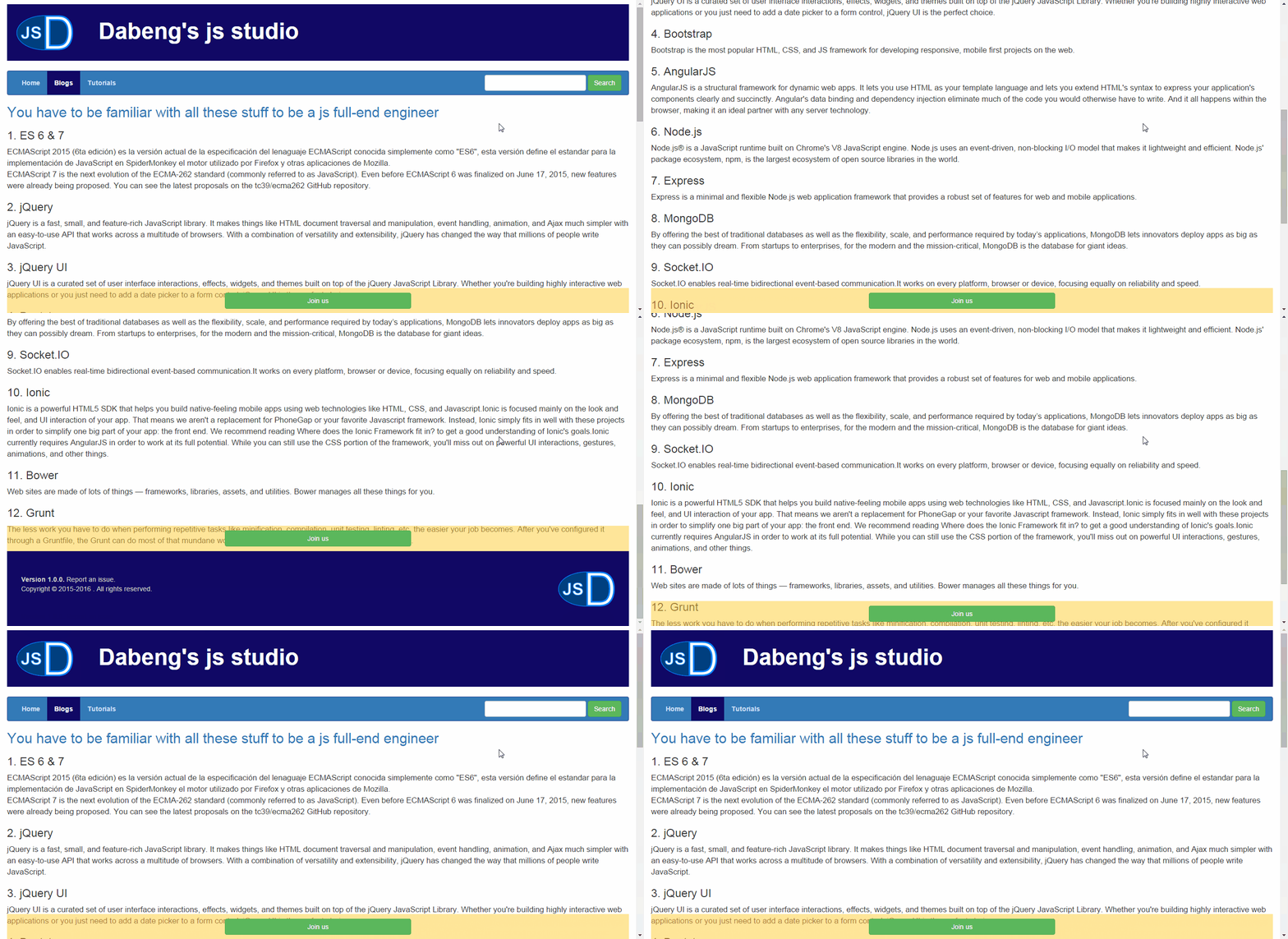
* When you got a long scrollbar, you need to think about which elements should be kept fixed and which elements should be hidden.
[example 1 - navigation bar on the top of page](http://dabeng.github.io/user-experience-improvement-strategies/layout/long-scrollbar/example1/)
[example 2 - important infomation bar on the bottom of page](http://dabeng.github.io/user-experience-improvement-strategies/layout/long-scrollbar/example2/)
* For comments or logs section, appropriate identation is necessary.
### 3. Usability and Friendliness
* Make full use of keys -- Tab, Shift, ↑, ↓, ←, etc.
* Provide progress bar, loading spinner or any visible tips for long-running operations.
* For division or classification tasks, drag-drop operation is a good choice.
* Avoid making a distraction when user is doing a series of operation.
* Do not overuse pagination, maybe the filter + dynamic loading is engouh.
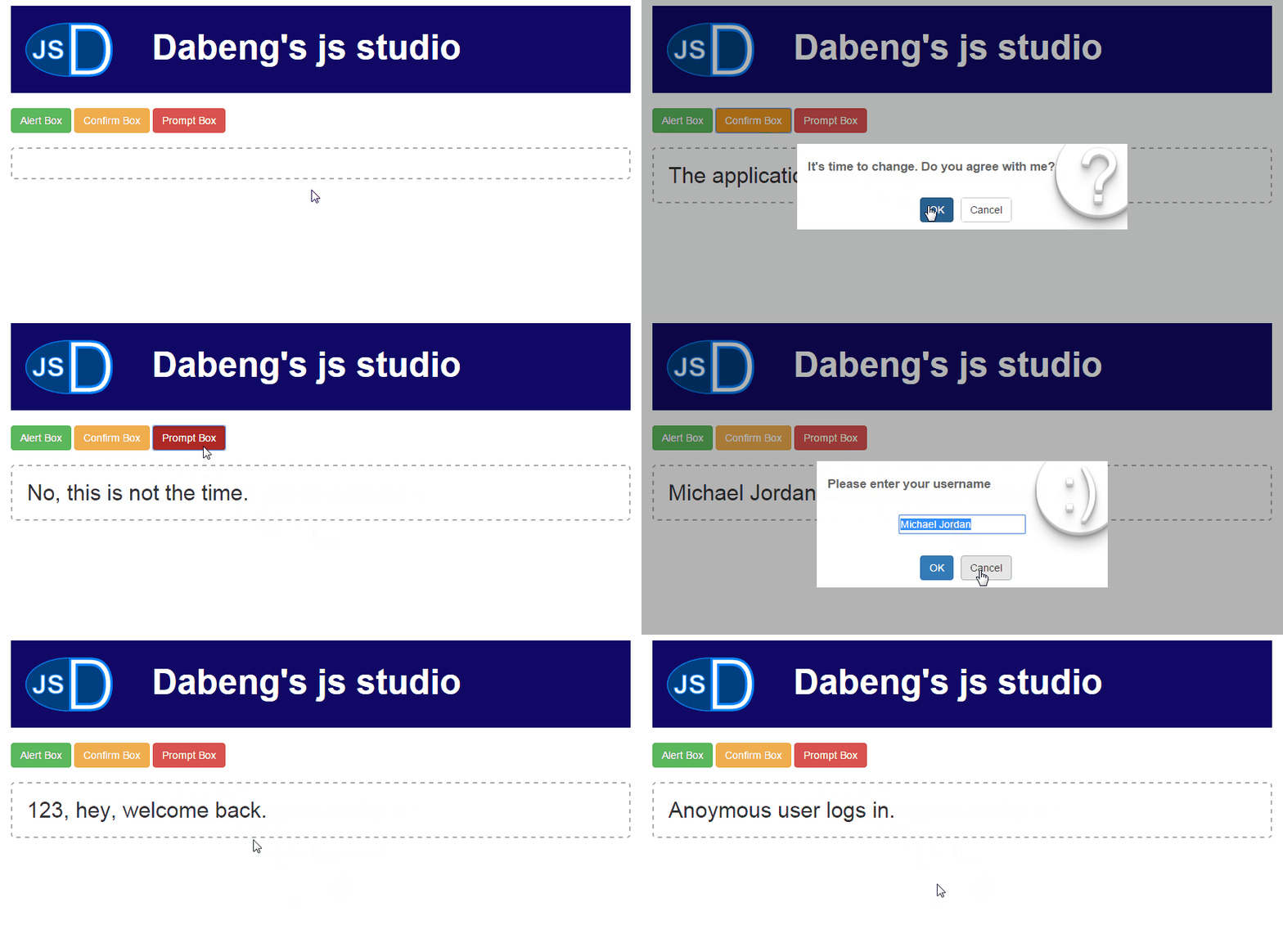
* Replace the abrupt alert(), confirm(), prompt() with custom popup boxes. [Simple Popup](https://github.com/dabeng/Simple-Popup) is a trustworthy substitute derived from this idea.
[example - custom popup box based on jQuery](http://dabeng.github.io/user-experience-improvement-strategies/usability/custom-alert/)
### 4. Animation
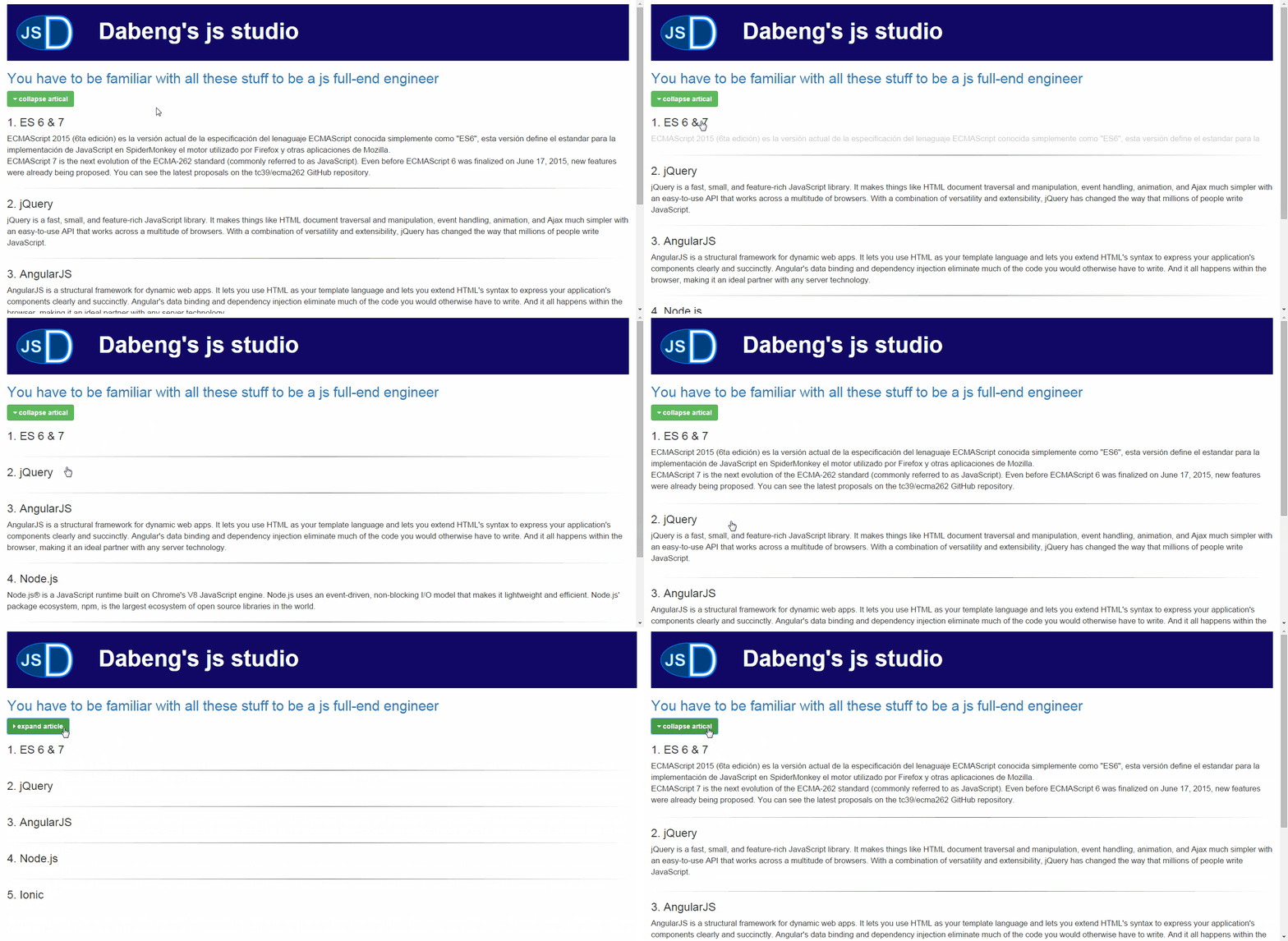
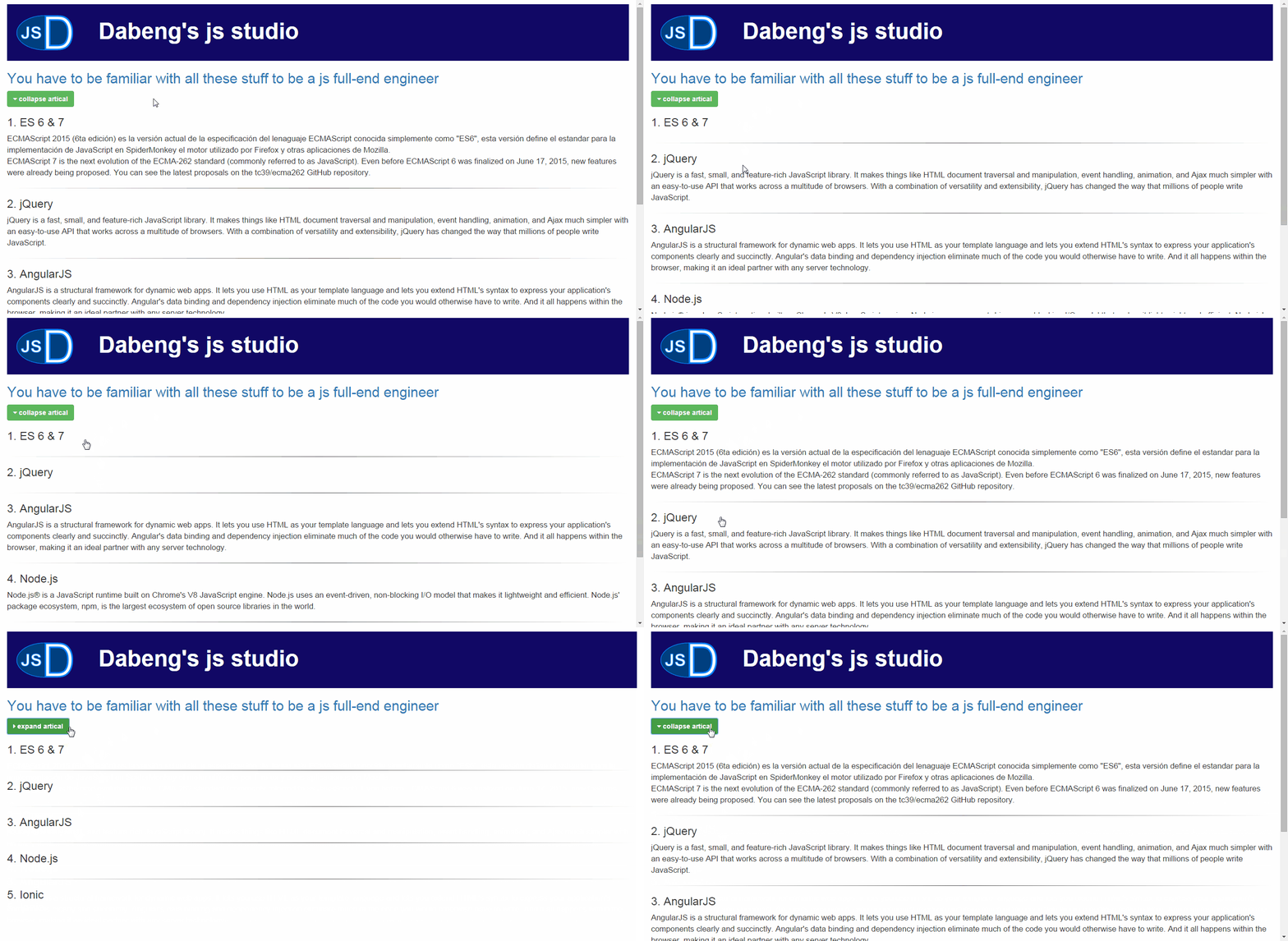
* CSS animations are always preferred than JS animations, because generally accomplishing the same effect requires less code amount based on css.
[example 1 - pure js animation(130 lines of code)](http://dabeng.github.io/user-experience-improvement-strategies/animation/example1/)
[example 2 - jquery addClass/removeClass + css transition(30 lines of code)](http://dabeng.github.io/user-experience-improvement-strategies/animation/example2/)
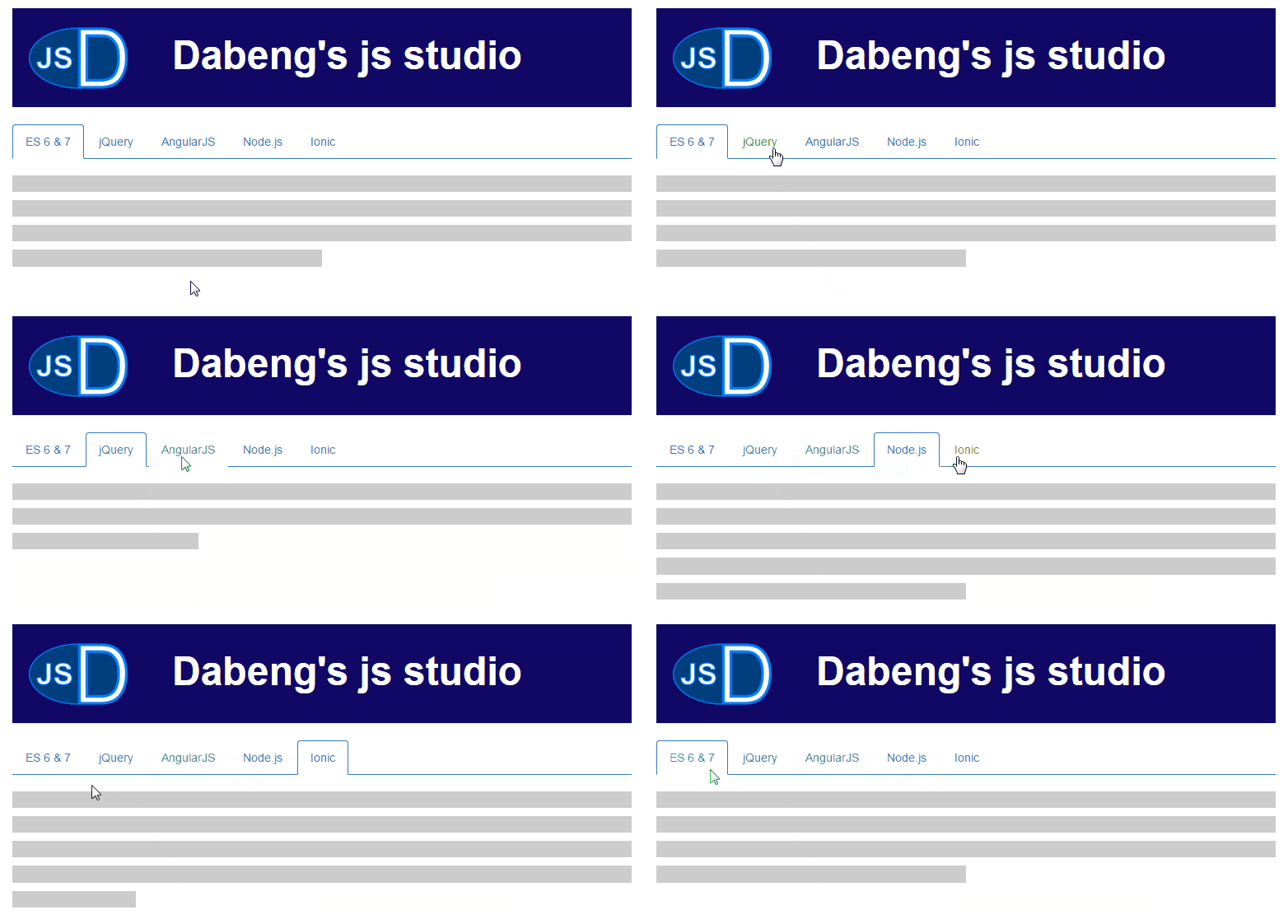
* [Animated Bootstrp Tabs](http://dabeng.github.io/user-experience-improvement-strategies/animation/animated-tabs/)
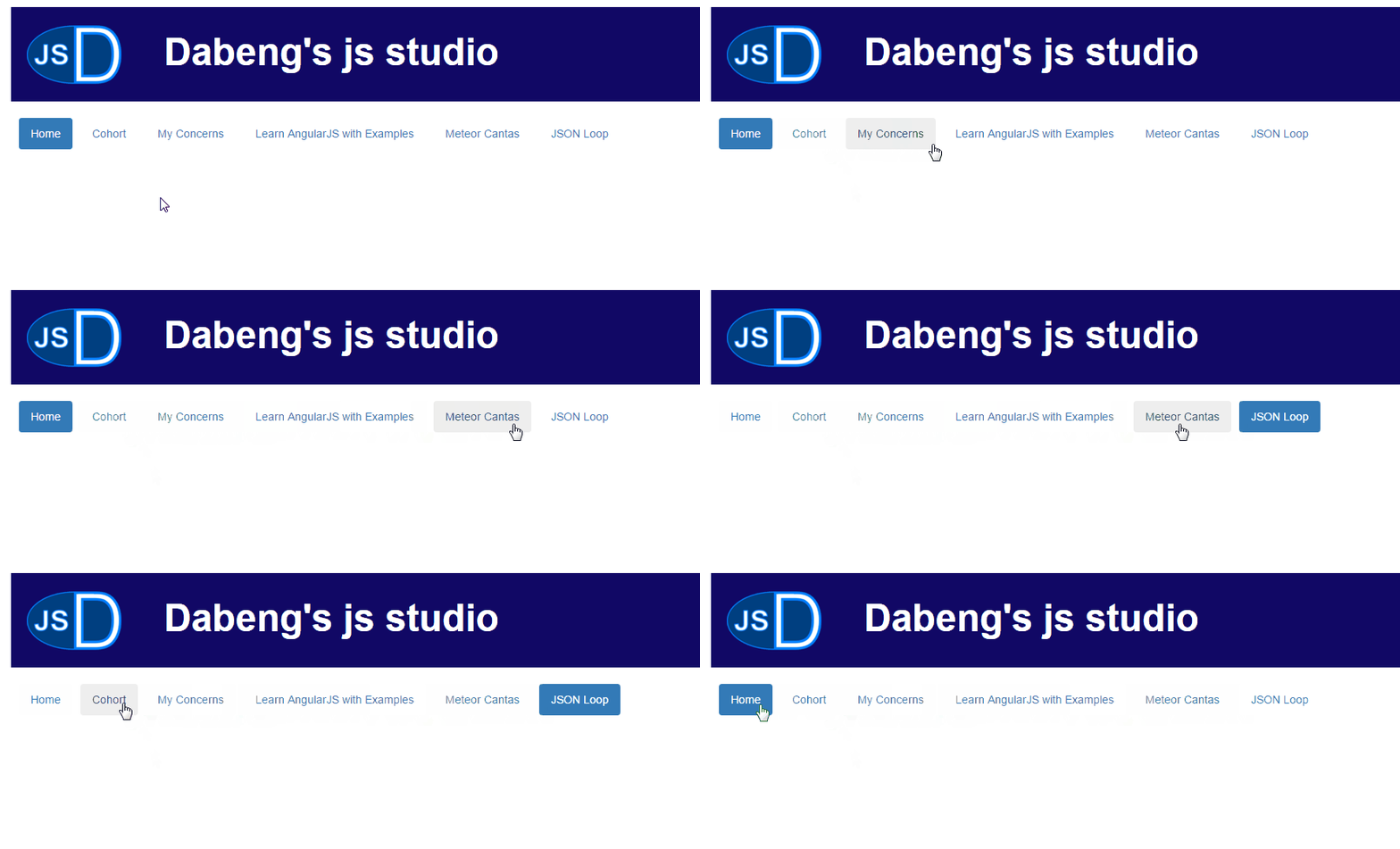
* [Animated Bootstrp Pills](http://dabeng.github.io/user-experience-improvement-strategies/animation/animated-pills/)
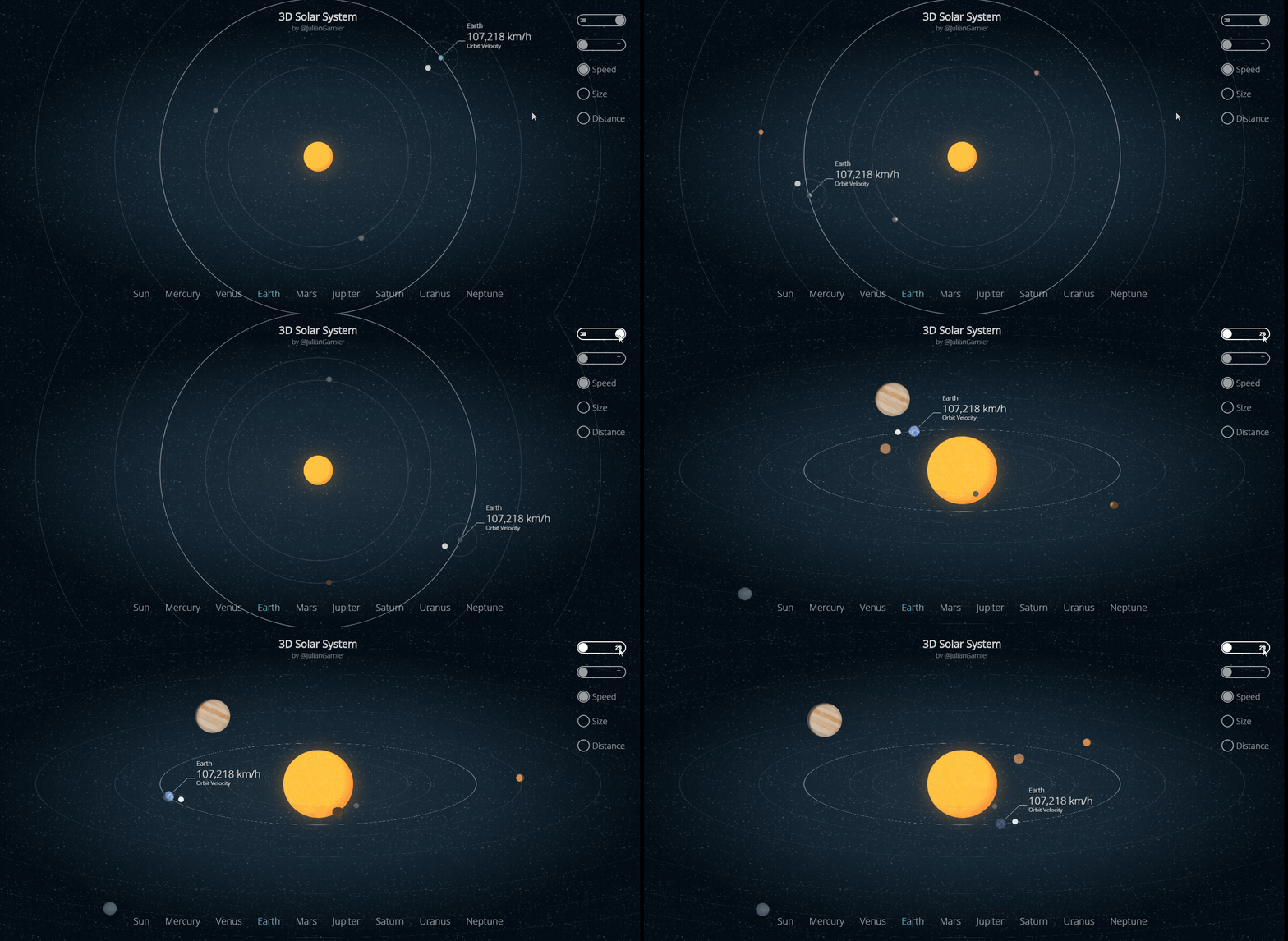
* CSS animation(transition, 2D transform, 3D transform, keyframes) is perfect for simple and small interactions, like hover states, show/hide control, basic data displaying, etc. Let's look at a living example to have a good grasp on -- to what degree css can make animations.
[example - thanks Julian Garnier for his great work -- 3D CSS Solar System](http://codepen.io/juliangarnier/pen/idhuG)
* If your demand is just adding dynamic effect to some static dom elements, maybe [Animate.css](http://daneden.github.io/animate.css/) is a good help.
* If your demand includes manuplating more details of animation itself, I suggest you'd better find a specialized animation library, like [Velocity.js](http://julian.com/research/velocity/).
[example - Let's look at a living example to have a good grasp on -- to what degree Velocity.js can make animations.](http://codepen.io/sol0mka/pen/kzyjJ)

* The excessive animation may drag down page performance or distract users from their serious work.
### 5. Performance
* Page loading speed
* Response speed of user's manipulation
* lazy loading images
### 6. Breaking Tradition
* Allow the existence of overlap.
* Allow the existence of asymmetry.
* Allow the existence of asynchronous operations.