https://github.com/dalirnet/vscode-mongod-config
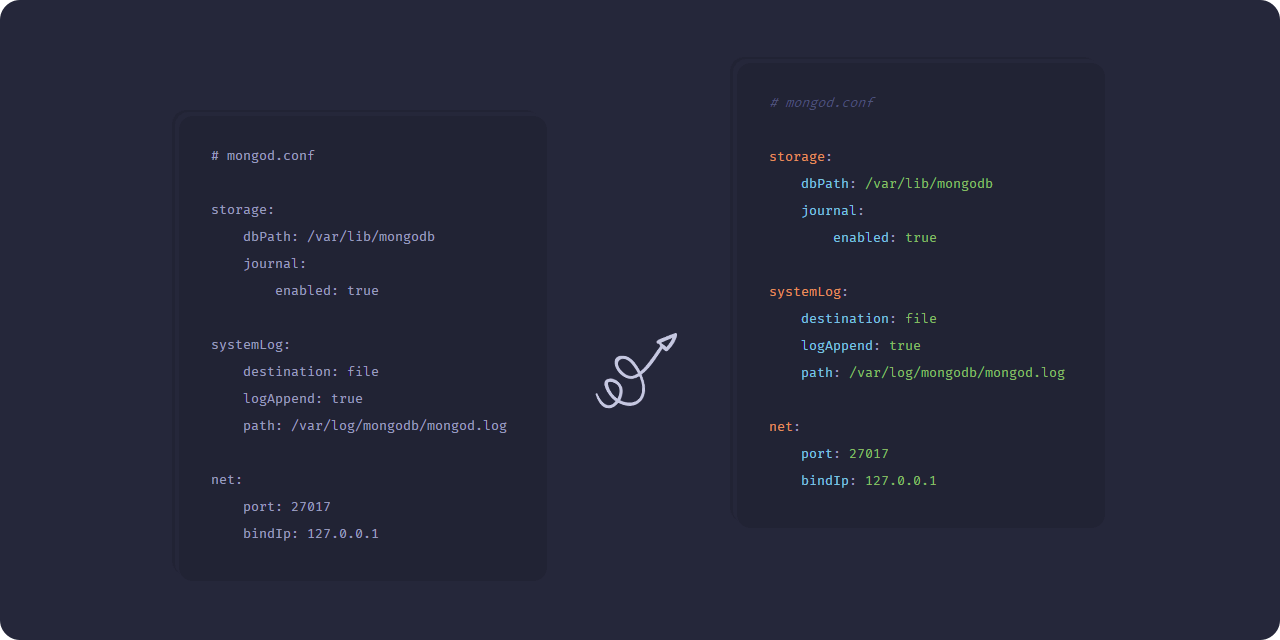
Syntax highlight and formatter for Mongod config files
https://github.com/dalirnet/vscode-mongod-config
Last synced: about 1 year ago
JSON representation
Syntax highlight and formatter for Mongod config files
- Host: GitHub
- URL: https://github.com/dalirnet/vscode-mongod-config
- Owner: dalirnet
- License: mit
- Created: 2021-12-01T07:23:50.000Z (over 4 years ago)
- Default Branch: main
- Last Pushed: 2021-12-02T12:11:29.000Z (over 4 years ago)
- Last Synced: 2025-02-28T13:13:06.360Z (over 1 year ago)
- Language: JavaScript
- Homepage: https://marketplace.visualstudio.com/items?itemName=dalirnet.mongod-config
- Size: 342 KB
- Stars: 0
- Watchers: 2
- Forks: 0
- Open Issues: 0
-
Metadata Files:
- Readme: readme.md
- License: LICENSE
Awesome Lists containing this project
README
# Mongod config syntax support for VS Code
Syntax highlight, autocomplete and formatter for Mongod config files
## Usage
#### Install the extension in VS Code
- Open the command palette using Ctrl+Shift+P
- Type `ext install mongod-config` in the command palette
#### Select Mongod config as a language
- On the bottom-right corner, click on the select language mode button.
- Select _Mongod config_ in the list of languages.
Alternatively, saving the file with a `.conf` or `.cfg` extension, will allow VS Code to understand that it is a Mongod file, and automatically select the language correctly.
## Supported filetypes
- .conf
- .cgf
## License
This software is released under the terms of the MIT license.