https://github.com/danielres/oauth-grant-cookie-session-example
Minimal example node.js app featuring OAuth2 authentication with Google
https://github.com/danielres/oauth-grant-cookie-session-example
Last synced: 3 months ago
JSON representation
Minimal example node.js app featuring OAuth2 authentication with Google
- Host: GitHub
- URL: https://github.com/danielres/oauth-grant-cookie-session-example
- Owner: danielres
- Created: 2020-06-17T07:15:24.000Z (over 5 years ago)
- Default Branch: master
- Last Pushed: 2022-12-13T02:26:18.000Z (about 3 years ago)
- Last Synced: 2025-02-26T13:47:10.153Z (11 months ago)
- Language: TypeScript
- Size: 1.76 MB
- Stars: 0
- Watchers: 2
- Forks: 0
- Open Issues: 9
-
Metadata Files:
- Readme: Readme.md
Awesome Lists containing this project
README
# OAuth example using grant.js and cookie-session
## Prerequisites
### 1) Setup `.env.js`
In a terminal:
`cp .env.example.js .env.js`
**OR:**
Create a new file `.env.js` and just extend `env.example.js`:
```javascript
// .env.js
const env = require("./.env.example");
module.exports = env;
```
### 2) Setup Google Auth
1. Visit: https://console.developers.google.com/apis/credentials
2. Create a web application.
3. Add an entry under "Authorized redirect urls",\
For example: `http://localhost:4000/connect/google/callback`
4. Copy the provided `key` and `secret`, and declare them in `.env.js`.\
For example:
```javascript
// .env.js
const env = require("./.env.example");
env.GRANT_GOOGLE_KEY: "XXX-XXX.apps.googleusercontent.com",
env.GRANT_GOOGLE_SECRET: "XXXXXXXXXXXXXXXXXXXXXXXX",
module.exports = env;
```
## You can now start the app
In a terminal:
`yarn watch`
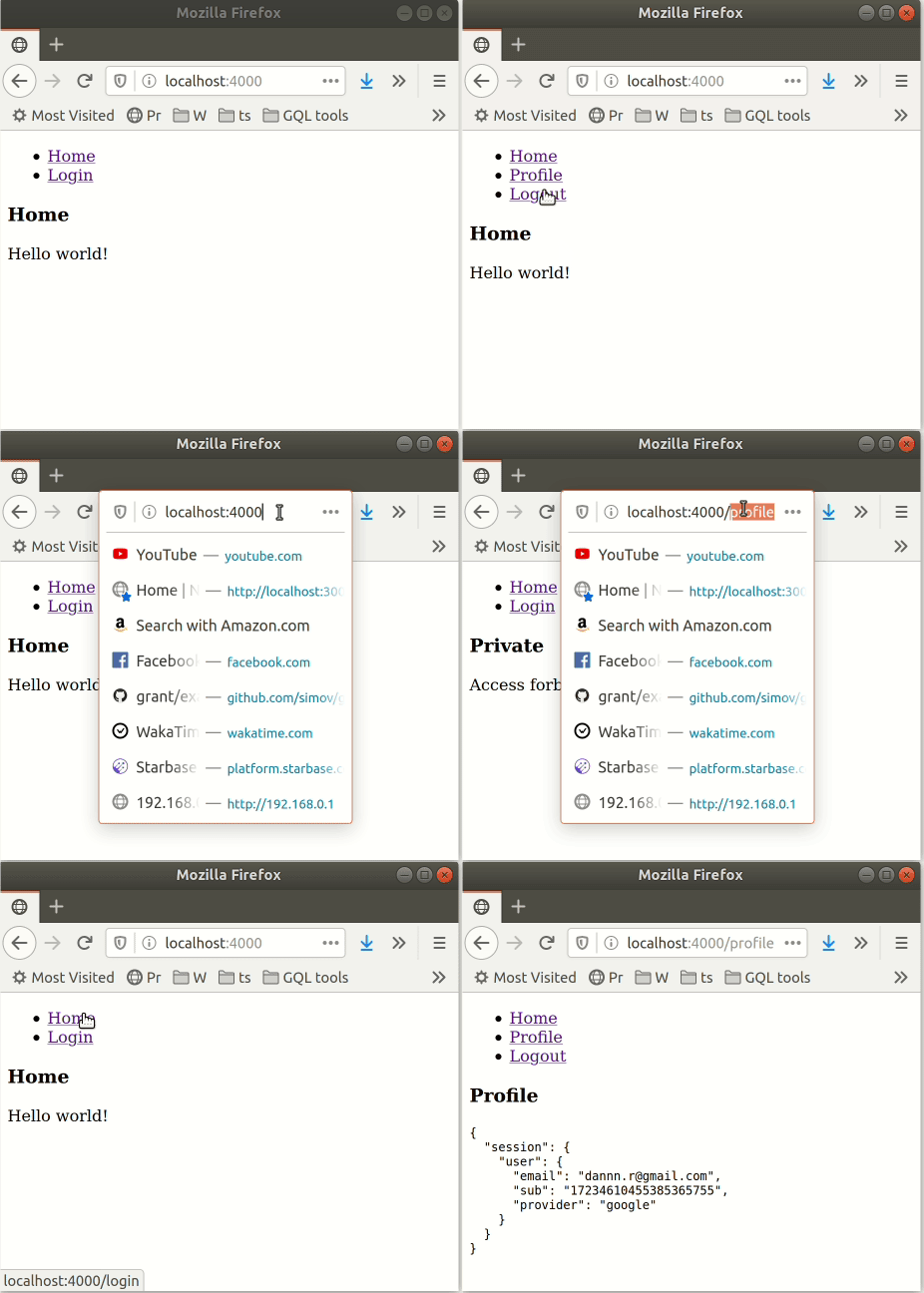
## Preview