https://github.com/danielres/smtp-mini-dev-server
A super-lightweight SMTP server for development, test and staging
https://github.com/danielres/smtp-mini-dev-server
Last synced: 9 months ago
JSON representation
A super-lightweight SMTP server for development, test and staging
- Host: GitHub
- URL: https://github.com/danielres/smtp-mini-dev-server
- Owner: danielres
- Created: 2019-12-17T14:45:03.000Z (about 6 years ago)
- Default Branch: master
- Last Pushed: 2022-12-11T17:32:50.000Z (about 3 years ago)
- Last Synced: 2024-10-29T10:45:24.747Z (about 1 year ago)
- Language: JavaScript
- Homepage:
- Size: 706 KB
- Stars: 2
- Watchers: 2
- Forks: 1
- Open Issues: 7
-
Metadata Files:
- Readme: Readme.md
Awesome Lists containing this project
README
# SMTP mini dev server
This provides a very basic, non-secure SMTP server to use in development, test and staging environments.
**Do not use this in production!**
Persistance is ephemeral, in-memory only.
I find this to be a convenient replacement for tools like [etherreal](https://ethereal.email), [mailcatcher](https://mailcatcher.me/) and similar.
## Features
- Simple, fast, lightweight.
- Convenient for e2e testing (Cypress, puppeteer, ...).
- Allows developers, testers, product managers to inspect sent emails, but guarantees no development/test/staging emails ever get sent to real recipients.
- Faster than using third-party services.
## Installation
`npm install --save-dev @danielres/smtp-mini-dev-server`\
or\
`yarn add -D @danielres/smtp-mini-dev-server`
## Usage
`node_modules/.bin/smtp-dev`\
or\
`yarn smtp-dev` \
starts the SMTP server on port `2500` and the api server on port `2501`.
Ports can be changed through environment variables:
Example: \
`DEV_SMTP_PORT=1234 DEV_SMTP_API_PORT=1235 yarn smtp-dev`
## Example usage with nodemailer (in non-production environments)
```
const config = {
host: "localhost",
port: 2500,
secure: false,
auth: {
user: "username", // username and password don't matter, any are accepted
pass: "password"
}
};
const transport = nodemailer.createTransport(config);
const sendMessage = () => {
const message = {
from: "noreply@example.com",
to: "...",
subject: "...",
text: "...",
html: "
...
"
};
return new Promise((resolve, reject) => {
transport.sendMail(message, (error, info, response) => {
if (error) return reject(error);
const url = `http://localhost:2501/${info.messageId}/html`;
console.log({ url });
resolve({ info, response, url });
});
});
};
sendMessage()
```
The url of the email message will appear in your terminal output (`console.log({ url })`).
You can now:
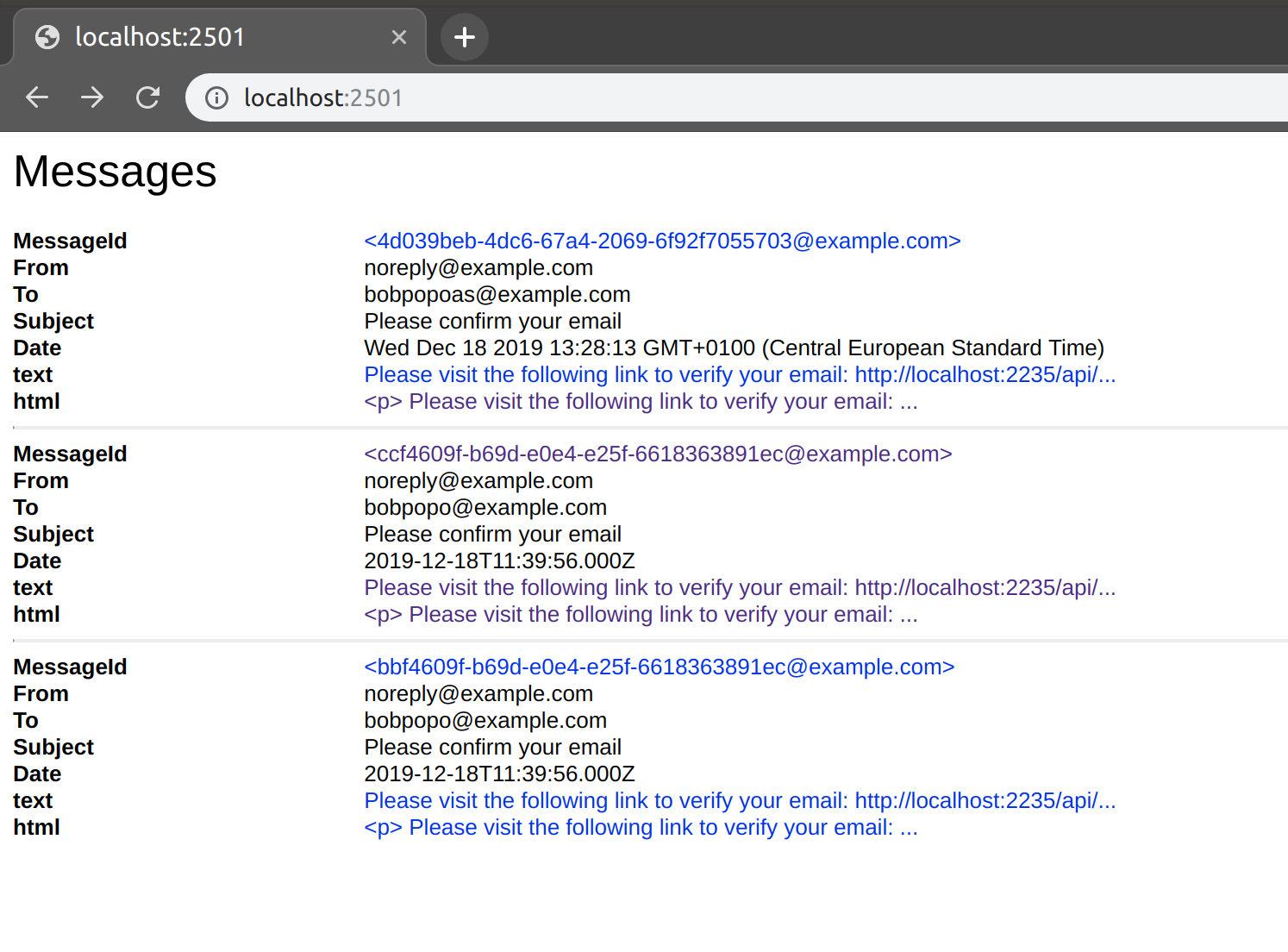
- visit `http://localhost:2501` for a list of all received messages.
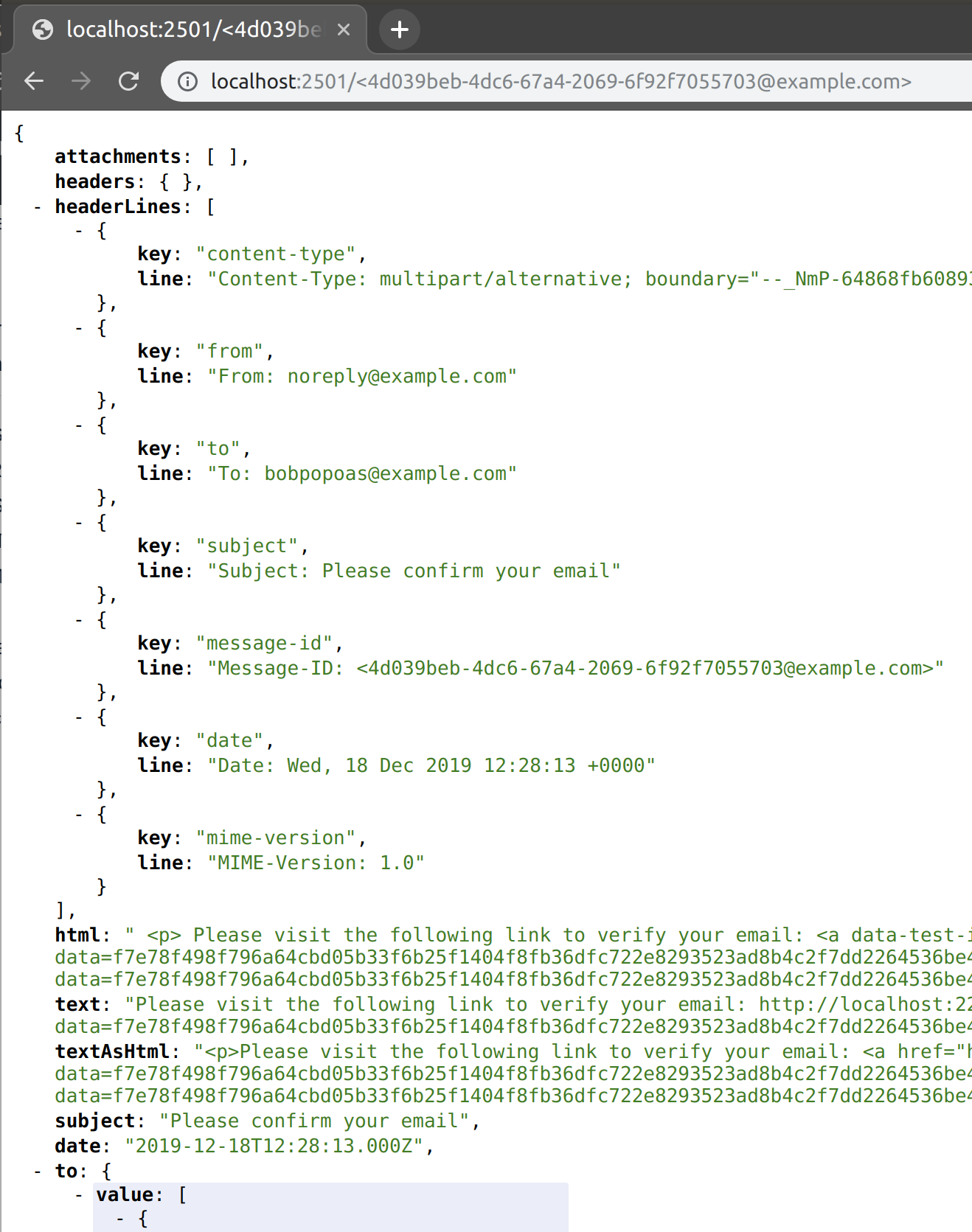
- visit `http://localhost:2501/` for all data related to a paticular message.
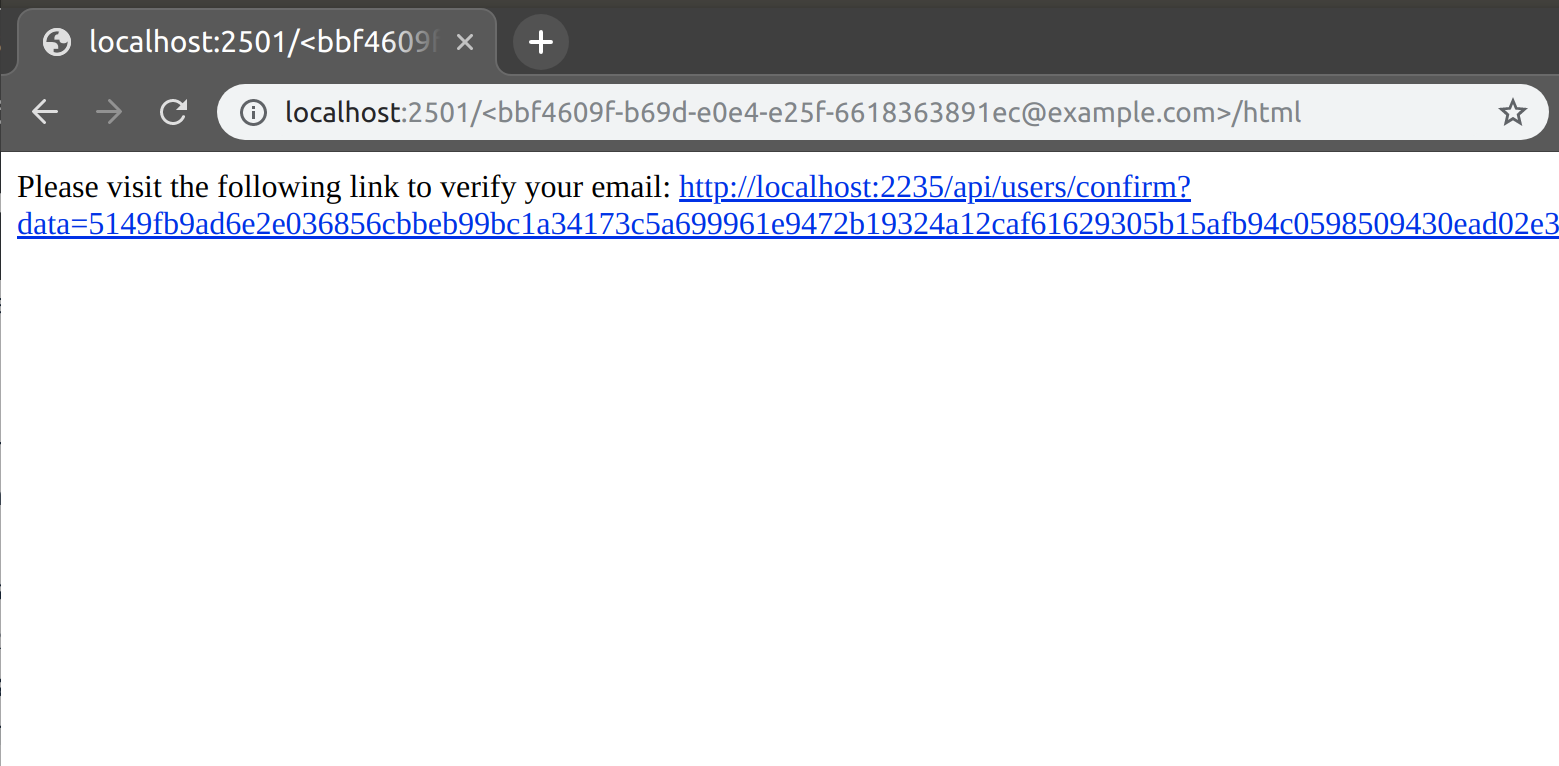
- view only specific data for a message:
- `http://localhost:2501//html`
- `http://localhost:2501//text`
- ...
## Screenshots