https://github.com/danivalls/react-tilt-3d
A highly customizable react component to provide a 3d tilting effect that follows the cursor.
https://github.com/danivalls/react-tilt-3d
javascript-library react react-component react-component-library react-components react-library react-ui ts typed ui ui-component ui-components
Last synced: 7 months ago
JSON representation
A highly customizable react component to provide a 3d tilting effect that follows the cursor.
- Host: GitHub
- URL: https://github.com/danivalls/react-tilt-3d
- Owner: danivalls
- Created: 2024-05-08T15:22:47.000Z (over 2 years ago)
- Default Branch: main
- Last Pushed: 2024-10-26T12:19:09.000Z (almost 2 years ago)
- Last Synced: 2025-10-23T18:41:05.227Z (10 months ago)
- Topics: javascript-library, react, react-component, react-component-library, react-components, react-library, react-ui, ts, typed, ui, ui-component, ui-components
- Language: TypeScript
- Homepage: https://danivalls.github.io/react-tilt-3d/
- Size: 8.63 MB
- Stars: 3
- Watchers: 1
- Forks: 0
- Open Issues: 0
-
Metadata Files:
- Readme: README.md
Awesome Lists containing this project
README
# react-tilt-3d
 [](https://danivalls.github.io/react-tilt-3d/)
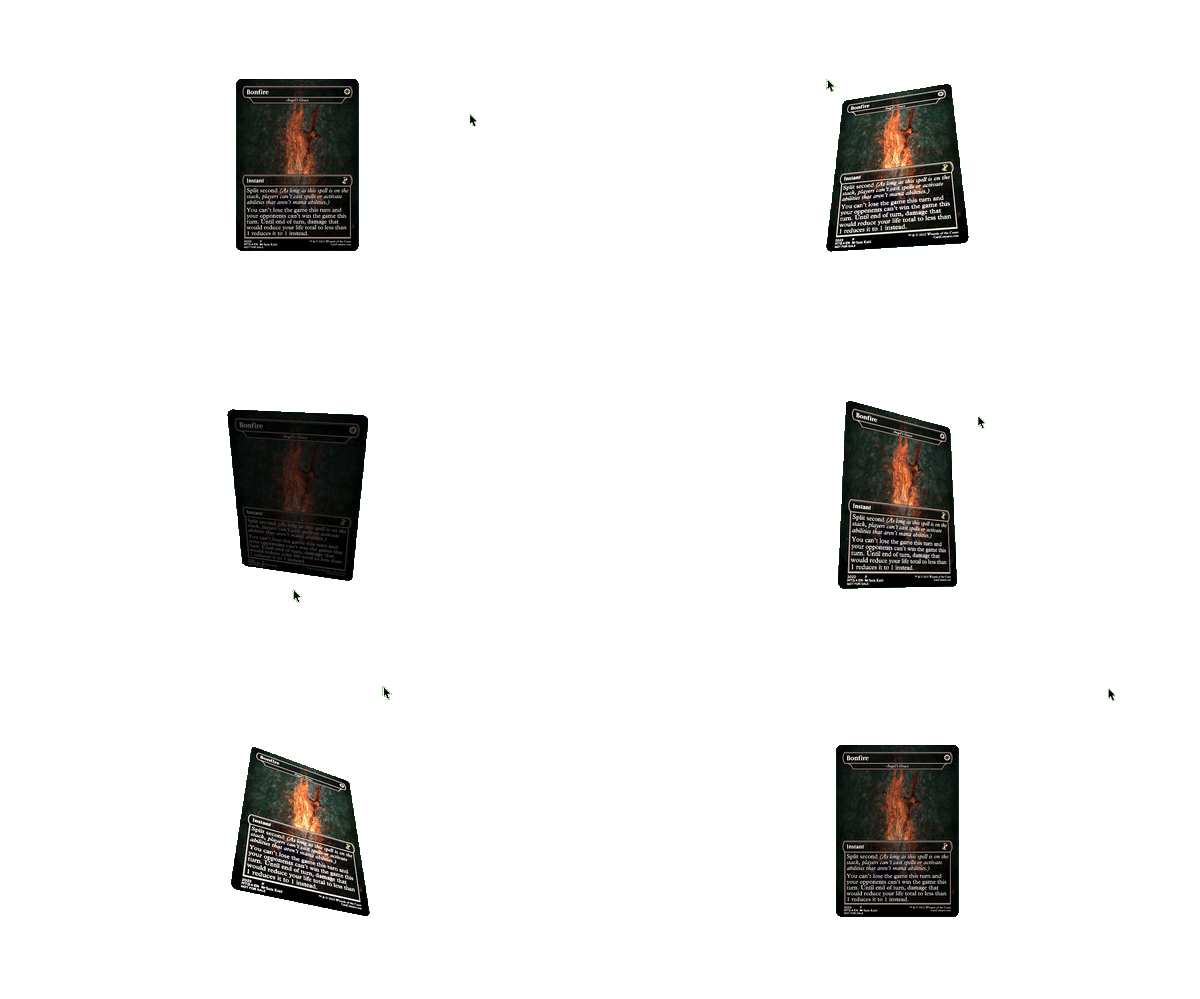
(Image card in example is a creation from @mpcproxies user on reddit)
### 🚀 Features
- Highly customizable component via props:
- Scale when tilting
- Stop tilting when cursor leaves window
- Stop tilting when cursor distance from object exceeds limit
- Stop tilting when cursor hovers the object
- Tilt in all axis or only in one (x or y)
- Customize how much you want it to tilt
- Customize the action radius
- Customize the transition timing function
- Events onTiltStart, onTiltEnd, and onTiltChange
- Compatible with touch devices
- Can use device gyroscope to apply tilting (if device has gyroscope)
- Apply the tilt effect to anything used as children.
- Applies a lighting effect to reinforce the 3d-effect.
- Strongly typed
- Experiment as much as you want with the [demo page](https://danivalls.github.io/react-tilt-3d/)
### 📦 Installation
`npm i react-tilt-3d`
`yarn add react-tilt-3d`
### ✨ Usage
Just wrap your content with Tilt3D:
```jsx
import { Tilt3D } from 'react-tilt-3d';
const MyComponent = () => {
return (
);
};
```
### 🛠️ Customization
Several customizations can be made via props:
| prop | type | description | required | default |
| ------------------------ | ---------------------------------- | --------------------------------------------------------------------------------------------------------------------------------------------------------------------------------------------------------------------------------------------------------------------------------------------------- | -------- | ---------- |
| `maxTilt` | `number` | Maximum amount of degrees the element will tilt | `false` | `25` |
| `resetTiltOnOutOfBounds` | `boolean` | Determines if the tilt should reset to `0` if the cursor or pointer exceeds a distance from the element | `false` | `false` |
| `resetTiltOnHover` | `boolean` | Determines if the tilt should reset to `0` if the cursor or pointer hover the element. (Note that if actionOffset is `0` and resetTiltOnHover is set to true, no tilt will be ever show) | `false` | `false` |
| `actionOffset` | `number` | Distance away from the center in which the tilt will be maxTilt. | `false` | `0` |
| `zoomOnTilt` | `boolean` | If true, the element will scale when it is tilting | `false` | `false` |
| `zoomScale` | `number` | Amount of scaling the element will do with zoomOnTilt. (Recommended values between 1 and 1.5) | `false` | `1.25` |
| `lockAxisX` | `boolean` | If true, the element will not tilt in the X axis. | `false` | `false` |
| `lockAxisY` | `boolean` | If true, the element will not tilt in the Y axis. | `false` | `false` |
| `transition` | `string` | Transition timing function to apply to the movement. Specially visible when the tilt resets to 0,0 | `false` | `ease-out` |
| `enableLighting` | `boolean` | Enables the lighting effect applied when tilt changes on Y axis | `false` | `true` |
| `enableGyro` | `boolean` | If the device has gyroscope, this will apply the tilt effect when the device is phisically tilted. Have in mind that gyro mode will ignore other configuration parameters like `resetTiltOnHover`, `resetTiltOnOutOfBounds`, `actionOffset`, `zoomOnTilt`, `zoomScale`, `lockAxisX` and `lockAxisY` | `false` | `false` |
| `onTiltChange` | `({x: number, y: number}) => void` | Callback to be executed every time the tilt changes. | `false` | |
| `onTiltStart` | `() => void` | Callback to be executed every time the tilt starts | `false` | |
| `onTiltEnd` | `() => void` | Callback to be executed every time the tilt ends and returns to 0 | `false` | |
| `className` | `string` | classname to apply to the wrapper | `false` | |
| `children` | `ReactNode` | The content to apply the tilt. | `false` | |
### About gyro mode
By passing the prop `enableGyro` the tilting effect can be applied by reading directly from the device sensors. While this can work out-of-the box for some devices, others (iOS) may require to explicitly request for permissions.
You can either do it manually (request permissions for `DeviceOrientationEvent`) or you can use the function `requestGyroPermission` exported by this library.
`import { requestGyroPermission } from 'react-tilt-3d`