https://github.com/dashersw/brain-bits
A P300 online spelling mechanism for Emotiv headsets. It's completely written in Node.js, and the GUI is based on Electron and Vue.
https://github.com/dashersw/brain-bits
bci electron neural-networks nodejs p300
Last synced: over 1 year ago
JSON representation
A P300 online spelling mechanism for Emotiv headsets. It's completely written in Node.js, and the GUI is based on Electron and Vue.
- Host: GitHub
- URL: https://github.com/dashersw/brain-bits
- Owner: dashersw
- License: mit
- Created: 2017-09-09T08:54:04.000Z (almost 9 years ago)
- Default Branch: master
- Last Pushed: 2020-06-13T20:55:44.000Z (about 6 years ago)
- Last Synced: 2025-03-20T00:41:08.102Z (over 1 year ago)
- Topics: bci, electron, neural-networks, nodejs, p300
- Language: JavaScript
- Homepage:
- Size: 185 KB
- Stars: 177
- Watchers: 13
- Forks: 25
- Open Issues: 2
-
Metadata Files:
- Readme: README.md
- License: LICENSE
Awesome Lists containing this project
- awesome-vue-zh - 大脑部分
- awesome-vue - brain bits - A P300 online spelling mechanism for Emotiv headsets (Projects Using Vue.js / Apps/Websites)
- awesome-vue - brain bits ★101 - A P300 online spelling mechanism for Emotiv headsets (Awesome Vue.js [ ★101652](https://github.com/sindresorhus/awesome) / Apps/Websites)
- awesome-vue - brain bits - A P300 online spelling mechanism for Emotiv headsets (Awesome Vue.js [](https://github.com/sindresorhus/awesome) / Apps/Websites)
- awesome-vue - brain bits - A P300 online spelling mechanism for Emotiv headsets. It's completely written in Node.js, and the GUI is based on Electron and Vue. ` 📝 4 years ago ` (Apps/Websites [🔝](#readme))
README
# brain bits
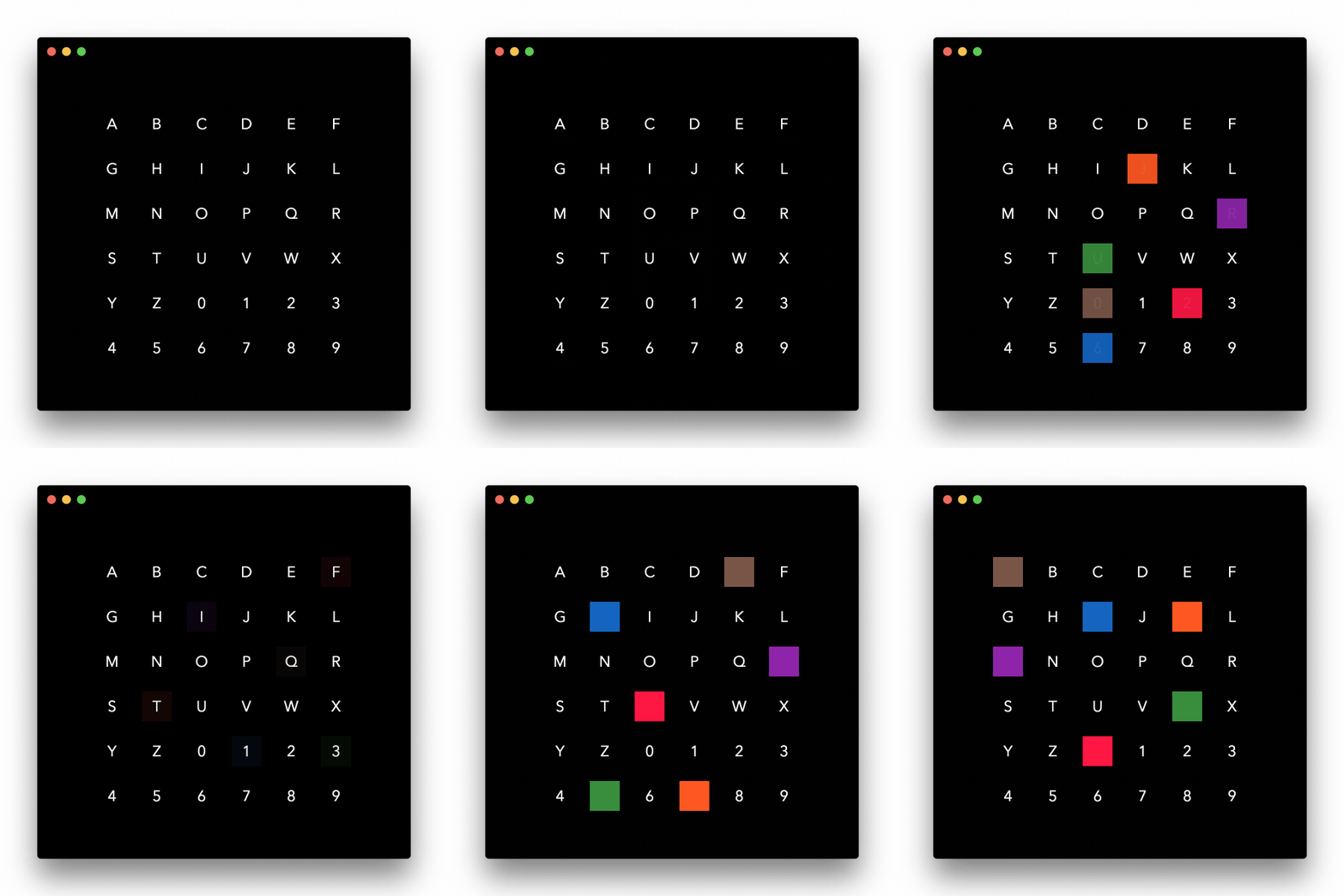
This project implements a P300 online spelling mechanism for Emotiv headsets. It's completely written in Node.js, and the GUI is based on Electron and Vue.
## Installation
Clone the source code:
git clone git@github.com:dashersw/brain-bits.git
### External dependencies
This project depends on external libraries like `hidapi` and `mcrypt` for USB communication.
If you have both hidapi and mcrypt, you can skip this step.
Install external dependencies:
brew install hidapi
brew install mcrypt
### Project dependencies
Change to the directory:
cd brain-bits
Install submodules:
git submodule update --init --recursive
Finally:
npm install
## Starting the app
Run `npm start` to start the application.
## Starting a training session
The keyboard shortcut `cmd + s` will start a pre-defined training session with the word `HELLO`.
## Controls
You can reveal the control panel with the keyboard shortcut `cmd + o`. The control panel lets you choose whether you want to run a training session or a live session, and specify the training message. You can also start / stop a session.