https://github.com/datalust/seq-input-healthcheck
Periodically GET an HTTP resource and write response metrics to Seq
https://github.com/datalust/seq-input-healthcheck
Last synced: 8 months ago
JSON representation
Periodically GET an HTTP resource and write response metrics to Seq
- Host: GitHub
- URL: https://github.com/datalust/seq-input-healthcheck
- Owner: datalust
- License: other
- Created: 2019-03-11T23:24:46.000Z (over 7 years ago)
- Default Branch: dev
- Last Pushed: 2024-08-13T21:12:57.000Z (almost 2 years ago)
- Last Synced: 2025-02-06T05:11:54.634Z (over 1 year ago)
- Language: C#
- Size: 1.04 MB
- Stars: 29
- Watchers: 7
- Forks: 11
- Open Issues: 3
-
Metadata Files:
- Readme: README.md
- License: LICENSE
Awesome Lists containing this project
README
# Seq Health Check [](https://ci.appveyor.com/project/datalust/seq-input-healthcheck) [](https://nuget.org/packages/Seq.Input.HealthCheck)
Periodically GET an HTTP resource and write response metrics to Seq. These can then be used as a basis for [alerting](https://docs.getseq.net/docs/alerts) and diagnostics.
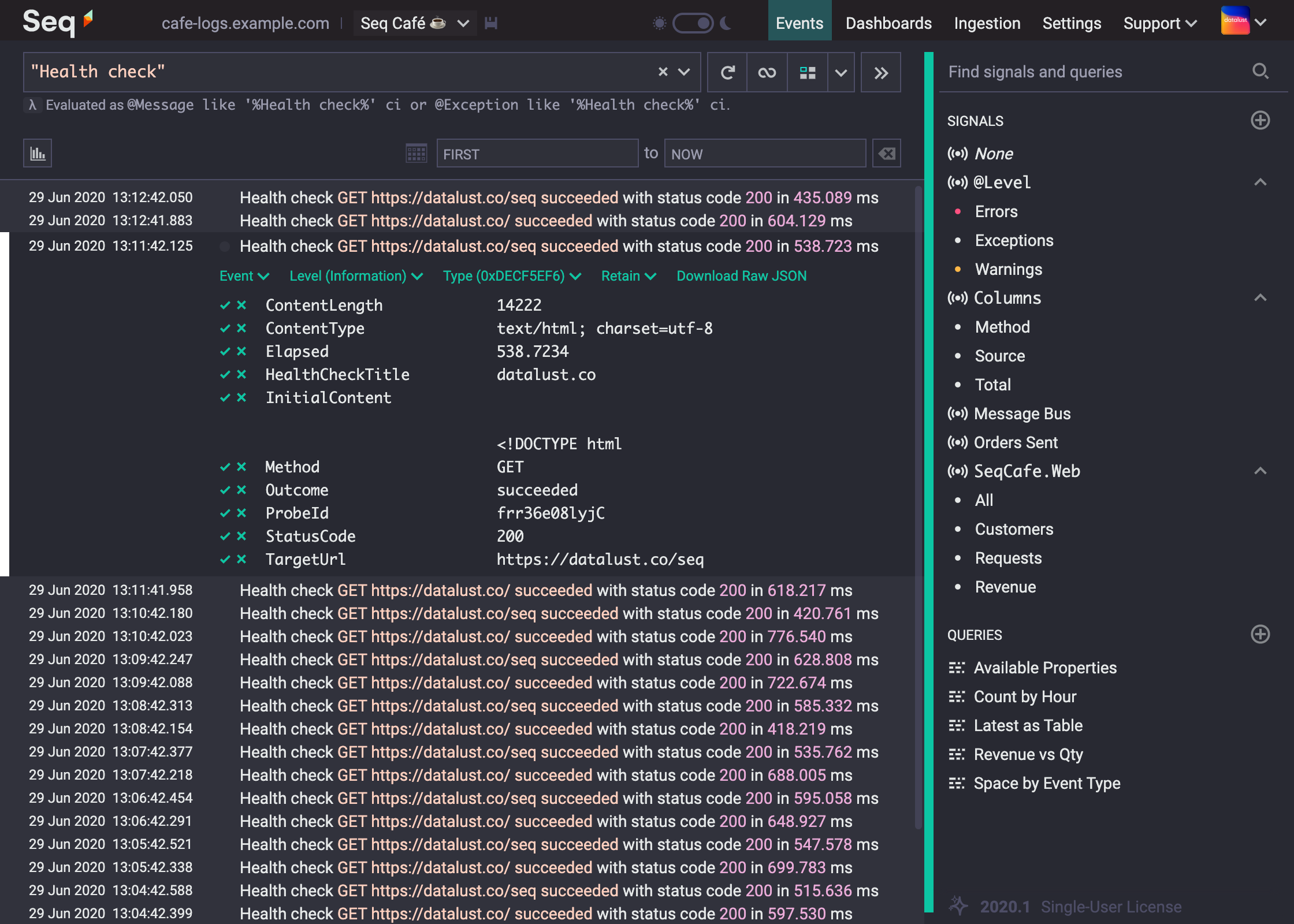
### Getting started
1. The app requires Seq 2020.4 or newer
2. Navigate to _Settings_ > _Apps_ and select _Install from NuGet_
3. Install the app with package id _Seq.Input.HealthCheck_
4. Back on the _Apps_ screen, choose _Add Instance_
5. Enter a title for the health check; events raised by the health check will be tagged with this
6. Enter a URL to probe
- the URL must respond to `GET` requests
- if the URL is an HTTPS URL, the Seq server must trust the SSL certificate used by the server
- the response will be fully downloaded on every check, so ideally the resource won't be more than a few kB
7. Enter a probing interval in seconds; each event is stored internally in Seq, so be aware that shorter intervals will consume more space