https://github.com/davep/evolve-words
A terminal-based visualisation of evolution through mutation and natural selection.
https://github.com/davep/evolve-words
Last synced: 8 months ago
JSON representation
A terminal-based visualisation of evolution through mutation and natural selection.
- Host: GitHub
- URL: https://github.com/davep/evolve-words
- Owner: davep
- License: gpl-3.0
- Created: 2023-10-29T17:33:46.000Z (over 2 years ago)
- Default Branch: main
- Last Pushed: 2024-04-10T11:29:45.000Z (about 2 years ago)
- Last Synced: 2025-02-15T14:37:08.036Z (over 1 year ago)
- Language: Python
- Homepage: https://pypi.org/project/evolve-words/
- Size: 734 KB
- Stars: 2
- Watchers: 2
- Forks: 0
- Open Issues: 0
-
Metadata Files:
- Readme: README.md
- Changelog: ChangeLog.md
- License: LICENSE
Awesome Lists containing this project
README
# Evolve Words
## Introduction
Many moons ago, back in 2008, while in a debate on an atheist-oriented phpBB
site (as was the fashion back then), I ended up writing [a couple of
scripts](https://github.com/davep/selection), in ruby, to illustrate a point
about how mutation and selection can, given enough time, result in something
with the appearance of design.
The code was far from a mic-drop body of evidence (it wasn't meant to be), I
think it did an okay job of showing how nothing more than just mutating
something and selecting for the "fitter" options can get you somewhere
meaningful given enough time.
No matter, either you get the illustration or you don't. That's not
important.
Fast forward 15 years and I was thinking that a Textual version of the code
might be fun.
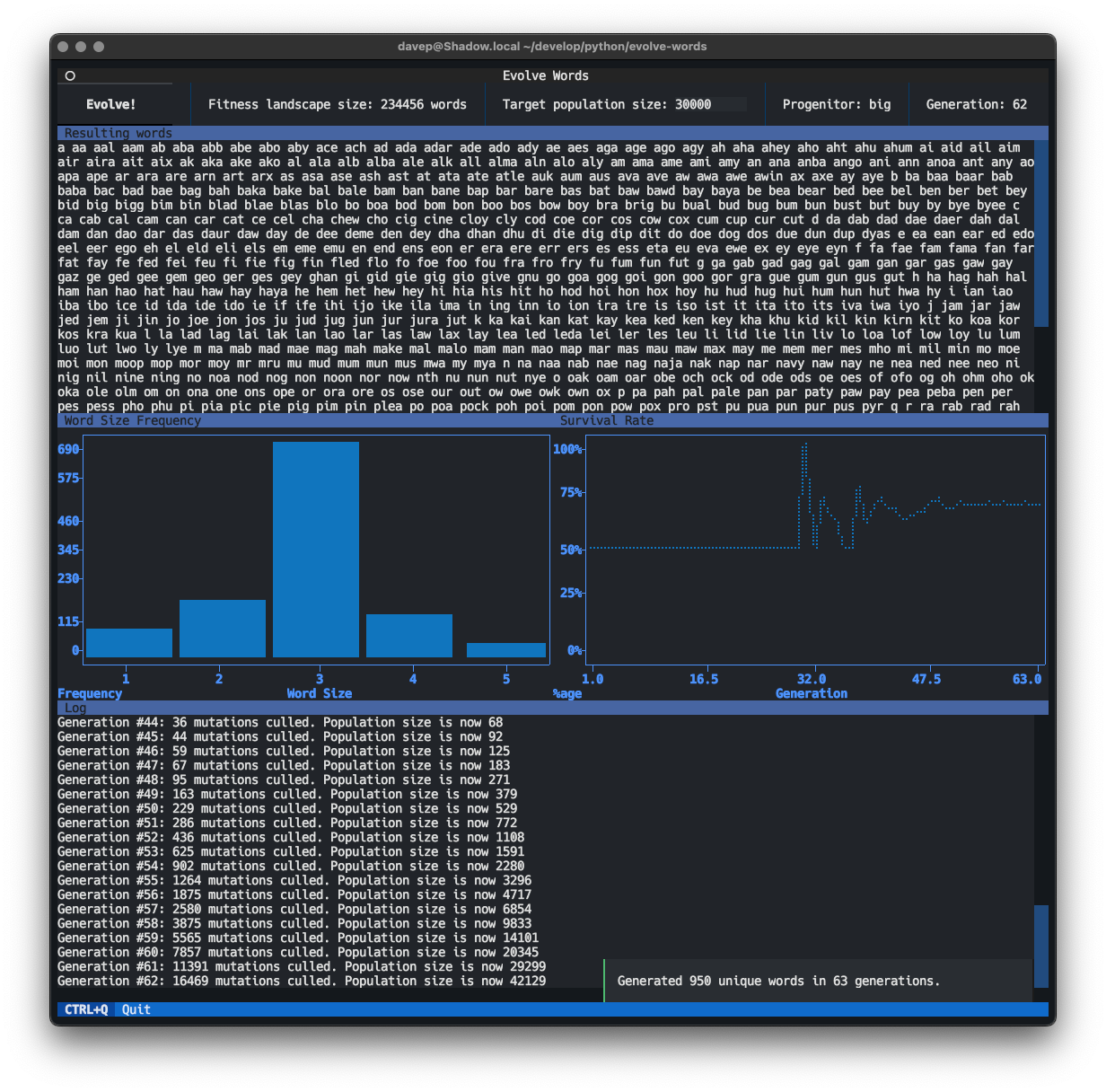
This is a version of
[`selection2`](https://github.com/davep/selection/blob/master/selection2).
Turns out it *is* fun!
## Installing
### pipx
The package can be installed using [`pipx`](https://pypa.github.io/pipx/):
```sh
$ pipx install evolve-words
```
### Homebrew
The package can be installed using Homebrew. Use the following commands to
install:
```sh
$ brew tap davep/homebrew
$ brew install evolve-words
```
## Running
Once installed run the `evolve-words` command.
## Requirements
While this code *should* work fine on any operating system, it's really
coded to work on a system that provides one of the two following files:
- `/usr/dict/words`
- `/usr/share/dict/words`
That does, of course, mean it's unlikely to work fine on Windows given
neither of them will be there. At some point in the very near future I'll
add support for loading words from a file whose name is passed on the
command line, or something similar.
[//]: # (README.md ends here)