https://github.com/davidf1000/iot-api
IOT API using Express and MongoDB. User could choose to store data from their sensor into mongoDB database with both MQTT and HTTP (REST API) method. Could be used to create IOT WebApps that could show/plot the data in the dashboard of their website/apps .
https://github.com/davidf1000/iot-api
iot nodejs react
Last synced: 3 months ago
JSON representation
IOT API using Express and MongoDB. User could choose to store data from their sensor into mongoDB database with both MQTT and HTTP (REST API) method. Could be used to create IOT WebApps that could show/plot the data in the dashboard of their website/apps .
- Host: GitHub
- URL: https://github.com/davidf1000/iot-api
- Owner: davidf1000
- Created: 2020-06-29T11:44:51.000Z (about 6 years ago)
- Default Branch: master
- Last Pushed: 2023-01-06T11:36:02.000Z (over 3 years ago)
- Last Synced: 2025-05-31T08:28:42.790Z (about 1 year ago)
- Topics: iot, nodejs, react
- Language: JavaScript
- Homepage:
- Size: 3.21 MB
- Stars: 0
- Watchers: 1
- Forks: 0
- Open Issues: 34
-
Metadata Files:
- Readme: README.md
Awesome Lists containing this project
README
# IoT-API
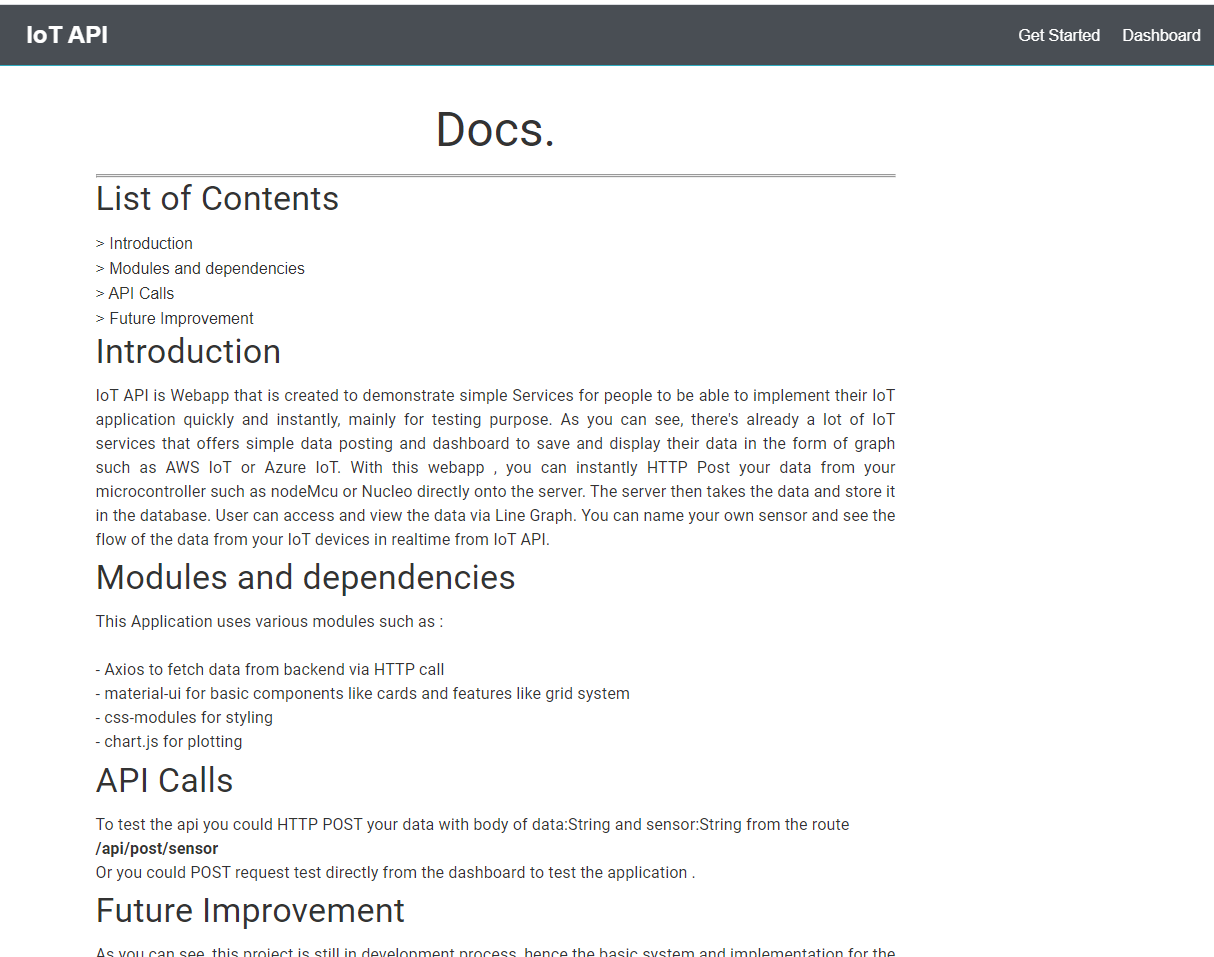
IoT API is Webapp that is created to demonstrate simple Services for people to be able to implement their IoT application quickly and instantly, mainly for testing purpose.
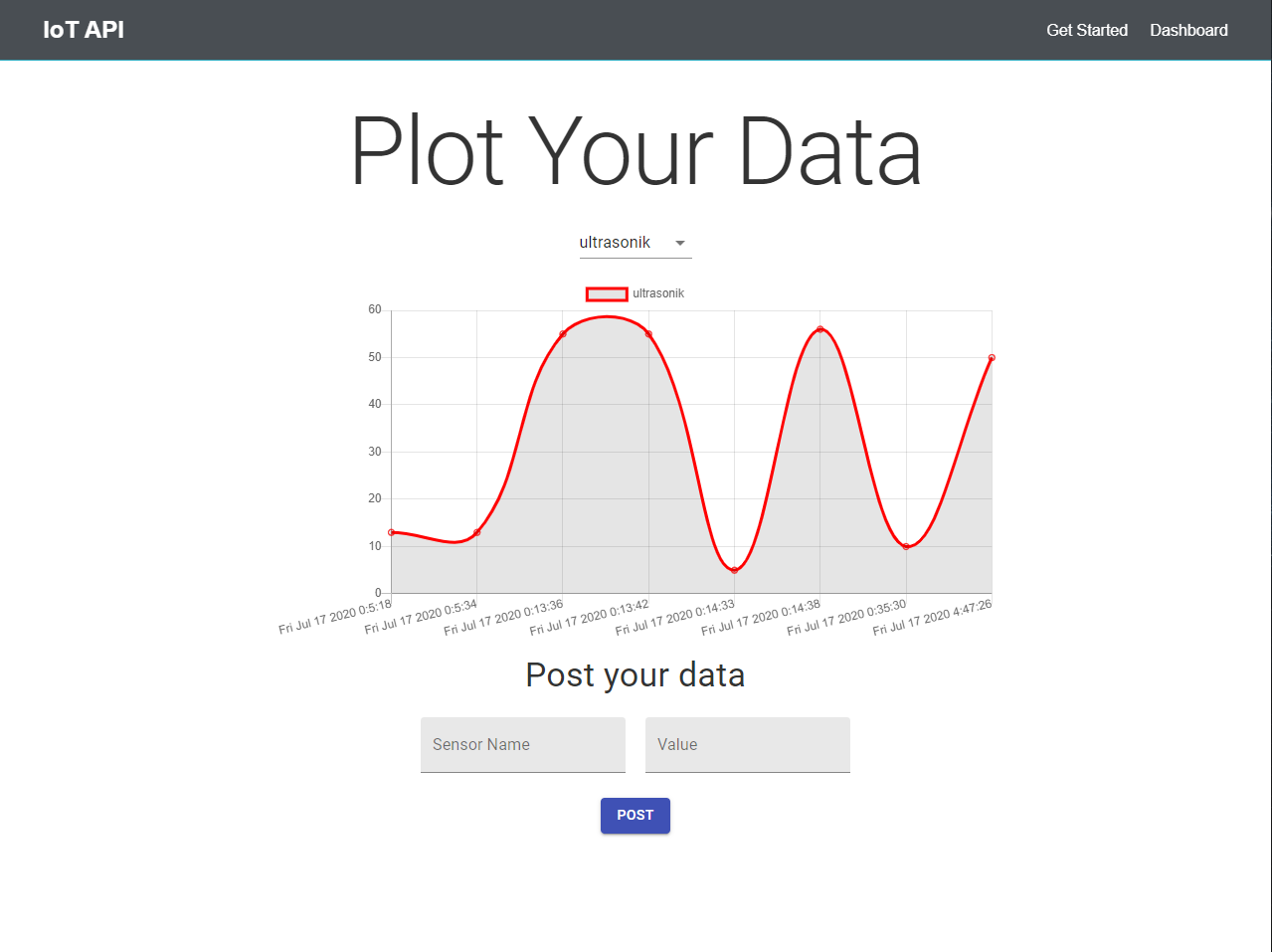
As you can see, there's already a lot of IoT services that offers simple data posting and dashboard to save and display their data in the form of graph such as AWS IoT or Azure IoT.With this webapp , you can instantly HTTP Post your data from your microcontroller such as nodeMcu or Nucleo directly onto the server. The server then takes the data and store it in the database. User can access and view the data via Line Graph. You can name your own sensor and see the flow of the data from your IoT devices in realtime from IoT API.
Created using MERN Stack . Front end uses react with hooks for state management, ChartJs to plot data, and MaterialUi for basic component design
# Heroku
This Project is deployed on free-tier heroku :
https://blooming-beyond-91427.herokuapp.com/
feel free to check it out and do some stuff with this app.
## Getting Started
To get started with MERN stack , initialize your npm package :
```
npm init
```
To create react app , create new folder called client :
```
npx create-react-app client
cd client
npm start
```
or just clone this repository and do :
```
npm i
```
To install all dependencies from package.json automatically.
To Start Running the app, go to root and do :
```
npm run dev
```
which will run both backend with nodemon and react-app concurrently for easier developing.
### Documentation
## Landing Page

## Getting Started