https://github.com/dawntraoz/slidev-theme-unicorn
A Unicorn theme for Slidev slides based on dawntraoz.com design.
https://github.com/dawntraoz/slidev-theme-unicorn
dawntraoz slidev slidev-theme unicorn
Last synced: 8 months ago
JSON representation
A Unicorn theme for Slidev slides based on dawntraoz.com design.
- Host: GitHub
- URL: https://github.com/dawntraoz/slidev-theme-unicorn
- Owner: Dawntraoz
- Created: 2021-05-23T23:40:21.000Z (about 5 years ago)
- Default Branch: master
- Last Pushed: 2024-03-22T15:16:07.000Z (about 2 years ago)
- Last Synced: 2025-02-14T18:48:55.443Z (over 1 year ago)
- Topics: dawntraoz, slidev, slidev-theme, unicorn
- Language: Vue
- Homepage: http://unicorn-theme.dawntraoz.com/
- Size: 5.41 MB
- Stars: 68
- Watchers: 3
- Forks: 22
- Open Issues: 3
-
Metadata Files:
- Readme: README.md
Awesome Lists containing this project
README
# slidev-theme-unicorn
[](https://www.npmjs.com/package/slidev-theme-unicorn)
A Unicorn theme for [Slidev](https://github.com/slidevjs/slidev).
This theme is based on [dawntraoz.com](https://www.dawntraoz.com/) website design.
Live demo: https://unicorn-theme.dawntraoz.com/
## Install
Add the following frontmatter to your `slides.md`. Start Slidev then it will prompt you to install the theme automatically.
---
theme: unicorn
---
Learn more about [how to use a theme](https://sli.dev/themes/use).
## Layouts
This theme provides the following layouts:
### Common properties
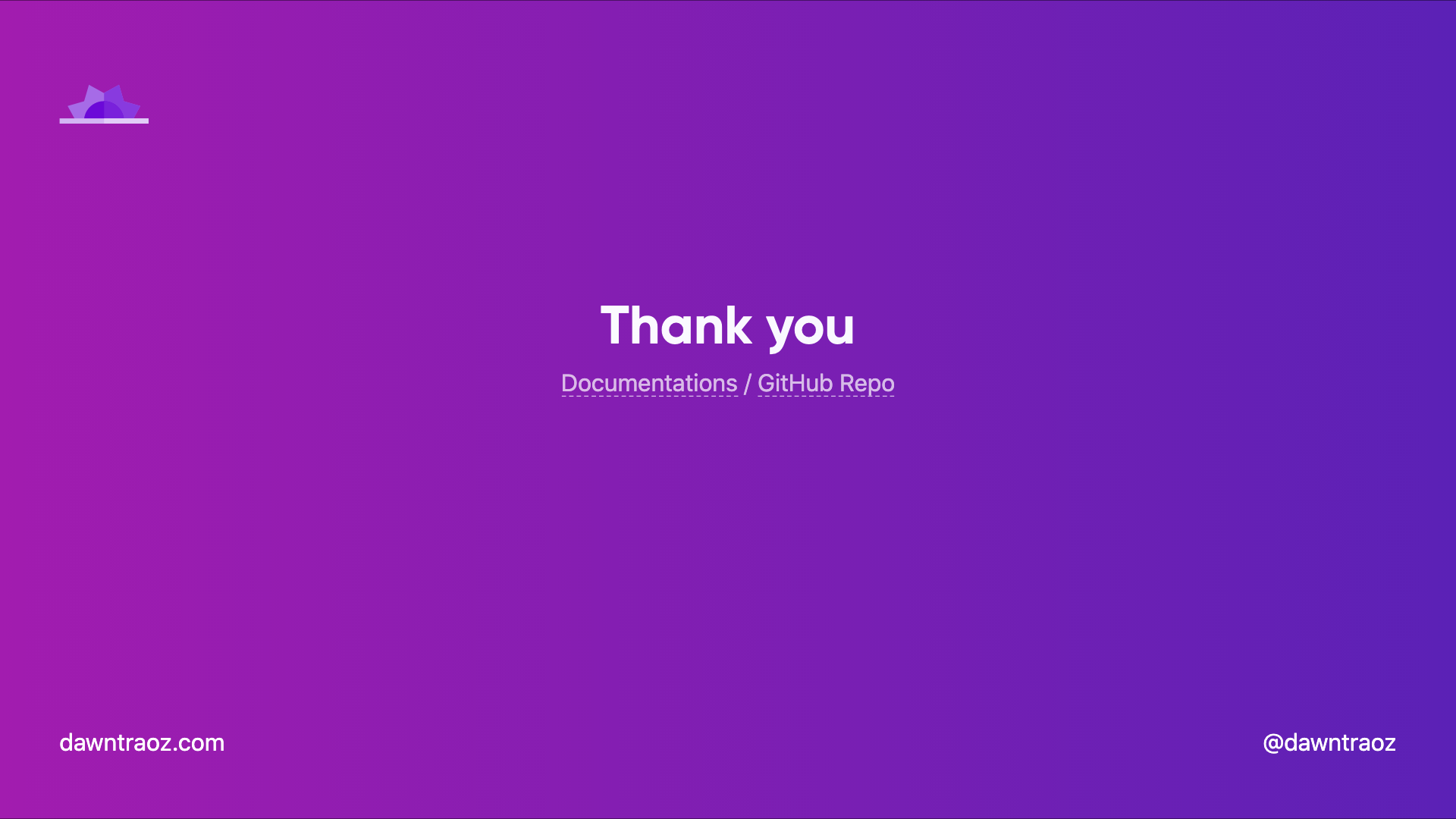
By default any layout will contain a header and a footer expecting:
```
---
logoHeader: 'https://www.dawntraoz.com/images/logo.svg'
website: 'dawntraoz.com'
handle: 'dawntraoz'
---
```
If you don't add this property it will be an empty slide expecting your content:
With properties | Without properties
:-------------------------:|:-------------------------:
 | 
---
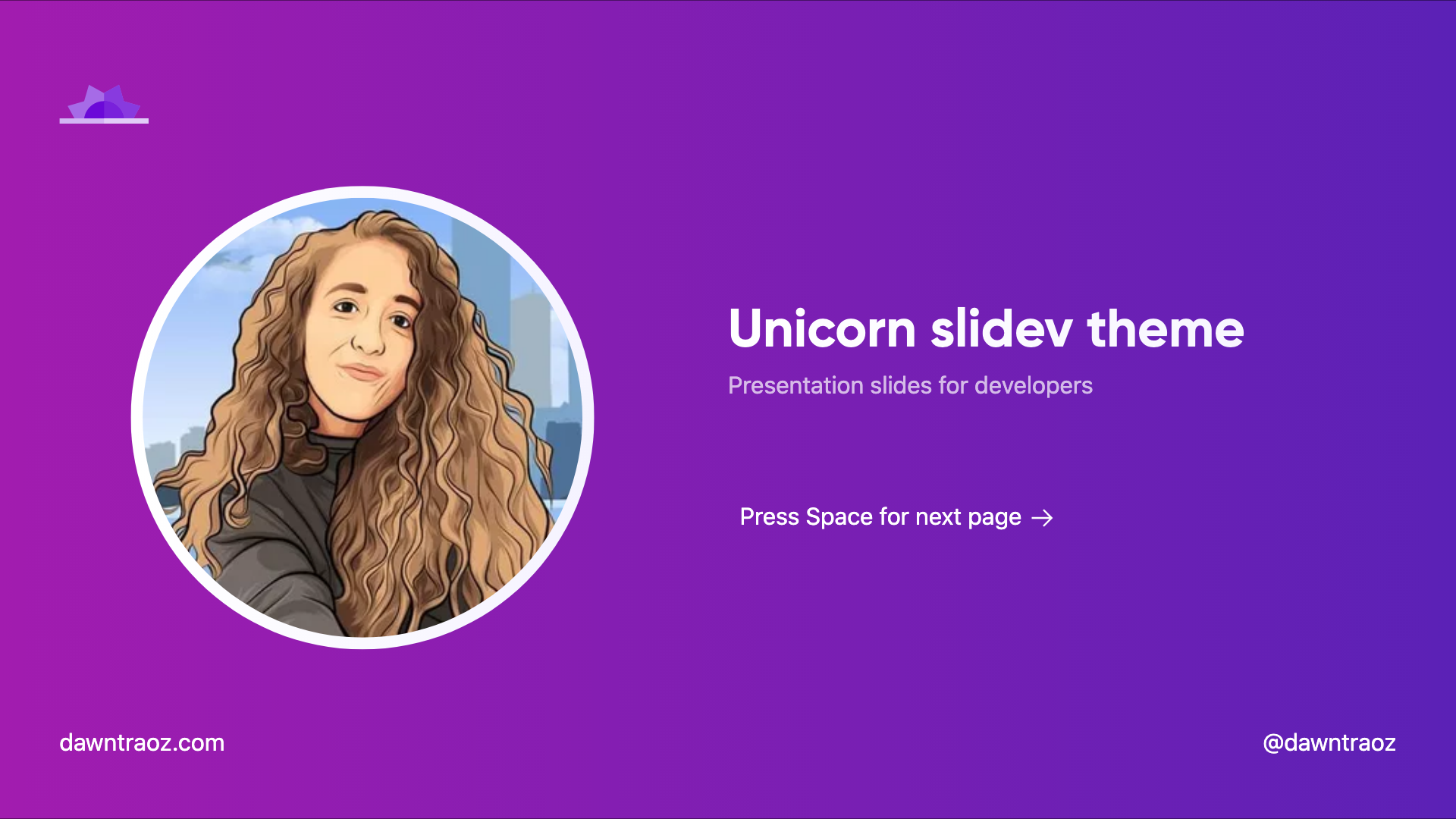
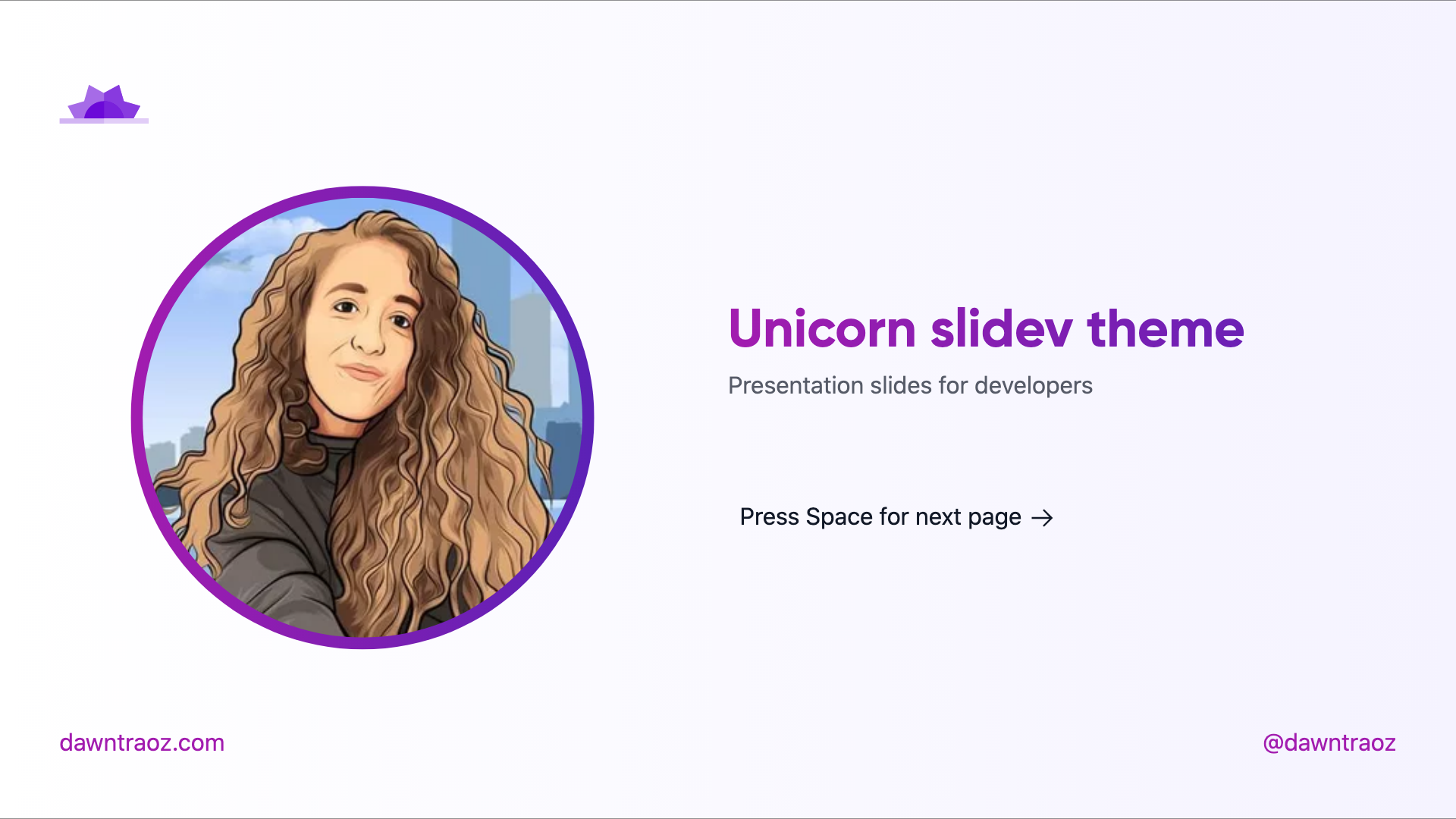
### Intro `intro`
Usage:
- Add `intro` in the layout field.
- Add your profile image in the `introImage` field.
```
---
layout: intro
introImage: 'https://img2.storyblok.com/312x312/filters:format(webp)/f/79165/400x400/1082ff0d24/dawntraoz-alba-silvente.jpg'
---
```
Dark | Light
:-------------------------:|:-------------------------:
 | 
---
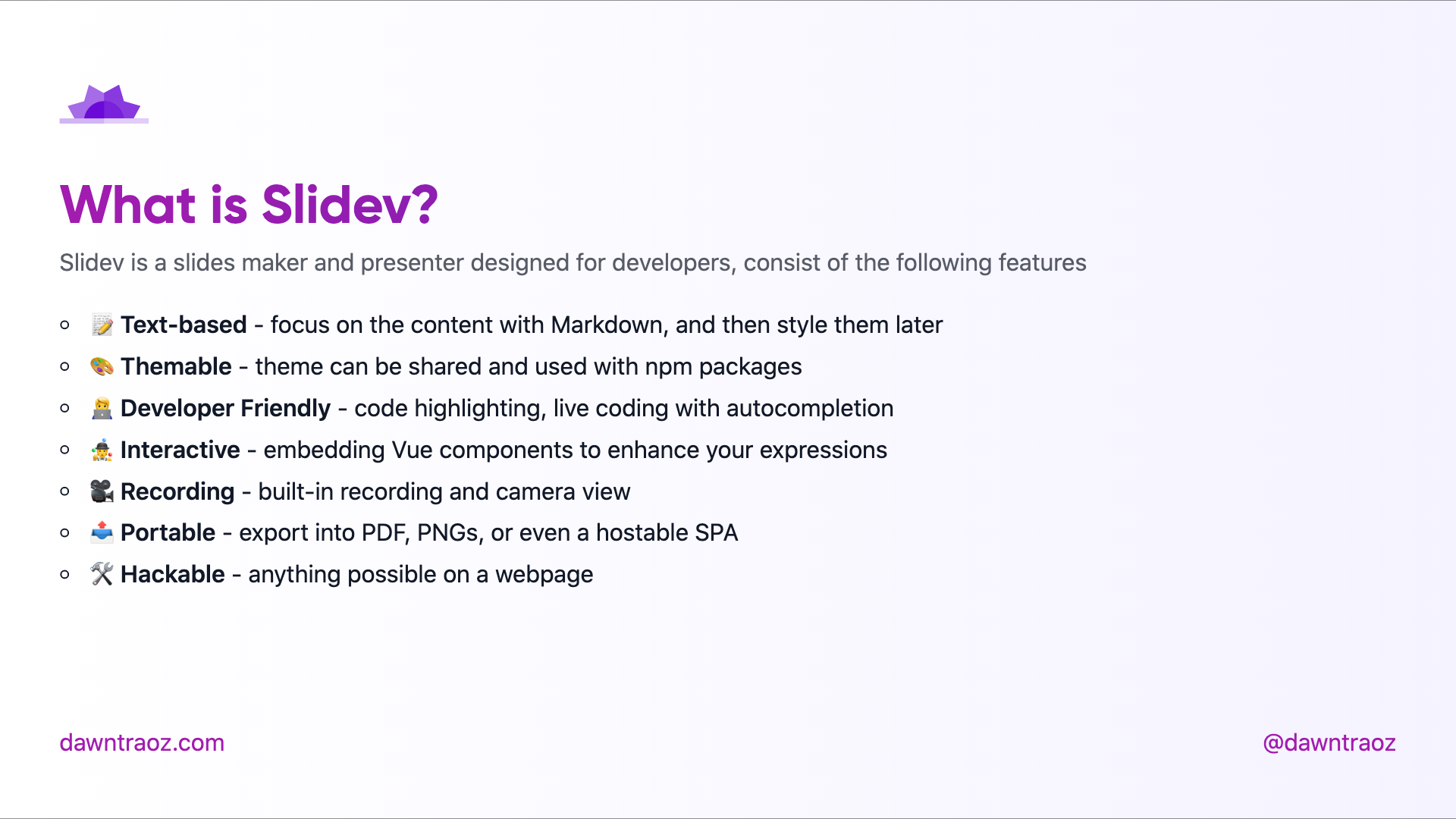
### Default `cover`
Cover is the default layout when none is specified.
Usage:
```
---
layout: cover
---
```
Dark | Light
:-------------------------:|:-------------------------:
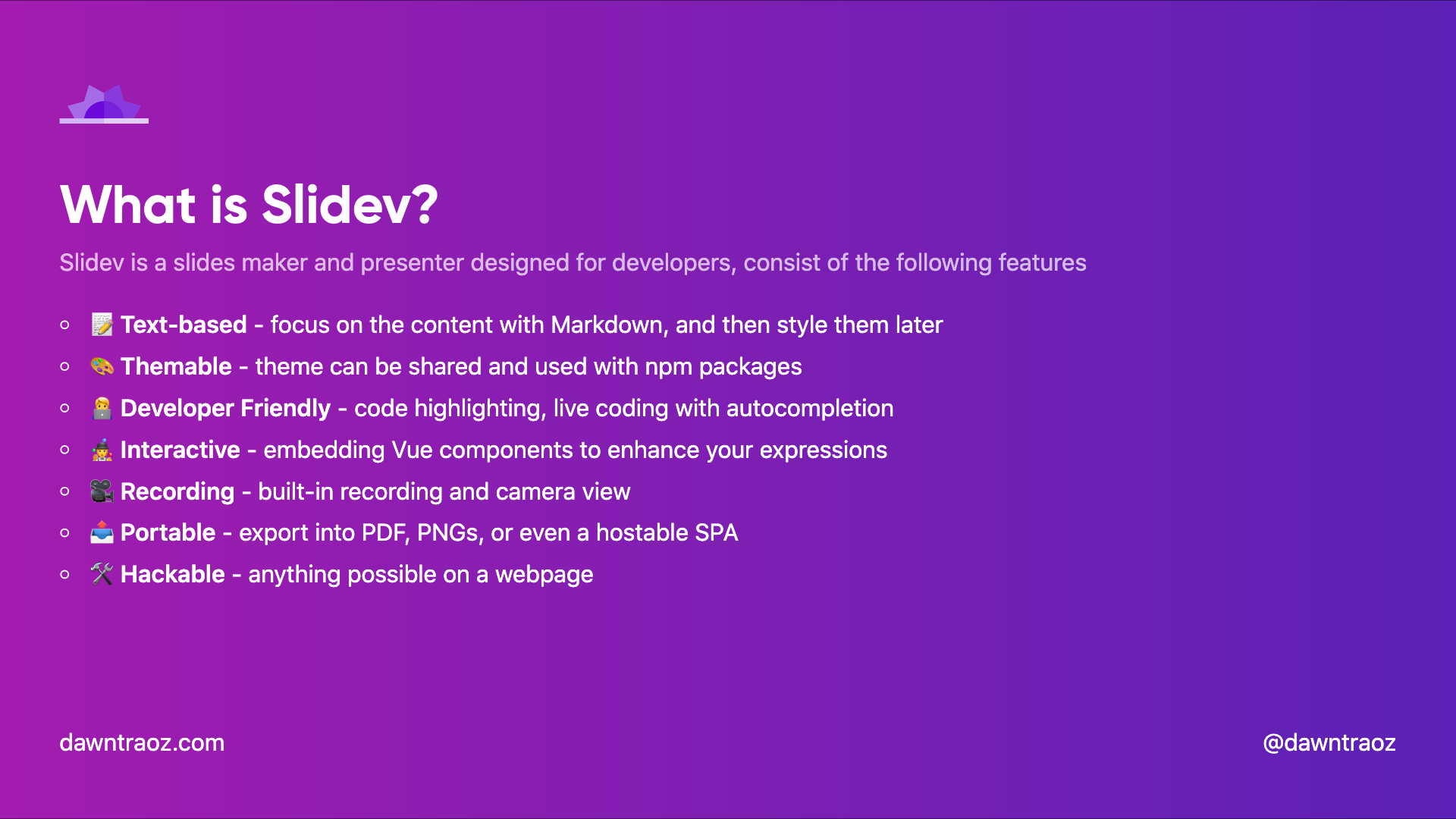 | 
---
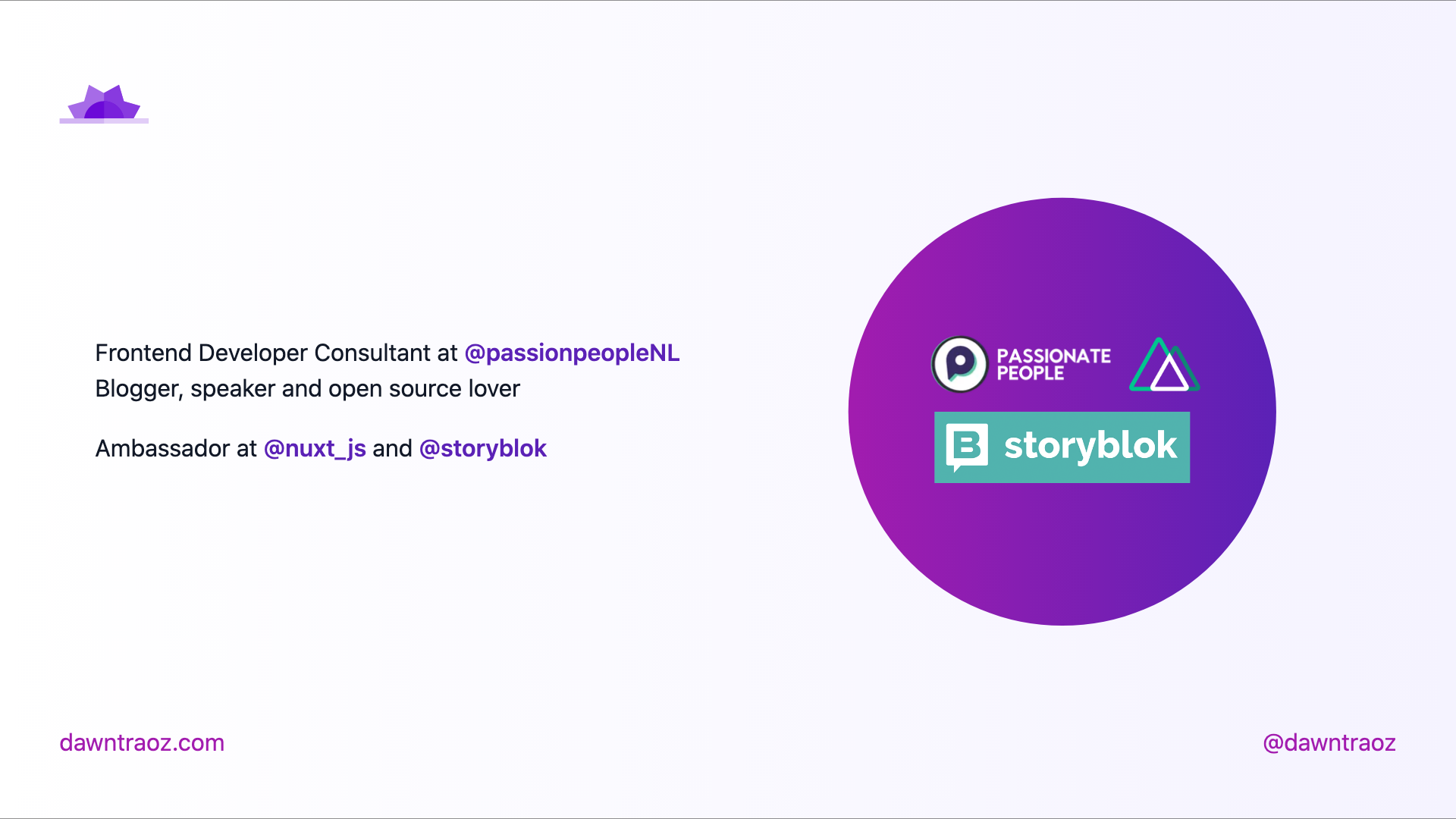
### Presentation `cover-logos`
Usage:
- Add `cover-logos` in the layout field.
- Add an Array of logo URLs in the `logos` field.
```
---
layout: cover-logos
logos: [
'https://img2.storyblok.com/588x0/filters::format(webp)/f/86387/x/21aa32ed18/logo-normal.svg',
'https://nuxtjs.org/logos/nuxt-emoji.png',
]
---
```
Dark | Light
:-------------------------:|:-------------------------:
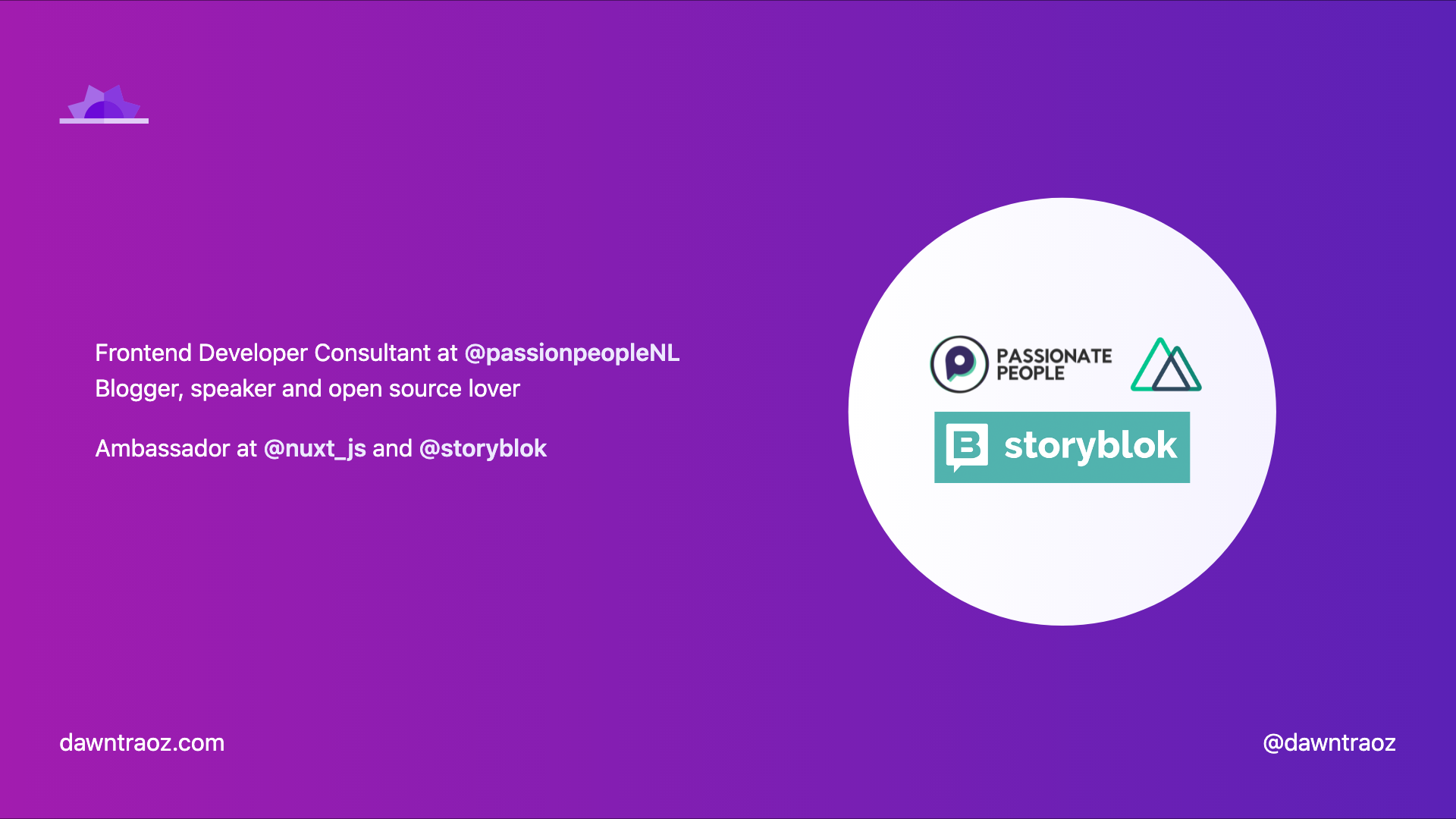 | 
---
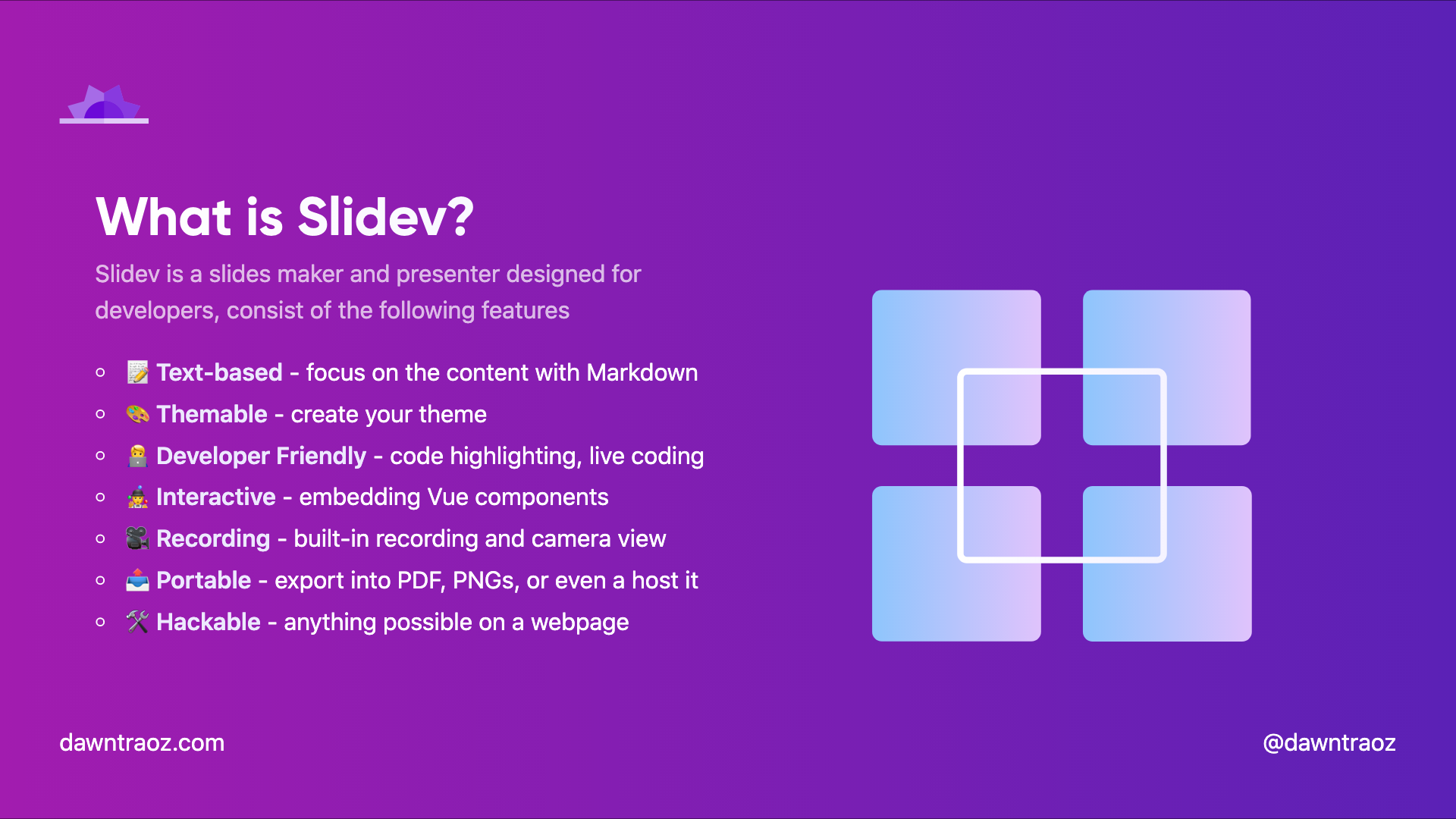
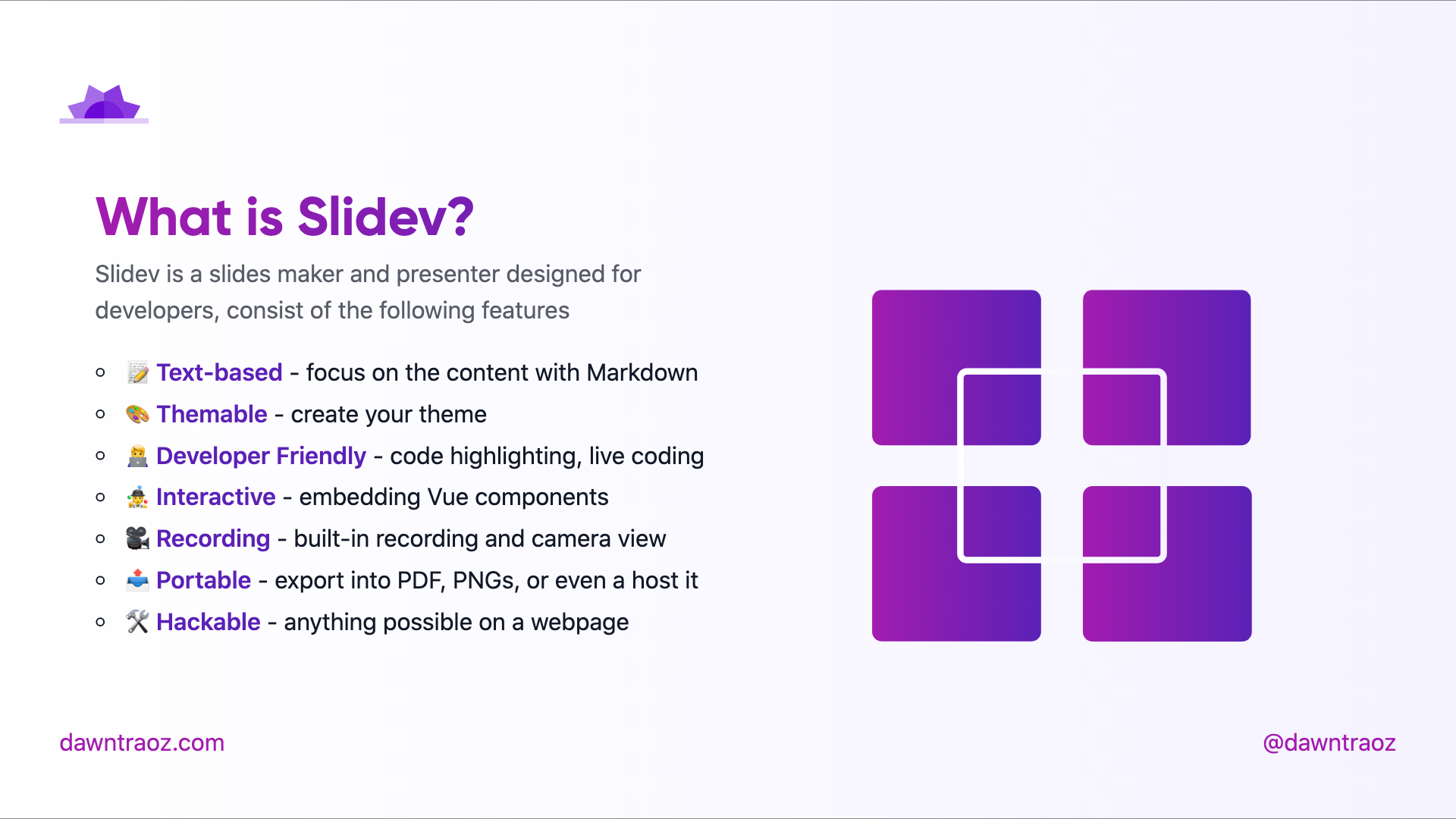
### Table of contents `table-contents`
Usage:
- Add `table-contents` in the layout field.
- Add an Array of hexadecimal colours in the `gradientColors` field to fill the illustration.
```
---
layout: table-contents
gradientColors: ['#8EC5FC', '#E0C3FC']
---
```
Dark (added gradient) | Light (default gradient)
:-------------------------:|:-------------------------:
 | 
---
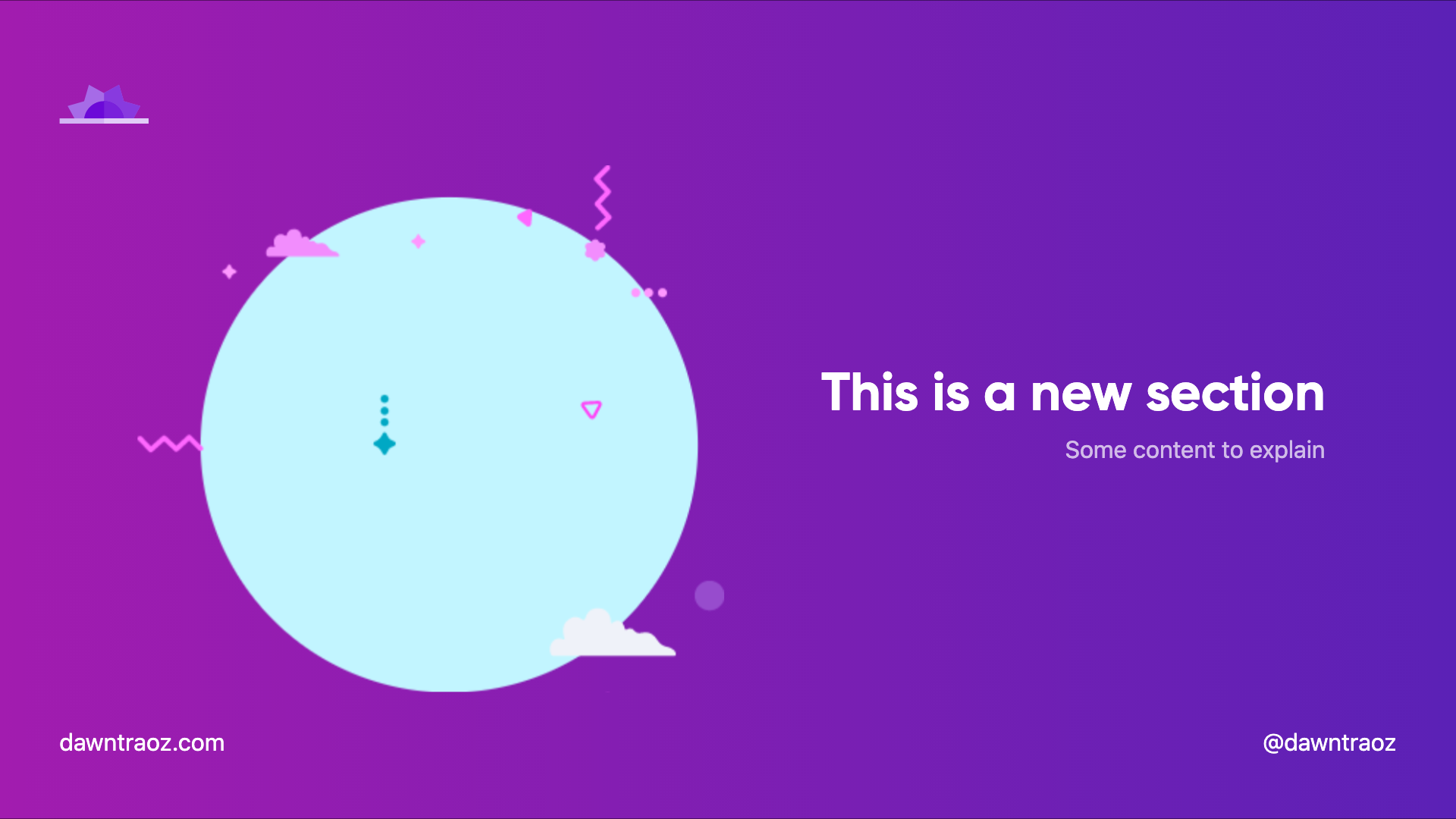
### New section slide `new-section`
> Always in dark version
Usage:
- Add `new-section` in the layout field.
```
---
layout: new-section
---
```
Dark | Light
:-------------------------:|:-------------------------:
 | 
---
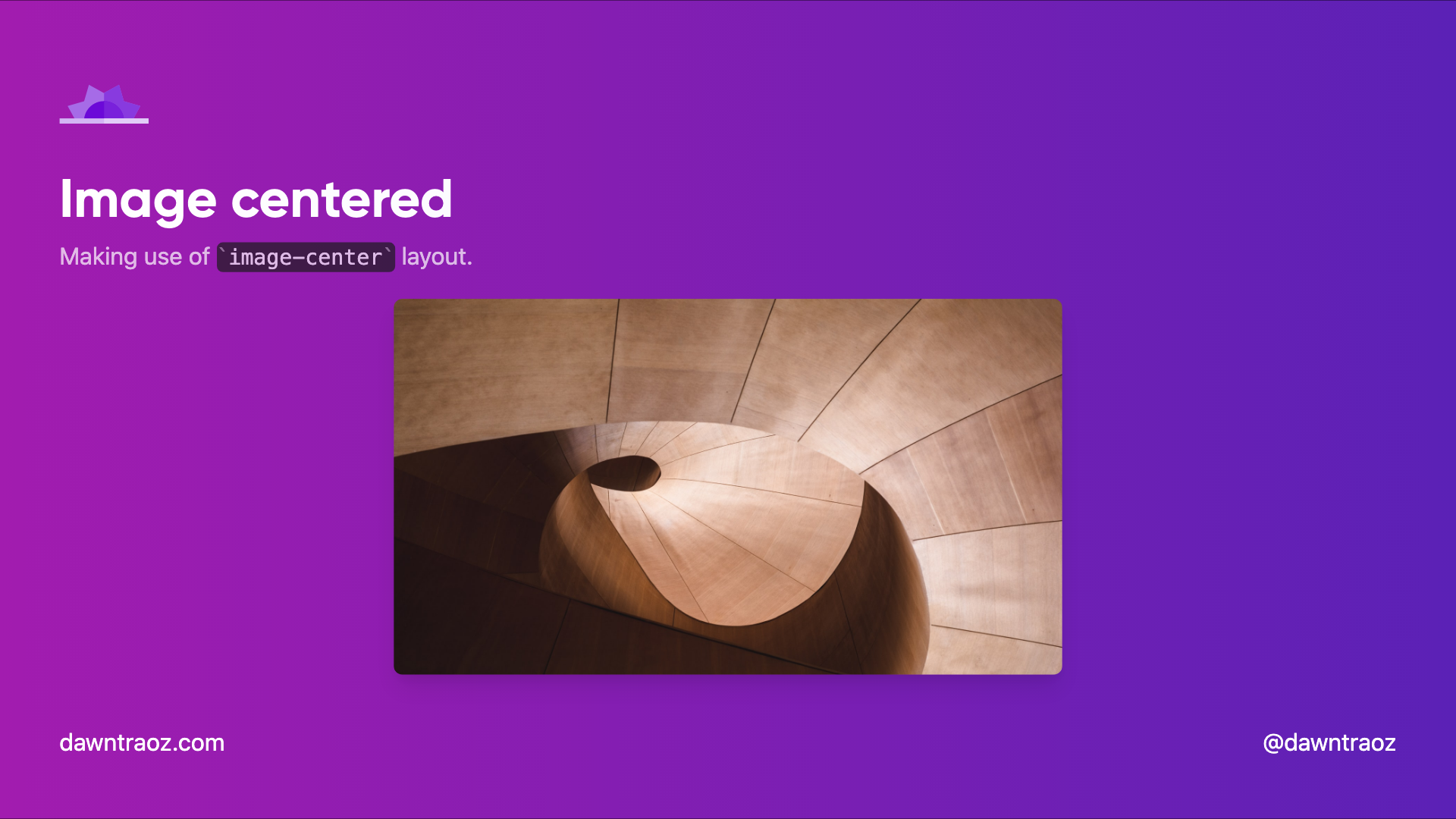
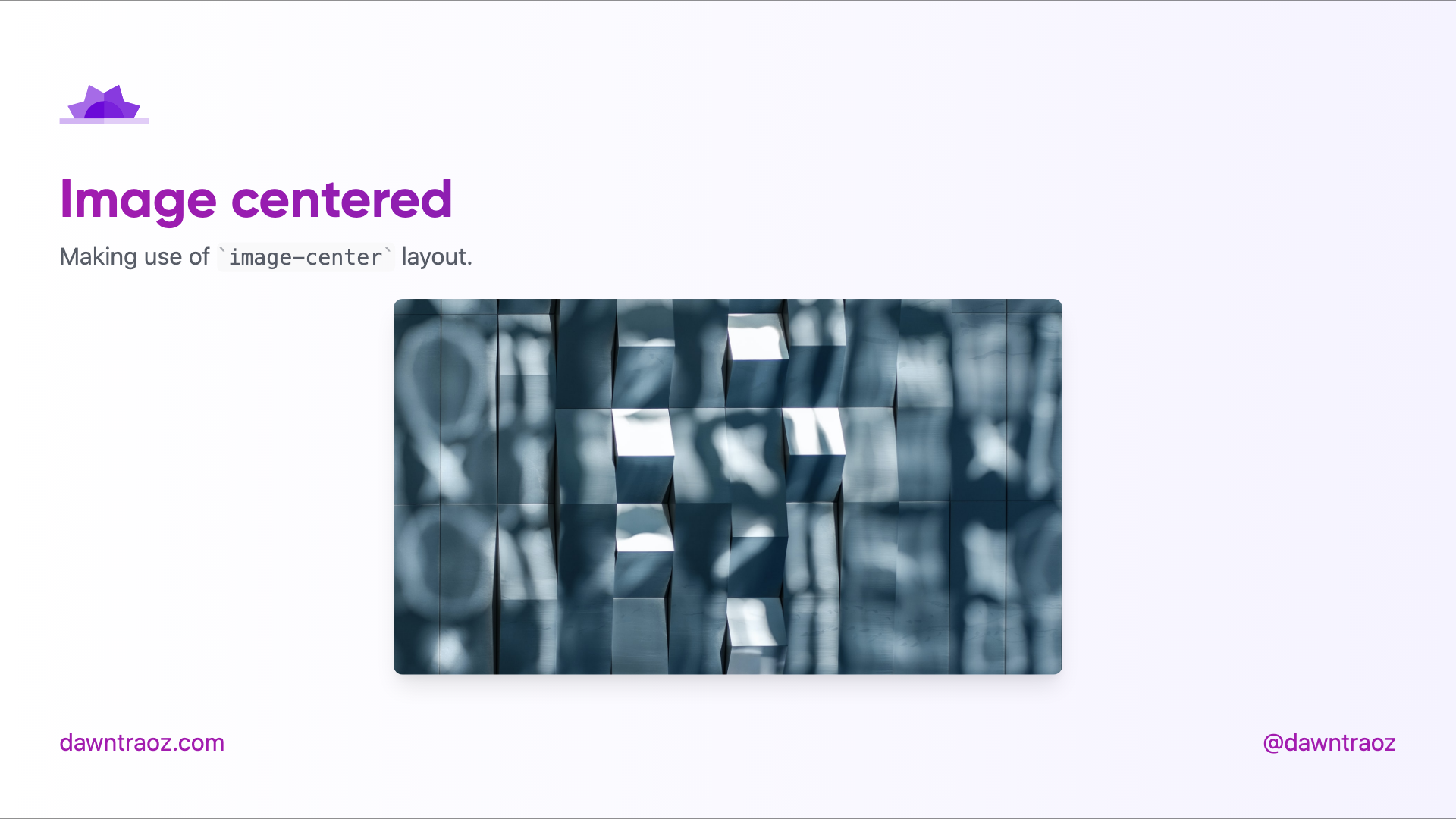
### Image Centered `image-center`
The content will be place before the image, you can add a title, subtitle to give context to the image.
```
---
layout: image-center
image: 'https://source.unsplash.com/collection/94734566/1920x1080'
imageWidth: '450'
imageHeight: '950'
---
```
Dark | Light
:-------------------------:|:-------------------------:
 | 
---
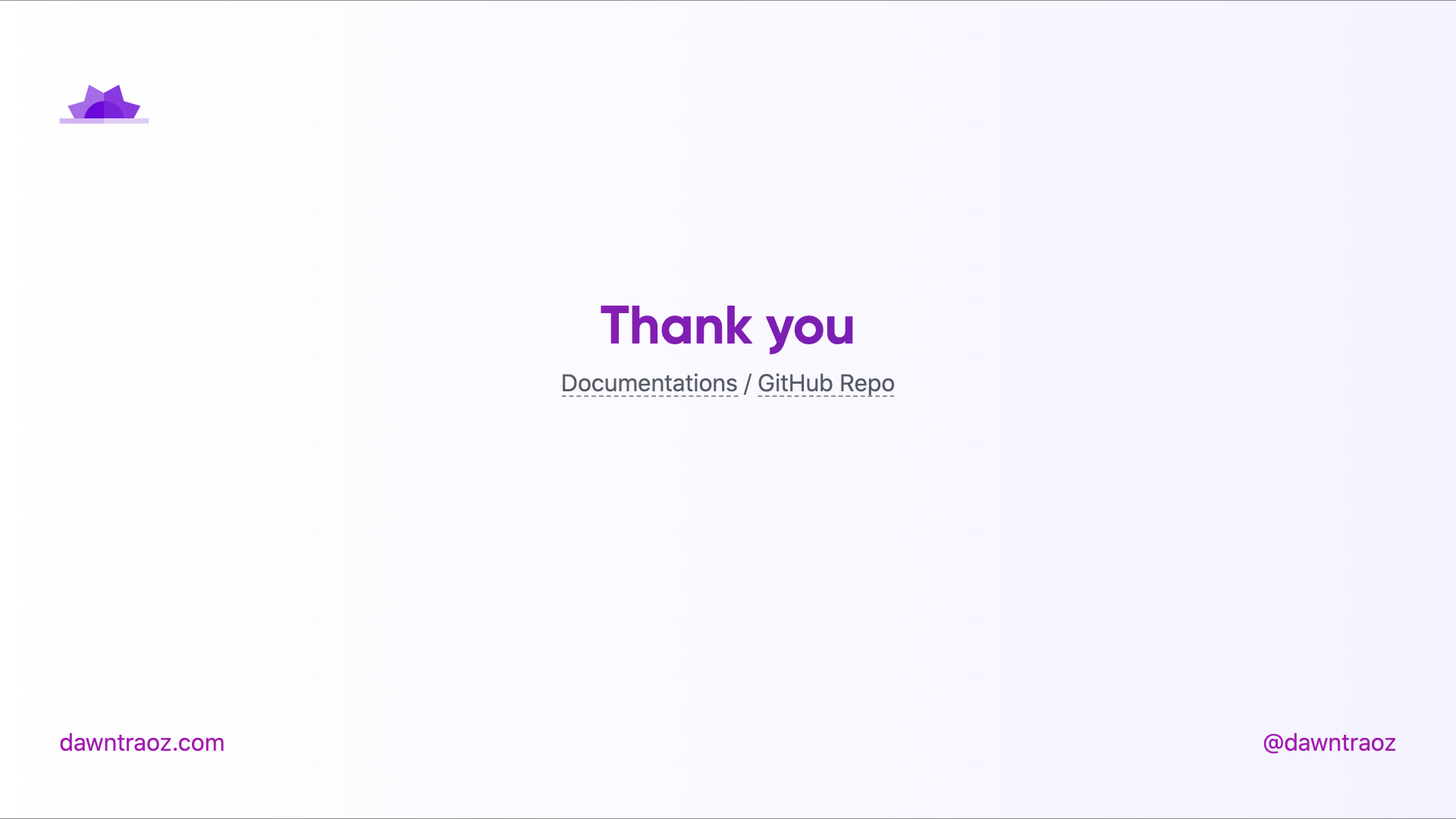
### Text centered `center`
```
---
layout: center
---
```
Dark | Light
:-------------------------:|:-------------------------:
 | 
---
## Contributing
- `pnpm install`
- `pnpm dev` to start theme preview of `example.md`
- Edit the `example.md` and style to see the changes
- `pnpm export` to generate the preview PDF
- `pnpm screenshot` to generate the preview PNG