https://github.com/dcblogdev/laravel-admintw
Laravel Livewire Starter Kit | TALL admin theme
https://github.com/dcblogdev/laravel-admintw
admin admin-dashboard admin-panel alpinejs laravel laravel-livewire tailwindcss tall theme
Last synced: about 1 year ago
JSON representation
Laravel Livewire Starter Kit | TALL admin theme
- Host: GitHub
- URL: https://github.com/dcblogdev/laravel-admintw
- Owner: dcblogdev
- Created: 2021-05-16T12:13:19.000Z (about 5 years ago)
- Default Branch: main
- Last Pushed: 2025-05-07T16:13:47.000Z (about 1 year ago)
- Last Synced: 2025-05-07T17:26:03.539Z (about 1 year ago)
- Topics: admin, admin-dashboard, admin-panel, alpinejs, laravel, laravel-livewire, tailwindcss, tall, theme
- Language: PHP
- Homepage: https://laraveladmintw.com/
- Size: 6.05 MB
- Stars: 273
- Watchers: 9
- Forks: 45
- Open Issues: 1
-
Metadata Files:
- Readme: README.md
- Funding: .github/FUNDING.yml
Awesome Lists containing this project
README
## Laravel AdminTW
> **Note:** From version 5 AdminTW is a complete project rather than a package. If you are looking for the package version, please use version 4.
Laravel AdminTW is a **Laravel Livewire Starter Kit** and a **TALL stack admin theme**, designed for rapid development and ease of use.
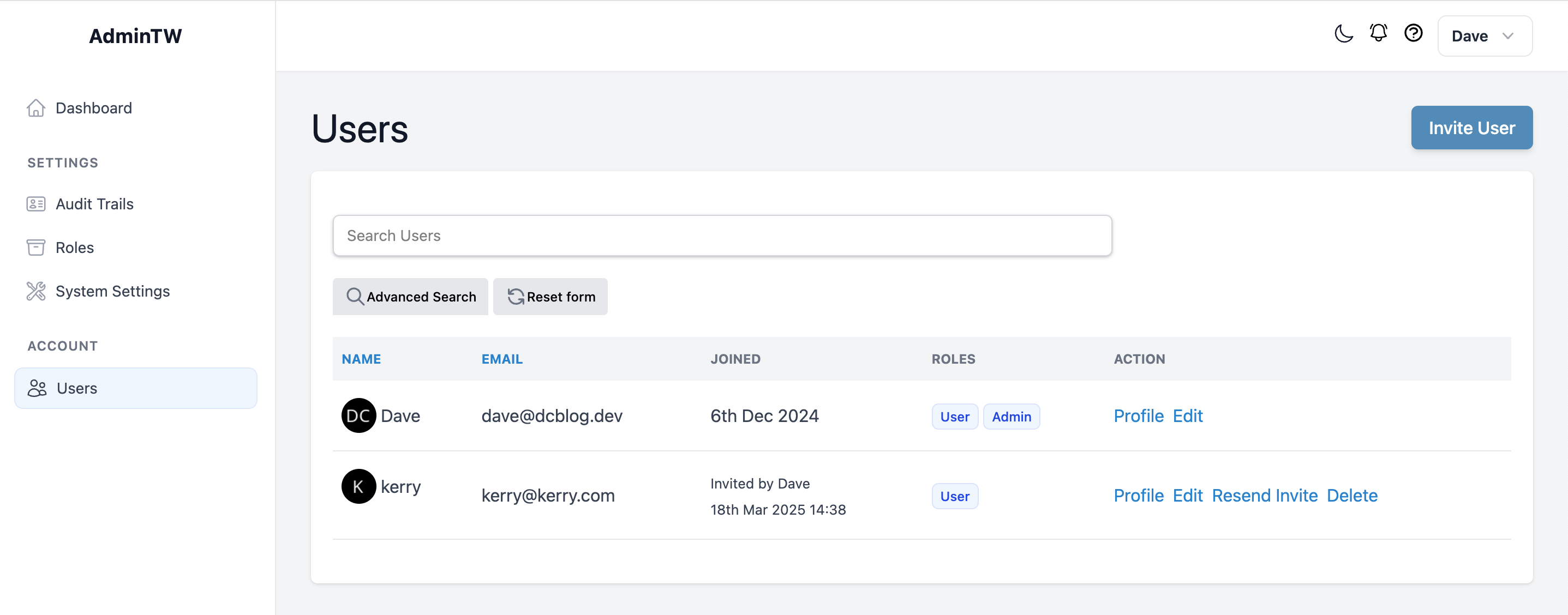
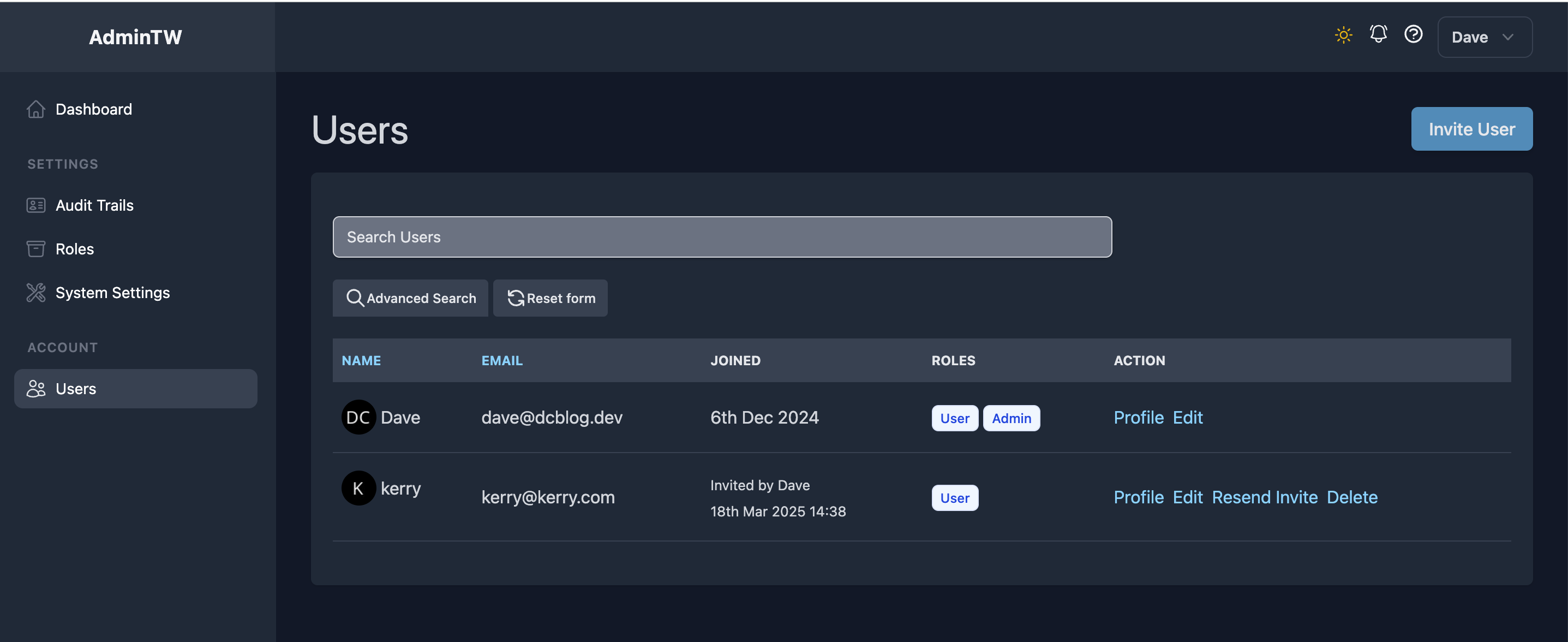
AdminTW is built on top of **Laravel, Livewire, and Tailwind CSS**, offering a modern and efficient admin dashboard.
### **Features**
- **Two-Factor Authentication (2FA)**
- **Audit Trails**
- **System Settings**
- **Multiple Users Support**
- **Roles and Permissions Management**
- **Comprehensive Test Suite (Pest PHP)**
- **Light & Dark Mode Support** (based on user OS settings)
- **Tests**
## **Installation**
### **Using Laravel Installer (Recommended from Laravel Installer version 5.14)**
If you have Laravel Installer **5.14 or later**, you can quickly set up AdminTW with:
```bash
laravel new my-project --using=dcblogdev/laravel-admintw
```
### **Manual Installation**
1. Clone the repository
```bash
git clone git@github.com:dcblogdev/laravel-admintw.git my-project
```
Open the project folder
```bash
cd my-project
```
Copy the `.env.example` file to `.env`:
```bash
cp .env.example .env
```
Set database and emails settings inside `.env`
Install PHP Dependencies
```bash
composer install
```
Install JavaScript Dependencies & Build Assets
```bash
npm install && npm run build
```
Generate Application Key
```bash
php artisan key:generate
```
Create Storage Symlink
```bash
php artisan storage:link
```
Run Database Migrations & Seed Data
```bash
php artisan migrate --seed
```
Start the Development Server
```bash
php artisan serve
```
Laravel AdminTW supports both light and dark mode based on the users OS.
Provided are blade and Laravel Livewire components for common layout / UI elements and a complete test suite (Pest PHP).
## Documentation
Complete docs at [laraveladmintw.com](https://laraveladmintw.com)
## Community
There is a Discord community. https://discord.gg/VYau8hgwrm For quick help, ask questions in the appropriate channel.
## Contributing
Contributions are welcome and will be fully credited.
## Pull Requests
- **Document any change in behaviour** - Make sure the `readme.md` and any other relevant documentation are kept up-to-date.
- **One pull request per feature** - If you want to do more than one thing, send multiple pull requests.
## Security
If you discover any security related issues, please email dave@dcblog.dev email instead of using the issue tracker.
## License
Laravel AdminTW is open-sourced software licensed under the [MIT license](https://opensource.org/licenses/MIT).